Key takeaways
- Choose Awaio if you manage rooms alongside desks, lockers, or parking and want per-room pricing with no room displays or sensors.
- Robin, OfficeSpace, and Accruent EMS suit large enterprises with complex scheduling, but all three are quote-only.
- For 10 rooms and 150 employees, per-room pricing wins: Skedda (EMEA), Awaio, Officely, and Archie all list under $160 or €160 a month. Skedda’s Starter plan can’t auto-release no-show rooms, though.
Do you have multiple conference rooms and smaller meeting rooms? For many businesses, managing meeting rooms is a puzzle. Double bookings, wasted rooms, and manual scheduling errors are surprisingly common. And rooms are getting busier. Enclosed meeting rooms averaged 61% utilisation in Q2 and Q3 2025. Meanwhile, 54% of respondents struggle to find a meeting room at least a few times a week, according to the XY Sense Workplace Utilization Index.
Executive assistants feel this most. One EA on Reddit said internal meetings are the hardest to schedule because they need a room for this important meeting and there are none available.
There’s also the bigger challenge of tool fragmentation.
One platform for meeting rooms, another for desks, a third for visitor check-ins, a fourth for parking. None of them talks to each other, so the facility manager ends up doing manual work to patch the gaps.
To make your search easier, we reviewed the best meeting room booking software tools, including one that manages all workplace resources. In October 2026, we rechecked every vendor’s pricing page and changelog, analyzed recent reviews on G2, Capterra, and Gartner Peer Insights, and priced the same 10-room, 150-person office on each tool.
Here’s a brief overview of what we cover later:
| Solution | Best For | Pricing | Watch out for |
|---|---|---|---|
| Awaio | Hardware-free, all-in-one workplace management | From €10.9/room/month | No visitor management module |
| Skedda | Managing tiered access in hybrid offices | From $99/month (EMEA & APAC); $249 in the US | No-show check-in starts on Plus |
| Robin | Enterprise hybrid work coordination | Custom (contact sales) | Built for 500+ employees |
| Envoy | Visitor management + room booking | $5 per room/month plus a platform fee | Platform fee isn’t published |
| OfficeSpace | Enterprise space planning & move management | Custom (contact sales) | Floor plan editor is a paid add-on |
| Archie | Hybrid offices that need to monetise space | From $159/month ($8 per room) | Outlook and Teams booking need Pro |
| Joan | Hardware-led room displays | From $51/month + hardware | Panels from $399 each |
| YAROOMS | Microsoft Teams-native booking | From $99/month (up to 20 users) | Teams app needs Business ($399) |
| Tactic | Simple hybrid team management | Custom (modular pricing) | Map changes go through Tactic |
| Deskbird | Enforcing hybrid work policies alongside booking | Starts at $3.75 per active user per month | Cost grows with headcount |
| Accruent EMS | Enterprise & campus scheduling | Custom (contact sales) | About seven months to implement |
| Officely | Slack-first teams | $12/meeting room/month | Slack or Teams, not both |
Evaluation Scorecard for the Best Meeting Room Booking Software
| Tool | |||||
|---|---|---|---|---|---|
| Awaio | 4/5 Three taps to book a room. | 4/5 QR or one-tap check-in, no panels. | 5/5 Per room, unlimited users. | 4/5 Adds lockers and parking, not visitors. | 4/5 Outlook add-in books across tenants. |
| Skedda | 5/5 Reviewers praise the floor plans. | 4/5 Check-in needs the Plus plan. | 4/5 Per space, but US plans cost more. | 3/5 Visitor management costs extra. | 4/5 Syncs Microsoft 365, Google, Teams, Slack. |
| Robin | 4/5 Books a room in seconds. | 5/5 AI agent resolves room conflicts. | 2/5 Quote-only, built for 500+ staff. | 4/5 Covers desks, rooms, and visitors. | 5/5 Connects panels, sensors, and Zoom. |
| Envoy | 4/5 Reviewers praise the check-in flow. | 3/5 Room booking is a secondary module. | 3/5 Platform fee isn’t published. | 4/5 Adds visitors and deliveries. | 5/5 Connects to 100+ apps. |
| OfficeSpace | 3/5 Learning curve for occasional users. | 4/5 Cancels meetings nobody attends. | 2/5 Quote-only, editor costs extra. | 5/5 Adds moves and scenario planning. | 4/5 Microsoft, Google, Slack, and Zoom. |
| Archie | 4/5 Fast booking, slow setup. | 4/5 QR check-in releases no-shows. | 4/5 Per room, but Outlook needs Pro. | 4/5 Adds coworking and billing. | 4/5 Links access control and accounting. |
| Joan | 4/5 Tap the panel to book. | 4/5 Live status outside every room. | 3/5 Panels cost from $399 each. | 4/5 Adds visitors and signage. | 4/5 Microsoft 365, Google, Slack, Teams. |
| YAROOMS | 4/5 Room photos make choosing easy. | 4/5 Yarvis books rooms in Teams. | 3/5 User and space caps force upgrades. | 4/5 Parking needs the Enterprise plan. | 4/5 Calendar sync may need Enterprise. |
| Tactic | 4/5 Staff use it without training. | 3/5 Rooms are one module of many. | 3/5 Quote-only, priced by module. | 4/5 Covers desks, rooms, and visitors. | 4/5 Two-way Outlook and Google sync. |
| Deskbird | 4/5 Slows down at peak times. | 4/5 Rooms included on every plan. | 3/5 Cost rises with every hire. | 4/5 Adds a hybrid work policy engine. | 4/5 Native Teams and Slack apps. |
| Accruent EMS | 2/5 Dated interface, long setup. | 5/5 Handles complex multi-room events. | 2/5 Quote-only, no free trial. | 5/5 Adds classrooms, labs, and events. | 3/5 No Google or Slack integration. |
| Officely | 5/5 Books rooms inside Slack. | 3/5 No room displays or room analytics. | 4/5 $12 per room per month. | 3/5 Desks, rooms, and parking only. | 3/5 Runs on Slack or Teams, not both. |
Click a column heading to sort by that score. Scroll sideways to see every column.
What Makes a Great Meeting Room Booking Software?
There are multiple room booking tools on the market, and most look similar. To cut through that, we combined our own experience, conversations with users, and independent reviews from G2, Capterra, and Gartner Peer Insights to narrow the list down to the tools that actually deliver on these fundamentals:
- Real-time availability. The system must show exactly what’s free right now, not what was free ten minutes ago.
- Ghost meeting prevention. The best systems automatically release rooms when nobody shows up, so the space gets used rather than sits empty and blocked.
- Calendar integration. If bookings don’t sync bidirectionally with Microsoft 365 or Google Calendar, employees won’t trust the system. They’ll fall back to email.
- Booking rules and admin controls. Admins need to limit how far in advance rooms can be booked, cap reservations per person, and restrict access by team or department.
- Analytics. Space utilisation data helps justify real estate decisions. For instance, with 94% of meetings involving six or fewer people (XY Sense), booking data often shows you need more small rooms, not bigger ones.
- Ease of adoption. The best room booking software is the one your team actually uses. If booking feels slow or complicated, people avoid it — and the ghost booking problem never gets solved.
Methodology: How We Evaluated Different Room Booking Solutions
We reviewed each vendor’s official website for verified features, pricing, and positioning. We then cross-referenced that with independent user feedback from G2, Capterra, and Gartner Peer Insights, most recently in October 2026, and only listed a complaint as a con when several reviewers raised it.
We scored each platform across five areas: ease of use, meeting room booking features, pricing and value, breadth of workplace management coverage, and integration quality.
How we handle ranking our own product: Awaio publishes this guide and ranks itself first because it’s the only tool here that manages rooms, desks, parking, and smart lockers on one platform with no displays or sensors. We scored it on the same criteria, list its limitations, and name the tools that beat it for specific needs.
1. Awaio — Best for Hardware-Free, All-in-One Workplace Management
Awaio publishes this guide. See our review methodology and how we handle ranking our own product.

We’re kicking this list off with Awaio, a mobile-friendly meeting room booking software. What makes Awaio stand out is its hardware-free approach, which extends beyond meeting rooms to other office resources—parking spaces, lockers, cabinets, desks, and even EV charging pools. This means you don’t need any expensive displays or hardware setups.
Legacy systems only support static meeting rooms. Awaio turns any meeting space or shareable asset into a bookable resource, with check-in by NFC tap or QR scan—whether it’s a traditional meeting room, a focus pod, lockers, a phone booth, or even a podcast studio.
As a result:
- You don’t have to worry about costly maintenance for digital displays, cabling, or installation.
- Your colleagues can easily see real-time availability in meeting spaces and conference rooms on their phones or desktops; no more meeting interruptions or scheduling conflicts.
- You can set custom booking rules around durations, pre-set time slots, automatic confirmations, and more, making sure meeting rooms are being effectively used.
You can also use the Branded Admin Portal to access real-time data and reports on space usage—to improve your office layout and lower real estate costs.

Here are 5 practical ways in which our customers take advantage of Awaio’s feature set:
1. Instantly find and book the best room (and any other resource you need)
Although many meeting rooms are booked days in advance, last-minute bookings are pretty common.
With Awaio, you can book a meeting, conference room, and any other resource you might need for each workday in 3 simple steps, with just your mobile phone or desktop device:
- Simply open Awaio on your phone or desktop; it’s automatically synced with your Outlook or Google Workspace calendar. You can also assign a room to any existing or new meeting right from your calendar.
- Once you’re in, you’ll get a real-time overview of available rooms and their time slots.
- Drag to select a time, add attendees to the invite, and click 'Book’ to confirm.
You can also set custom tags for each room based on room type (conference room, breakout room, video conference room, etc.), capacity, available equipment, and more.
Once you’ve found your preferred meeting rooms, just mark them as 'favourites’, and they’ll always be ready for you on your dashboard.
The office map provides a live, interactive overview of the entire office, making it easy for you to spot the nearest and most suitable meeting rooms.
Optional physical QR signs (€39 each, aluminium, no wiring required) are also available as an add-on, but not a requirement. When the QR code sign is placed on a resource, employees can quickly scan the code outside the meeting room to grab a room on the go.
Faster check-in with TapCards and TapDots
Awaio’s NFC check-in used to mean scanning a tag, waiting for an app notification, then opening it. With TapCards and TapDots, one tap on the tag by the door opens the booking or check-in straight away, which is even quicker than scanning a QR code.
2. Prevent ghost bookings with custom booking rules, live availability dashboards, and automated reminders
Ghost bookings are one of the most frustrating parts of managing office space. A room is reserved, nobody shows up, and now it’s blocked for an hour while your team stands in the hallway looking for somewhere to meet.
Part of the problem is culture, not software. Office workers on Reddit describe colleagues ignoring blocked time and senior staff overriding availability. Rules that release rooms automatically settle that argument without anyone having to chase people.
Awaio’s admin panel lets you set booking rules to prevent scheduling issues:
- Booking duration: Set minimum and maximum times for room reservations.
- Booking confirmation: Define timeframes for employees to confirm bookings before they are released, with a tap or a QR scan.

- Notifications and reminders: Enable automated alerts to keep users informed through push notifications, email, Slack, or Microsoft Teams.
- Pre-defined time slots: Create options like half-day or full-day bookings and control how far in advance users can reserve a space.
3. Easily sync with your Microsoft or Google Calendars
With Awaio, you can:
- Integrate with Microsoft 365, Microsoft Room Booking, Microsoft Teams Meetings, Google Workspace, and Google Room Booking with one click.
- Book directly from your desktop with the Awaio add-in for Outlook, no separate app or browser tab needed.
This means that no matter where you create an event—Awaio, Outlook, or Google Calendar—attendee lists sync automatically, timeframes are set precisely, and Microsoft Teams or Google Meet links are added instantly.

Many competitors offer some form of Outlook integration, but most only sync a booking back into your calendar after it’s made elsewhere. Awaio’s Outlook add-in goes a step further: an Awaio Workplace button sits right in the Outlook ribbon, so you can plan and book a room, desk, or parking spot from a task pane next to the invite without ever leaving Outlook.
On shared campuses where several companies run separate Microsoft tenants, this also lets everyone book from the same pool of rooms through their own Outlook. Something Microsoft’s native tools can’t do across tenants.
4. Understand how your rooms are being used
With enclosed meeting rooms at 61% utilisation across the workplaces in the XY Sense index, a few no-shows or oversized bookings can leave a team without a room. Awaio’s booking data shows you where that’s happening.
- Track room reservation trends: See which rooms are reserved the most with reports that show booking trends over time, so you can adjust your space plan accordingly.
- Review room bookings: View past, current, and future conference and meeting room reservations to understand usage by employee, team, attendee count, and more.
- Plan for future capacity: Forecast meeting room needs by looking at the most booked room types and average room capacity.
- Track office usage: Identify the busiest times for room bookings and understand trends in how employees book and use spaces.

This data can be pulled into custom reports to help inform decisions on space allocation, scheduling rules, and overall resource management.
5. Easy to set up, user-friendly, and built for quick user adoption
One of the biggest complaints users have with traditional meeting room booking systems is their clunky interface, making it difficult to reserve space.
Since Awaio doesn’t require complex installation of cables, displays, and IT infrastructure, the implementation process is straightforward and quick. Here’s what it enables for you:
- Save significant upfront costs on physical displays and desk sensors
- Get rid of ongoing maintenance costs
- Skip the lengthy implementation time and hardware setups
Plus, getting started with Awaio just takes three straightforward steps:
- Create your workplace community right in the app.
- Add your spaces—whether it’s meeting rooms, conference rooms, parking spots, or desks.
- Invite your team and start booking.
Discover how Awaio’s hardware-free approach can transform your workspace.
Pros
- Awaio manages more than just rooms. Science Park Jönköping uses the Awaio platform to manage shared meeting rooms, desks, and digital keys for lockers and storage for 500+ people across 100+ companies.
- The learning curve is basically flat. Employees with or without technical experience can find their way around easily.

- No hardware means no maintenance and admin headaches. Norwegian Property Group cut administration by 95% after switching, and space utilisation actually went up, not down.

- Awaio charges per room pricing, not per user, making it a valuable option for companies with larger or variable headcounts.
Cons
- There’s no visitor management module yet, so you’ll need a separate tool to register guests.
- There’s no free trial, though Awaio offers free one-to-one demos.
Pricing
| Plan | Price | What’s Included |
|---|---|---|
| Room booking | €10.9/room/month | Unlimited users, all room types, Microsoft 365 & Google Workspace integration |
| Office map | €190 one-time | Digital office map, wayfinding, setup from PDF or DWG file |
| QR signs (optional) | €39 per sign | Physical aluminium QR sign, no cabling required |
Verdict
Awaio is the strongest option for organisations that want to eliminate hardware infrastructure while managing more than just meeting rooms. If your office needs desk booking, locker management, parking, and room booking from a single system and you want to avoid the cost and complexity of physical displays, Awaio is built for exactly that scenario.
Why teams choose it: One per-room price covers unlimited users and every room type, with no displays to maintain.
2. Skedda — Best for Managing Tiered Access in Hybrid Offices
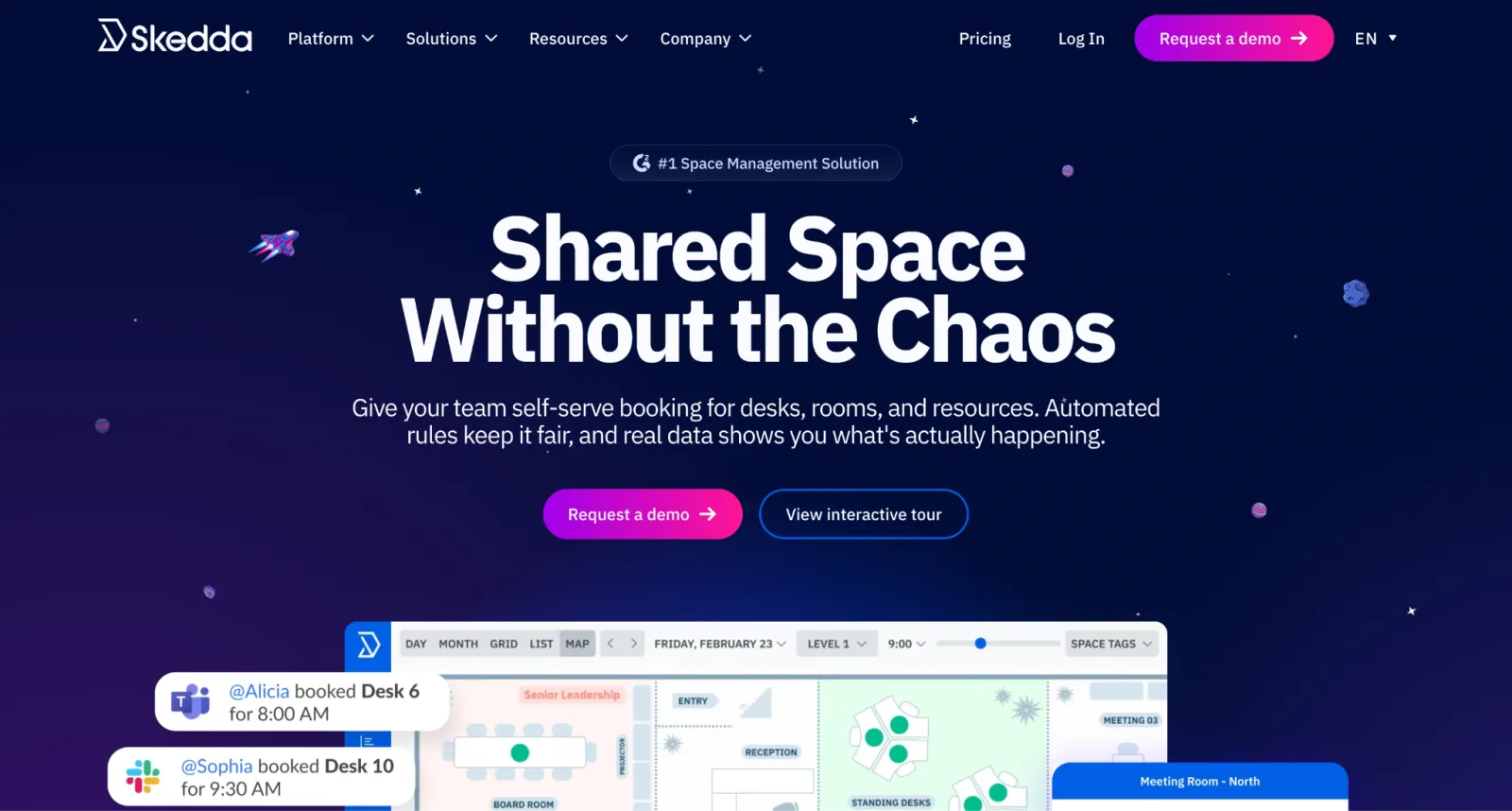
Skedda is a space scheduling platform used by 8,000+ customers, including Harvard, MIT, and Deloitte. G2 ranked it #1 for Space Management in 2026, and its support team is consistently rated among the best.
Where Skedda pulls ahead is its rules engine.
Skedda lets you define who can book what, how far in advance, how often, and under what conditions, without needing to upgrade to an enterprise plan to access any of it.
Say your leadership team needs priority access to the boardroom, your engineering team books focus rooms in two-hour blocks, and external contractors can only reserve spaces during certain hours. In Skedda, you set the rules once, and the system handles them automatically.
A major limitation is its per-space pricing. Each plan caps the number of spaces, and US prices start higher than in Europe.
Skedda Standout Features
- Interactive floor plans
- Advanced booking rules engine: quotas, buffers, approval workflows, granular access controls
- Two-way sync with Microsoft 365 and Google Calendar
- Ghost meeting prevention via QR code scan, email confirmation link, or passive Wi-Fi detection (Companion app, 2026)
- Microsoft Teams and Slack integrations
- Per-space pricing (not per user)
Pricing
Per space, unlimited users, billed annually. EMEA & APAC:
- Starter: $99/month for up to 15 resources
- Plus: $149/month for up to 20 resources
- Premier: $199/month for up to 25 resources
US & Canada plans start at $249/month for 35 spaces. Free 14-day trial.
Ratings (October 2026): 4.8/5 on G2 (287 reviews) and 4.8/5 on Capterra (226 reviews).
Pros
- Users find the onboarding very smooth and easy. New users get a personalised setup experience — including custom how-to videos for their specific space — and ongoing learning resources.

- The advanced booking rules help facility managers grant tiered access to employees without disrupting the office experience.

- Skedda’s team builds your interactive floor plan from your office layout, usually within two business days.
Cons
- Visitor management is a paid add-on that costs $99/month.

- Costs increase as you add spaces — every bookable item counts toward plan limits.
- No-show check-in needs Plus or above, so Starter can’t release unused rooms automatically.
Verdict
Skedda is the right pick if rule depth is your top priority. However, your subscription fees are bound to increase as you scale, due to space limits on each tier.
Why teams choose it: Priority access, quotas, and approvals without an enterprise contract.
Need to manage more resources without hitting limits? Discover more cost-effective Skedda alternatives.
3. Robin — Best for Enterprise Hybrid Work Coordination
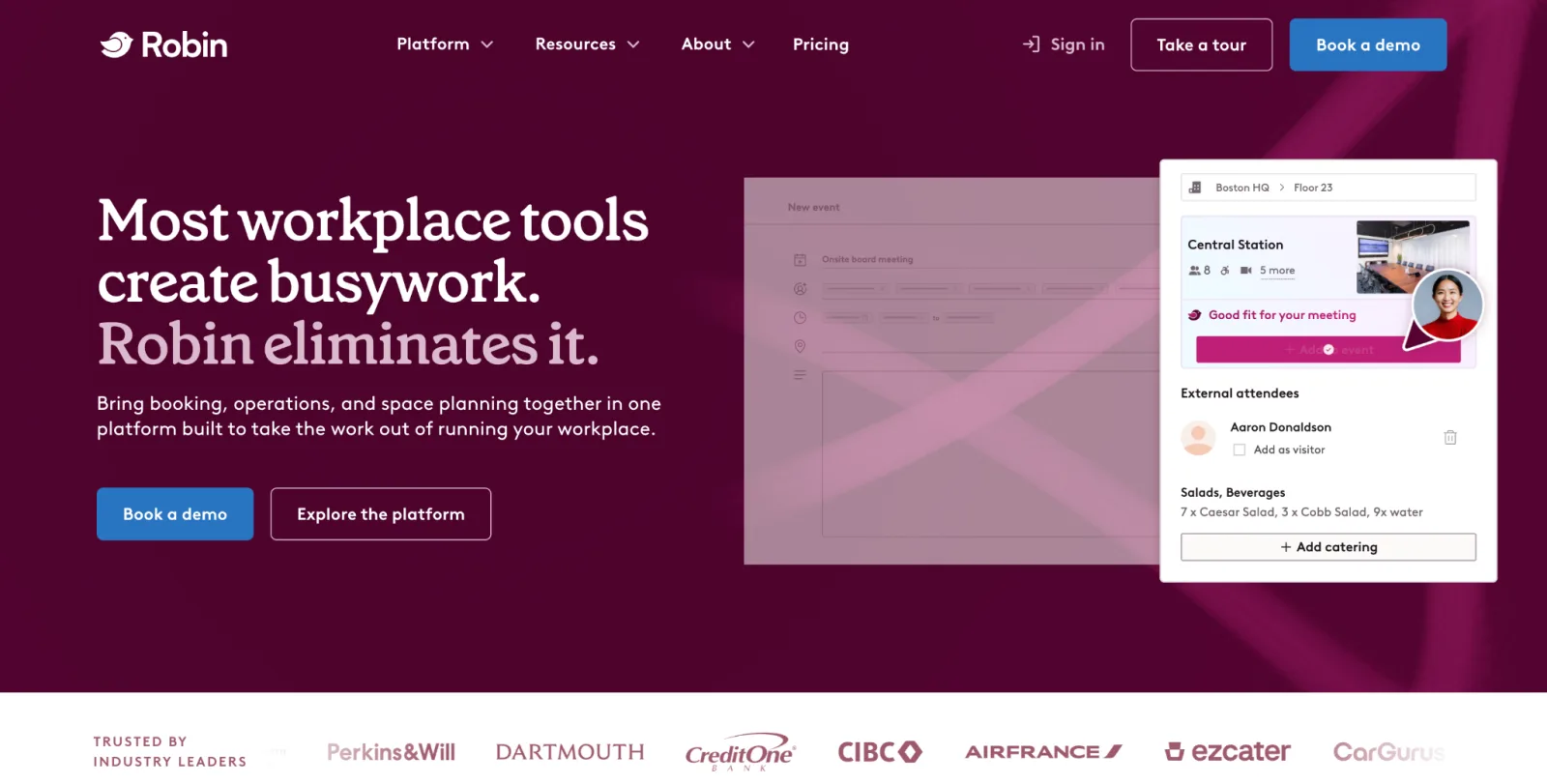
Robin is primarily used by large organisations running complex hybrid environments (its pricing page targets companies with 500+ employees). It covers the basics well: desk booking, room scheduling, and visitor management.
But the reason bigger organisations tend to choose it over simpler tools is the data layer.
With detailed space analytics and AI-powered room suggestions, the platform helps organisations manage their resources efficiently. That matters when you manage dozens of rooms across several floors. Your real estate team will want every square meter justified.
However, to view availability outside each room, you need to purchase room display panels, which are an optional add-on.
Robin Standout Features
- AI-powered room suggestions and an AI Scheduling Agent for room conflicts (early access)
- Interactive office maps with real-time colleague visibility
- Space analytics for real estate decisions
- Visitor management module
- Sensor integration for real occupancy detection (not software-estimated)
- Room display panel support
- Integrates with Outlook, Google, Slack, Teams, Zoom, and more
Pricing
Robin’s pricing is quote-based and billed annually, with no free plan.
Ratings (October 2026): 4.4/5 on G2 (211), 4.7/5 on Capterra (79), and 4.9/5 on Gartner Peer Insights (13).
Pros
- The interface is genuinely easy to pick up. Booking a desk or room takes seconds, and the floor plan view makes it immediately clear where your team is sitting and what’s available.

Cons
- Availability doesn’t always refresh instantly during peak hours. This can lead to scheduling conflicts.

- Some users find it hard to book rooms via the app because it’s hard to see which rooms are available in the calendar view.

- If you want live availability shown outside each room, you need to purchase display panels that add extra costs on top of an already premium price point.
Verdict
Robin is a great fit for large enterprises with multiple locations, complex hybrid policies, and a real need for deep space analytics. For mid-sized teams, the cost and configuration complexity are difficult to justify.
Why teams choose it: AI scheduling, room displays, and sensor data for companies running hundreds of rooms.
4. Envoy — Best for Visitor Management + Room Booking
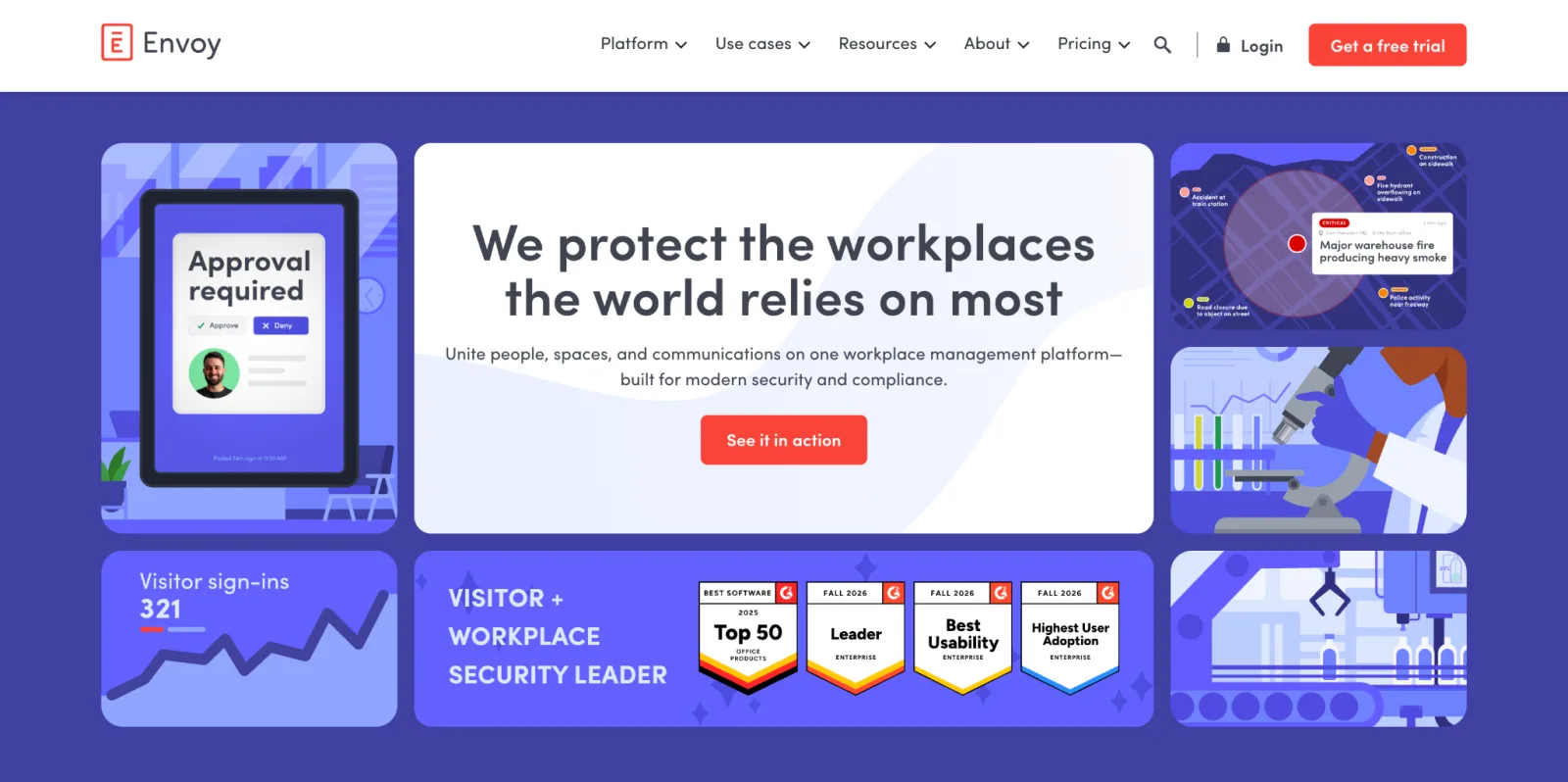
Envoy started as a visitor sign-in tool and has since expanded into a full workplace platform. It now covers desk booking, room scheduling, delivery management, and occupancy analytics.
However, visitor management remains Envoy’s strongest feature, allowing organisations to grant visitors tiered access and track where exactly they are.
Envoy also offers a virtual receptionist service that handles guest check-ins without a staff member present. Visitors can sign in, complete any required documentation like NDAs, and receive their access credentials, all without human involvement.
The catch is that Envoy’s roots show in how it’s priced.
Each module — visitors, rooms, desks, advanced analytics — is sold separately. For offices where visitor management is a core requirement alongside room booking, that breadth is worth it. But if room scheduling is a primary need, you’re paying a premium for a feature you’ll barely use.
Check out some Envoy alternatives that charge you less for the same features.
Envoy Standout Features
- Industry-leading visitor management: pre-registration, customisable check-in flows, badge printing, watchlist screening
- Room and desk booking with auto-release for no-shows
- Delivery management (mailroom handling)
- Emergency notifications and alerts
- Occupancy insights and analytics
- 100+ integrations, including access control, WiFi, Outlook, and Teams
Pricing
Room and desk booking costs $5 per bookable resource per month plus a platform fee Envoy doesn’t publish, billed annually. Visitor management is free for up to 100 entries a month, then $362 per location per month.
Ratings (October 2026): Envoy Workplace has 4.4/5 on G2 (162) and 4.2/5 on Gartner Peer Insights (15). Recent reviewers flag bugs and slowness.
Pros
- Envoy keeps adding the modules customers ask for. One reviewer’s team grew from visitor sign-in into deliveries, desk booking, and attendance tracking.

- The real-time availability dashboard makes it easy to get a real-time picture of who’s in the office and who’s remote.

- Its integration with Avigilon Alta (formerly Openpath) access control systems delivers accurate data on who is actually in the office at any given time.

Cons
- Users must be on the most expensive plan to enjoy some core workplace management features.

- Some admin tasks take extra steps that waste time. For example, updating a user’s name or moving someone’s desk assignment requires more steps than it should.

- Envoy’s modular pricing means you’re paying separately for visitor management, desk booking, room booking, and advanced features like access control and automated reports.
Verdict
Envoy is worth considering when visitor management is a central requirement alongside room booking. For offices where room scheduling is the primary need, and visitors are secondary, the cost is difficult to justify against purpose-built alternatives.
Why teams choose it: Visitor sign-in, NDAs, badges, and deliveries live alongside room booking.
5. OfficeSpace — Best for Enterprise Space Planning & Move Management
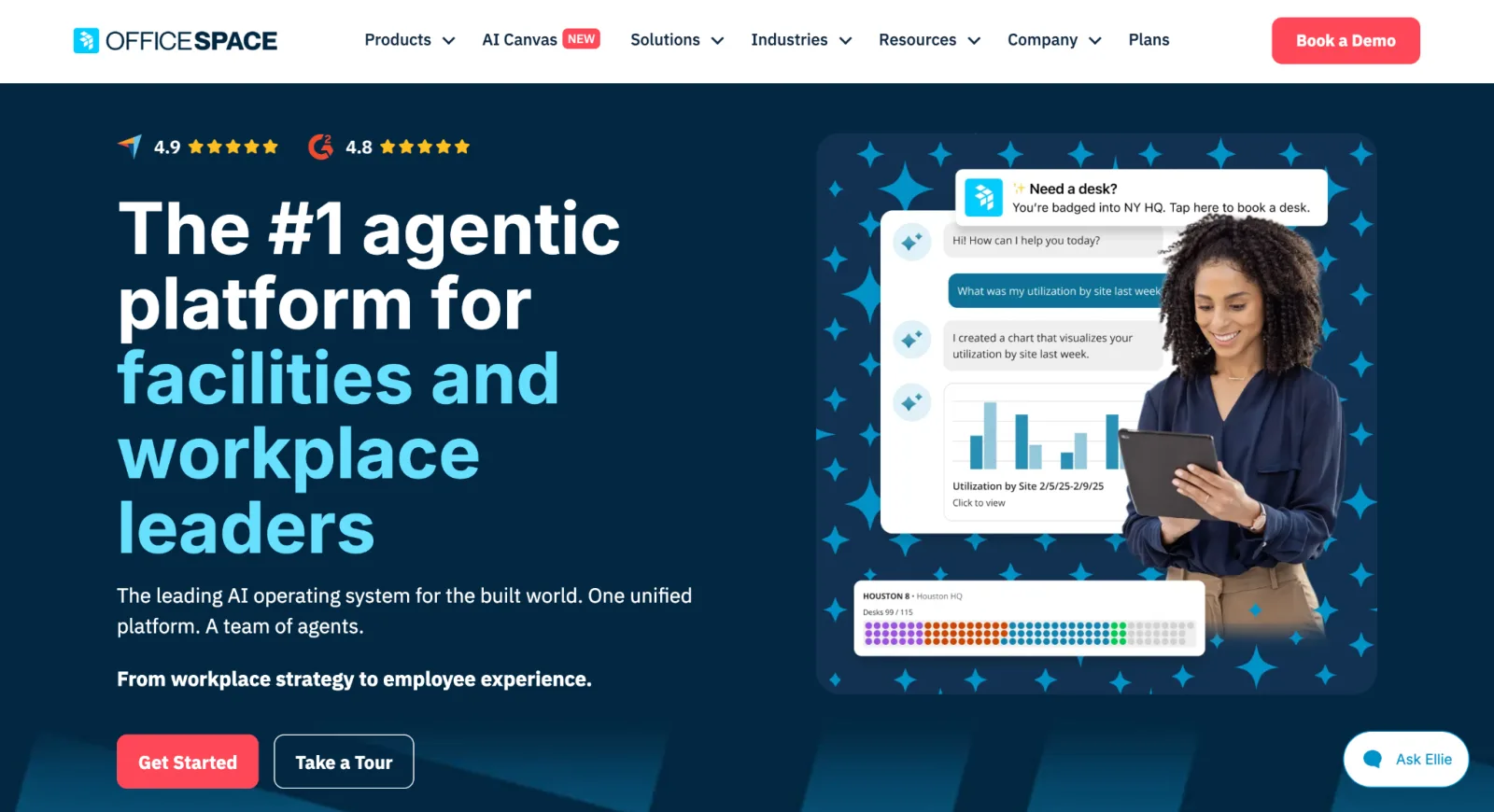
OfficeSpace goes well beyond room booking. It’s built for large, complex organisations that regularly reorganise teams, manage frequent office moves, and need to connect space planning with real estate strategy.
That’s because it’s one of the few platforms that handles move management and asset tracking alongside booking in one system.
If you’re managing hundreds of desks across multiple floors and running frequent team reorgs, the platform is great for you.
OfficeSpace lets you run scenario comparisons, plan moves, and generate occupancy reports without outsourcing the work or waiting weeks for data. Instead of guessing how a reorg will affect your space, you can model it first.
Since buying Dojo AI in October 2025, it has added AI agents for space planning and usage analytics.
The trade-off is complexity and cost. Pricing is quote-only, the floor plan editor is a paid add-on, and G2 reviewers report about two months to implement.
OfficeSpace Standout Features
- Desk booking, room booking, visitor management, wayfinding, asset tracking, and maintenance workflow management
- OfficeSpace Studio, an AI floor plan editor that imports CAD or PDF files (add-on)
- Strong scenario planning tools for office reconfiguration
- Facility request management and workplace announcements
- Integrates with Microsoft, Google, Slack, and Zoom
- Analytics and occupancy insights for real estate decisions
Pricing
They have two main plans: Essentials Plus and Pro Plus. However, you must contact the sales team for a quote.
Ratings (October 2026): 4.7/5 on G2 (128), 4.8/5 on Capterra (61), and 4.0/5 on Gartner Peer Insights (8).
Pros
- Admins can generate occupancy reports and identify office trends without friction.

- You can easily manage multiple sites simultaneously on the platform.

- Its scenario-planning functionality makes it easy to manage large-scale moves without disrupting the office space.
Cons
- Customers mainly complain that it’s difficult to change user information and edit other key layout information.

- Several 2026 reviewers mention a learning curve for occasional users.
- Some valuable features like AI agents and advanced analytics are limited to higher plans only.
Verdict
OfficeSpace is built for large organisations managing frequent moves, complex floor plans, and multiple buildings. For mid-sized offices with simpler needs, the complexity and cost are hard to justify.
Why teams choose it: You can model a reorg before anyone moves desks.
6. Archie — Best for Hybrid Offices That Need to Monetise Space
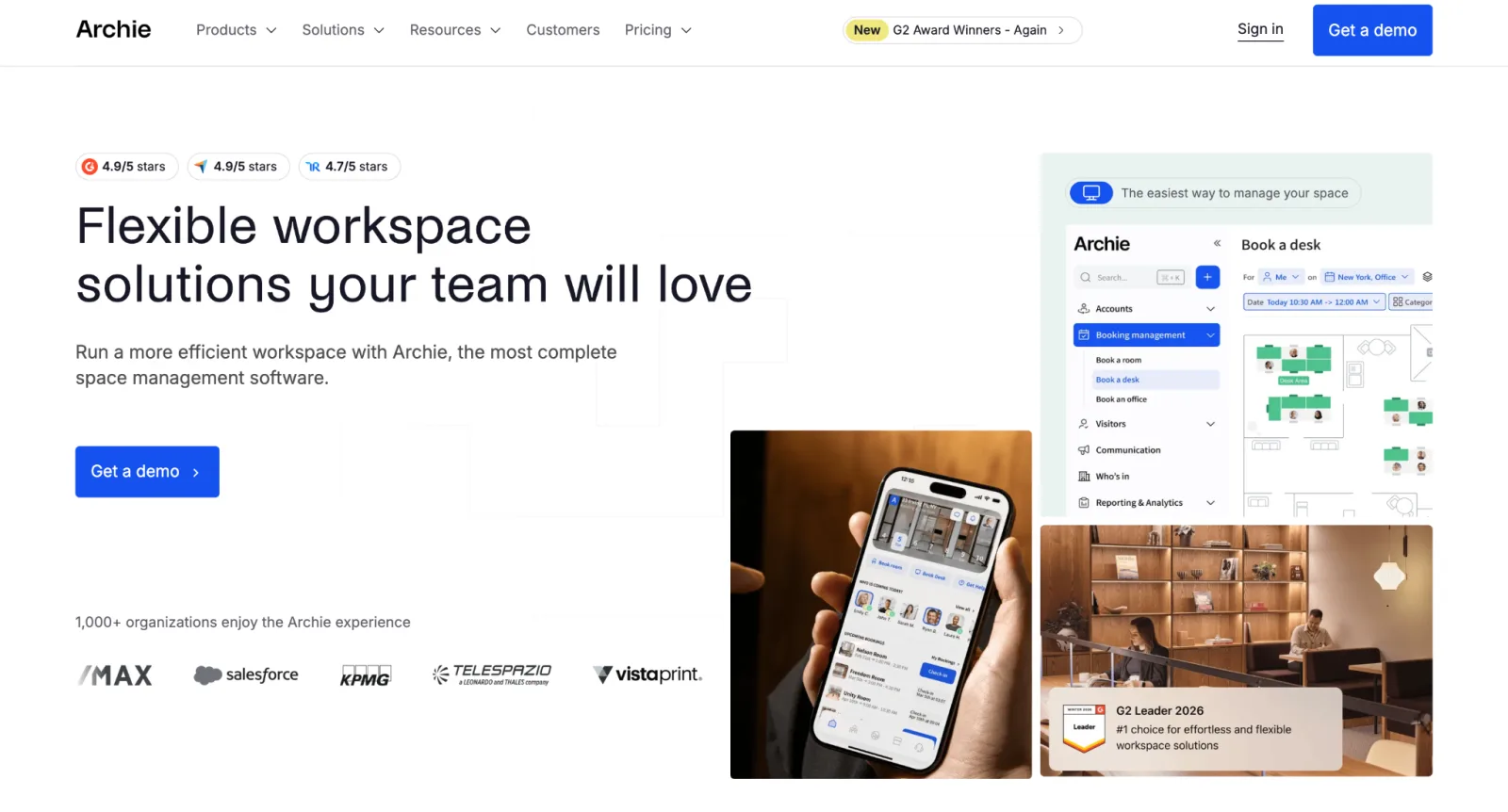
Archie is a meeting room management platform that also covers desk booking and visitor management.
This makes it a good fit for both offices and shared workspaces where some rooms are internal, and others are available for external booking.
To manage external bookings, Archie automates the entire payment cycle: it generates monthly invoices, applies payments, sends receipts, and syncs everything with your accounting software automatically. You can assign booking credits per membership plan, set minimum cancellation windows to prevent last-minute changes, and let members manage their own plans without involving your team.
The catch is the pricing model. Archie charges per space, and every desk, room, and bookable resource counts toward your plan limit. Microsoft Office users also need the Pro plan (from $249/month) to book from Outlook and Teams.
Archie Standout Features
- Room booking, desk booking, visitor management, and coworking management in one platform
- Visual floor plans with real-time availability and colleague finder
- QR check-in with automatic room release for no-shows
- Native integrations: Slack, Teams, Outlook, Google Calendar, Kisi, Brivo, Salto (access control), QuickBooks, Xero, and WiFi systems (Cisco, Ubiquiti, Aruba)
- Open API for custom integrations
- White-label mobile app option (paid add-on)
Pricing
- Starter: $8 per room/month (Minimum is $159/month)
- Pro: $12 per room/month (Minimum is $249/month)
- Enterprise: Custom pricing
A 14-day test account is available after a demo.
Ratings (October 2026): 4.9/5 on G2 (245) and 4.8/5 on Capterra (90).
Pros
- The platform’s Calendar integration is reliable. Resource bookings in Outlook sync in real time.

- It empowers members of coworking spaces and employees to handle tasks such as booking and releasing resources themselves.

- Employees can see who’s in the office and when.

Cons
- The initial setup takes time, as it takes a while to configure the entire platform to work optimally.

- Every desk, room, and bookable resource counts toward your plan limit.
- Several 2026 reviewers say customisation is limited.
Verdict
Archie is the strongest choice for offices and shared workspaces that charge for external bookings, thanks to built-in invoicing and member credits.
Why teams choose it: Paid external bookings, invoicing, and member credits run alongside internal booking.
7. Joan — Best for Hardware-Led Room Displays
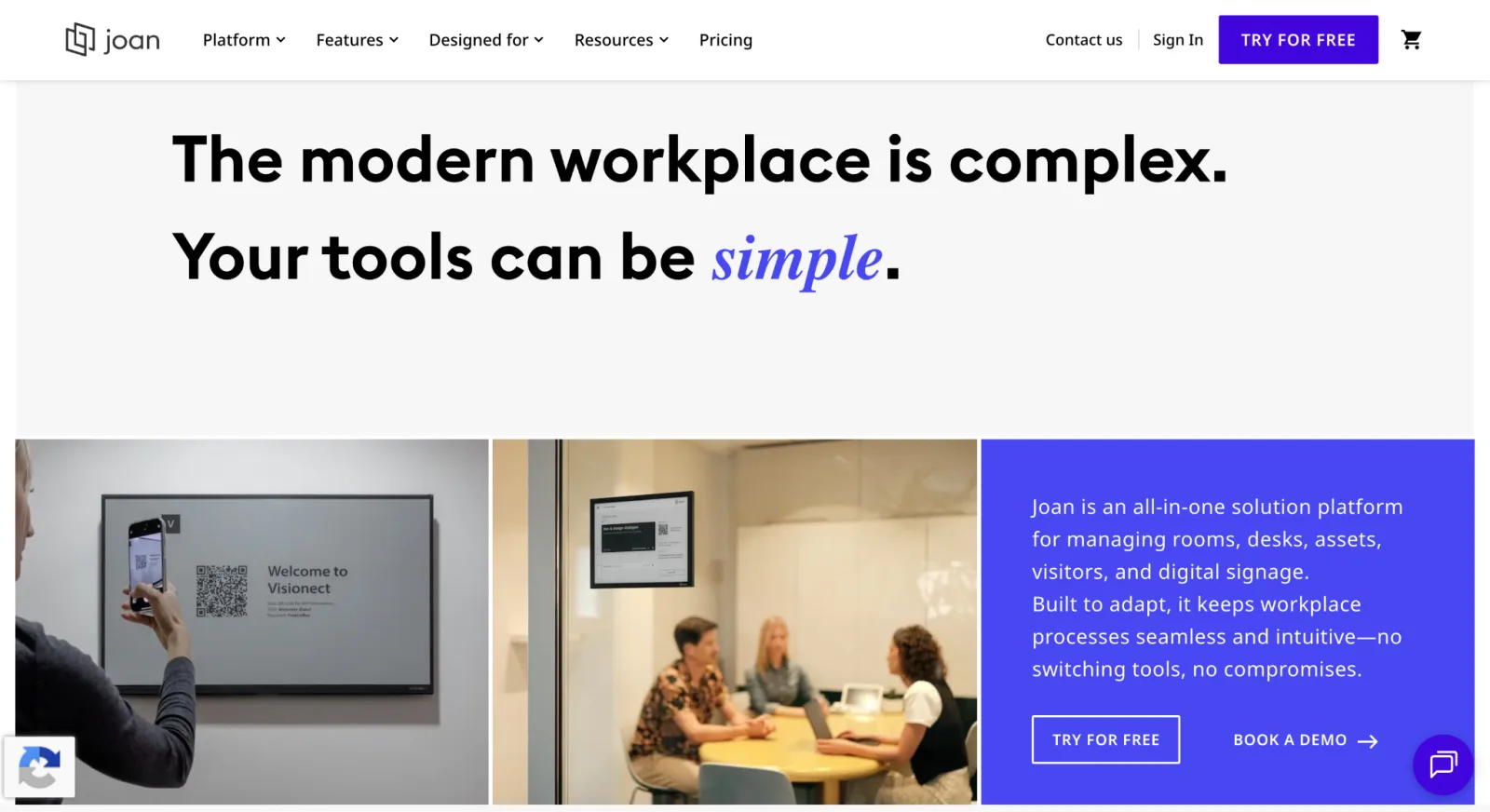
Joan is the most hardware-led platform on this list.
The battery-powered e-paper displays mounted outside each room are wireless, require no cabling, and stay powered for up to three months between charges. They show real-time room availability at a glance, and anyone walking past can tap the screen to book, extend, or release a room on the spot — no app, login, or extra steps needed.
The software holds its own, too. It includes calendar sync with Google and Microsoft, room analytics, desk booking, visitor management, digital signage, and asset management.
The trade-off is cost. Every room needs its own panel, starting at $399 each, plus a subscription billed per user and per device. (Older panels were 2.4GHz-only; current models also support 5GHz.)
The touchscreens themselves can be slow. Users mentioned noticeable lag, especially when loading floor plans.
Check out some Joan alternatives that don’t need hardware outside every room.
Joan Standout Features
- E-paper room display panels — wireless, battery-powered, no cabling required
- Software platform covering room booking, desk booking, visitor management, digital signage, and asset management
- Integrates with Microsoft 365, Google Workspace, Slack, and Teams
- Real-time room availability on panel display
Pricing
Plans start at $51 per month (billed annually), plus $1.09 per extra user and $10.99 per extra device. There’s a 30-day free trial but no free plan. Panels are bought separately, from $399 (Joan 6 RE) to $899 (Joan 13 Pro).
Ratings (October 2026): 4.5/5 on G2 (270) and 4.8/5 on Capterra (77).
Pros
- Unlike tablet-based solutions that need constant power and therefore cabling outside every room, Joan’s e-ink displays run on a battery alone.
- The batteries are long-lasting. Users report charging them only every one to two months.

- It’s easy to mount and detach the displays, which is especially valuable when rearranging spaces or moving offices.

Cons
- Licenses are billed per active user and per device, and cancellations are non-refundable.

- The screens occasionally lag and take a while to return to normal operation.

- Joan’s displays can go dark without warning, leaving a blank screen outside a meeting room until someone notices and charges it.

Verdict
The e-ink hardware requires no cabling and charges infrequently, which makes it easy to install, move, and maintain.
Budget for the panels, though: 10 rooms means roughly $3,990 in hardware before the subscription.
Why teams choose it: Battery-powered panels put live availability outside every room without cabling.
8. YAROOMS — Best for Microsoft Teams-Native Booking
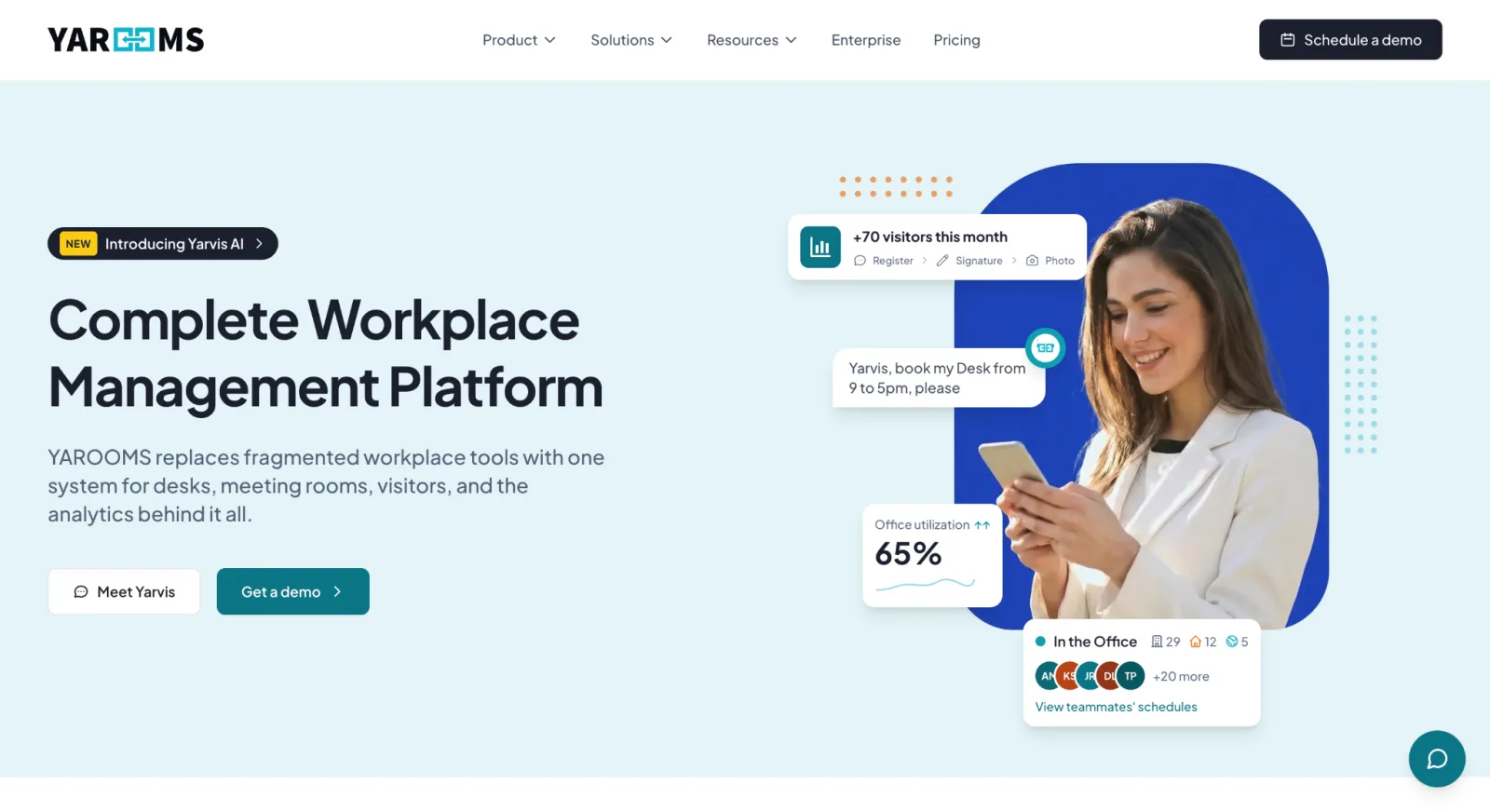
YAROOMS is a meeting platform that makes it easier to manage bookings and coordinate schedules. Its Team Calendar shows who’s in the office, who’s working remotely, and who’s on leave — all in one view, updated in real time.
We included YAROOMS on this list specifically because of its two-way integration with the Microsoft ecosystem.
When a room or desk is booked in YAROOMS, it updates automatically across Microsoft 365, Google Workspace, and Zoom simultaneously.
The Yarvis AI assistant takes that a step further. Instead of manually filtering for availability, employees describe what they need in plain language in Microsoft Teams or by email, and Yarvis finds and books it.
The trade-off is the pricing structure.
YAROOMS charges a flat monthly price per plan, and each plan caps users and bookable spaces. If you hit that limit, you move to the next tier regardless of whether you actually need the additional features that come with it. The Teams app and Yarvis also aren’t on Starter.
YAROOMS Standout Features
- Room booking, desk booking, parking, visitor management, digital signage, hybrid work calendar, analytics, and CO2 tracking
- Yarvis AI assistant books rooms in Microsoft Teams or by email using plain language
- Interactive floor plans with live availability
- Room display panel support (compatible with iPad and Android)
- Integrates with Outlook, Teams, Google Calendar, Zoom, and SSO providers
Pricing
Flat monthly plans with user and space caps:
- Starter: $99/month (up to 20 users, 1 location, 20 spaces)
- Business: $399/month (up to 200 users, 2 locations, 150 spaces)
- Enterprise: $899/month (300+ users, unlimited spaces). Free trial available. Annual billing discounts apply (20%).
Ratings (October 2026): 4.3/5 on G2 (100), 4.6/5 on Capterra (102), and 4.5/5 on Gartner Peer Insights (37).
Pros
- It reduces overhead by allowing employees to self-manage resources.

- All rooms uploaded to the platform include photos. That way, employees can visualise the space before committing to it.

- Bookings automatically sync with Outlook, preventing scheduling conflicts
Cons
- Viewing the floor plan or timeline on an iPhone is difficult.
- Space limits force growing teams to pay for the next tier just to get more capacity, not features.

Verdict
YAROOMS is the top pick for Microsoft-first organisations where Teams is the daily operating environment. Just watch out for user and space caps that can escalate costs.
Why teams choose it: Employees book rooms by messaging Yarvis in Teams.
9. Tactic — Best for Simple Hybrid Team Management
Tactic covers the essentials: desk booking, room reservations, visitor management, and office analytics. It now prices by module, so you pay only for the products you switch on.
The limitation shows up as you grow.
When your office layout changes, you can’t update the floor plan yourself; you have to send the new map to Tactic’s support team and wait for them to upload it. For a team that reorganises frequently, that dependency adds friction at exactly the moment you need things to move quickly.
Tactic Standout Features
- Desk booking, meeting room reservation, visitor management
- Interactive office maps with real-time availability
- Tessa AI assistant for admins and employees, in Teams and Slack
- Data analytics
- Integrates with Google Workspace, Microsoft 365, Slack, and Zoom
- Two-way calendar sync
Pricing
Quote-based and modular: the price depends on the products you choose and your office size. Tactic’s own example puts desk booking alone for 150 employees at $3,600 to $4,800 a year. A free trial is available.
Ratings (October 2026): 4.6/5 on G2 (557) and 4.7/5 on Capterra (78). Recent reviewers call the mobile maps clunky.
Pros
- Compared to some other workplace management platforms, Tactic’s interface is easy to use. This lets employees use it without prior training.

Cons
- Every time a desk moves or a room gets reconfigured, users must send the updated map to Tactic’s team and wait for the changes to be made.

- Although the platform is easy to use, a recent UI update added unnecessary steps. For example, selecting a desk or room now triggers a floor plan zoom, which feels like an extra click that slows users down.

- You might run into issues during initial setup because the process is complex.
Verdict
Tactic works best for small to mid-sized hybrid teams that want a straightforward platform with fast adoption and good support.
Why teams choose it: Employees pick it up without training.
10. Deskbird — Best for Enforcing Hybrid Work Policies Alongside Room Booking
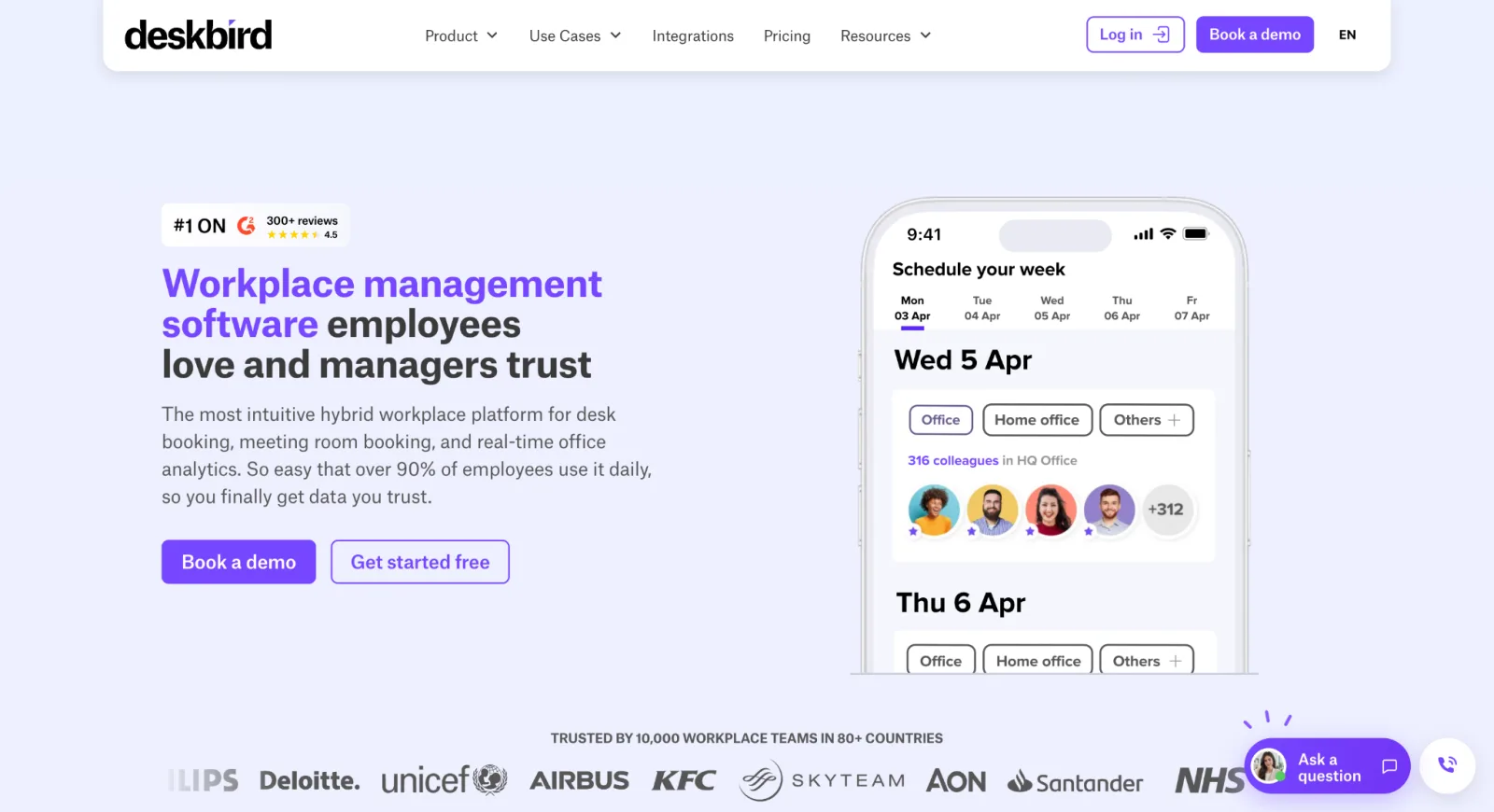
Deskbird is a workplace management platform that extends to desks, office equipment, and, of course, rooms.
Its standout is the hybrid work policy engine.
With it, managers can set team-specific in-office schedules and determine which days are mandatory. For example, you can schedule the marketing team to be in three days a week, your finance team once, and the design team twice.
Deskbird then enforces those expectations without anyone having to chase people manually.
As employees plan their week, they can see how many in-office days they still need to hit. Managers get a live view of who’s in, who’s remote, and whether the team is on track.
However, one major shortcoming is the entry plan.
Business allows just one hybrid work policy, and advanced analytics start on the quote-only Professional plan.
Deskbird Standout Features
- Desk booking, room booking (included on every plan), visitor management, and parking
- Interactive floor plans with real-time colleague visibility
- AI space suggestion engine
- Native Microsoft Teams and Slack apps — book without switching tools
- Kiosk mode for shared tablets outside meeting rooms (add-on)
- 200+ integrations; ISO 27001 and SOC2 certified; GDPR compliant
Pricing
Starts at $3.75 per active user per month, billed annually ($4.75 monthly). Higher plans are quote-only.
Ratings (October 2026): 4.5/5 on G2 (311) and 4.7/5 on Capterra (93).
Pros
- If an employee doesn’t check in by a set time, Deskbird automatically releases their desk for someone else.
- Unlike Tactic, where floor plan changes go through support, Deskbird lets you upload new maps yourself.

Cons
- Deskbird charges per active user, not per resource or location. Every new hire raises the bill, however many rooms you have.
- Advanced analytics need the quote-only Professional plan.
Verdict
Deskbird is the right choice for organisations that prefer to keep their resources and policy management on the same platform. Where it falls short is the limits on its entry plan.
Why teams choose it: Team-by-team office days and room booking in one app.
11. Accruent EMS — Best for Enterprise & Campus Scheduling
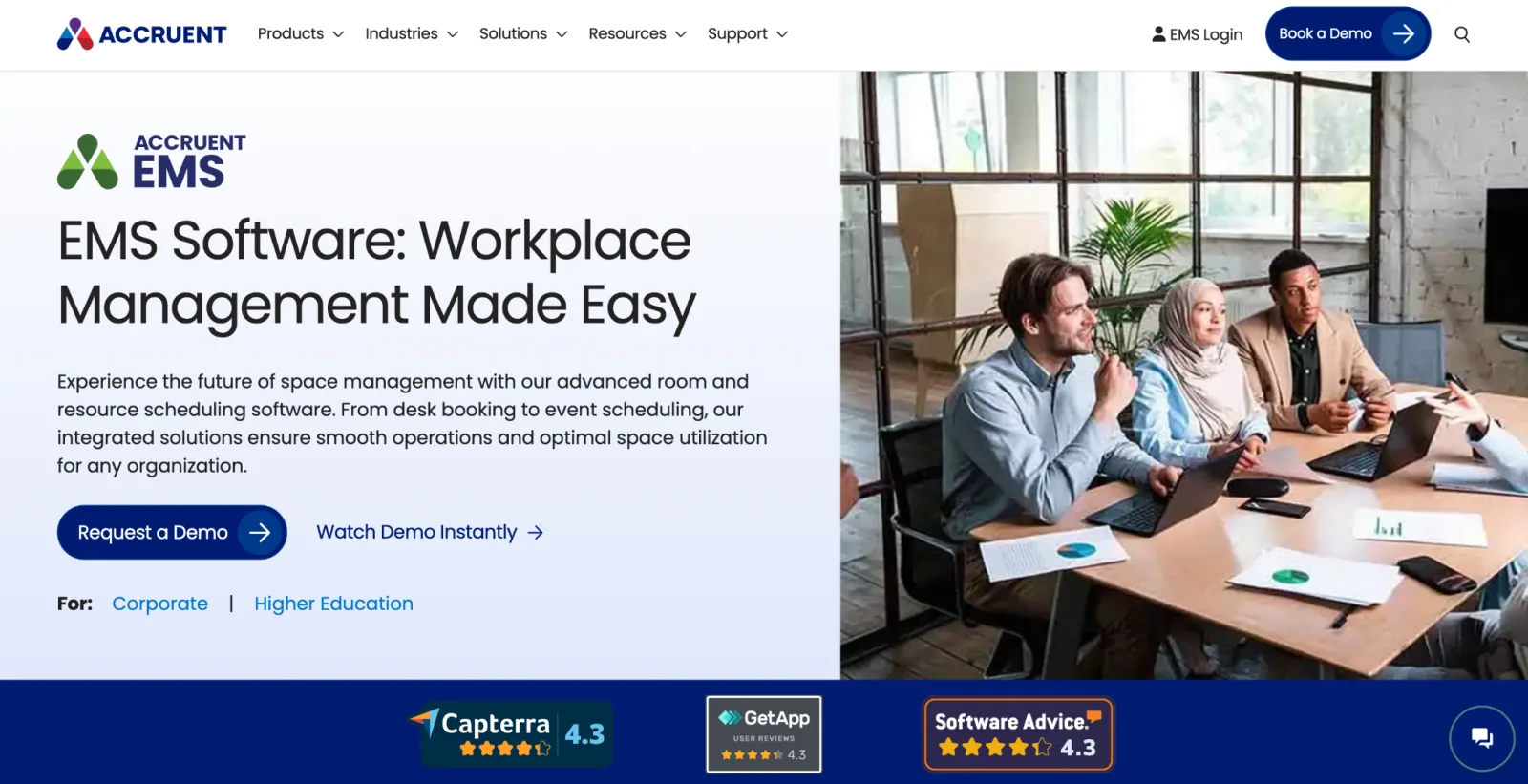
Accruent EMS is a comprehensive space and resource management platform, particularly dominant in higher education and large enterprise environments. It handles everything from meeting rooms and desks to classrooms, exam scheduling, event spaces, lab equipment, and parking — all from a single system.
The trade-off is that it wasn’t really built for the employee booking a meeting room on their phone between calls. The web client is still the main way people use it. Implementation is long too: G2 reviewers report about seven months to go live.
Accruent EMS Standout Features
- Manages meeting rooms, desks, classrooms, event spaces, exam scheduling, parking, and lab equipment — all in one platform
- Booking via web app, mobile app, Microsoft Outlook, Teams, kiosk, and room display panels
- Integrates with Outlook, Teams, Zoom, Webex, HVAC systems, lighting controls, AV equipment, and digital signage
- Advanced reporting and space utilisation analytics
- Highly configurable approval workflows and permissions
- Built for multi-building, multi-campus environments
Pricing
Quote-only, with no free trial. Capterra lists a starting price of $9,000 a year; Accruent doesn’t publish one.
Ratings (October 2026): 3.8/5 on G2 (125), 4.3/5 on Capterra (76), and 3.2/5 on Gartner Peer Insights (25). Reviewers flag a dated interface and weak reporting.
Pros
- The EMS can handle scheduling across multiple rooms and locations.

Cons
- Implementation takes about seven months on average, according to G2 reviewers.
- For the search function to work, users must use ultra-specific keywords.

- The Outlook add-in can get corrupted and has to be removed and re-added.

Verdict
Accruent EMS makes sense for large organisations with complex scheduling needs: multiple locations, high booking volumes, and resources that go well beyond just meeting rooms.
However, for standard corporate offices that mainly need to book rooms and desks, it may be too much.
Why teams choose it: Classrooms, events, and equipment scheduled alongside meeting rooms.
12. Officely — Best for Slack-First Teams
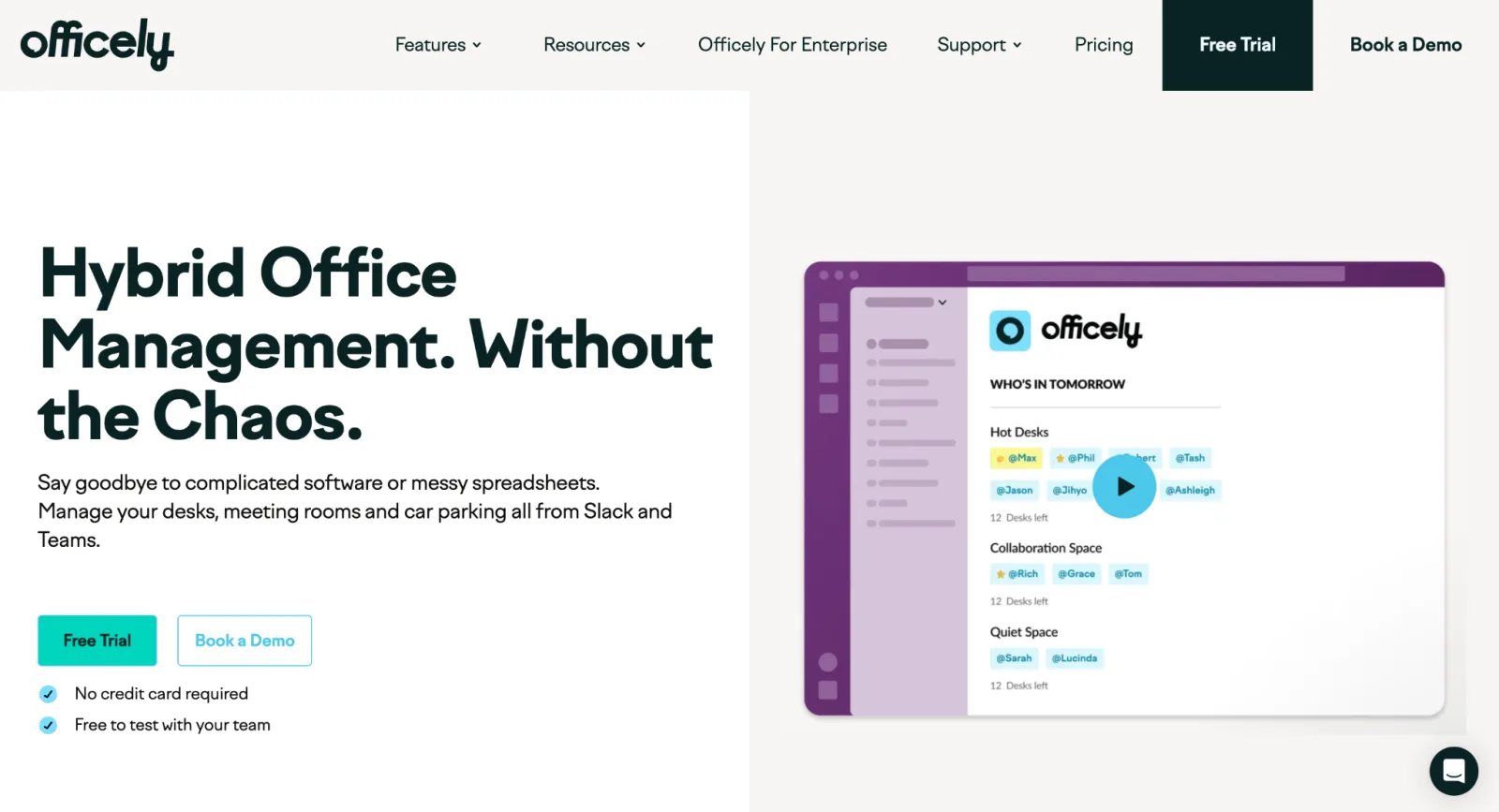
Officely is a hybrid office management tool that lets you manage meeting rooms and other resources like desks and car parking. Its major advantage is that it works entirely inside tools employees already use: Slack and Teams. One account can’t run on both, though, and the Teams version lacks check-ins and calendar sync.
This means there’s no new app to download, and no separate login or onboarding process.
Beyond booking, Officely broadcasts who’s coming into the office each day to a dedicated Slack channel.
Desk booking is priced per user, but meeting rooms are a separate product priced per room.
Officely Standout Features
- Desk booking, meeting room booking, and parking management — all inside Slack
- Daily office visibility
- Smart office day recommendations based on team patterns
- Automatic broadcast to Slack channel showing who’s booked in for the day
- Real-time attendance tracking and usage data
- One-click booking and daily check-in prompts
Pricing
- Free: Up to 5 users
- Basic: $2.50/user/month for desk booking (monthly billing)
- Premium: $3.50/user/month
- Enterprise: Custom
- Meeting Rooms: $12 per room per month, 7-day free trial
Ratings (October 2026): 4.6/5 on G2 (158) and 4.8/5 on Capterra (12).
Pros
- If your team already lives in Slack or Teams, they’re already set up. Booking happens inside the tool they have open all day anyway.
- The platform helps employees organise after-work gatherings, reserve bike rack spots, and see who’s coming in — all without leaving Slack.
Cons
- Reporting capabilities are restricted. For teams that want transparent space insights across the board, that’s a gap.

- Officely was built for Slack first, so the Teams integration is still miles behind.
Verdict
Officely is the simplest room booking entry point on this list. If adoption is your primary challenge, your team is small to mid-sized, and Slack is your daily operating environment, it’s worth a 7-day trial. Offices that need depth, multi-location support, or a complete workplace platform will likely outgrow it quickly.
Why teams choose it: Booking happens in Slack, with no new app or login.
Meeting Room Booking Software: Cost Comparison
We priced the same office on every tool: 10 meeting rooms and 150 employees, on the cheapest plan that includes room booking, billed annually where offered. List prices from vendor pricing pages, October 2026, excluding tax.
| Tool | Pricing model | Starting price | Free tier or trial | Est. monthly cost (10 rooms, 150 staff) |
|---|---|---|---|---|
| Awaio | Per room | €10.9/room | Free demo | €109 (+ €190 one-time map) |
| Skedda | Per space | $99 (EMEA), $249 (US) | 14-day trial | $99 (EMEA) / $249 (US) |
| Robin | Custom | Quote only | None | Quote only |
| Envoy | Per resource + platform fee | $5/resource | Free visitor plan only | $50 + platform fee |
| OfficeSpace | Custom | Quote only | None | Quote only |
| Archie | Per room, with minimum | $159 | 14-day test after demo | $159 ($249 for Outlook/Teams) |
| Joan | Per user and device, plus hardware | $51 | 30-day trial | About $398 + about $3,990 for panels |
| YAROOMS | Flat plan with caps | $99 | Free trial | About $319 (Business) |
| Tactic | Modular | Quote only | Free trial | Quote only |
| Deskbird | Per active user | $3.75/user | Free trial | $562.50 |
| Accruent EMS | Custom | Quote only | None | Quote only |
| Officely | Per room (Meeting Rooms) | $12/room | 7-day trial | $120 |
Per-room tools stay cheapest at 150 people because headcount doesn’t change the bill.
Conclusion
The right meeting room booking software depends on what problem you’re actually trying to solve.
If your challenge is fragmentation — rooms, desks, lockers, and parking managed in separate tools — Awaio is the best fit. It’s the only hardware-free option that covers all four on a single platform.
For mid-sized offices that want the best combination of features, ratings, and value, Archie and Skedda are the strongest all-rounders.
For Microsoft-first teams where Teams is the daily operating environment, YAROOMS is the standout choice. For Slack-first teams that want simplicity above everything else, Officely is the quickest to roll out because it runs inside Slack.
For large enterprises with complex hybrid policies and real estate analytics needs, Robin and OfficeSpace offer the depth — but expect enterprise pricing to match. If your office wants the physical display experience done properly, Joan is the clear hardware leader.
Whatever you choose, prioritise the tool your team will actually use.
Ready to see how Awaio’s hardware-free approach works in practice? Book a demo to explore the platform for your office.
FAQs
What is meeting room booking software?
Meeting room booking software is a tool that lets employees find and reserve shared meeting spaces — conference rooms, focus pods, huddle rooms, and other bookable areas — through a digital interface. It shows real-time room availability, prevents double bookings, integrates with calendar tools such as Outlook and Google Calendar, and provides workplace managers with data on how their spaces are used.
Do I need hardware like sensors and room displays for a booking system to work?
No. Some platforms require hardware such as display panels outside rooms, occupancy sensors, and Ethernet cabling. But software-only solutions work well for most offices.
Awaio, for example, runs entirely on software. Any space becomes bookable in the app. Employees check in with a tap on a TapCard or a QR scan, and rooms are released automatically if nobody checks in.
Does Google or Microsoft have meeting room booking software?
Both Google Workspace and Microsoft 365 include basic room booking functionality. Specifically, Google Calendar lets you add “meeting rooms” as bookable resources, while Outlook includes Room Mailboxes, which function similarly.
These native tools work for simple setups, particularly small offices where everyone shares the same calendar system. They fall short when you need check-in enforcement, auto-release for ghost meetings, booking rules by team or department, cross-domain support, or analytics beyond basic usage logs.
How do I prevent ghost bookings and no-shows from blocking meeting rooms?
In Awaio, at the start of the reserved time — or a few minutes in — the system sends a check-in prompt. If nobody confirms within a set window (typically 5 to 15 minutes), the room releases automatically and becomes available for others to book.
Can a meeting room booking system handle reservations in real time?
Yes. Real-time availability is a baseline feature for every platform reviewed in this guide.
For example, in Awaio, when an employee books a room, that space immediately shows as unavailable to everyone else.
Is there a free booking system for meeting rooms?
Yes, with limits. Microsoft 365 room mailboxes and Google Calendar resources cost nothing extra but don’t handle check-in or auto-release. Officely is free for up to 5 users, and most other tools offer trials instead, such as Joan (30 days) and Skedda (14 days).
What is the best app to book meeting rooms?
It depends on whether you want an app for rooms only or for the whole office day. Skedda, Robin, and Deskbird all have mobile apps with live room availability and check-in. Awaio is the strongest choice for the whole office day. The same app books a room, checks you in with one tap on a TapCard, and opens your locker over Bluetooth.
Related guides
- Skedda alternatives, Envoy alternatives, and Joan alternatives: cheaper or hardware-free options to each.
- Best parking management software: if parking is the next resource you need to manage.