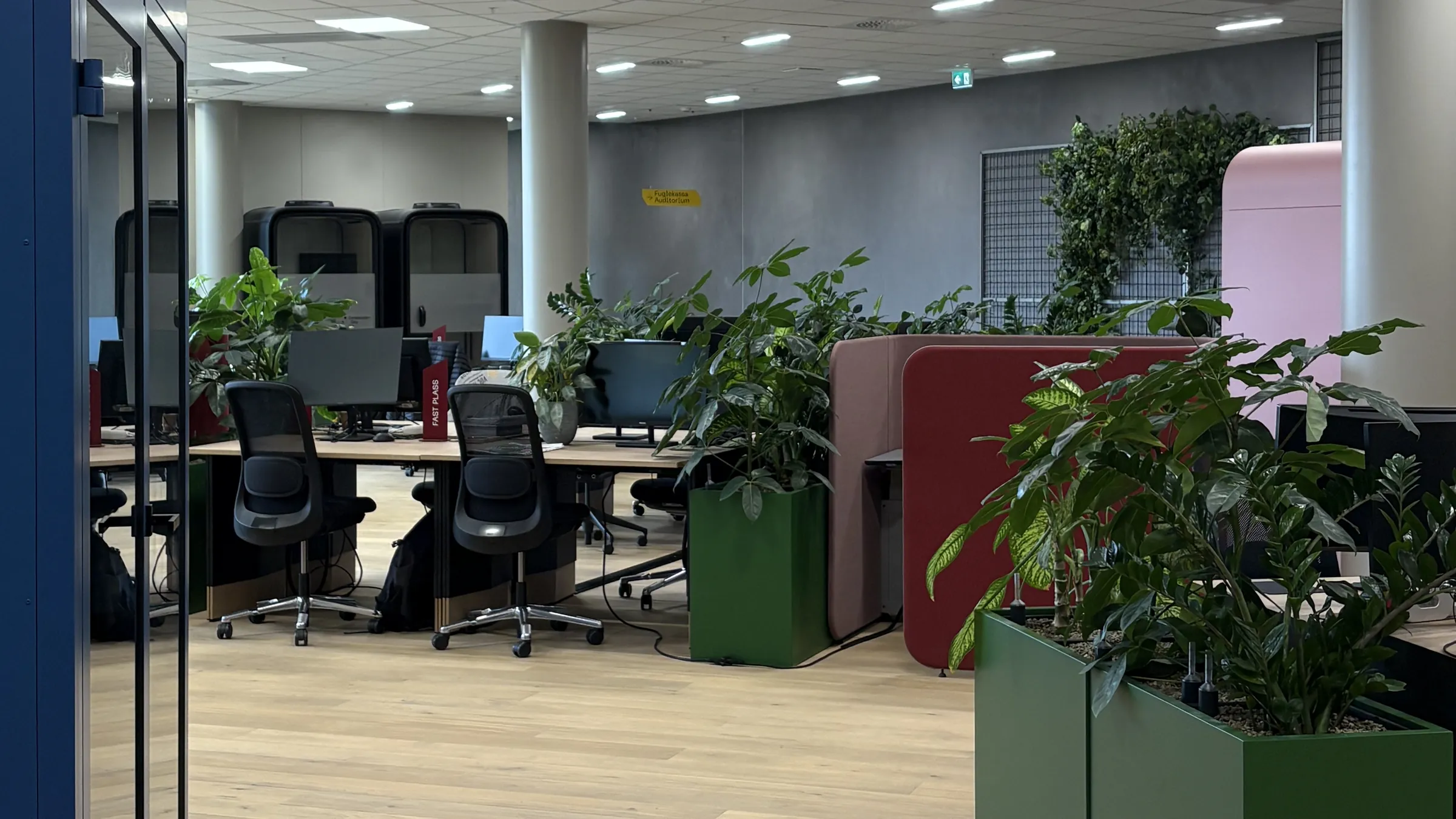
Up to 40% of desks sit empty, and nobody knows
With Awaio you see exactly which desks are not used, and can adapt the office to match.
Book ahead or on the day, and pick a desk that suits what you need to do. See where colleagues and your team sit, and how full the office is. Splitting the office into zones for teams and departments is easy, whether you work activity-based, hybrid or with fixed desks.
Employees book on the spot or plan their week and find a desk that suits the day’s work. If you run the office, you see how desks are used.

The office map shows which desks and zones are free, where your colleagues sit and how full it is.
Explore Office maps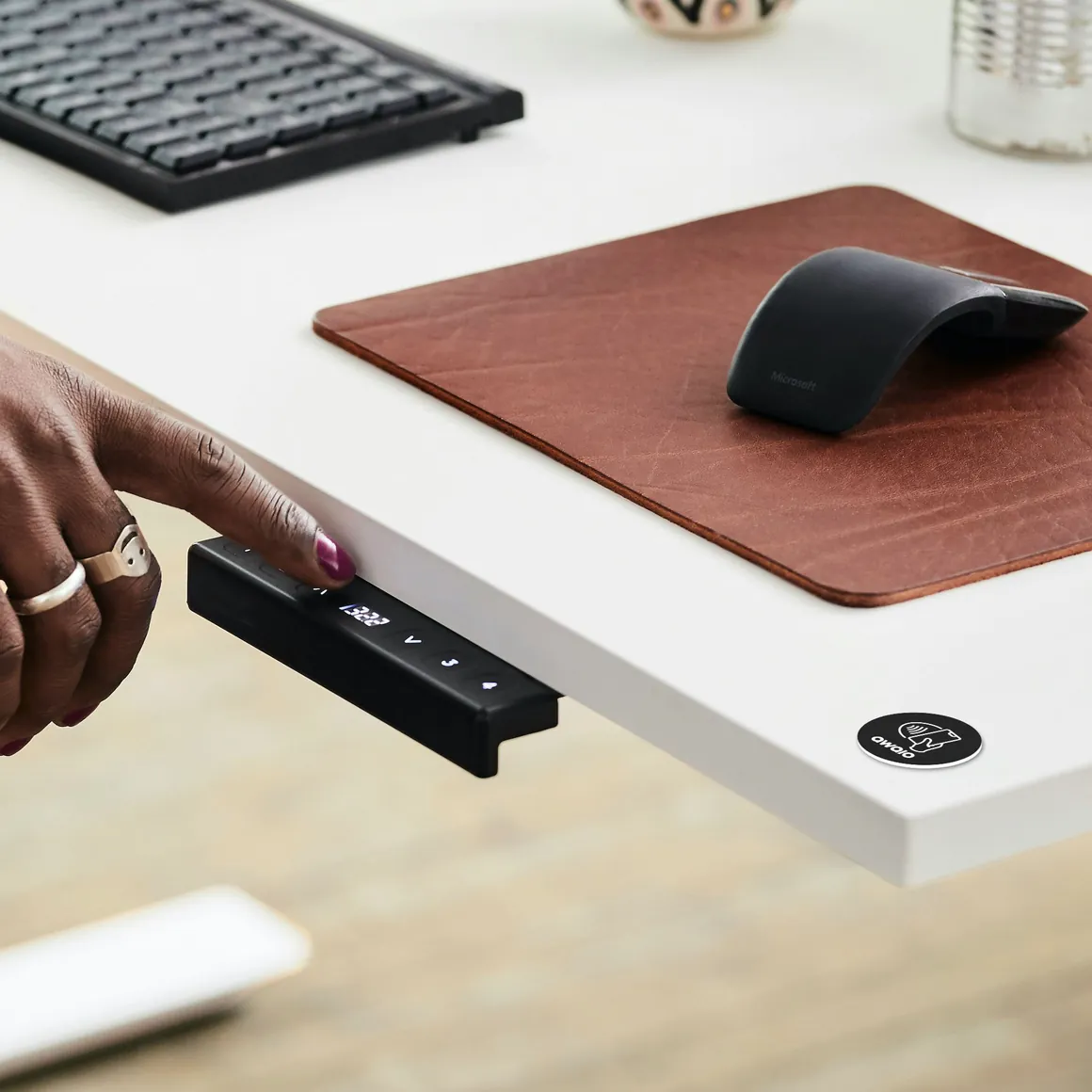
Bookings show how full the office is now and over the coming days. With check-in via TapDot or QR code, unused desks become free again.

Create zones for different teams and tasks, such as team zones, quiet zones and collaboration zones. Each zone can have its own rules, and the data shows when zones should change to fit new needs.

Usage data shows where it is too crowded and where desks sit empty, so you can adapt the office to how it is actually used.
With Awaio you see exactly which desks are not used, and can adapt the office to match.
ONE PLATFORM
Activity-based, hybrid or fixed desks, even in the same office. Each team can work its own way, and you can change the setup when ways of working change.
Book ahead or take a free desk when you arrive. Suits activity-based and hybrid work.
Give fixed desks to the people who need them, and free them up when they are not in use.
The team sits together and chooses freely within its own zone.
Dedicated desks for focused work, where it is calm around you.
Find desks with a sit-stand desk, two screens or accessible design.
Booking rules & quotas
Set shared rules for the whole office and separate rules for each team and zone. Usage data shows when rules need adjusting. You manage it all in the admin panel, and changes apply straight away.
Example: flex desks for a hybrid department

Based on Awaio customer environments, booking activity, and public app store ratings collected in 2024.
DATA & INSIGHTS
See which desks and zones are popular and which sit empty. Find improvements for wellbeing and costs based on data, not assumptions.
01
Every booking, check-in and desk that frees up again gives data on how the office is used, across every zone, floor and building.
02
The overview shows which zones are always full, which desks sit empty and which teams need more or less space.
03
Use the insight to cut unused bookings, adjust the number of desks and reduce unnecessary space costs.
WHAT'S INCLUDED
See some examples below.
See free desks and where your team sits on the office map.
Search by place and time, and book directly in seconds.
Find desks with a sit-stand desk, two screens or wheelchair access.
Team zones make it easy to find a free desk next to your colleagues.
Tap your phone on the TapDot or scan the QR code. The desk is yours until you check in, and frees up again if you do not.
Book your fixed office days once, and the desk is ready every week.
Usage is measured with bookings and check-ins, with no sensors or calibration.
Flex desks, fixed desks, team zones, quiet zones and desks with equipment. For activity-based, hybrid and fixed-desk working.
FAQ
Everything you need to know to decide if Awaio desk management is right for your organisation.
Awaio tracks desk utilisation through bookings and TapDot check-ins, giving you accurate data on which desks are used and which sit empty. This lets you right-size your floor plan before a lease renewal rather than guessing. Customers typically see a 40% reduction in desk costs after making data-driven space decisions.
Yes. Awaio tracks utilisation through desk bookings and employee check-ins via TapDot, no hardware sensors required. You get accurate occupancy data without installation costs, ongoing maintenance, or calibration drift.
Yes. Booking rules in Awaio are set per zone, so hybrid policies like minimum office days or team-reserved areas on specific days are enforced automatically. Employees only see and can book desks that match their assigned access rights.
You define zones on your office map and assign a booking type to each: hot-desk, designated, or team-reserved. Each zone gets its own booking window, access rules, and optional amenity tags. The setup takes minutes with no hardware installation needed.
Yes. Each map zone in Awaio operates under its own rules, hot-desking in open areas, designated seats in team zones, restricted access for specific departments. Rules apply automatically when an employee books, with no manual intervention from admins.
Awaio supports all desk types in one platform: hot desks, permanently assigned desks, team zones, quiet focus areas, and amenity-tagged desks. A mixed-layout office is managed in a single system without additional tools or manual tracking.
Awaio integrates with Microsoft 365 and Google Workspace for calendar sync and single sign-on. It also connects natively with other Awaio modules, room booking, lockers, parking, and access control, so everything runs in one system.
Employees open the Awaio app, see a live map of available desks, filter by zone or amenity, and confirm a booking in under three minutes. The booking is instant and the desk is held until the employee checks in.
Yes. The Awaio office map shows each team's zone, which desks are booked by colleagues, and which are still available, updated in real time. Employees can check before they leave home and book a nearby desk.
Desks in Awaio are tagged with amenities: height-adjustable, dual screen, wheelchair accessible, quiet zone, and more. Employees filter the map by the amenity they need and only see matching desks before booking. No calls to facilities, no hoping the right desk is free.
Connecting people, spaces and services to simplify everyday work.