Same number of spaces, more people who get to park
When someone is off or working from home, they release their space so a colleague can book it. No space sits empty for no reason.
The problem
Parking, charging, pool cars and garage access, in one app. See what is used, share what sits empty and grant access in seconds.
When you are away, release your space so a colleague can use it.
Only people with an EV can book, so the charger is free when it is needed.
See what is free, book it and find out where the car or bike is parked.
With a booked or assigned space, you open the barrier with your phone.
When someone is off or working from home, they release their space so a colleague can book it. No space sits empty for no reason.
Parking spaces, EV chargers, pool cars, pool bikes and e-bike battery charging. See what is free and book it in the same app.

Employees book a space before they arrive. Rules per team, role or rotation make sure it is not always the same people who get the spaces.

Only registered EVs can book. Book before you leave home, and the charger is free when you arrive.

Book it all in the same app. See what is free and keep track of what has been returned.

See which spaces sit empty, which teams have more spaces than they need and when demand peaks. Use the insight to share spaces better.
Compliance & reporting
Every booking is logged automatically. Use the report for internal cost allocation today, and be ready if parking becomes a taxable benefit.
See how it worksCost allocation: parking and pool cars
January 2026 · per department
Per department or team
Any date range
One-click export
One platform
Car, EV, pool car, pool bike or e-bike battery charging, in one app. You also get data on how everything is used.
Book by zone, floor or space. Assign spaces per team or role.
Only registered EVs can book. Book before you leave home.

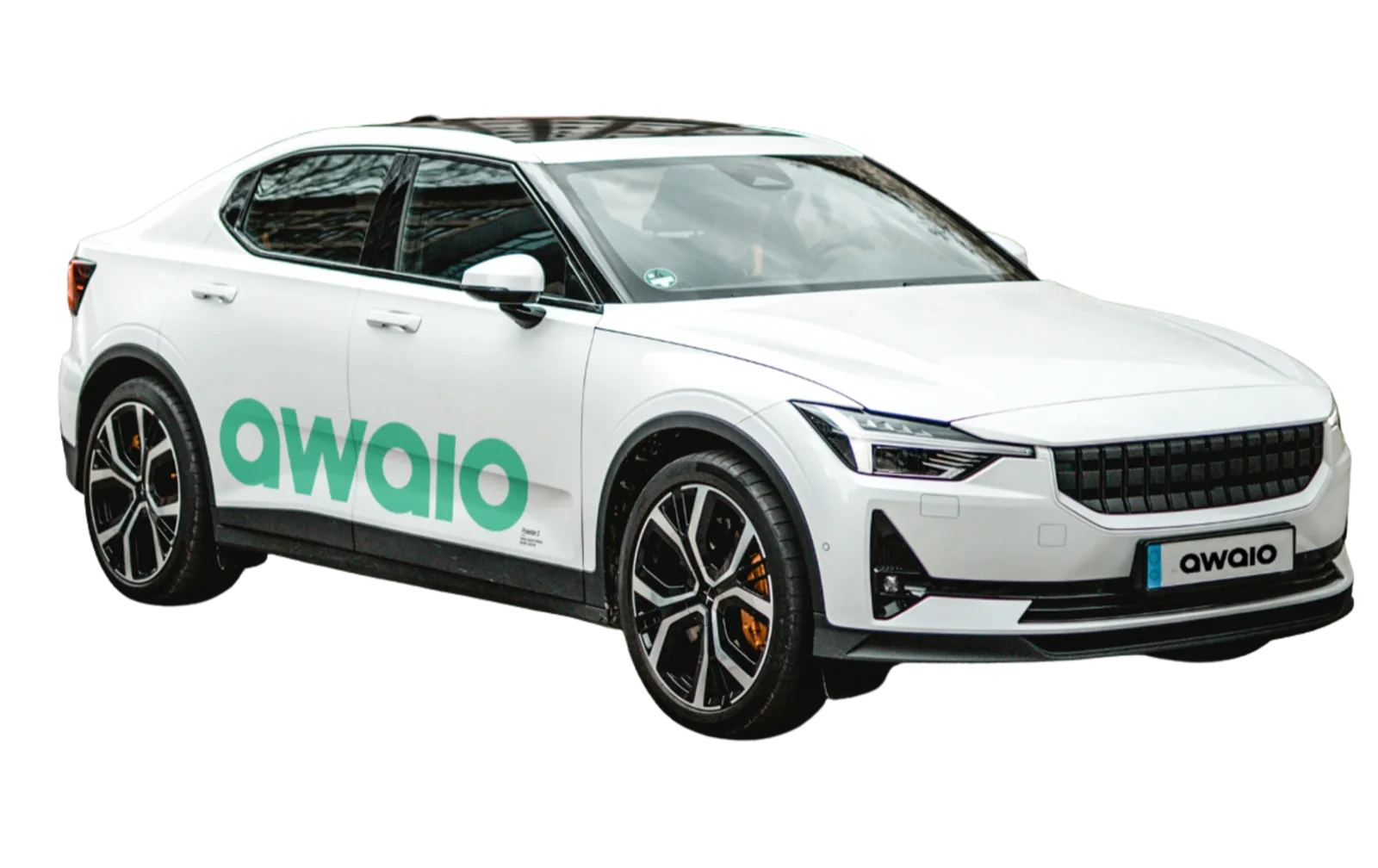
Book the car in the app, see what is free and keep track of what has been returned.

Book a pool bike or a battery charging locker in the app. Admins get an alert if a bike is not returned on time.

See your space on the map in real time. Nobody has to drive around looking for a free one.
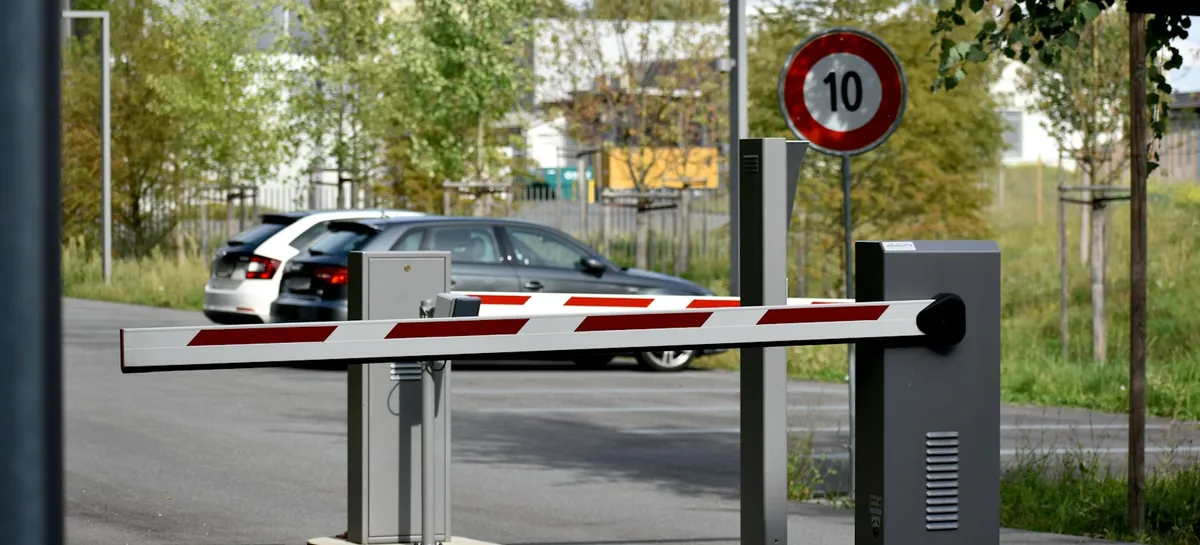
With a booked or assigned space, you open the barrier straight from the app.
Booking rules & quotas
Whether it is one office or a whole building with parking. Assign spaces, grant access and decide who parks where and when.
Example: charging spaces in the garage
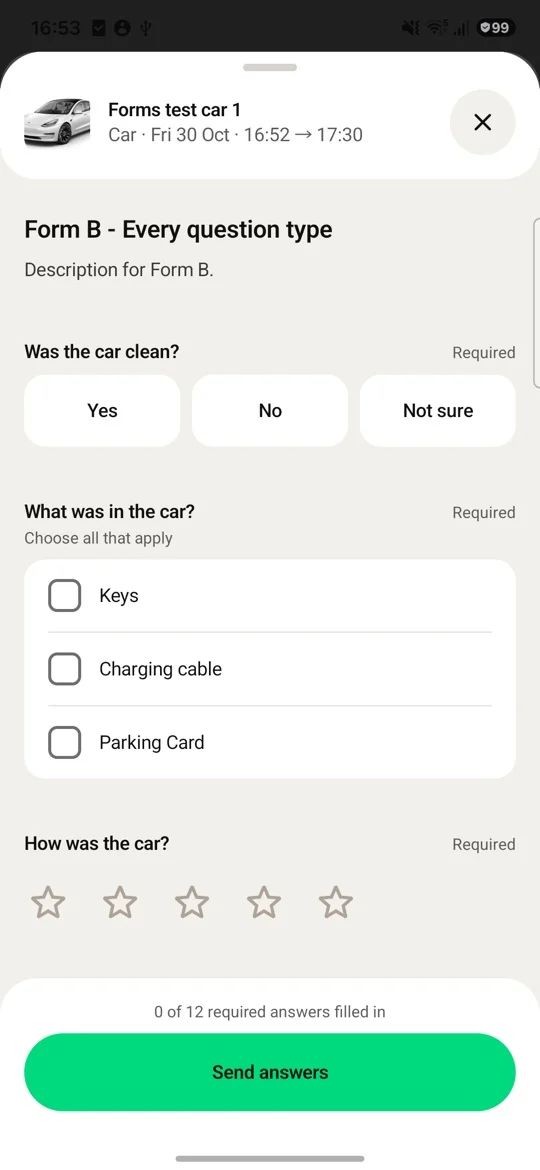
Build forms in the Admin Portal and connect them to pool cars, parking spaces or pool bikes. Users answer in the Awaio app or by email.
Before booking, with the policy attached as a PDF.
After the trip, in the app and by email.
See who has answered and download the answers as Excel, CSV or PDF.

Supporting hardware
Everything runs in the app. Smart Access Box gives access to barriers and garage doors, and Awaio Smart Locks make e-bike battery charging lockers easy to use.
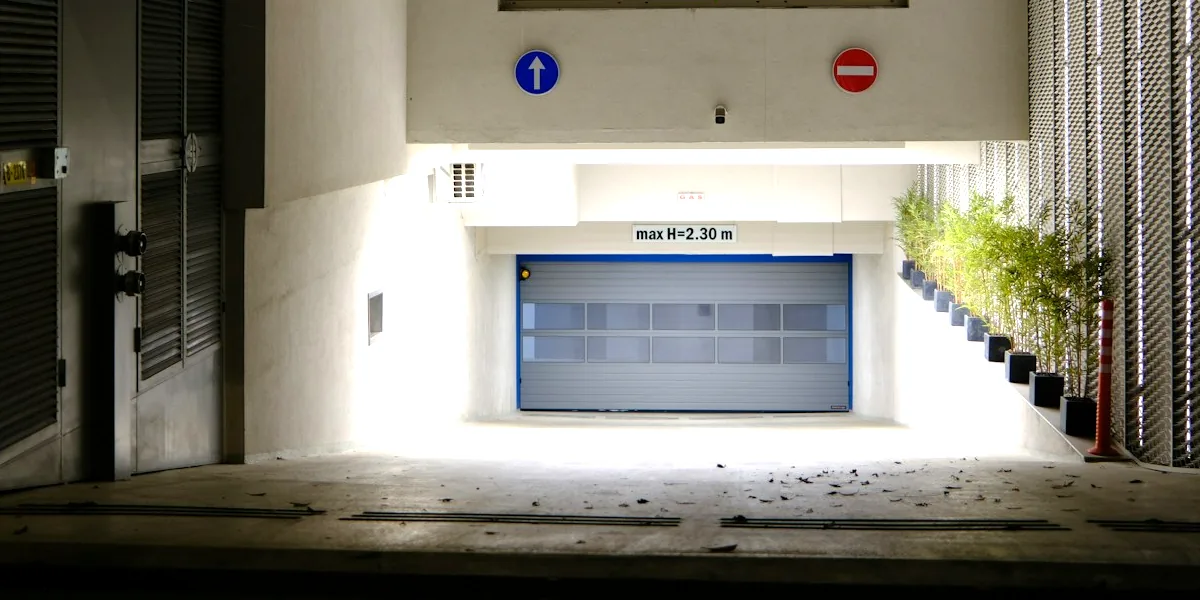

Smart Access Box connects to parking barriers and garage doors. With a booked or assigned space you also have access, and the key is in your phone. There are no key fobs to hand out or replace.
Learn about Smart Access Box 
E-bike battery charging lockers have Awaio Smart Locks and open with the same app you use to open the barrier and book everything else. The battery charges safely while you work.
Read about Awaio Smart LocksWHAT'S INCLUDED
See some examples below.
See free parking spaces and book for a day or a set time.
Book your fixed days once, and the space is ready every week.
Only registered EVs can book. Book before you leave home.
Book the car in the app, see what is free and keep track of what has been returned.
Book a pool bike or a battery charging locker in the app. Admins see which pool bikes and cars have been returned.
See your space on the map in real time. Nobody has to drive around looking for a free one.
Check in when you arrive. If you do not, the space frees up for others.
Open barriers and garage doors with your phone, no card needed.
Desks, rooms, lockers, parking, charging, pool bikes and pool cars, in one app.
FAQ
Everything you need to know to decide if Awaio parking and mobility is right for your organisation.
Awaio tracks which spots are booked and actually used, giving you accurate utilisation data to right-size your parking provision at lease renewal. Spots allocated to teams that don't use them get redistributed so you pay for what you need, not what you assumed you needed. Customers typically see a 40% reduction in unused spots after switching to demand-based allocation.
Awaio automatically logs every booking per employee with date and duration the exact data payroll needs to calculate taxable parking benefits. You can filter by date range, export per employee as a CSV, and hand it directly to payroll with no manual compilation. This replaces a process that typically takes hours every month.
The Awaio admin dashboard shows occupancy rates per zone, floor, or bay live and historically. You can see which resources are over-allocated, which sit empty most days, and when peak demand hits. This data removes the guesswork from parking provision decisions.
Yes. Each location or facility is configured as a separate zone within the same system. Admins get a unified view across all sites, while employees only see resources relevant to their location. Rules, quotas, and reporting all work consistently across every site.
A new parking zone, resource type, or booking rule can be configured and published in under five minutes no IT involvement required. The admin panel handles zone setup, allocation rules, and access controls through a self-service interface. Most organisations are live within a day of starting setup.
Awaio lets you restrict EV bays to employees with a registered electric vehicle on their profile. When a non-EV driver attempts to book, the system blocks the reservation automatically. Admins can manage vehicle registrations centrally without needing a separate system.
Yes. The Smart Access Box connects to parking barriers and garage gates, so employees open barriers with their phone, the same credential they use for every other Awaio resource. No separate key fobs or access cards to manage or replace.
Yes. Booking rules in Awaio are configurable per zone, department, or user group. You can set daily or weekly quotas, advance booking windows, recurring reservations for specific roles, and auto-release rules for no-shows all without IT support.
Open the Awaio app, select the date you need parking, and choose an available spot from the floor plan or list view. Booking takes under 30 seconds. You'll receive confirmation in the app and the spot is held for you no risk of arriving to find it taken.
Pool cars, pool bikes and e-bike battery charging lockers are bookable in the same Awaio app you use for parking and desks. Select the resource, pick your time slot, and confirm. Availability is live, so you always see what's free. Returns of pool cars and pool bikes are tracked through the app and late returns are flagged automatically.
Connecting people, spaces and services to simplify everyday work.