40% of lockers sit unused every day
With Awaio, unused lockers are freed up, and the data shows whether you need fewer lockers. The space can then be used for something else.
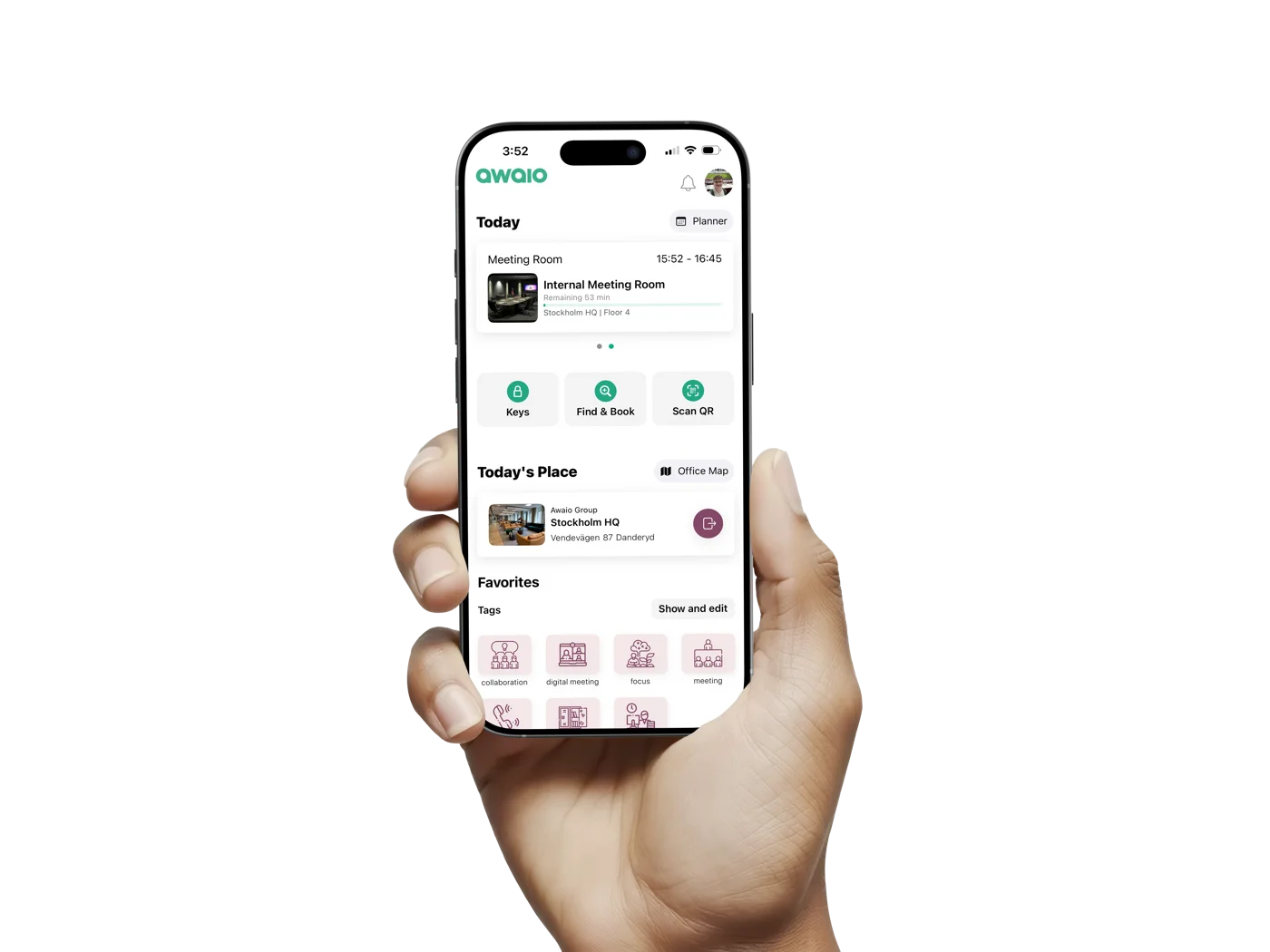
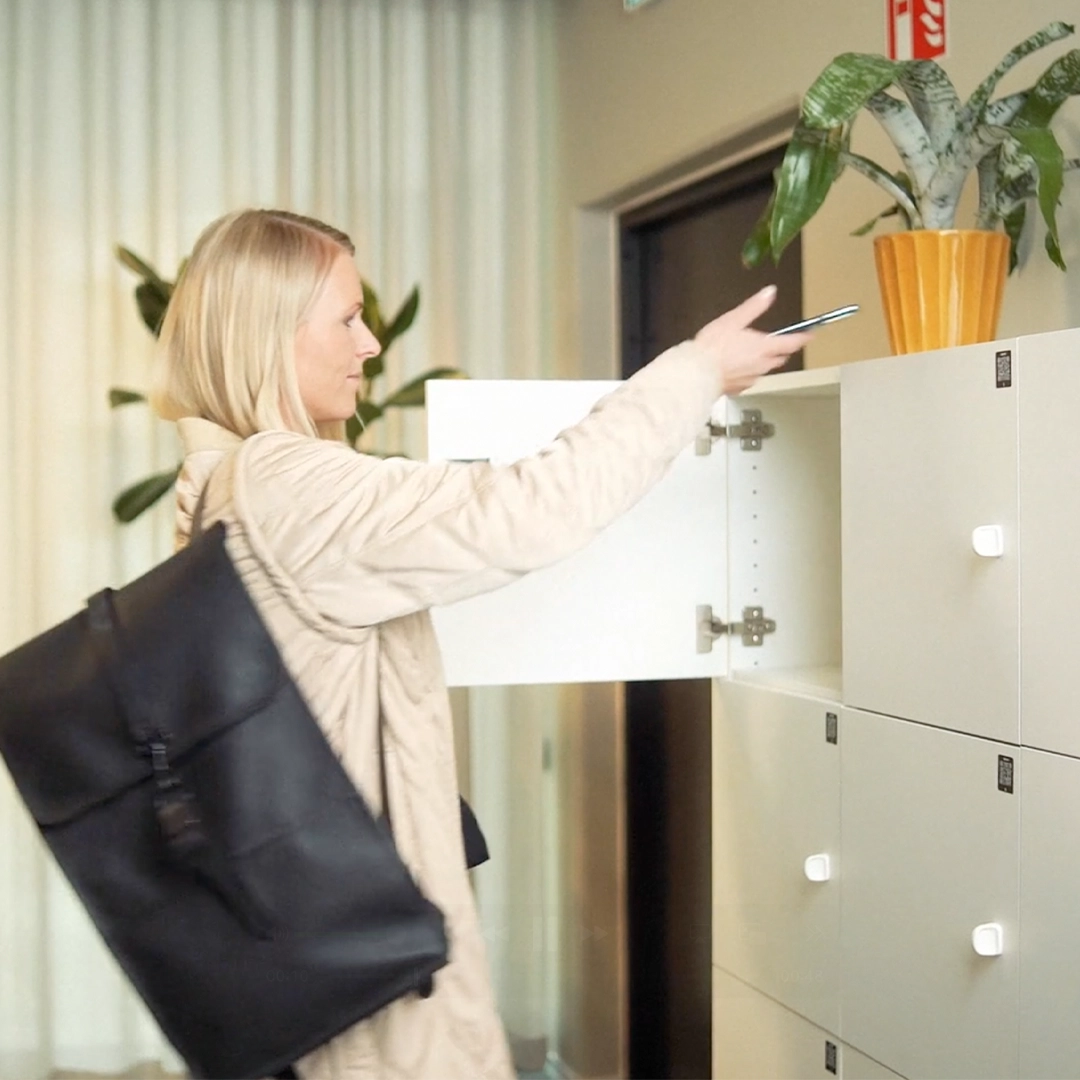
Employees open their locker with their phone. You see how every locker is used, in one place.
The same lock works for every service that needs secure access and traceability.
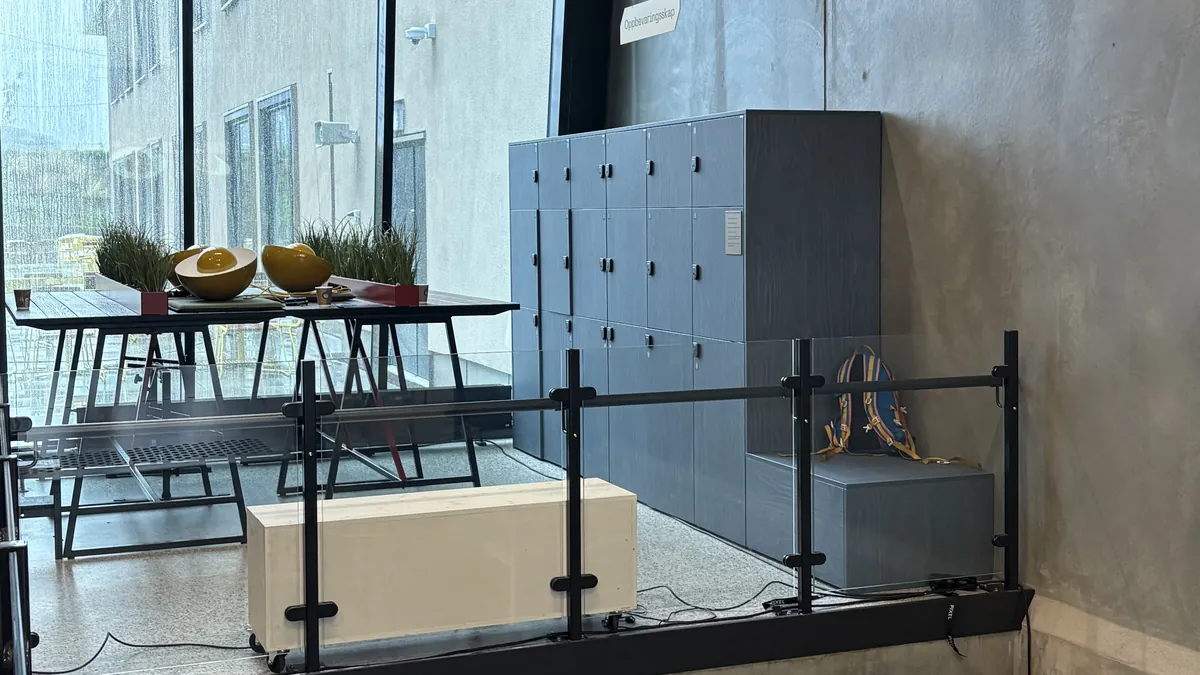
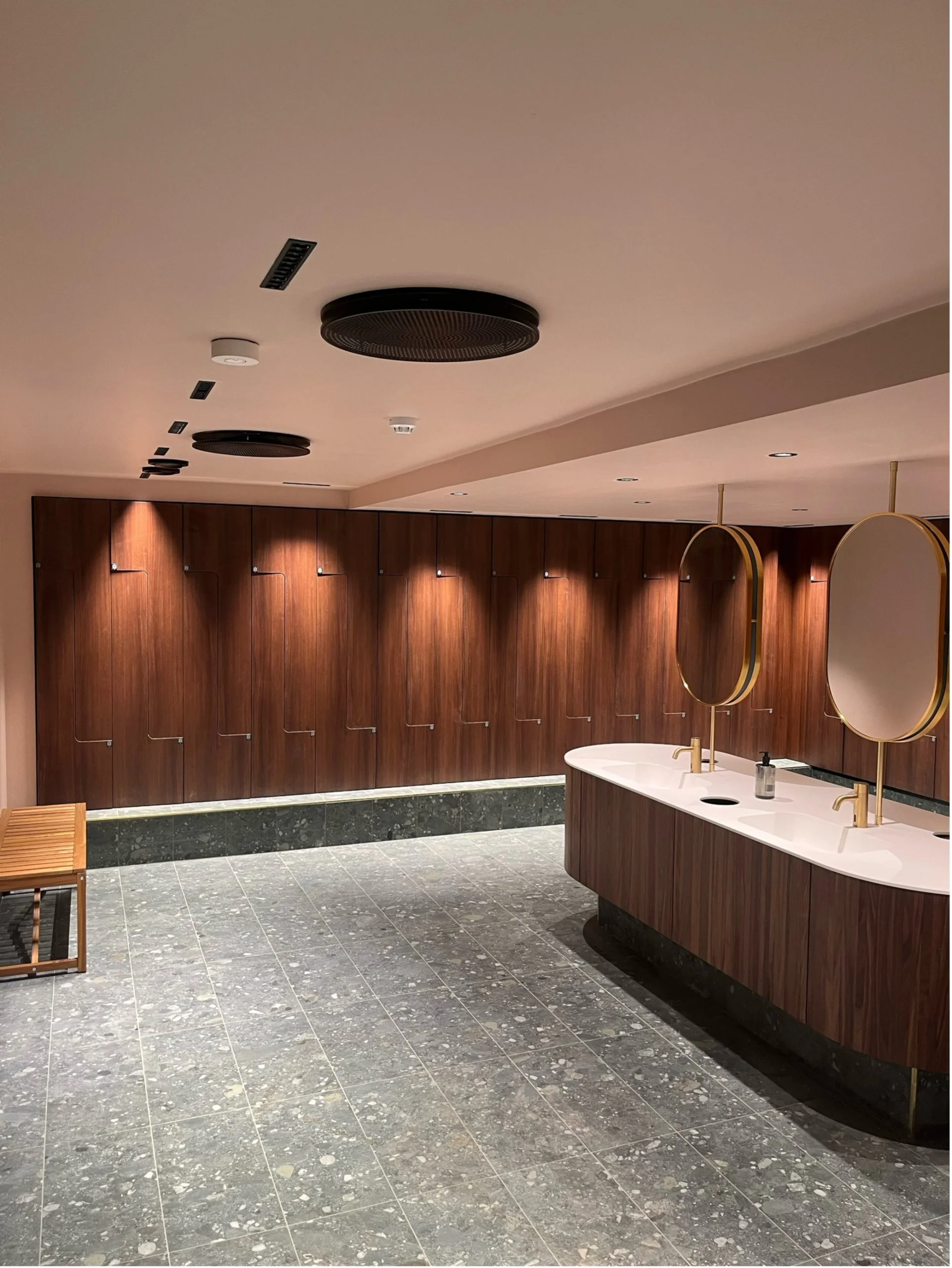
Personal lockers, team lockers, visitor storage, drop-in lockers and changing rooms.

Parcels, IT equipment, service products, documents, tools and returns.
Towels, chargers, umbrellas, workwear and other shared resources.

Secure booking and access to cabinets for e-bike batteries, devices and equipment.
Automatic access for visitors tied to their booking. No admin overhead, no key handover.
Separate access by company, floor or zone. Cost allocation data ready for invoicing.
With Awaio, unused lockers are freed up, and the data shows whether you need fewer lockers. The space can then be used for something else.
ONE LOCK FOR THE WHOLE OFFICE
The same lock works on every floor and for every need.

DATA & INSIGHTS
See how every locker is used and get clear recommendations automatically, without manual counts or spreadsheets.
01
Every access event, booking, and check-in feeds live locker utilisation data automatically, across every unit, floor, and site.
02
Utilisation dashboards show exactly which lockers are in use, which sit idle, and which floors have unmet demand.
03
Awaio gives specific suggestions, so you can match the number of lockers to demand, cut unnecessary costs and show clear ROI to your property and finance teams.
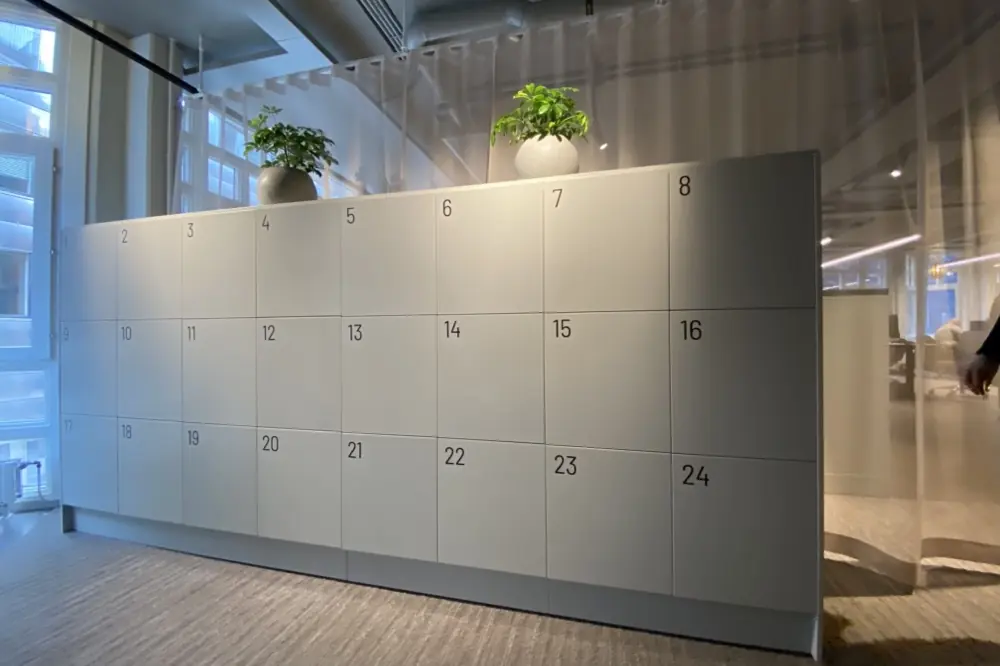

Retrofit
Nothing needs replacing. One person can upgrade a whole floor in an afternoon.
Remove the old lock
Unscrew the cylinder or padlock hasp. It takes a few minutes, with no drilling and no electrician.
Fit the Awaio lock
Our own mounting template puts the lock in the right place every time. The lock sits on the inside of the door and is invisible from the outside. A TapCard or TapDot covers the old lock hole, so the front looks clean and employees see where to tap their phone.
Connect with your phone
Scan the barcode on the lock and tap your phone on the TapCard or TapDot to connect both to the platform. The locker is ready and shows up in the app for employees straight away.

Required hardware
Runs on Awaio locker locks
Prefer new lockers? Locks come pre-installed. Talk to sales
Booking rules & quotas
Combine rules freely and give each zone, team or single locker its own setup. Fixed lockers for people in the office every day, short-term lockers for hybrid workers, and shared lockers for departments that share equipment. You manage it all in the admin panel, and changes apply straight away.
Example: personal lockers for employees

Complete locker solutions
Our parcel lockers come in several sizes, with compartments for both small and larger deliveries. The recipient gets a notification and opens the compartment with their phone.

“Awaio transformed how Mölnlycke Healthcare manages storage and access, ensuring flexibility while making adoption effortless for employees.”

Anders Rydblom
FM Director, Mölnlycke Healthcare


WHAT'S INCLUDED
From booking and access for employees to a full overview of how lockers are used. See some examples below.
See free lockers in the building, on your floor or in your zone.
Book and manage your locker in the app, without going through an admin.
Open your locker quickly and securely in the Awaio app.
Take a free locker when you arrive, when you only need it for a short while.
See exactly where your locker is on the building map.
Give a colleague temporary access, without reassigning the locker.
Get a message on your phone when a parcel is ready to collect.
FAQ
The questions we hear most before teams get started.
Smart locker management replaces physical keys and manual administration with a digital system. Employees book lockers through an app, unlock with their phone or access card, and admins get real-time visibility into every locker's status, without any spreadsheets or manual tracking.
No. Awaio's smart lock hardware retrofits directly onto standard lockers. Most locker types are compatible. One person can upgrade an entire floor in an afternoon, with each lock taking around 5 minutes to install.
Employees unlock their locker using their phone via BLE (Bluetooth Low Energy), or with their existing RFID card, depending on lock type you choose from Awaio. There is no separate app login required for the unlock itself, it works instantly in the background when the employee is near their locker.
Access can be revoked instantly from the Awaio admin panel. The employee can also unlock using a colleague's phone, or an admin can open the locker. There are no physical keys to replace, so a lost phone causes minimal disruption.
Awaio tracks every locker's usage and flags lockers that have been inactive beyond a threshold you set. Admins can trigger automatic reclaim flows that notify the employee and return the locker to the available pool, without any manual checking or physical inspection.
Yes. Awaio's booking rules let you define zone-based availability, department-restricted access, time-window booking, and maximum active bookings per user. All rules are configured in the admin panel and take effect immediately, no IT involvement required.
Awaio manages personal storage lockers, parcel and delivery lockers, team lockers, e-bike battery charging lockers, and gym or changing room lockers. All types are managed from the same platform and admin panel, with each type supporting its own booking and access rules.
Every locker is mapped on the live office floor plan in the Awaio app. When an employee books or is assigned a locker, they can navigate directly to it using the app's wayfinding, by locker number, floor, or zone. No paper maps, no asking facilities.
Awaio is priced per locker, not per user. Your entire workforce accesses and books lockers at no additional per-seat cost. Hardware is available separately or as part of a full installation package. Get in touch and we'll put together a quote for your organisation.
Yes. Awaio's multi-site Community model maps your full organisational structure, locations, floors, zones, and access groups, across every building. Admins can manage all sites from one view, and employees access lockers at any location they have permission for.
KPMG Norway runs 1,684 cabinets and wardrobes with Awaio Smart Locks at its Oslo headquarters, and Avanza runs 753 smart lockers at its head office in Stockholm. Redd Barna (Save the Children Norway) fitted its new Oslo office with 213 Awaio Locks. Sweco cut locker administration by 94% after replacing keys with Awaio Locks. Read their stories on our customers page.
Connecting people, spaces and services to simplify everyday work.