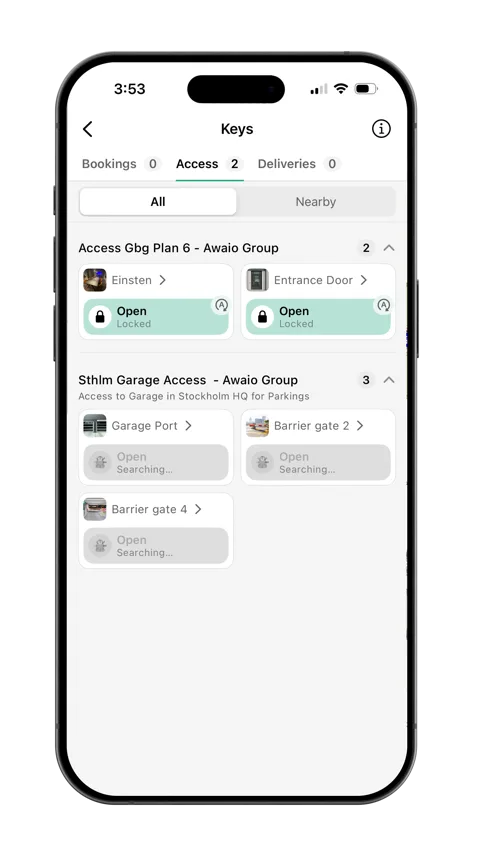

Access rights that are always up to date
When someone leaves, changes role or a booking ends, their access is removed automatically. No lost cards, and no former employees with a key to the building.
Works across
The problem
Access to entrances, floors, rooms and lockers follows each employee's roles and bookings. Everything is managed digitally, and no cards need collecting when someone leaves.
Access is tied to your account, and your phone is protected by your personal sign-in, such as Face ID.
When someone joins, changes role or leaves, their access updates automatically through Microsoft Entra ID.
Booked a meeting room or a parking space? Then you have access for as long as the booking lasts.
No cards, keys or access lists to keep track of. Give and remove access in seconds.
Get from the barrier and the garage to the entrance, your floor, the meeting room and your locker. Every door opens with the same app.
How it works
Access follows roles, bookings and changes in the organisation, from the front door to the parking barrier.

Unlock with one tap in the app or with a TapCard. No more hunting for the card in your pocket.

Give a whole department access at once, or give individuals access to exactly the doors they need.

Use the Awaio Smart Access Box, or connect more than 40 access and lock systems through Inlet.
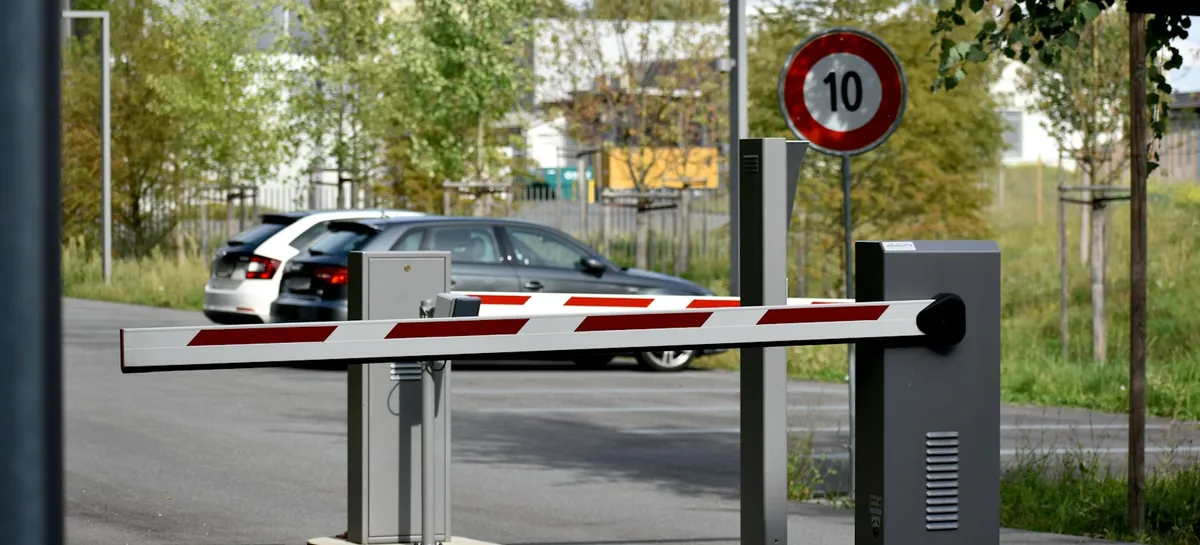
Open the barrier with your phone, right from the car. No rolling down the window to find your card, and shorter queues at rush hour.
When someone leaves, changes role or a booking ends, their access is removed automatically. No lost cards, and no former employees with a key to the building.
Hardware
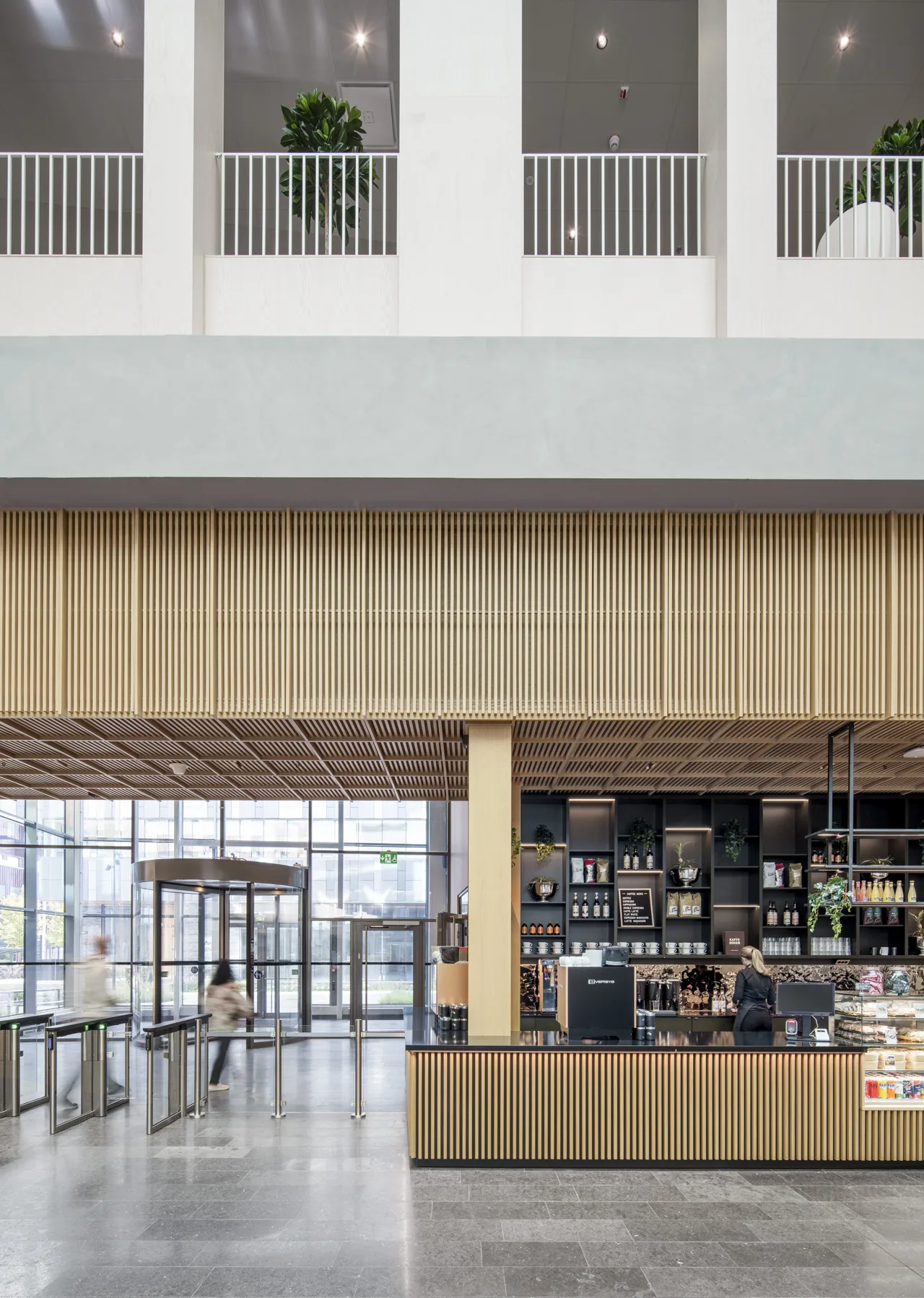
The Smart Access Box is fitted at the entrance you already have. You don't need to replace locks or buy new equipment.
Fit the Smart Access Box
The box is fitted next to the relay that controls the door. All the equipment that is there today stays in place.
Connect it to Awaio
Connect the box in the web portal and link it to the right door, gate or barrier.
Give access
Choose who gets access, by role or booking. Users unlock in the app.

Required hardware
Runs on the Awaio Smart Access Box
A compact retrofit unit for doors, gates, and barriers.
Use the Smart Access Box, or connect the access systems you already have through Inlet. Both are managed in the same app.
40+ access and lock systems via Inlet
See which systems are supported




WHAT'S INCLUDED
See some examples below.
Tap in the app or tap your phone on a TapCard. No cards, fobs or keys.
The app shows the doors you have access to, and which ones are closest to you.
Entrances, gates, parking barriers, and booked rooms and spaces.
Book a room and it unlocks only for you, and only during your booking.
Book a desk zone or a shared space and you get the right access automatically.
Booked a space? Open the barrier with your phone right from the car, during your booking.
Access is tied to your account, and your phone is protected by your personal sign-in.
Lockers with Awaio Smart Locks open in the same app as the doors.
Connect a new entrance to the app without replacing your door hardware.
FAQ
Everything you need to know to decide if Awaio mobile access is right for your organisation.
Physical cards can be lost, stolen, or cloned and each incident creates an open security gap until IT issues a replacement. With smartphone-based access, credentials are bound to the user's account and can be revoked instantly from the admin console.
The recurring cost of issuing, replacing, and auditing physical cards is rarely measured but consistently significant especially in organisations with high turnover. Awaio Mobile Access eliminates most of this overhead by automating credential issuance and revocation through role and booking logic.
When someone is offboarded in Awaio, their access is revoked automatically no separate IT ticket required. There is no risk of ghost access persisting after departure.
The Awaio Smart Access Box is fitted next to the existing door controller, and the door hardware stays in place. How long installation takes depends on the entrance. Once the box is fitted, you connect a new entrance to the app and give access in a few minutes.
Yes. Through the Inlet integration, Awaio connects to more than 40 access and lock systems, including ASSA ABLOY, dormakaba and iLOQ, without replacing hardware. The Awaio Smart Access Box works on most doors and barriers that have no smart access today.
Access in Awaio is role-based, so when a user's role or team changes in the system, their permissions update automatically. There are no manual updates required and no risk of someone retaining access to areas that no longer apply to them.
Yes. Awaio can tie mobile access to a reservation meaning a user only gets entry during the time window they have actually booked. Access is granted when the booking starts and revoked automatically when it ends.
Open the Awaio app and tap the unlock button for the door, gate, or barrier you need. Access is granted based on your role or active bookings no card, fob, or key required.
When you reserve a parking spot in Awaio, barrier or garage access is granted automatically for your booking window. You open the barrier from the app when you arrive no separate parking card or sticker needed.
Mobile access credentials in Awaio are bound to the user's account, not just the device. If a phone is lost, an admin can revoke access instantly from the Awaio Manager console there is no window where a found or stolen phone can be used to gain entry.
Connecting people, spaces and services to simplify everyday work.