If you run a Microsoft 365 workplace, Places looks like the easy answer. It sits in the tenant you already pay for, it books rooms and desks from Outlook and Teams, and nobody has to learn a new app.
Then you start rolling it out. Before anyone reserves a seat, someone has to build a full hierarchy of buildings, floors, and desks, create the resource accounts behind it, and get the calendar rules right. The desk booking you wanted needs a separate licence. And whatever you configure only reaches people inside your tenant, which rules out a Google Workspace team, a building shared with other companies, or the subsidiary running its own email.
If you're reading this, you've probably hit one of those three walls and want to know what else is out there.
Disclosure: This comparison is published by Awaio, one of the providers included. It is based on publicly available product and pricing information reviewed on 14 August 2026. Features, licensing and prices may change, so current details should be verified with each provider.
We have compared seven alternatives that come at the problem from different angles. Here's the quick version:
Awaio: desks, rooms, lockers, parking, and access on one platform, integrating with both Microsoft 365 and Google Workspace without depending on either ecosystem.
Deskbird: employee-first week planning for teams on either Microsoft 365 or Google Calendar.
Yoffix: a lighter, Teams-native booking layer for organisations staying inside Microsoft or Google Workspace.
Robin: enterprise rooms, desks, and door displays with deep utilisation reporting.
Envoy: visitor management first, with desk and room booking layered on top.
Mapiq: a planning and analytics layer that runs alongside your existing Places bookings.
Steerpath: the Places experience rebuilt natively for Google Workspace.
Why teams look beyond Microsoft Places
For an all-Microsoft office that mainly needs meeting rooms, Places does the job. Core booking comes with the licence you already hold, reservations happen inside Outlook and Teams, and room coordination is solid, with room finder, auto-release for no-shows, and Copilot room suggestions if you licence Copilot.
Four things push teams to look elsewhere:
Setup lands on IT, not facilities. Microsoft's own documentation states that most Places features depend on a fully established hierarchy of buildings, floors, and workspaces. Someone has to build that, create a resource account per desk, and get the calendar processing right before a single booking happens. Admins also need an Exchange Online licence to run the Places PowerShell cmdlets and reach the management app, so the facilities team that wanted this ends up waiting on a ticket.
The features you came for need their own licence. Since April 2026, individual desk booking, auto-release, and space analytics run on a per-space Teams Shared Space licence instead of per-user Teams Premium. One licence covers up to four desks. Desks that aren't covered by a Shared Space licence miss out on Places' desk-level booking and analytics features, so you can't rely on them for detailed utilisation data.
It stops at the edge of your tenant. Places books for Microsoft 365 users in your organisation. A Google Workspace team can't use it, and neither can the other companies in a shared building, each sitting on its own tenant.
The scope stops at workspaces. Places books rooms and desks, plans hybrid days, and reports on space use. Lockers, parking, EV charging, and door access stay on separate systems, and someone reconciles the data by hand.
The 7 best Microsoft Places alternatives at a glance
| Tool | Best for | Works beyond Microsoft 365 | Scope | Pricing |
|---|---|---|---|---|
| Awaio | Replacing Places without an IT project | Yes, Microsoft and Google accounts, across separate domains | Rooms, desks, lockers, parking, EV charging, access | Pricing per resource - unlimited users |
| Deskbird | Employee-first week planning | Yes, Microsoft 365 and Google Calendar | Desks, rooms, parking, visitors | From €2.75/user/mo, plus add-ons |
| Yoffix | MS-Teams native booking | Partly, built around Teams | Desks, rooms, parking, resources, visitors | Quote |
| Robin | Enterprise rooms and signage | Yes, Outlook and Google Calendar | Desks, rooms, visitors, displays | Quote |
| Envoy | Visitor-heavy offices | Yes, Microsoft and Google | Visitors, desks, rooms, parking | $5 per bookable resource/mo, plus platform fee |
| Mapiq | Adding analytics over Places | Yes, Outlook and Google Calendar | Desks, rooms, space planning, sensors | Quote |
| Steerpath | Google Workspace organisations | Yes, native Google Workspace | Desks, rooms, parking, occupancy sensors | Quote |
1. Awaio: Best for full workplace booking that works with Microsoft (without depending on it)
Awaio is a standalone workplace platform for hybrid offices. It connects to Microsoft 365 and Google Workspace rather than running inside either one, and books every resource in a building: desks, meeting rooms, lockers, parking bays, EV chargers, pool cars, bikes, and door access from the same app.
Get live quickly without a complex IT project

With Places, the hierarchy comes first: buildings, floors, workspaces, resource accounts, calendar rules. Awaio starts with your floor plan. Upload it as a PDF or DWG, tag the spaces you want bookable, print a QR code for each one, and you're live, usually within days. There are no sensors, room displays, or resource accounts to configure, so the rollout sits with the facilities team instead of queuing behind IT.
Employees book from the map on their phone or browser, scan the QR code on arrival to confirm, and anything unconfirmed releases back to the pool without an admin chasing it.
Seamless booking for people Places can't reach
On Awaio, staff sign in with the Microsoft 365 or Google accounts they already have, and bookings sync both ways with Outlook and Google Calendar. Microsoft 365 is supported rather than required, which opens three situations Places can't serve: a mixed building where one team runs Google and another runs Microsoft, a property with several tenant companies on separate domains, and a group whose subsidiaries sit on different email providers.
Norwegian Property shows how that works in practice. At Aker Brygge in Oslo, its tenants sign in with their own company accounts from Microsoft 365 and Google Workspace, then share, book, and open common wardrobes inside their individual communities, with a 95% reduction in locker administration across new and retrofitted cabinets.
Science Park Jönköping runs the same model at greater scale, managing more than 500 people from over 100 companies booking shared meeting rooms, desks, and digital keys through one platform.
See all the resources in the entire building
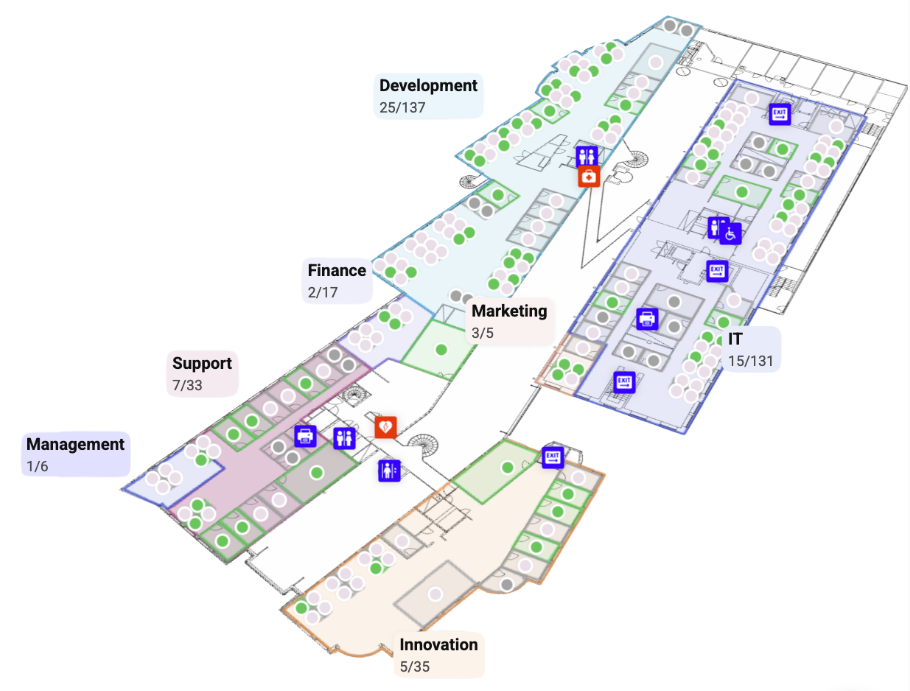
Places handles workspaces and the coordination around them. Awaio treats lockers, parking, EV charging, pool cars, bikes, and door access as bookable resources on the same map, under the same rules, reporting into the same dashboard. For a facilities team currently running parking on a spreadsheet and lockers on a key cabinet, that's three systems collapsing into one.
Awaio vs Microsoft Places
| Microsoft Places | Awaio | |
|---|---|---|
| Who can book | Microsoft 365 users in your tenant | Microsoft or Google accounts, across separate domains |
| Several companies in one building | Not supported across tenants | Supported, each company books its own resources |
| Setup | Buildings, floors, and desk hierarchy in Exchange, plus resource accounts | Upload a floor plan, tag spaces, print QR codes |
| Desks and rooms | Yes | Yes |
| Lockers, parking, EV charging, access | Not covered | Covered in the same app |
| Licensing | Core with Microsoft 365, desk booking needs a per-space licence covering up to four desks | Per resource, unlimited users on every module |
| Calendar | Outlook and Exchange | Two-way sync with Outlook and Google Calendar |
Key features
QR check-in and auto-release: staff scan a code on arrival to confirm, and unconfirmed bookings return to the pool automatically.
Cross-domain sign-in: people on Microsoft 365 and Google accounts book from the same map, in the same building.
Smart lockers: existing cabinets become app-controlled storage assigned to a person, team, or booking, replacing keys and RFID cards.
Parking and mobility: book parking bays, EV chargers, pool cars, and bikes alongside desks instead of running a separate system.
Interactive office map: find a free space, see where colleagues are sitting, and book nearby, built from your uploaded floor plan.
Usage analytics: track how rooms, desks, lockers, and parking are used, so you can retire what nobody books.
Pros
One platform for desks, rooms, lockers, parking, and access, so they report through a single system instead of four.
Desk, room booking and wayfinding requires no sensors, displays, or other hardware. Smart lockers and digital access use compatible smart locks and access hardware.
Unlimited users on every module, so cost tracks resources rather than headcount.
Works across ecosystems and across companies, which suits multi-tenant buildings and mixed Microsoft and Google estates.
Cons
Visitor management isn't part of the platform yet, so a reception-heavy office still needs a front-desk tool.
No self-serve free trial, though Awaio runs one-to-one demos and guided pilots.
Broader than a small office may need if you only ever want meeting rooms.
Pricing
Modular and billed per resource, with unlimited users on every module.
Desk management: €69/month for up to 20 desks, then €4.9/desk/month
Room booking: €10.9/month
Smart parking: €69/month for up to 20 spaces, then €4.9/space/month
Office map: from €190, one-time cost per floor
QR signs (optional): €39/sign
Because you pay per resource rather than per person, hiring doesn't change the bill. You can start with rooms and add desks, lockers, or parking as the workplace grows.
Book a 30-minute Awaio demo to see it running against your own floor plan.
2. Deskbird: Best for employee-first week planning
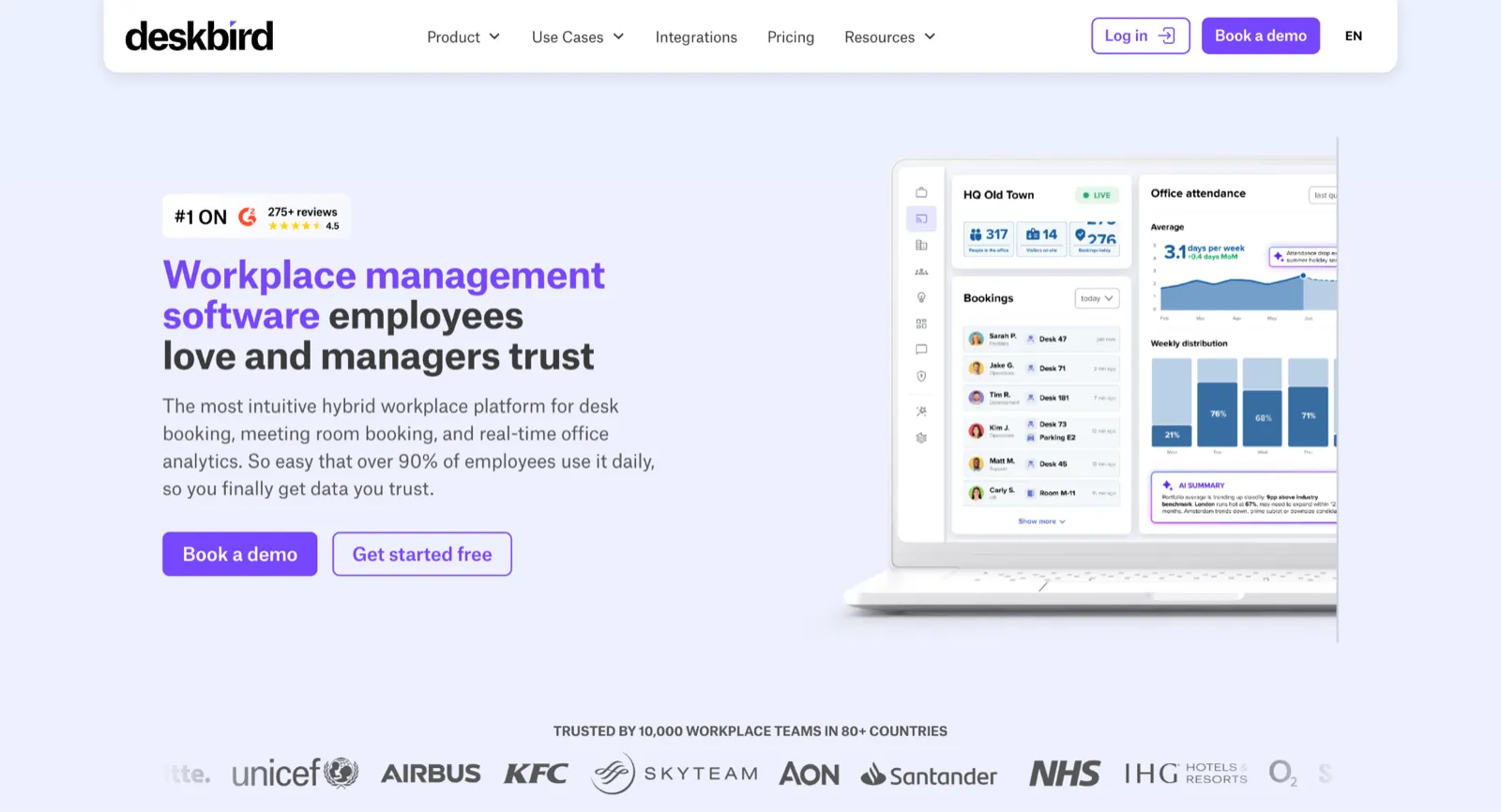
Deskbird builds around the employee's week rather than the admin console. People set their office days in a planner, see which colleagues are coming in, and book a desk near their team, which is the coordination job Places handles through work plans, with a friendlier front end.
It works with Microsoft 365 and Google Calendar, so it reaches the Google teams Places can't, and it needs no Exchange hierarchy to get going. Pricing is the part to check closely. The base plan is priced per user, with room booking, visitors, and user management sold as add-ons, so the bill climbs with headcount and with every capability you switch on. If your headcount runs well ahead of your desk count, it's worth comparing a few Deskbird alternatives before committing.
Places keeps the edge on depth of Microsoft integration, since Deskbird sits alongside Teams and Outlook rather than inside the tenant. Neither tool covers lockers or door access, so a team trying to run fewer systems won't solve that with either one.
Key features
Booking inside Teams and Outlook: reserve a desk or room in two clicks without opening a separate app.
Colleague view: see who is in and book a seat near your team without extra coordination.
Auto check-in and ghost booking prevention: release desks nobody turns up to, so utilisation data stays accurate.
Workplace analytics without sensors: report real utilisation from check-ins rather than booking intent.
SCIM and Entra ID provisioning: sync users from existing identity systems instead of maintaining a list.
Pros
Quick to adopt, with a planner-first interface most staff use without training.
Serves Google Workspace teams, which Places can't reach at all.
Cons
Priced per user, so offices with more employees than desks pay for people who rarely book, and add-ons stack on top.
No locker or access management, so it won't consolidate your other tools.
Pricing
Per user, per month. Deskbird's Business plan starts at €2.75 per user per month on annual billing, with Professional and Enterprise plans quoted individually.
3. Yoffix: Best for MS-Teams native booking
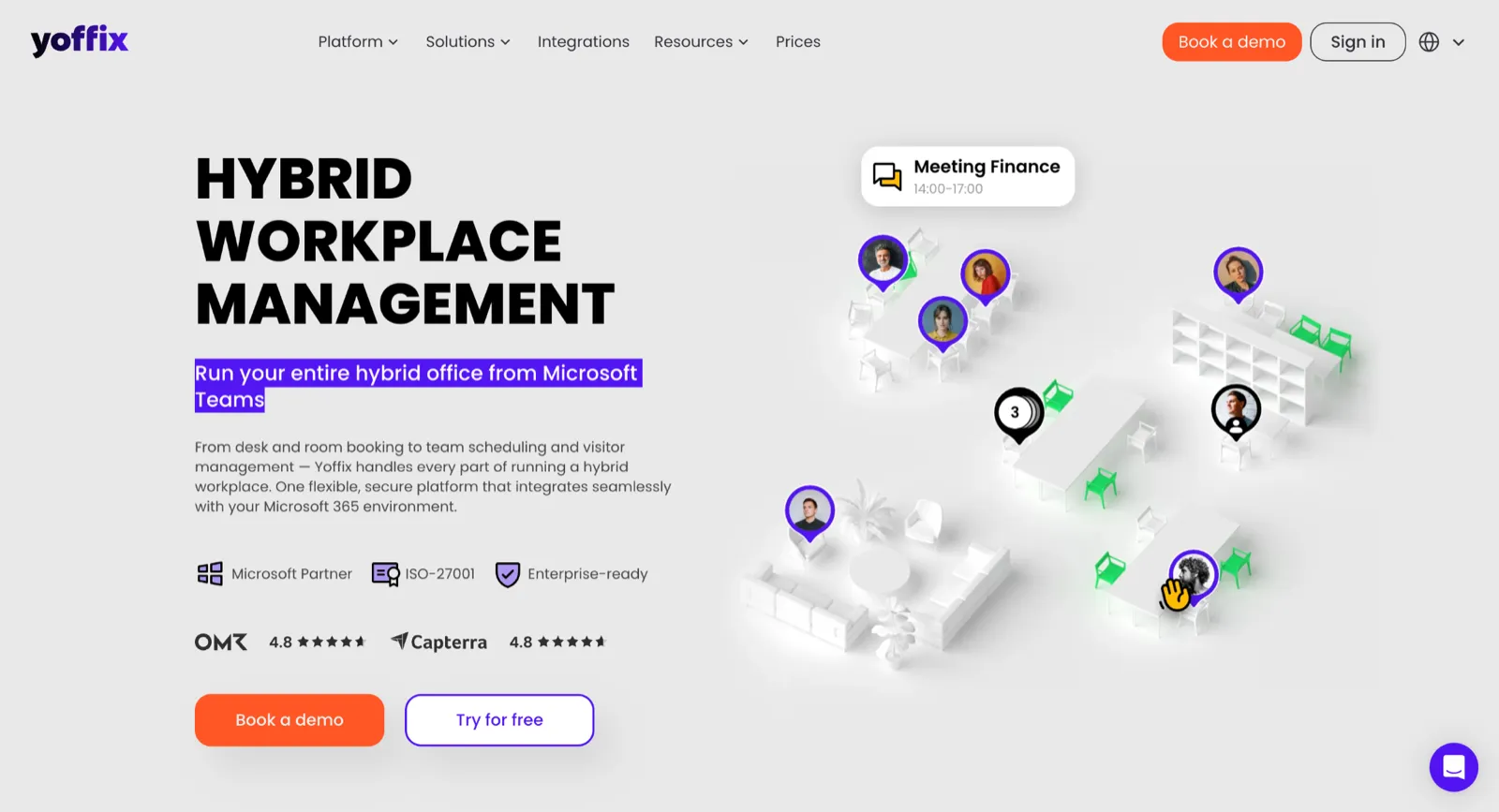
Yoffix is a certified Microsoft Partner built around Teams, which makes it the closest thing here to a lighter Places. Staff book desks, rooms, parking, and other resources without leaving Teams, check in or cancel in one click, and admins get attendance analytics comparing bookings against who turned up.
It bundles what Places either charges for separately or leaves out: QR check-in, booking rules and roles, parking, resource booking, and visitor management, with no per-desk licence to buy. It also integrates with Google Workspace and Slack, not just Microsoft 365, so it isn't tied to one ecosystem the way Places is.
The limitation is scope rather than platform: Yoffix doesn't include native smart locker or digital access management, so organisations wanting one system across booking, storage, and access will still need to pair it with something else.
Key features
Teams-native booking: reserve desks, rooms, parking, and booths inside Teams with live availability and equipment filters.
One-click check-in: confirm or cancel from Teams, giving admins a clear view of attendance against bookings.
Team day scheduling: set office days for a team and assign seats automatically so groups land together.
Entra ID provisioning: sync users from existing Microsoft identity rather than maintaining a separate list.
Pros
Deep Teams integration from a certified Microsoft Partner, so adoption rides on a tool staff already open.
Covers parking, resources, and visitors, which Places leaves out.
Cons
No native smart locker or digital access management, so it does not consolidate workplace booking, storage, and access in one platform.
Pricing
Quote-based. Yoffix asks for your user count and feature requirements, then sends a tailored proposal with pricing and an implementation timeline.
4. Robin: Best for enterprises running rooms, desks, and signage together
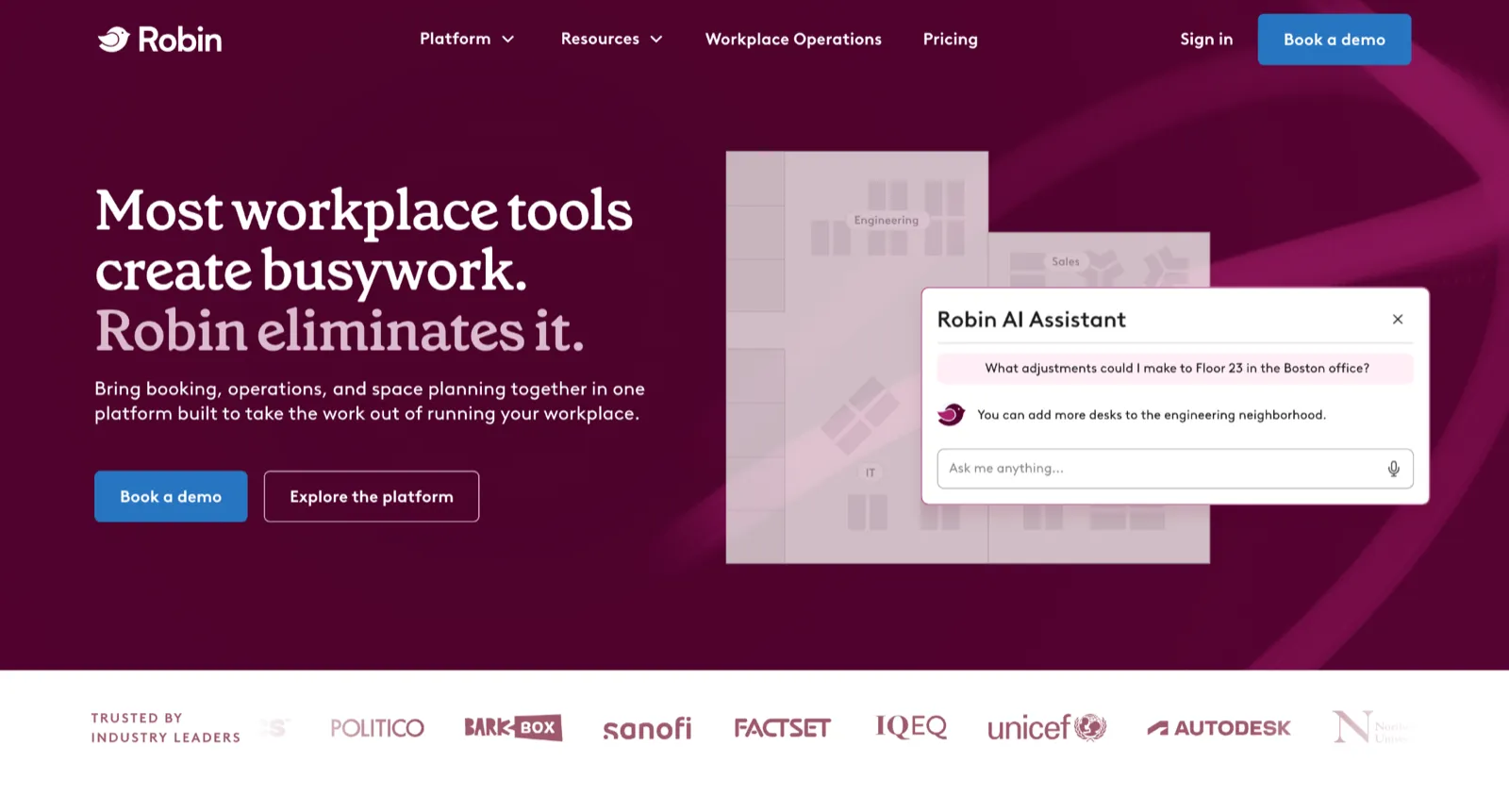
Robin started in conference-room scheduling and grew into a full workplace platform, and rooms are still where it's strongest. Displays outside meeting rooms show live availability and let people book or check in at the door, with desk booking, interactive maps, and analytics running alongside.
Where Places stops at workspaces, Robin adds visitors, wayfinding, and digital signage to the same system, and it layers on top of existing Outlook or Google calendars rather than committing you to one ecosystem. The platform doesn't publish pricing, bills annually, and sells its displays separately, so the evaluation starts with a sales call and ends with a hardware budget.
Key features
Room and desk booking: reserve either from an interactive office map or the web dashboard.
Digital signage and displays: show live availability on panels and status boards around the office.
Wayfinding: help people find the space they booked across large or multi-floor sites.
Workplace analytics: report utilisation to support space and real estate decisions.
Calendar integration: layer bookings on top of existing Outlook or Google calendars.
Pros
Broad coverage across desks, rooms, visitors, signage, and wayfinding in one platform.
Suits multi-site enterprises that already treat displays as part of the office.
Cons
No published pricing and annual billing, so budgeting means a sales conversation and a longer commitment.
Hardware is a separate purchase, adding cost and upkeep Places doesn't require.
Pricing
Quote-based, with no public price list. Room displays are sold separately from the software.
5. Envoy: Best for visitor-heavy offices that also need space data
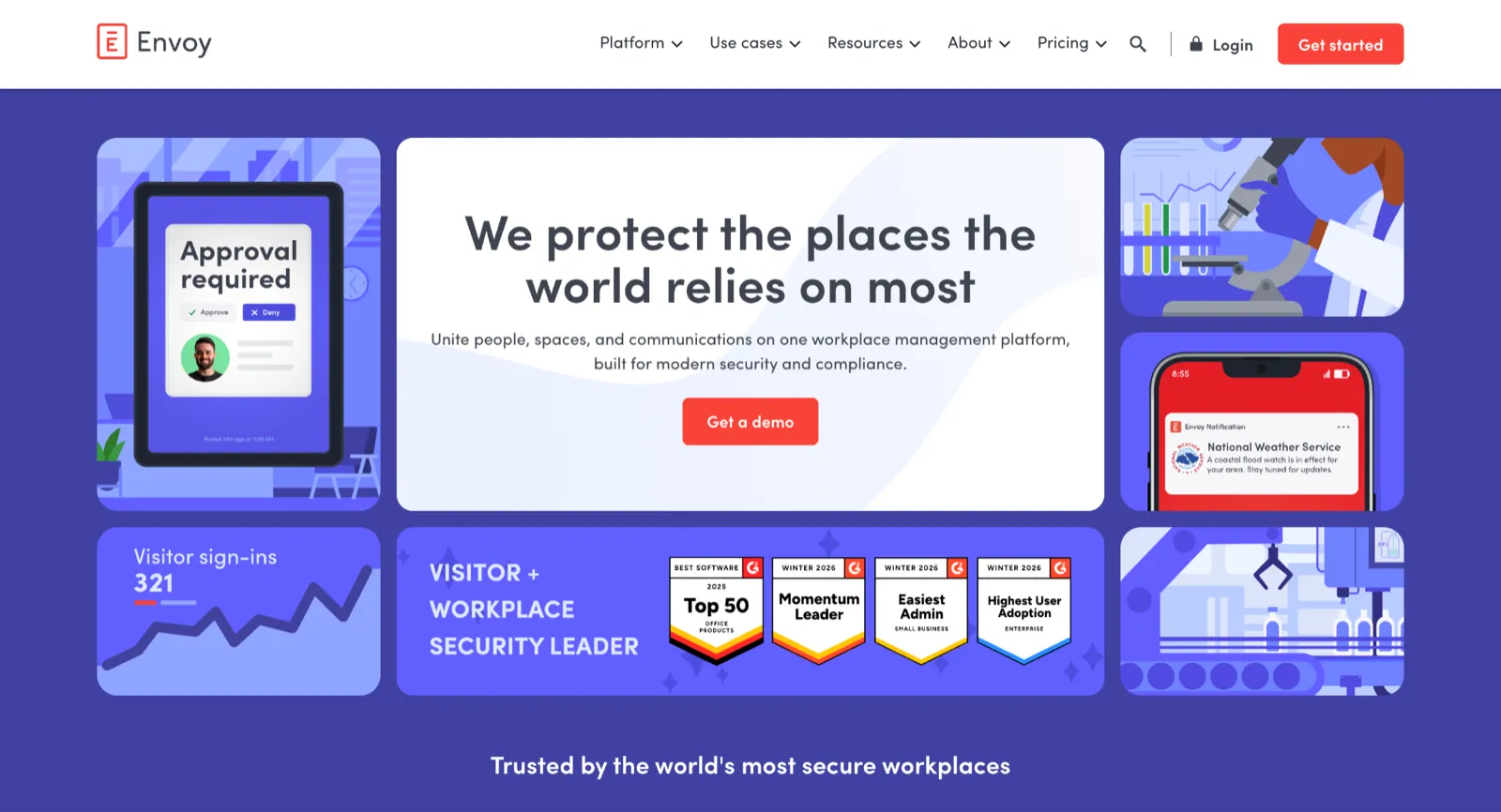
Envoy leads with the front desk. Guests sign in on arrival, badges print, hosts get notified, and security teams get the audit trail, with desk, room, and parking booking available as separate modules on the same platform.
That visitor layer is an edge over Places, and the booking side works for Microsoft and Google organisations alike.
Envoy prices each capability separately, so the reservations you'd compare against Places sit on top of a platform fee it doesn't publish, and visitor management is billed per location again. If your priority is booking desks and rooms rather than managing guests, you would be paying for a visitor layer you don't need, so these Envoy alternatives are worth weighing first.
Key features
Visitor sign-in: register guests, print badges, and notify hosts, with NDAs and ID checks where compliance demands it.
Desk and room reservations: book from mobile, a calendar invite, or a map, with auto-release for missed check-ins.
Resource dashboards: track how desks, rooms, and parking get used across locations.
Wide integrations: connect calendars, access control, and HR systems already in place.
Pros
Front-desk depth Places doesn't offer, which matters for regulated or reception-heavy sites.
Space and visitor data in one platform, so attendance and guest traffic read together.
Cons
Costs stack module by module, with booking, visitors, and signage each priced on top of a platform fee.
Locker management isn't part of the platform.
Pricing
Reservations covering desks, rooms, and parking are listed at $5 per bookable resource per month, billed annually, and that figure excludes a separate platform fee Envoy does not publish. Visitor management is a separate subscription, with the Premium plan at $362 per location per month on annual billing.
6. Mapiq: Best for adding a planning layer over your existing bookings
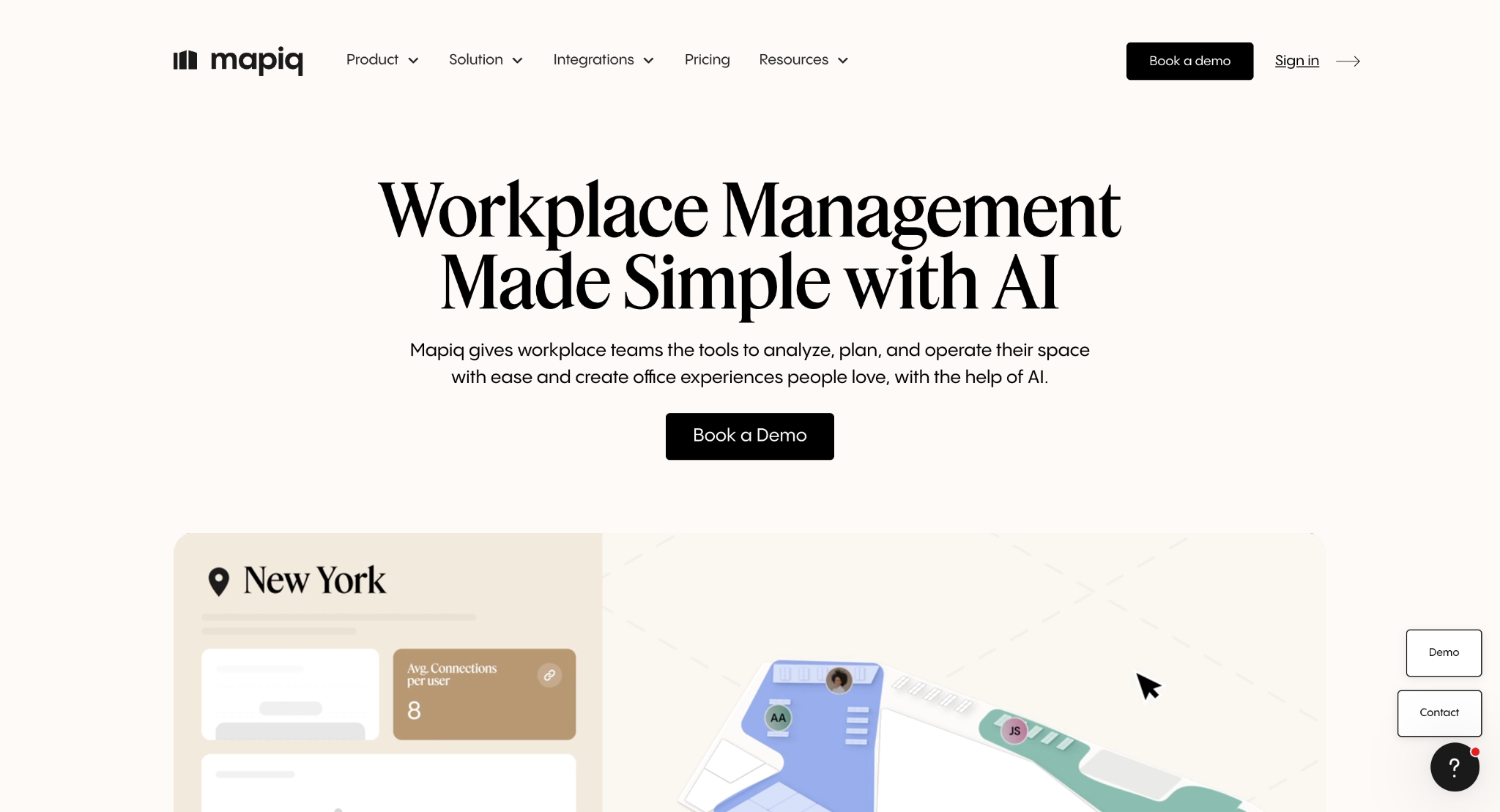
Mapiq is built for organisations coordinating space across a portfolio, combining booking, space planning, and workplace analytics with AI-assisted forecasting for scenario planning.
It doesn't require that you replace Places. If Microsoft or Google already holds your bookings, Mapiq syncs them and runs alongside, so Places can keep handling rooms while Mapiq handles the planning above it. Sensor integrations add measured occupancy on top of that booking data, and Microsoft customers can buy Mapiq through the Azure Marketplace against an existing Azure commitment rather than opening a new procurement cycle.
Key features
Runs alongside existing bookings: sync reservations from Microsoft or Google rather than replacing the booking tool.
Sensor integrations: connect people-counting and occupancy sensors to see actual usage, not just reservations.
Scenario planning: model layout and capacity changes with AI-assisted forecasting before committing.
Azure Marketplace purchase: buy against an existing Microsoft Azure commitment instead of a separate procurement cycle.
Pros
Complements Places rather than displacing it, which suits organisations already invested in the rollout.
Measured occupancy through sensors, giving a fuller picture than bookings alone.
Cons
Aimed at large enterprises, so it's heavier than a mid-sized office needs.
No public pricing, and sensor deployments add hardware cost.
Pricing
Mapiq's pricing is quote-based, with no public price list.
7. Steerpath: Best for Google Workspace organisations
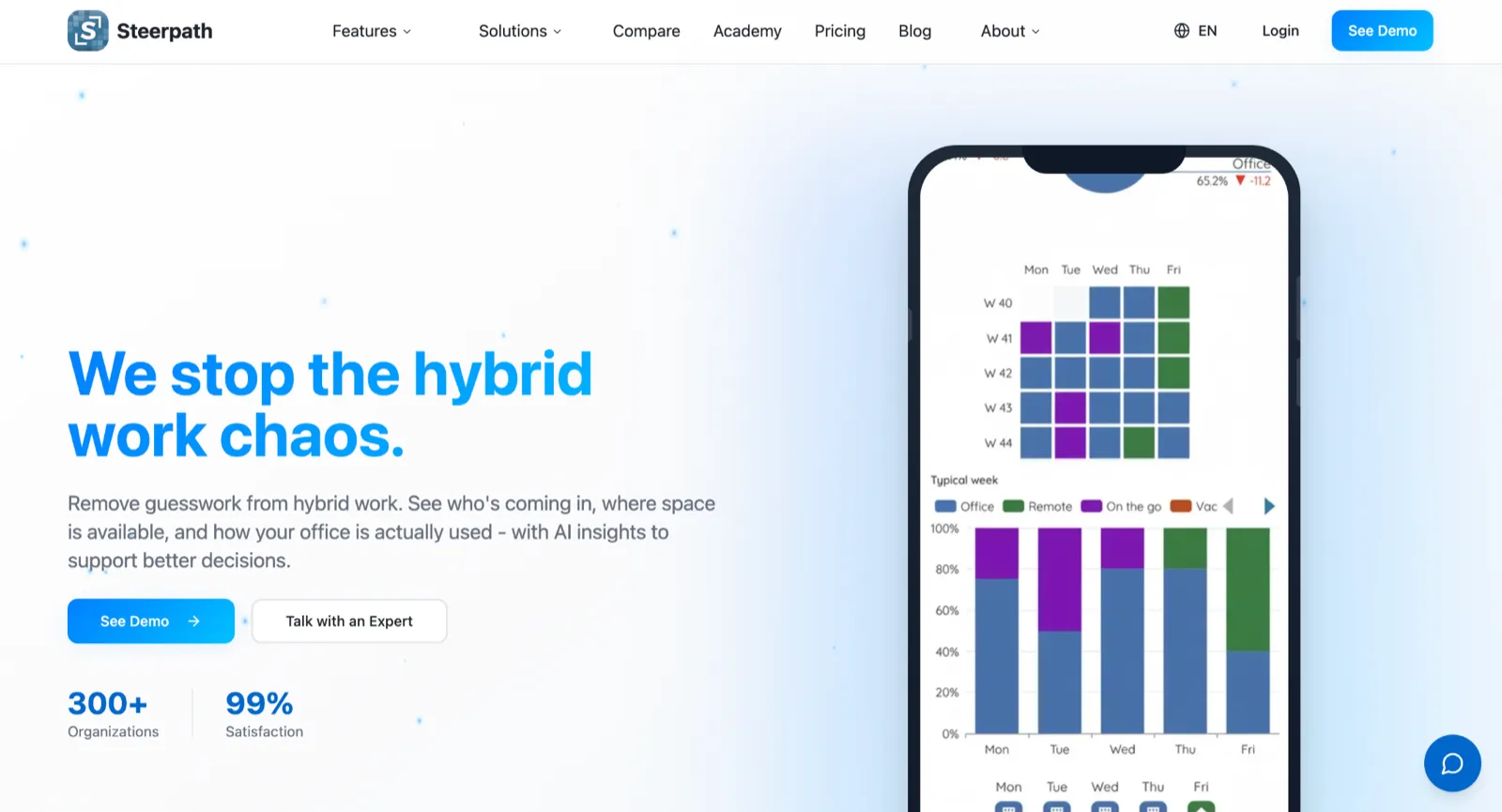
Steerpath goes straight at the gap Places leaves, delivering the same core features natively for Google Workspace. It connects directly to Google Calendar APIs, and to Microsoft calendar APIs the same way Outlook does, rather than syncing through a booking calendar of its own.
For a Google Workspace organisation, that means work location coordination, space booking, and occupancy analytics Places can't provide at any price. Capacity booking is the more interesting addition: employees state which days they're coming in and the system guarantees them a desk without anyone reserving a specific seat. The 3D floor plans then show sensor occupancy alongside booking status on the same map.
Key features
Native Google Calendar booking: connect directly to Google Calendar APIs for work location and room booking.
Capacity booking: guarantee a desk based on stated office days instead of asking everyone to reserve a specific seat.
3D floor plans: show live booking status and sensor occupancy on the same map.
Occupancy analytics: combine sensor data with hybrid work patterns to show which spaces get used and which sit empty.
Pros
Built for the ecosystem Places excludes, making it a direct answer for Google Workspace shops.
Sensor-based occupancy shows real usage beyond what bookings record.
Cons
Sensors mean hardware, with the installation and cost that follows.
No public pricing, so evaluation starts with a sales conversation.
Pricing
Quote-based, with no public price list.
Which Microsoft Places alternative is right for you?
Choose Awaio if you want desks, rooms, lockers, parking, and access on one platform without an Exchange project, and you need people on Microsoft and Google, or several companies in one building, booking from the same system.
Choose Steerpath if your organisation runs on Google Workspace and you want the Places experience where Places doesn't go.
Choose Mapiq if Places is staying and you want a planning and analytics layer over it, with sensor data behind the numbers.
If you're replacing Places outright and want the whole workplace in one system, book an Awaio demo and see it running against your own floor plan.
Frequently asked questions
What is the best Microsoft Places alternative?
It depends on why you're leaving. Awaio is the strongest all-round replacement, covering desks, rooms, lockers, parking, and access without a Microsoft 365 dependency or an Exchange setup. For Google Workspace organisations, Steerpath is built for that case. For visitor-heavy offices, Envoy leads on front-desk features. For enterprises keeping Places, Mapiq adds planning and analytics on top.
Is there a free Microsoft Places alternative?
Core Places features already come with a Microsoft 365 licence, so the real question is what the paid tier costs. Among the alternatives here, most run on paid plans priced per user, per resource, or by quote. Free tiers in this category tend to cap users or resources tightly enough to suit a pilot rather than a full rollout.
Does Microsoft Places work with Google Workspace?
No. Places books for users inside a Microsoft 365 tenant, so a Google Workspace organisation can't use it. Awaio and Steerpath both connect to Google Calendar directly, and Awaio lets people on Microsoft and Google accounts book from the same system.
Do you still pay extra for Microsoft Places desk booking?
Yes, though the model changed in April 2026. Individual desk booking, auto-release, and space analytics now need a per-space Teams Shared Space licence rather than a per-user Teams Premium licence, with one licence covering up to four desks. Desks left unlicensed appear unavailable to staff and produce no analytics.
Can a Microsoft Places alternative handle lockers and parking?
Some can. Places covers rooms and desks, so lockers, parking, EV charging, and access need separate systems. Awaio manages all of them in the same app, Yoffix covers parking and resources, and Envoy and Robin cover parking through their reservation modules.
Can you run an alternative alongside Microsoft Places?
Yes. Mapiq syncs bookings from Microsoft or Google and runs as a planning and analytics layer over your existing setup. Awaio also works alongside Places, syncing two ways with Outlook while covering the lockers, parking, and access Places doesn't reach.