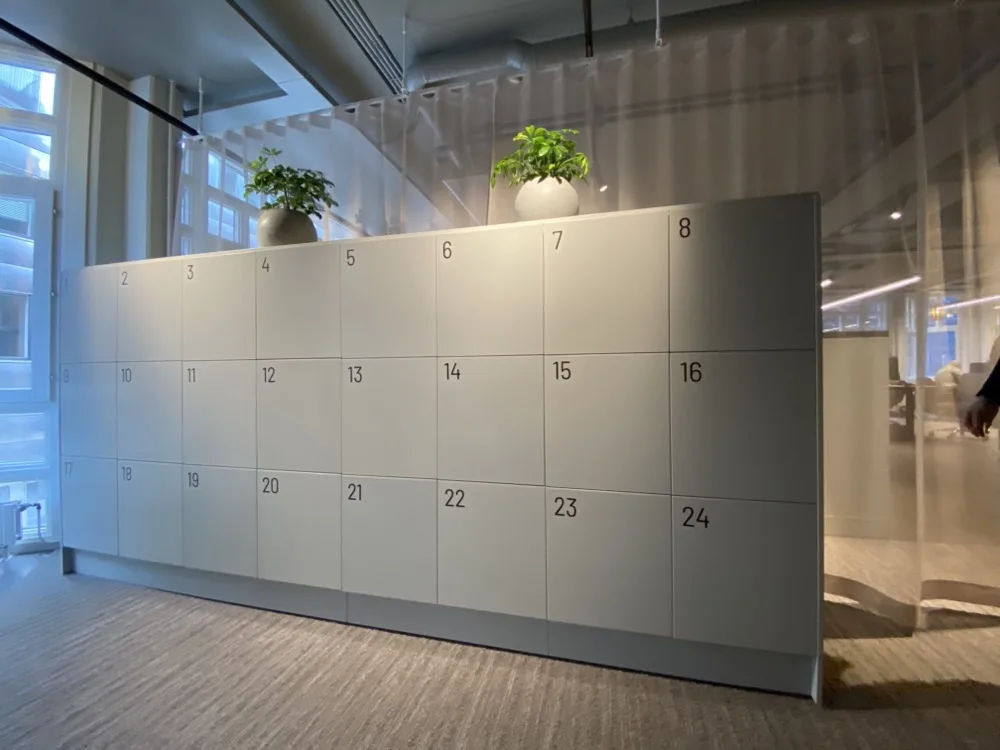
Most offices still run lockers the way they did a decade ago. Every employee gets a locker of their own, opens it with a key or swipe card handed over on day one, and keeps it for as long as they stay. Once a locker is assigned, no one gives it another thought.
That held up when everyone was in five days a week, but not anymore. Today, desks rotate, people come in two or three days a week, and the wall of permanently assigned lockers ends up mostly empty while new joiners are told there are none left to give out.
The problem is: a key or an RFID card opens a door, but doesn't show you which lockers are dead weight, and the easy answer is always to buy more.
Locker management software exists to answer the one question those keys cannot: who is using what. It puts a smart lock on each cabinet, lets people book and open lockers from a phone or a badge, and records every use, so the lockers gathering dust finally surface in a report. The better systems fit onto the cabinets you already have, which is what keeps the whole thing a software project rather than a furniture order.
This guide is about office and workplace storage: the lockers by the desks, end-of-trip and changing-room storage, shared team cabinets, and in-office parcel drop-off. It sets aside parcel lockers for flats and shops, gym memberships, and IT-kit dispensers, though a few of these tools reach into those spaces.
How We Evaluated These Locker Management Software
We checked each tool on its own live product pages, not a directory listing, and weighed it on the four things that decide an office rollout:
Does it retrofit your existing cabinets or expect new ones, and what does that installation involve?
Does it keep working when the network drops?
Does it report usage, or only open doors?
Does it stop at lockers, or also run desks, rooms, and parking?
7 Best Locker Management Software Tools At a Glance
| Tool | Best for | Installation | Access | Works offline | Usage analytics | Wider workplace platform | Pricing |
| Awaio | Hardware-free office lockers + rooms, desks and parking in one platform | Retrofit, no wiring or terminals | Phone, QR, access card | Yes | Yes | Yes (desks, rooms, parking, access) | €99 per lock; Module-based pricing |
| Vecos (Releezme) | Large, storage-specialist estates | Retrofit or new | Touchscreen terminal, app | Not stated | Yes | No | Quote only |
| Gantner (eLoxx) | RFID credential-led access, end-of-trip | Retrofit or new, battery or wired | Card, PIN, app, terminal | Battery locks via BLE.Connect | Yes | No | Quote only |
| eLocker | Mixed office, warehouse, asset lockers | Retrofit or new | Card, phone, PIN, QR | Not stated | Yes | No | Subscription, quote only |
| Ojmar | Battery or batteryless locks | Retrofit, cable-free | Phone, keypad, RFID | Yes (OTS 40) | Yes (OTS 40) | No | Quote only |
| Flexlock | Standalone locks on existing cabinets | Retrofit, new or existing | Card, tag, app, QR | Yes (local tiers) | Cloud tier only | No | SaaS contract, quote only |
| Envoy | Visitor management with booking attached | Lockers via Luxer One hardware | QR at Luxer One terminal | No (for lockers) | Workplace, not locker-native | Yes (visitors, desks, rooms) | Free Visitors tier, rest custom |
1. Awaio: Best for managing lockers inside an all-in-one office platform
Most tools here specialise in lockers. Awaio takes a wider view, running desks, meeting rooms, parking, and building access from one app, with lockers as one module among several. For storage, it fits its own battery-powered Bluetooth locks onto cabinets you already own, then makes each one bookable from a phone.
Because lockers sit in the same system as desks, rooms, and parking, every booking, open, and release lands in one dashboard. You can see which cabinets are used and which sit empty, floor by floor and site by site, the kind of visibility a key or an RFID card never gives you.
The locks are battery-powered and use Bluetooth, so they retrofit onto cabinets you already own with a template and a drill. There's no need for wiring, a power supply, or IT to set it up. Where a networked system would need all three at every cabinet, Awaio goes in over an afternoon, and scales the same way when you add a floor or open a new office.
How Awaio customers retrofit at scale
KPMG Norway fitted 1,684 cabinets at its Oslo headquarters and refitted two in five from existing furniture instead of buying new. At that count, new cabinets would have meant procurement, lead times, and hauling the old ones away. The refit only required a drill template and a few minutes per lock.
Statkraft kept every cabinet it already owned and put Awaio locks on them. Reusing each cabinet saved around 79.2 kg of CO2e compared with buying a new one, a saving the company can report against its carbon targets.

BDO runs its lockers under steady daily turnover, with changing-room storage across ten floors shared by different people throughout the day. 1,100 locks there cut locker admin by up to 95% once employees booked and released storage themselves, instead of facilities handing out and reissuing keys.
Want to see similar results with your own locker storage? Get in touch to book a 20-minute walkthrough with an Awaio product specialist.
Key features
Retrofit Bluetooth lock: fits existing wooden or metal cabinets with a pre-cut template in under five minutes, with no power or cabling.
Phone, QR, or card access: open with a one-tap key in the app, a scan of the locker's QR code, or an existing access card.
Self-service booking: people reserve, share, and release lockers themselves, which lifts the day-to-day admin off the facilities team.
Microsoft 365 and Google sign-in: staff use existing logins with a second verification step and book from Outlook or Calendar.
Usage analytics: occupancy by locker type, department, and time, with low-battery alerts before a lock dies.
Mixed locker types: personal, team, parcel, e-bike charging, and changing-room lockers that release on exit, in one view.
Pros
You upgrade the furniture you already have instead of buying it twice.
Lockers share one system with desks, rooms, and parking, which pays back fastest for teams trying to retire a stack of separate tools.
The Bluetooth locks survive a network outage and go in without IT.
Cons
There is still hardware to buy, since the locks are Awaio's own. The saving is in keeping your cabinets.
The value lives in the breadth, so a team that only ever wants lockers pays for a platform it underuses.
Pricing
Awaio prices by the module, so you pay only for what you switch on, with unlimited users included. Smart locker locks are €99 per lock. Other resources are separate modules, such as room booking at €10.90 per month, so starting with lockers does not commit you to the rest of the platform. You can check the smart office lockers page for more details.
2. Vecos (Releezme): Best for large, storage-specialist estates
Vecos has spent years focused entirely on office storage, and the depth shows in its platform, Releezme. Rather than tie a locker to one name, it manages a wall of cabinets as a shared pool: a locker is handed out when someone needs it and released when they are done, so the same hardware serves far more people than fixed allocation would. Existing cabinets can be upgraded in place, which Vecos calls upcycling.
Releezme runs across large, multi-site estates, and its commercial-grade touchscreen terminals suit busy locker banks where tapping a screen beats reaching for a phone. Set beside Awaio, the difference is that Vecos goes deeper on storage alone, while Awaio spreads the same idea across desks, rooms, and parking.
Key features
Adaptive allocation: fixed, dynamic, visitor, and team lockers in one setup, with time limits that recycle the dynamic ones on their own.
Terminal and app access: find, open, and release lockers at a commercial-grade touchscreen or in the Releezme app.
Retrofit: upgrades existing cabinets instead of forcing new units.
Usage analytics: anonymised reporting on how much of the storage gets used, so you trim the footprint on evidence.
SaaS delivery: cloud-hosted with no local servers, encrypted, and security-tested on a regular cycle.
Building integrations: feeds smart-building platforms and can trigger jobs like cleaning when a locker is used.
Pros
The deepest storage-only feature set on this list, proven at large scale.
Adaptive pooling and retrofit together cut how many cabinets you need to own.
Terminals work well for high-traffic shared banks where an app-only flow frustrates people.
Cons
Storage only, so desks, rooms, and parking still need their own tools.
Touchscreen terminals add cost and hardware at every bank.
Sized and priced for big estates, which makes it heavy for a single mid-size office.
Pricing
Quote only. Vecos does not publish figures, and the price tracks locker count and how you deploy.
3. Gantner (eLoxx): Best for RFID credential-led access and end-of-trip facilities
Gantner is an access-control specialist with four decades in RFID and NFC access control, and its locker software, the eLoxx suite, grew out of that work. The payoff is one credential for everything: the badge that opens the front door and pays in the canteen also opens the locker, so a site already standardised on one card never issues a second.
Where Awaio leads with software, Gantner leads with the hardware, and that is its strength. You get a real choice of locks, wired or battery, three ways to run the software from an embedded controller up to cloud SaaS, and a build that takes the daily churn of a gym or changing room in its stride.
Key features
Multi-credential access: RFID or NFC card, wristband, PIN, app, or terminal, matched to whatever the building already runs.
Three software options: eLoxx One, the simple version that needs no extra IT infrastructure, eLoxx Relaxx on your own server, and eLoxx 365 as encrypted cloud.
Retrofit battery locks: drop into existing cabinets using the holes left by old coin or mechanical locks.
Wired or battery power: central power for permanent banks, battery where running cable is not worth it.
BLE.Connect: brings battery locks online for central monitoring, and they keep working if the link drops.
Tamper alarms: a forced door shows in the software and triggers an email.
Pros
One credential covers lockers, doors, and payments across a badge-run site.
Embedded, on-premise, or cloud software to suit almost any IT policy.
Hardware built for the wear of changing rooms and end-of-trip facilities.
Cons
Access-control roots make the booking experience lighter than a software-first tool.
No desk, room, or parking modules to pull the wider workplace together.
The cloud version, eLoxx 365, is a subscription on top of the hardware.
Pricing
Gantner's locker systems are sold via quotes, with eLoxx 365 sold as a subscription.
4. eLocker: Best for mixed office, warehouse, and asset lockers
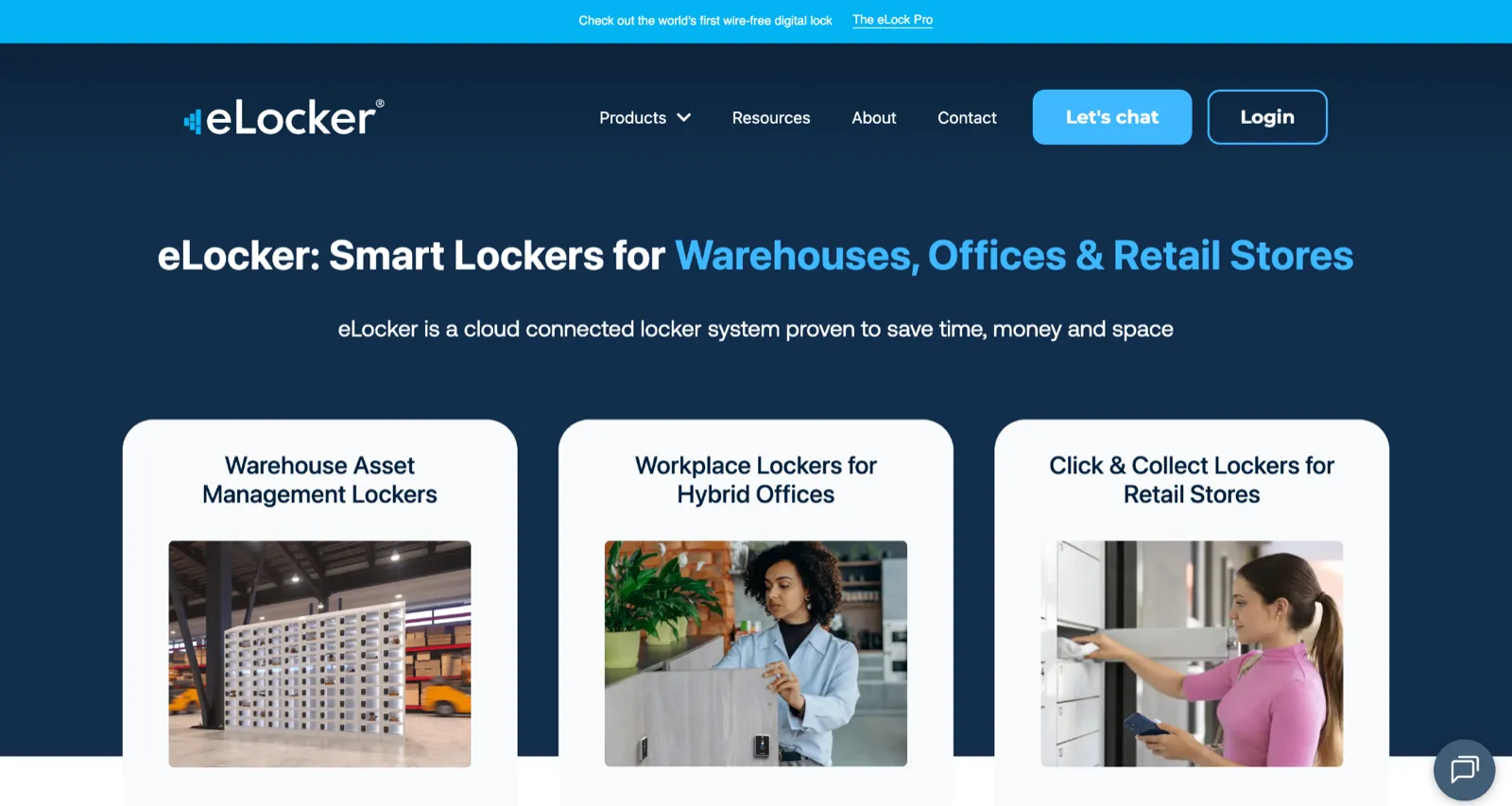
eLocker, a British platform going since 2016, is built less for coats than for kit. Its signature is the two-factor return: someone taps an ID card and the item's own RFID tag to check a laptop or radio back in, so every shared device stays tied to whoever last had it. That makes it a strong fit for estates where office storage sits next to warehouse, PPE, and IT-asset lockers, all run from one browser.
eLocker is at its best across mixed estates, tracking tools and devices as readily as coats, and it is happy to plug into a desk booking app rather than try to be one.
Key features
Browser-based management: run and monitor every locker from the cloud, with no local server.
eLock Pro retrofit locks: upgrade existing cabinets, connect straight to the cloud, and come on subscription to keep upfront cost down.
Card, phone, PIN, or QR access.
Two-factor returns: an ID card plus the item's tag logs who returned what, the accountability shared kit usually lacks.
Live analytics: surfaces idle lockers, with eLocker's own data showing a large share go unused.
Security: GDPR compliant, OWASP tested, with AES-128 encryption over Bluetooth.
Pros
One console covers office, warehouse, PPE, and IT-asset storage.
Two-factor returns give real accountability for shared devices.
Retrofit hardware on subscription reuses your cabinets and softens the upfront cost.
Cons
The industrial lean makes it less of a pure office-storage experience.
The locks stay cloud-connected, so offline-first is not the design here.
Not a wider workplace platform, so desks, rooms, and parking sit elsewhere.
Pricing
eLocker sells on subscription with quote-based pricing. The company builds an ROI case with you rather than listing prices.
5. Ojmar: Best for plug-and-play battery and batteryless locks
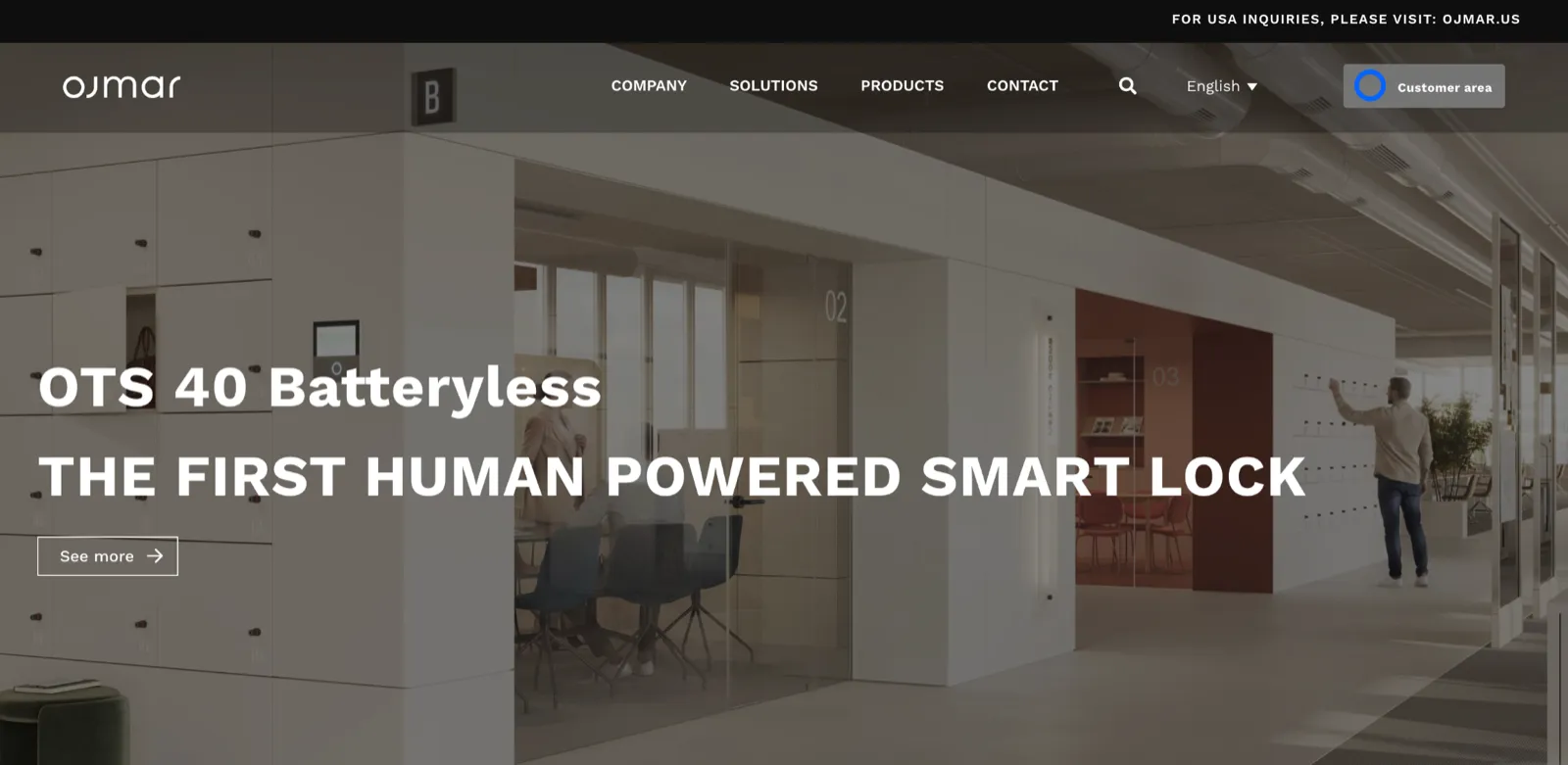
Ojmar is a Spanish lock manufacturer, leisure-bred and now selling into offices, and it competes on the locks themselves. The range runs from the connected OTS 40, which reports usage in real time, to battery-free models. These models (the OTS 20 and OTS 40 Batteryless locks) draw power from the push of the door and never need a battery or a charge.
Because Ojmar leads with hardware, how much software you get depends on which lock you choose. The OTS 40 brings analytics and remote control; the battery-free OTS 20 is standalone RFID with no native cloud and limited reporting. You are choosing a lock and the data that comes with it, not a platform you then fit locks to.
Key features
Cable-free retrofit onto existing lockers.
OTS 40: a wireless lock combining RFID, BLE, and NFC, with real-time analytics and remote opening.
Online or offline: keeps working and logging through an outage, then syncs on reconnect.
OCS Smart: phone or wipe-clean keypad access, a separate management app with a full audit log, and around five and a half years of battery.
OTS 20 Batteryless: self-powered from the door, standalone RFID, maintenance-free.
Free or assigned modes for casual or long-term use.
Pros
Strong, self-made locks, including a maintenance-free batteryless model that takes power out of the picture.
Real-time data and offline operation on the OTS 40 line.
Cable-free fit suits changing rooms and leisure-style facilities.
Cons
Hardware-led, so the software is narrower than a full platform.
The batteryless model trades away cloud and reporting completely.
No desk, room, or parking modules.
Pricing
Ojmar prices its locks through quotes, often via regional partners or resellers.
6. Flexlock: Best for standalone locks on existing cabinets
Flexlock, a Swedish lock maker, is the most stripped-back option here, and that is the whole point of it. Its compact battery locks, hidden or external, can be set up to read the access cards your building already issues. That way, one badge opens both the door and the locker and nobody carries a second credential.
What you trade for that simplicity is scope. Flexlock is locks and lock administration, full stop, so any booking, desks, or parking you want around it is yours to build. Its appeal is the freedom to decide how much software to take on, from a fully local setup with no cloud and no fees to a cloud tier that runs thousands of locks across sites.
Key features
Retrofit battery locks for new or existing wooden and metal cabinets, no wiring.
Reuses the RFID access cards and tags already in the building.
Card tier: each lock programmed locally with a card, nothing stored centrally, no licence fee.
Card+ tier: adds app control and a scan-to-lock QR option, still local, still no cloud or fee.
Smart tier: phone, card, or tag, with cloud administration across sites and stored lock history.
Upgrade path: a Card lock steps up to Card+ or Smart with a module swap, so the first choice is not final.
Pros
Hardware-first retrofit that reuses the badges you already hand out.
A local, no-cloud, no-fee option for sites that want zero recurring software cost.
A clear route from local to cloud as the estate grows.
Cons
Locks only, with no desk, room, or parking platform.
Booking and usage analytics need the cloud Smart tier.
The wider workplace experience is yours to assemble.
Pricing
Flexlock's Smart and Wireless options are sold as cloud subscriptions on contract, while Card and Card+ tiers carry no ongoing licence fees. All tiers are quote-based.
7. Envoy: Best for visitor management with booking attached
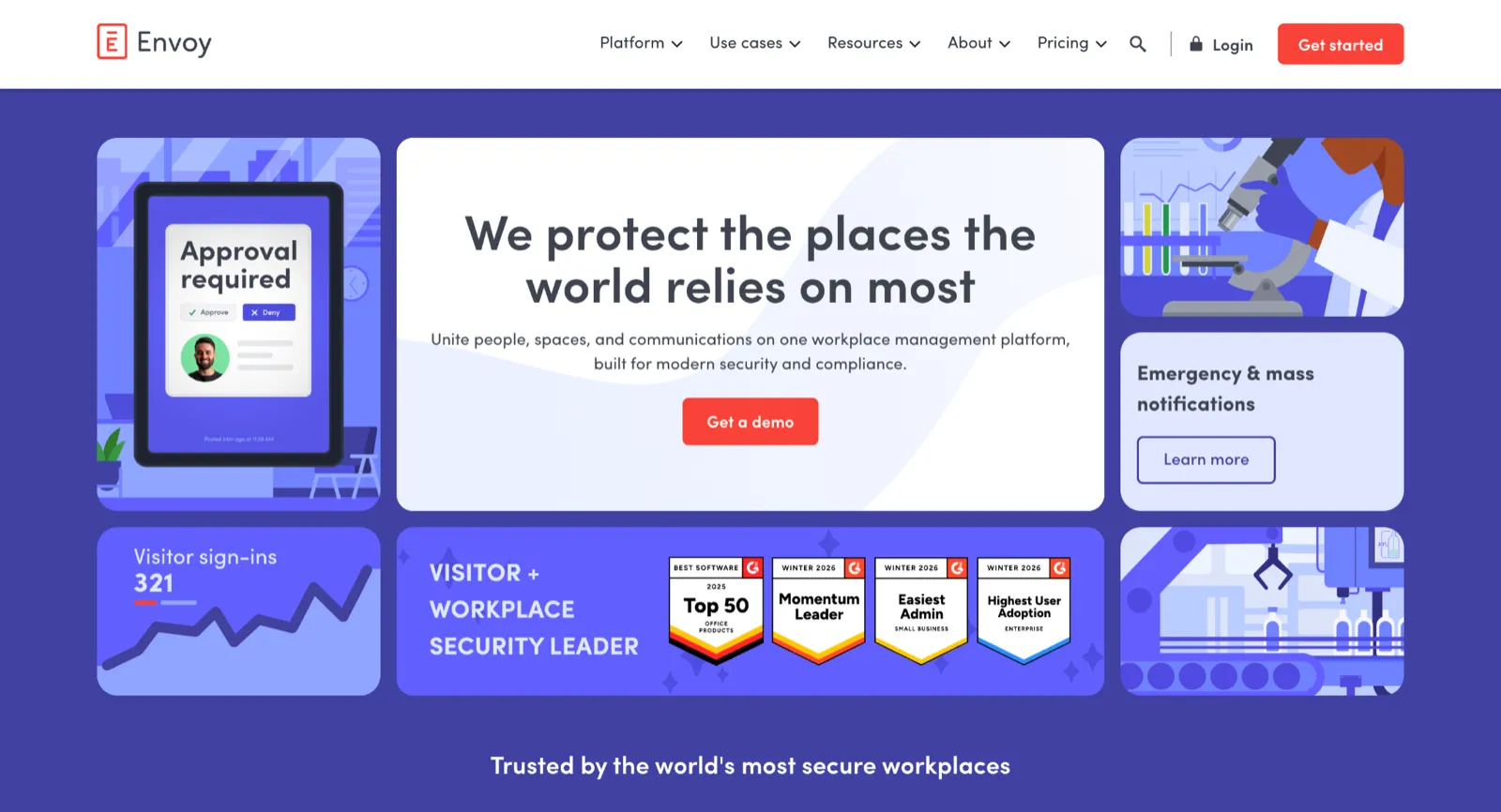
Envoy made its name in visitor management and has grown into a full workplace platform, booking desks, rooms, and parking, logging deliveries, and running reception screens across more than 16,000 sites. As a front-desk and booking tool, it is the most polished name on this list.
Lockers are the part it does not really own. There is no Envoy locker module, so storage runs through a Luxer One integration, where a desk booking issues a QR code that an employee scans at a Luxer One touchscreen locker. It works, but it means buying and running a second vendor's hardware, with the locker data living in Luxer One rather than Envoy. If visitor sign-in and desk booking are your priority and lockers are a bonus, that trade makes sense. If you came here for locker software, it is a workaround.
Key features
Visitor management: customisable sign-in, badge printing, host alerts, and screening from a reception iPad.
Reservations: desk, room, and parking booking on interactive floor maps.
Deliveries: logs packages, notifies recipients, and tracks pickup.
Workplace analytics: occupancy and usage reporting across sites.
Lockers via Luxer One: a desk-booking QR code opens a Luxer One locker for the day.
Integrations: Outlook, Google Workspace, Slack, Teams, and single sign-on.
Pros
Mature visitor management and a polished desk-and-room booking experience.
A large install base, deep integrations, and a free Visitors tier to start on.
One platform for reception, booking, and deliveries.
Cons
No native lockers, so storage rides on separate Luxer One hardware.
Reception leans on the network, with sign-in exposed if the internet drops.
Pricing
Envoy publishes by product, all billed annually. Visitor management starts with a free Basic tier, and Reservations, which covers desk, room, and parking booking, is $5 per bookable resource per month. Lockers access via Luxer One is billed separately under a separate Luxer One purchase, on top of any Envoy subscription.
Want to compare Envoy alternatives? This guide compares six workplace platforms that cover a broader scope of workspace management than Envoy.
How to Choose the Right Locker Management Software
Finding the ideal locker management tool comes down to how much you want the tool to do.
For one system that runs desks, rooms, parking, and lockers on the cabinets you already own, with locks that survive an outage, Awaio is the natural fit.
For storage at serious scale, where you already have a workplace suite for everything else, Vecos is built for that.
If you only need the lock layer, Ojmar and Flexlock handle straightforward battery locks. Envoy makes sense when visitor management is the real job, and lockers ride along.
Good locker software upgrades what you already have, rather than requiring you to rebuild the furniture from scratch.
If you want to see a retrofit rollout in your own building, get in touch with an Awaio specialist today.
Frequently Asked Questions
What is locker management software?
A locker management system is any manual or digital method used to organize, allocate, and control access to lockers or shared storage spaces. This includes everything from traditional systems like physical keys and paper logs to more advanced setups involving smart locks, mobile apps, and centralized office space booking software.
At its core, a locker management system exists to help organizations:
Decide who gets access to which locker
Track locker usage and availability
Set rules for how lockers are booked, used, and released
Modern locker management systems build on these same principles but automate the process to reduce manual work, prevent misuse, and improve visibility across locations.
Do you have to replace your lockers to make them smart?
No. Most systems here retrofit electronic locks onto existing cabinets, so you keep the furniture and change only the lock. Awaio, Vecos, Gantner, eLocker, Ojmar, and Flexlock all fit their locks to cabinets you already own.
Do smart locker locks need Wi-Fi or power?
It depends on the lock. Battery-powered Bluetooth locks, such as Awaio's, run with no mains power or Wi-Fi and keep opening in an outage. Networked and centrally powered systems need cabling or a live connection, which adds install work and a point of failure.
How do you right-size the number of office lockers?
Use the usage data the software collects. Once the system logs who opens what and when, the idle lockers become visible and you can reassign or remove them on evidence rather than argument. Both Awaio and eLocker report that a meaningful share of lockers sit unused once usage is measured.
What is the difference between a locker management system and locker management software?
The terms overlap, and most vendors use them interchangeably. A system tends to mean the whole setup, hardware included, while the software is the digital layer that handles booking, access, and reporting. Modern tools pair smart locks with cloud software so the two work as one.