Managing office space gets more complicated as the organisation grows. A desk-booking tool may be enough for one office. But once you are managing several locations, different teams, meeting rooms, parking, lockers, and shared facilities, the challenge is no longer just finding an available desk.
Workplace teams have to coordinate resources, apply different booking rules, give employees a clear view of what is available, and understand how the office is being used across locations. When those resources sit in separate systems or manual processes, administration increases, and it becomes harder to plan the workplace as a whole.
That is why office space management software can be difficult to compare. Products that appear in the same category often solve different parts of the problem. Some tools focus primarily on booking and day-to-day reservations, while others are built around space planning and workplace changes.
The comparison below looks at nine tools, where each one is strongest, the trade-offs to consider, and what changes once you start managing workplace space at enterprise scale.
| Software | Best for | Main scope | Hardware | Starting price |
| Awaio | Enterprise-wide workplace resource management | Desks, rooms, lockers, parking, charging, mobility and access | Core booking works without dedicated sensors or room displays | Modular pricing |
| OfficeSpace | Space planning, restacks and moves | Space, desks, rooms, moves and workplace intelligence | Can use Wi-Fi, badge and other occupancy sources | Custom quote |
| VergeSense | Occupancy intelligence | Occupancy, utilisation and portfolio planning | Optional sensors; also uses existing data sources | Custom quote |
| Eptura | Broader enterprise workplace operations | Space, moves, bookings, visitors and facilities | Depends on deployment | Custom quote |
| Kadence | Hybrid team coordination | Desks, rooms, visitors, schedules and space planning | No dedicated sensors required | Custom quote |
| Skedda | Fast booking with detailed rules | Desks, rooms and other bookable spaces | No dedicated hardware required | From $99/month |
| Archie | Interactive maps and resource-based pricing | Desks, rooms, visitors and custom resources | No dedicated hardware required | From $2.80/desk/month |
| Robin | Employee-friendly desk and room scheduling | Desks, rooms, visitors, maps and analytics | Room displays optional | Custom quote |
| Envoy | Visitor-led security and access workflows | Visitors, desks, rooms and parking | Visitor kiosks optional | Reservations from $5/resource/month plus platform fee |
1. Awaio: Best for enterprise workplace resource management (without hardware)
Ideal for: Large organisations managing desks, rooms, lockers, parking, charging, access and other shared resources across several offices or tenants.
Awaio is designed for organisations where workplace management has grown beyond desks and meeting rooms. As companies scale, different parts of the workplace often end up in separate systems: parking has one process, lockers another, rooms sit in the calendar, and desks use a booking tool. Each system may work on its own, but the workplace team still has to manage different rules, interfaces, and sets of data.
Awaio brings those resources into the same workplace environment. Desk management, room booking, locker management, parking, EV charging, bikes, pool cars and access can all sit under the same maps and administration. That breadth matters most in larger organisations, where adding a separate tool for every new requirement eventually creates more work for facilities and IT.
Manage core workplace resources without installing hardware everywhere
Awaio's desk, room and wayfinding experience does not require dedicated room displays or occupancy sensors. Workplace teams can add resources to an interactive office map, while QR codes support booking and check-in. NFC tags and Bluetooth locks are optional where they add value.
Sensors still have a role when an organisation needs actual occupancy data. Awaio can bring in existing sensor data instead of making new hardware a condition of core booking, which also keeps routine workplace changes simpler.
Use booking data to plan ahead
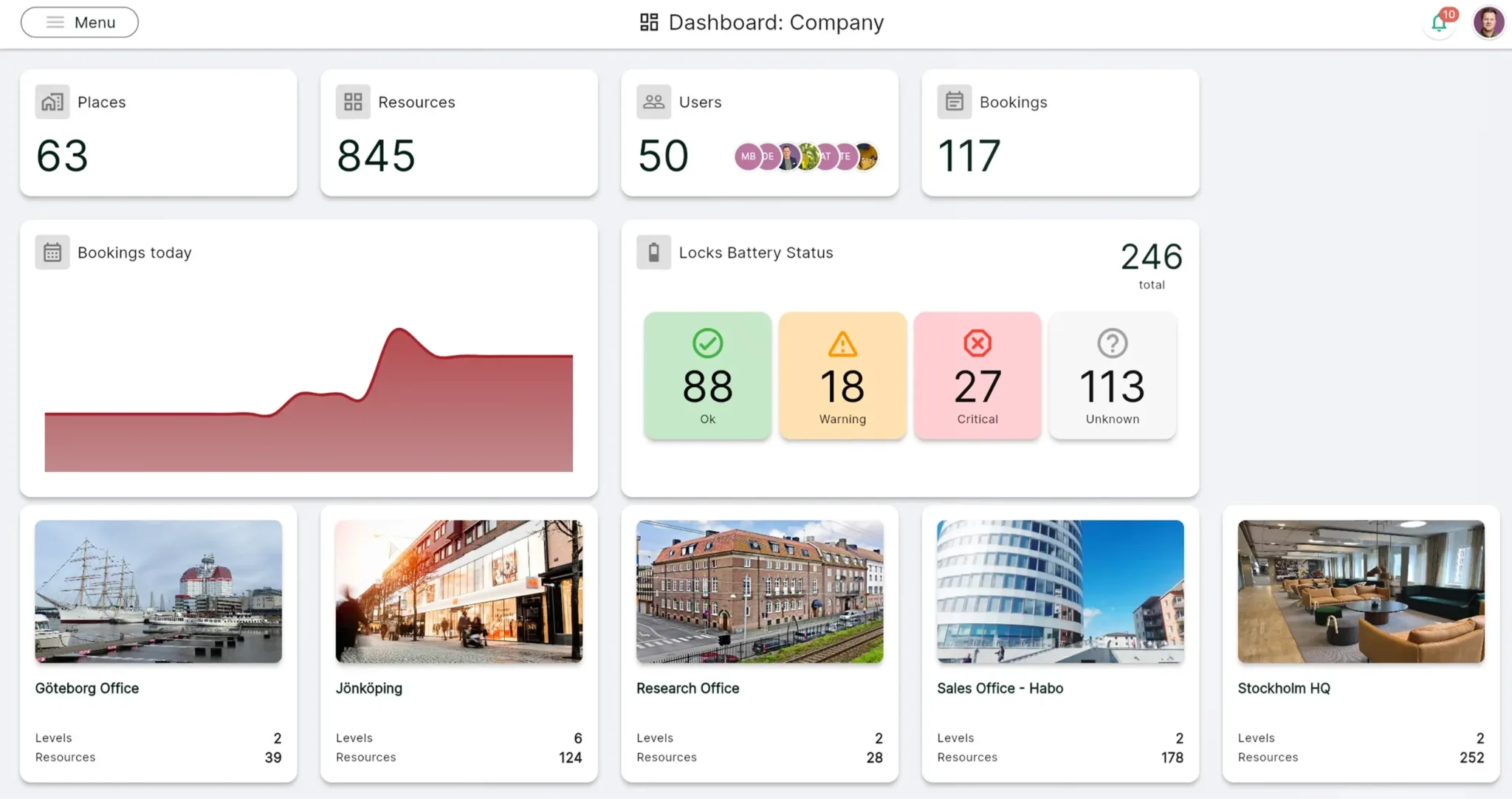
Booking data and occupancy data answer different questions. Occupancy data shows whether a space is being used, while booking data shows who plans to use it, when demand is expected and which resources people intend to reserve.
Awaio uses booking behaviour as a forward-looking planning signal and can combine it with existing occupancy information where both views are useful. It also supports mixed Microsoft and Google environments, as well as shared workplaces.
Norwegian Property uses Awaio at Aker Brygge, where tenant companies share locker resources while access remains tied to individual users. Norwegian Property reported a 95% reduction in locker administration.
Pros
- Covers workplace resources beyond desks and meeting rooms.
- Core booking and wayfinding do not depend on dedicated sensors or room displays.
- Supports multi-building and multi-tenant environments.
- Resource-based pricing can suit organisations where employee headcount is much higher than the number of physical resources.
- Booking and access rules can differ by resource, team or location.
Cons
- Visitor management is not currently built into the platform.
Pricing
Awaio uses modular, resource-based pricing rather than charging per user.
| Room booking | €10.90/month |
| Desk management | €69/month for up to 20 desks, then €4.9/desk/month |
| Smart parking | €69/month for up to 20 spaces, then €4.9/space/month |
| Office maps | €190 (one-off, per floor) |
| QR signs | €39 per sign |
| Bluetooth locks | €99 per lock (one-off) |
Start managing all your office space resources now with Awaio. Get in touch.
2. OfficeSpace: Best for space planning, restacks and office moves
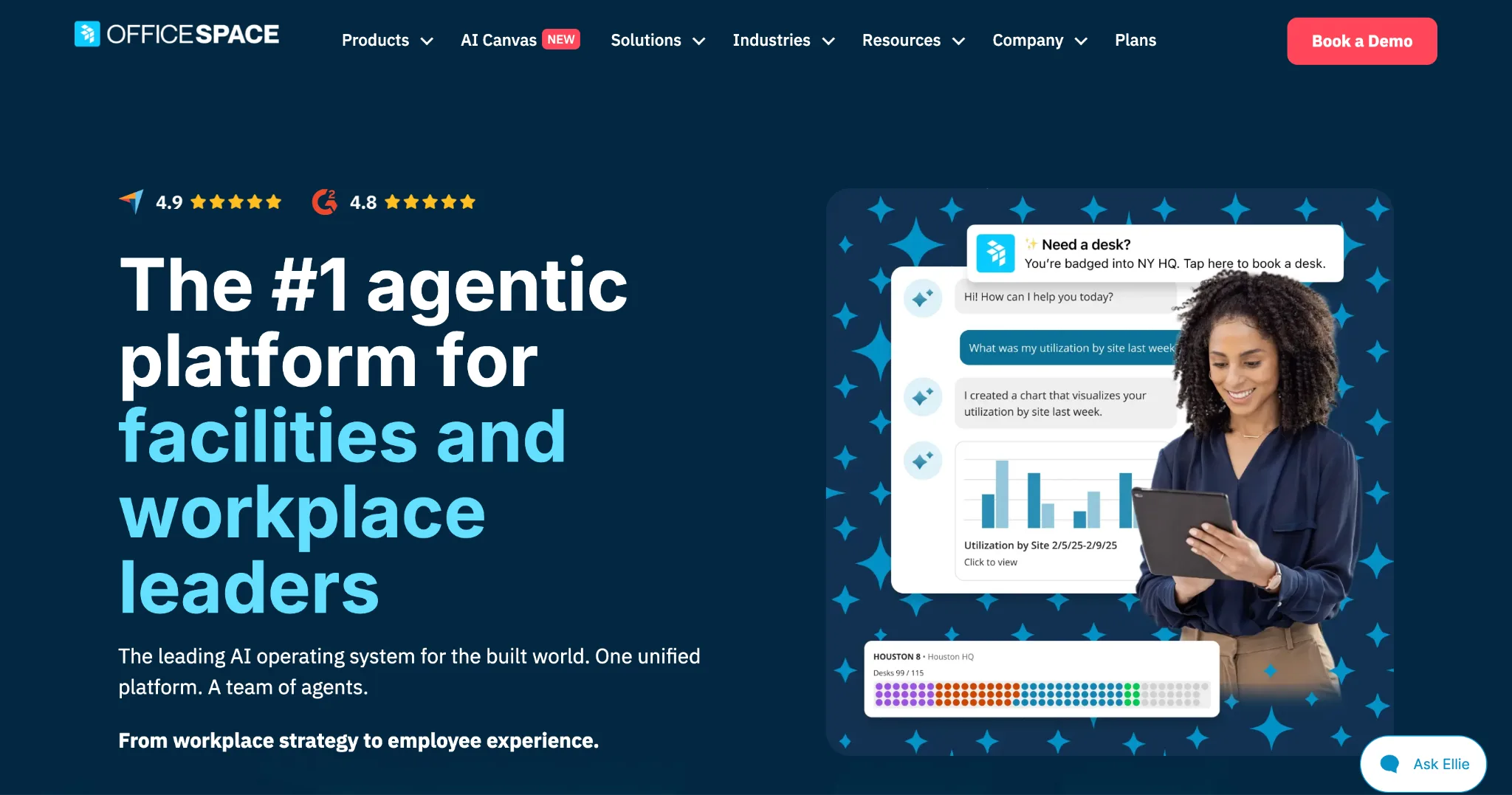
Ideal for: Workplace and corporate real estate teams that regularly change layouts, move departments, or model different workplace configurations.
Skip it if: You mainly need simple desk and room booking.
OfficeSpace stands out for the planning that goes into the employee booking experience. Teams can model alternative layouts, test department configurations, and plan moves before making changes to the live floor.
That becomes valuable when the question is not simply which desk is free, but whether a team can fit on another floor, how a restack will affect shared areas or whether a building can be consolidated. OfficeSpace also includes desk and room booking, wayfinding and workplace intelligence, and can combine booking data with Wi-Fi and badge information.
Pros
- Strong scenario-planning and move-management tools for organisations that regularly restack teams or change office layouts.
- Interactive floor plans are relatively easy for employees to navigate, which reduces the learning curve for day-to-day desk and room booking.
- Combines employee booking with deeper workplace and real-estate planning, so facilities teams do not need to separate those workflows.
- Can use booking, Wi-Fi and badge data together instead of tying utilisation reporting to one occupancy source.
Cons
- Some parts of the platform offer less customisation, particularly for specialised workflows.
- The mobile experience is not as consistently polished as the desktop platform.
- Pricing is not published, which makes early cost comparisons harder for buyers.
Pricing
OfficeSpace does not publish pricing for its Essentials Plus or Pro Plus plans. Interested buyers need to contact the platform for a quote.
3. VergeSense: Best for measuring actual workplace occupancy
Ideal for: Enterprise workplace and real-estate teams that need detailed occupancy data across a large portfolio.
Skip it if: Your main requirement is employee booking.
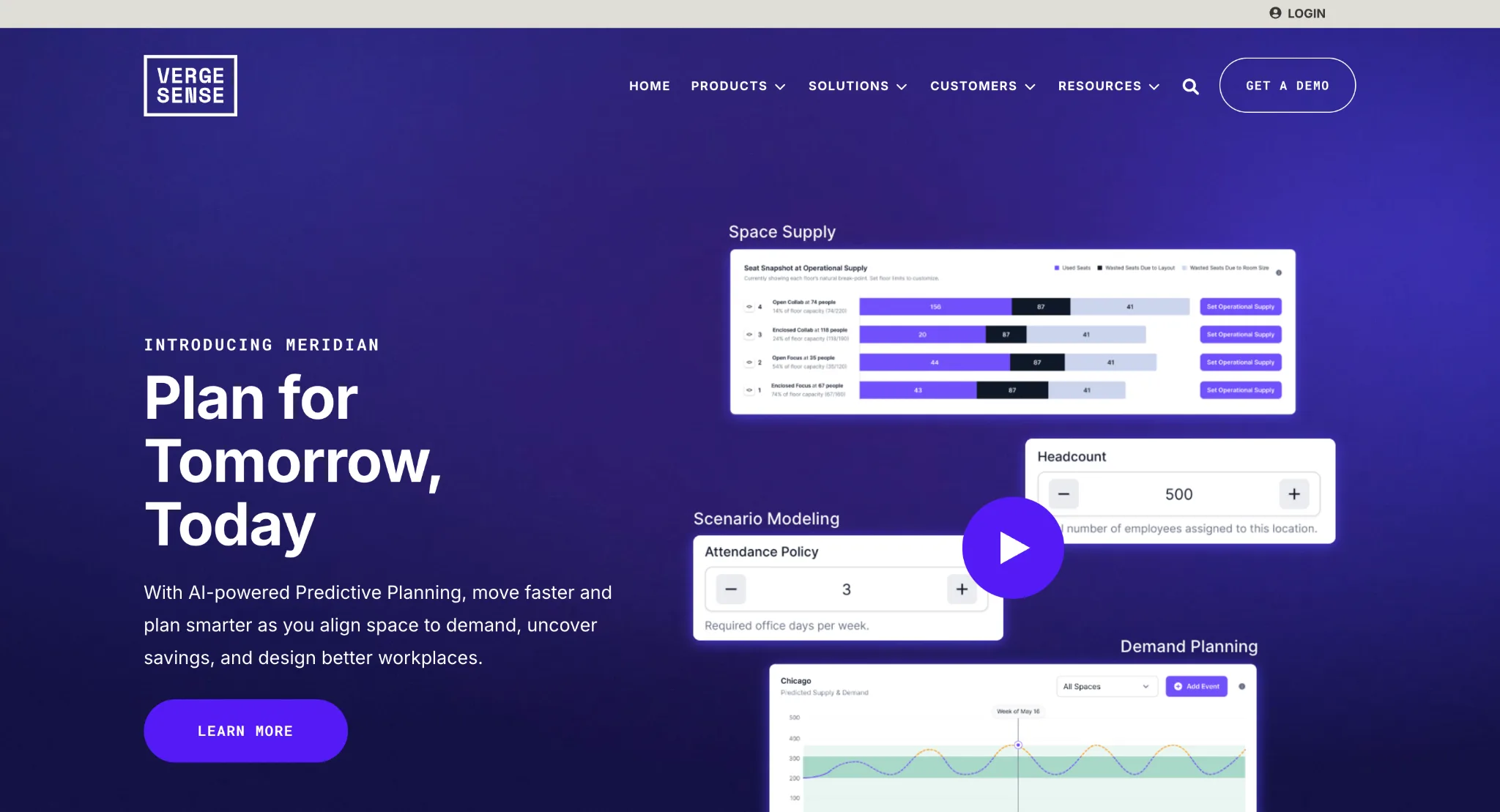
VergeSense focuses on what actually happens in the workplace rather than primarily on reservations. A booking may show that an eight-person meeting room was reserved, while occupancy data can show how many people used it.
Across hundreds of rooms and several buildings, those patterns can influence decisions about room sizes, floor layouts and how much real estate the organisation needs. VergeSense combines its own sensors with Wi-Fi, badge and booking data, so high-resolution sensing can be used where it matters without installing the same hardware everywhere.
Pros
- Measures physical occupancy rather than reservations or employee check-ins.
- Combines VergeSense sensors with Wi-Fi, badge and booking data.
- Provides desk, room, area, and portfolio-level utilisation data for organisations making real estate and space-planning decisions.
- Benchmarking and scenario-planning capabilities give corporate real-estate teams more context than raw occupancy counts alone.
Cons
- It is not primarily an employee booking platform, so organisations may still need another system for day-to-day desk and room reservations.
- High-resolution sensor deployments introduce hardware, installation, and maintenance that software-only approaches avoid.
- Custom pricing makes it difficult to estimate the total cost before defining the required space, data sources, and sensor coverage.
Pricing
VergeSense uses custom pricing based on the amount of space measured and the data sources used.
4. Eptura: Best for workplace management within broader facilities operations
Ideal for: Large organisations where workplace space connects with facilities, assets and real-estate operations.
Skip it if: You want a narrow booking product with simple pricing.
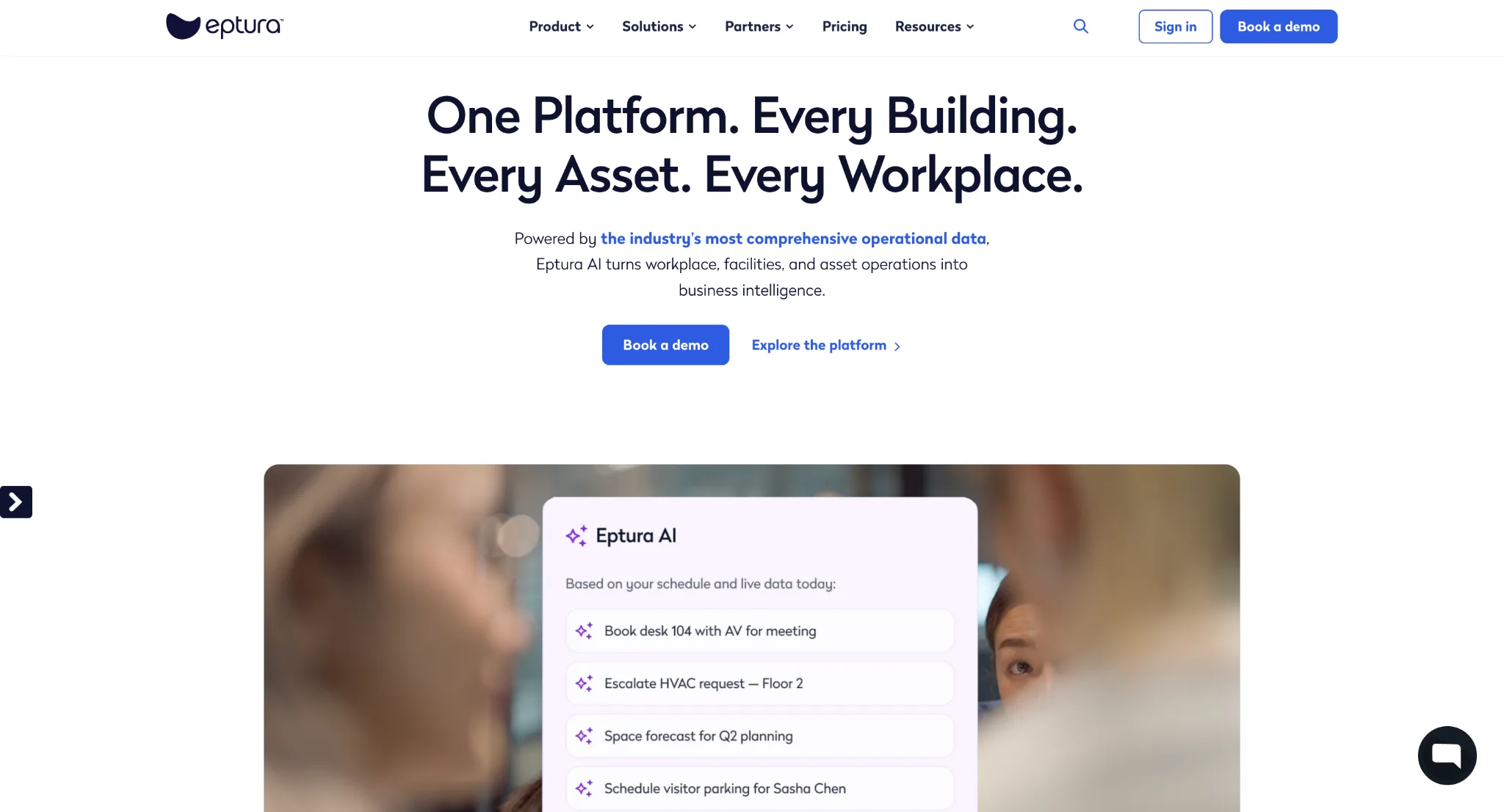
Eptura sits at the broader end of the market. Its workplace products cover space planning, moves and bookings, while the wider platform extends into visitor management, facilities and asset operations.
That scope suits organisations where workplace management is part of a larger property and facilities function. Eptura Workplace leans towards planning and operations, while Eptura Engage, previously Condeco, covers employee booking.
Pros
- Covers a broad enterprise scope across workplace planning, booking, moves, visitors, facilities and asset operations.
- Desk and room booking is straightforward for employees, with interactive floor plans that make available spaces easier to identify.
- Works well for organisations trying to connect workplace management with a wider facilities or real-estate operation.
- Supports enterprise requirements such as permissions, Microsoft 365 integrations and multi-site administration.
Cons
- Reporting and analytics can feel limited when teams need highly customised reports or deeper ad hoc analysis.
- Some floor-plan changes are less self-service than workplace teams may expect and can require additional support.
- The number of Eptura products and modules can make it harder to work out exactly what needs to be purchased.
- Pricing is sales-led, so total cost is difficult to establish before the scope is defined.
Pricing
Eptura uses custom pricing based on the products and modules selected.
5. Kadence: Best for coordinating hybrid teams and workplace attendance
Ideal for: Hybrid organisations where employees need to know not only where to sit, but when colleagues will be in the office.
Skip it if: Lockers, parking, access and other physical resources are major requirements.
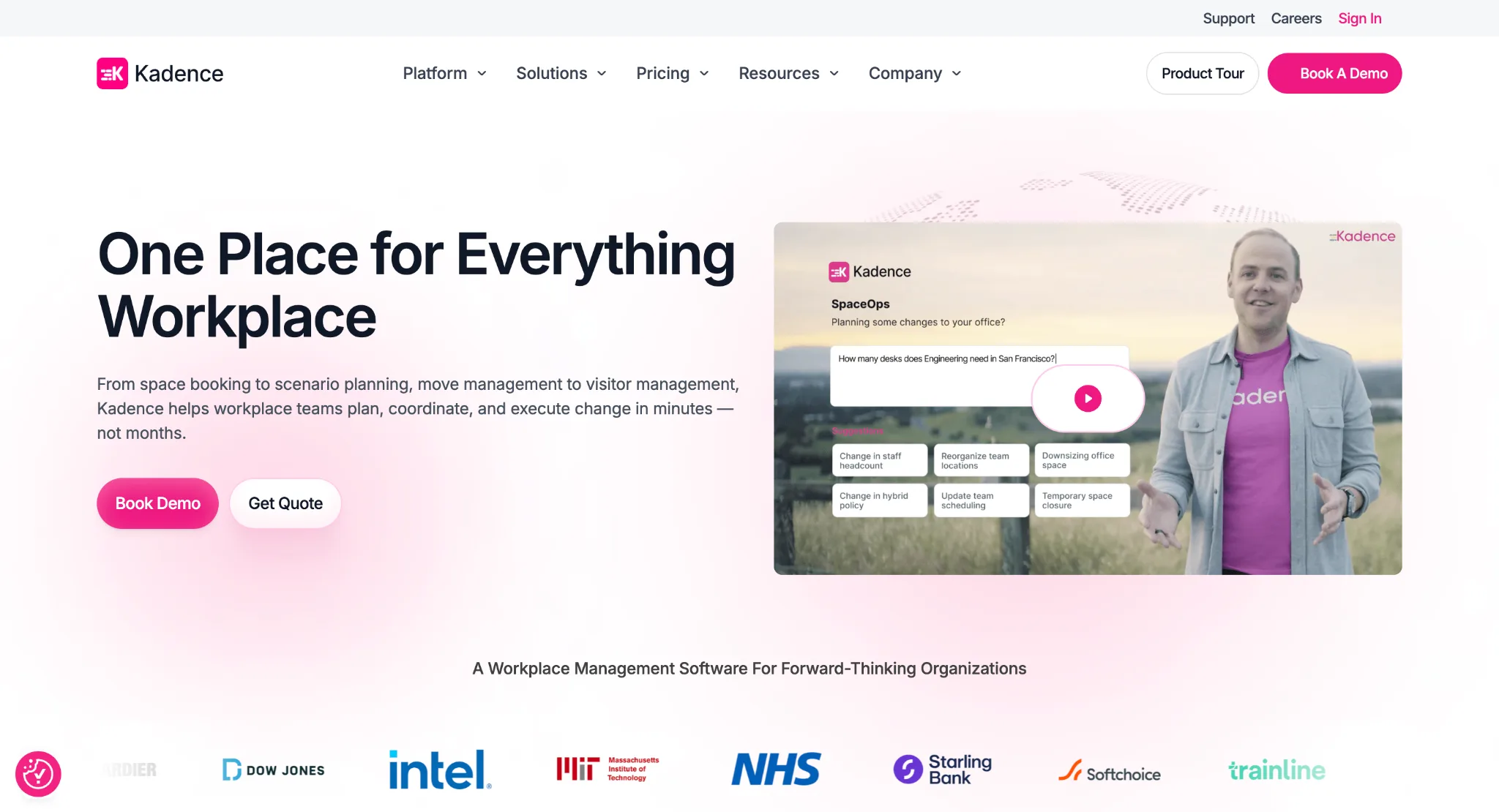
Kadence connects desk and room booking with team schedules, so employees can coordinate office days around the people they want to work with. This is useful where hybrid work has created a coordination problem rather than a shortage of desks.
Kadence has also expanded into space planning through SpaceOps, adding scenario planning, move management, and workplace forecasting. Attendance can be measured through Wi-Fi and existing badge systems without proprietary sensors.
Pros
- The booking interface is intuitive enough for employees to start reserving desks and rooms with relatively little training.
- Team visibility connects workplace booking with who plans to be in the office, which is useful for coordinating hybrid attendance.
- Integrations with tools such as Microsoft Teams reduce the need for employees to move between separate workplace apps.
- Setup and customer support are strong, which helps with adoption during rollout.
Cons
- Reporting is less detailed than some teams need for deeper workplace analysis.
- Building and maintaining accurate floor plans can require more setup work in complex offices.
- Floor-plan setup creates an additional implementation cost, particularly for organisations with many floors or locations.
- Resource management is still more focused on people, desks and rooms than on areas such as lockers, parking and access.
Pricing
Kadence's pricing is quote-based. The platform uses active-user billing, meaning charges are based on employees who make a booking during the month.
6. Skedda: Best for fast booking with detailed rules
Ideal for: Organisations that want structured desk and room booking with detailed permissions and booking rules.
Skip it if: You need deep real-estate planning or expect to manage many different resource types.
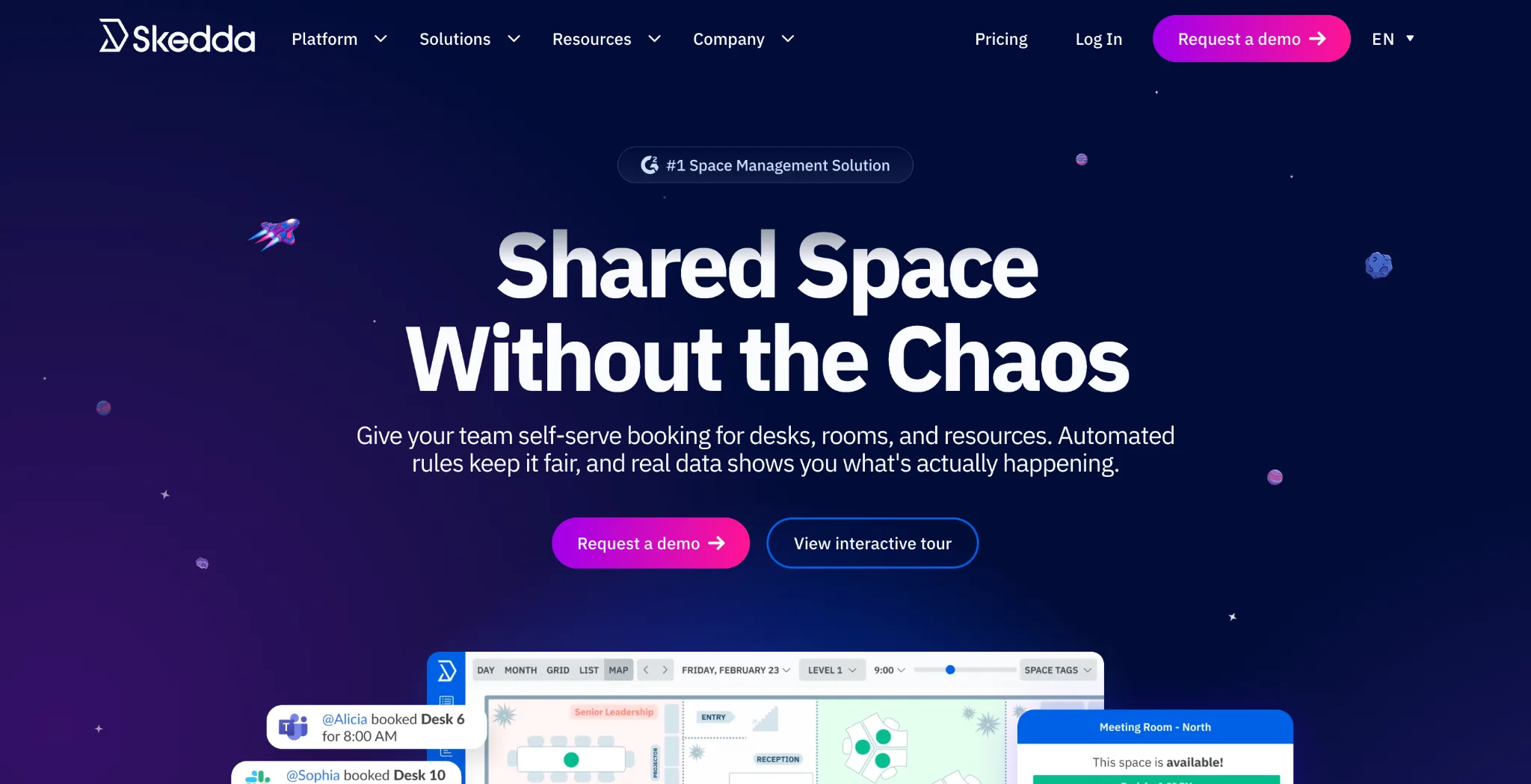
Skedda is more focused than the enterprise platforms here. Administrators can control who books particular spaces, how far in advance they can book, how often they can reserve them, and whether approval is required.
Teams can create interactive floor plans, connect Microsoft 365 or Google Workspace, and add SSO, SCIM, and collaboration integrations on higher plans. Skedda prices by bookable space, which works well for desks and rooms but needs closer modelling as the number of resource types grows.
Pros
- The interface is easy for employees to understand without extensive training.
- Granular rules let administrators control booking windows, quotas, permissions and access for different teams or spaces.
- Setup is relatively quick compared with larger workplace-management platforms.
- Microsoft 365, Google Workspace and collaboration integrations make it easier to fit booking into existing workflows.
- Public pricing and a free trial make it easier to evaluate before entering a sales process.
Cons
- Customisation is limited in some areas, particularly for organisations with unusual booking or notification requirements.
- Some booking, editing, and cancellation workflows require more steps than users expect.
- Analytics and strategic space-planning tools are lighter than platforms designed for corporate real-estate teams.
Pricing
- Starter: $99/month for 15 spaces
- Plus: $149/month for 20 spaces
- Premier: $199/month for 25 spaces
- Enterprise: Custom
All plans listed are billed annually.
7. Archie: Best for interactive maps and resource-based pricing
Ideal for: Organisations that want a visual booking experience and pricing based on physical resources rather than headcount.
Skip it if: You need complex move management or corporate real-estate planning.
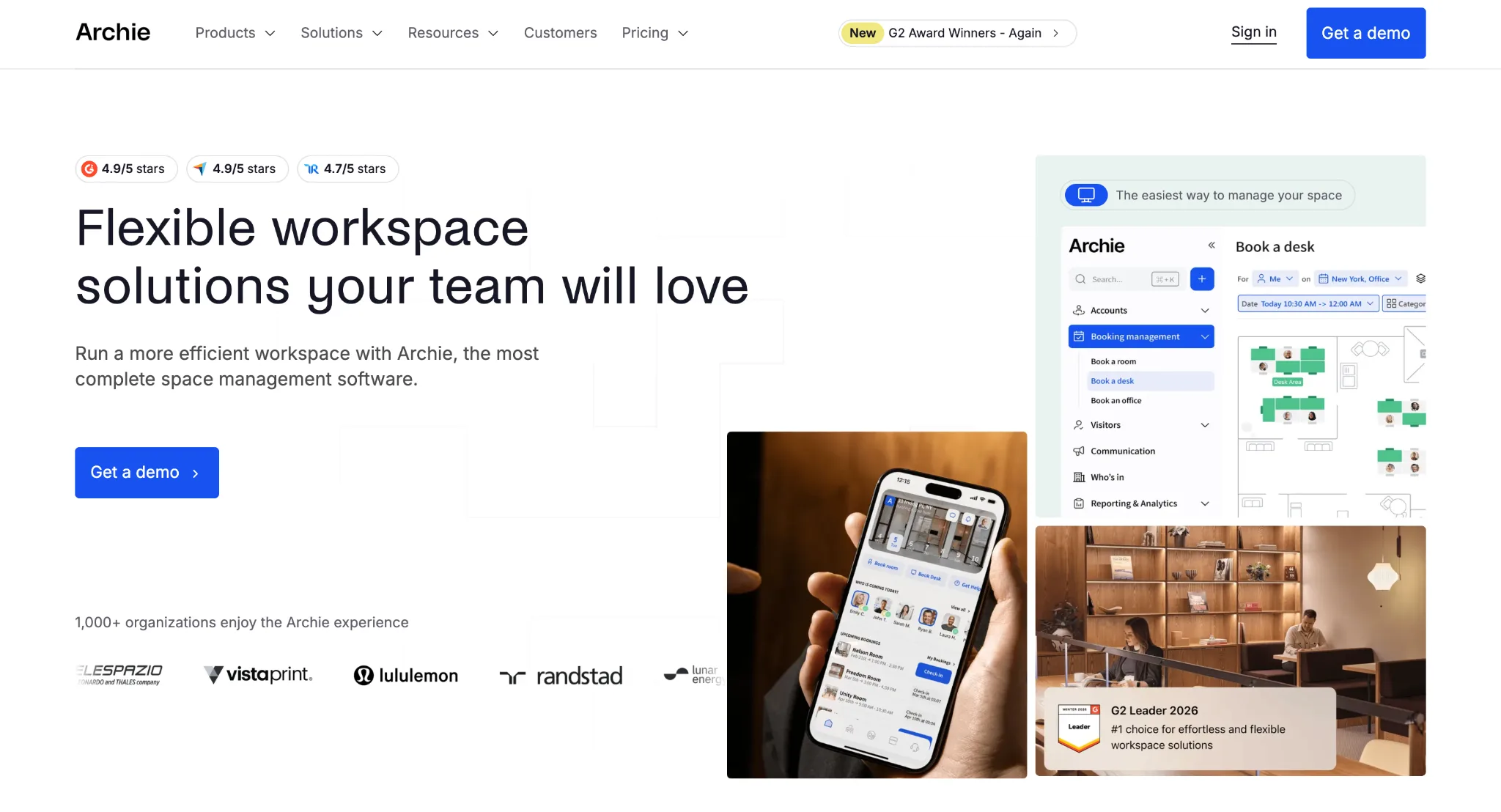
Archie turns an existing floor plan into an interactive map where employees can see availability, find colleagues and reserve desks or rooms. Admins can create neighbourhoods, assign areas, and set booking policies across the map.
It also covers visitors and workplace analytics, but stays closer to booking and employee experience than OfficeSpace or Eptura. Pricing is based on desks and rooms rather than total employee count, which can suit hybrid organisations with far more employees than workstations.
Pros
- Desk and room booking is straightforward, with an interface that requires relatively little employee training.
- Interactive maps make it easy to see available spaces, find colleagues and understand the workplace visually.
- Resource-based pricing can work well for hybrid organisations with significantly more employees than desks.
- Calendar integrations keep workplace reservations connected to tools employees already use.
- Onboarding and customer support help teams get the platform running quickly.
Cons
- Google Calendar synchronisation can occasionally be inconsistent.
- Recurring desk reservations are not as intuitive as one-off bookings.
- Notification settings offer less control than some users would like.
- Reporting and space-planning depth are more limited than in products built for corporate real estate analysis.
Pricing
- Starter: $2.80 per desk per month, with a $159 monthly minimum.
- Pro: $3.50 per desk per month, with a $249 minimum.
- Enterprise: Custom.
A 14-day test environment is available after a demo.
8. Robin: Best for employee-friendly desk and meeting-room scheduling
Ideal for: Organisations that prioritise the employee booking experience, especially around desks and meeting rooms.
Skip it if: You need public pricing or broad management of lockers, parking and other physical resources.
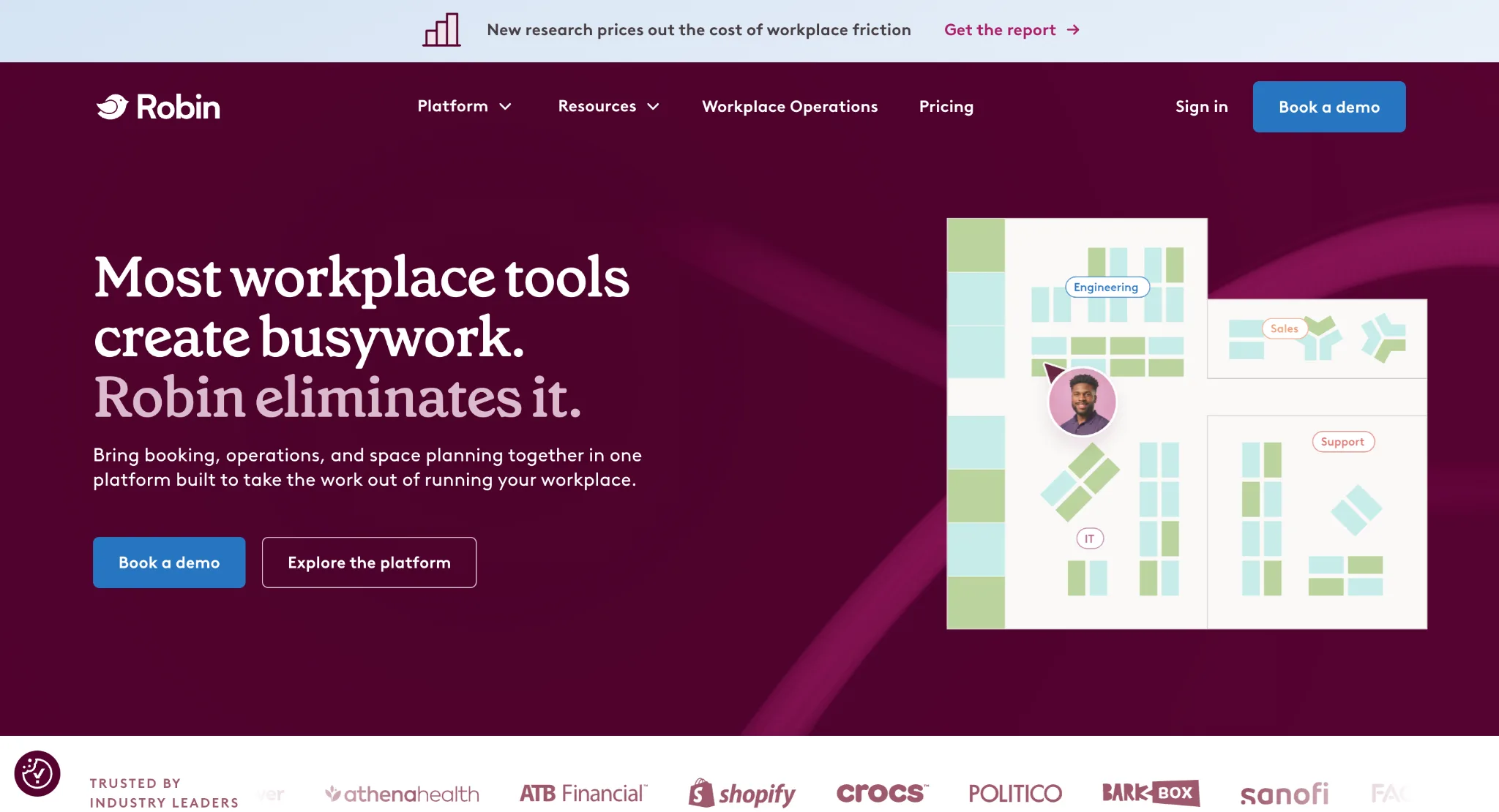
Robin has its roots in meeting-room scheduling and remains strong on desk and room booking. Employees can use workplace maps, check availability and plan office visits, while optional room displays make availability visible outside meeting spaces.
Robin has also expanded into visitors, analytics and workplace operations, although booking remains closer to the centre of the product than broad resource management.
Pros
- Desk and meeting-room booking is easy for employees to understand and use.
- Strong calendar integrations make it a natural fit for organisations using calendar tools.
- Interactive workplace maps help employees locate available desks, rooms and colleagues.
- Optional room displays provide a useful physical booking experience without making display hardware compulsory.
- Check-in data and workplace analytics provide facilities teams with more information on whether reservations translate into actual use.
Cons
- Check-in can be inconsistent, with some users reporting failed or confusing check-in workflows.
- The interface can feel crowded when employees manage multiple bookings or workplace options.
- Pricing is not published, making it harder to compare total cost before speaking with sales.
- Organisations managing lockers, parking, charging and other physical resources may need additional systems.
Pricing
Robin uses custom pricing based on workplace size and required functionality.
9. Envoy: Best for visitor-led security and access workflows
Ideal for: Organisations where visitor management, reception, compliance and secure access are central to workplace operations.
Skip it if: Your main requirement is strategic space planning.
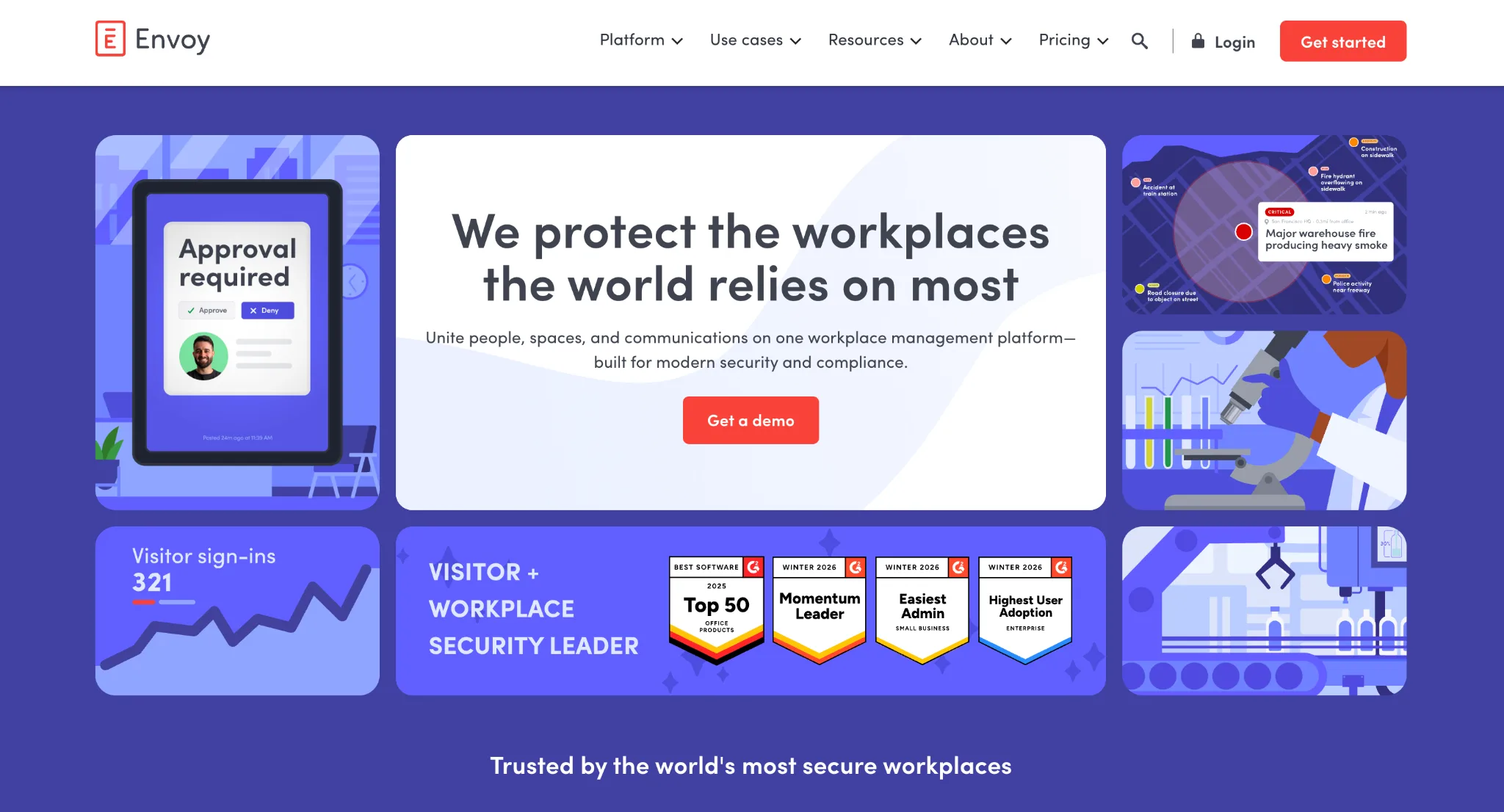
Envoy's strongest capabilities sit at the front door: visitor registration, check-in, host notifications, badges, documents and security workflows. It then adds desk, room and parking reservations around that visitor-management foundation.
This suits headquarters, regulated businesses and reception-heavy workplaces where guest identity and access matter as much as employee booking. The modular model means costs can rise as more Envoy products are added, so buyers should compare the combined workplace cost rather than one module in isolation.
Pros
- Visitor registration and check-in are easy for both guests and reception teams to use.
- Visitor management goes beyond most booking-first platforms, including badges, documents, host notifications, and access workflows.
- Reporting gives workplace teams visibility into attendance, visitors, and resource use without maintaining separate front-desk records.
Cons
- The app can occasionally feel slow, particularly around check-in and navigation.
- Costs can rise as Reservations, Visitors, and other modules are added on top of the platform fee.
- Strategic space planning and scenario modelling are not core strengths of the platform.
Pricing
Envoy Reservations starts at $5 per bookable resource per month, billed annually, plus the platform fee. Visitor management is priced separately, with a free basic tier available.
How to choose office space management software
Start with the workplace problem
- If employees mainly need desks and meeting rooms, Skedda or Archie may be enough.
- For regular moves, layout changes, and estate planning, OfficeSpace or Eptura is a stronger fit.
- VergeSense suits organisations prioritising physical occupancy data, while Kadence focuses on hybrid coordination.
- If the workplace team manages desks, rooms, lockers, parking, mobility, and access across several locations, Awaio is better suited to that broader enterprise requirement.
Count resources, not only employees
Headcount does not tell you how complicated a workplace is. Two companies with 2,000 employees can have very different requirements if one manages 700 desks and 40 meeting rooms while the other also manages 1,000 lockers, 300 parking spaces, EV chargers, pool cars and several buildings.
List the resources that need to be booked, allocated, measured or controlled before comparing products. This also makes pricing easier to model, since per-user, per-desk and per-resource models behave differently.
Check what the utilisation number measures
Booking data shows intended use. Sensors, Wi-Fi and badges can show physical presence.
A dashboard reporting 80% desk utilisation may mean 80% of desks were reserved, not that 80% were occupied. Ask vendors what sits behind the utilisation metric and whether the data answers the planning question you actually have.
Bring enterprise requirements in early
For larger deployments, the shortlist also needs to work for IT, HR, real estate and finance, not only facilities. Check Microsoft 365 and Google Workspace support, SSO, provisioning, HRIS integrations, APIs, access control, data residency, multi-location administration and multi-tenant requirements before the final decision.
Hardware should be evaluated the same way. Sensors, room displays and access devices can add real value, but they also need to be bought, installed and maintained. The question is whether that extra layer solves a problem worth paying for.
Which platform fits your workplace?
There is no single winner for every office. The choice is more about whether you are solving a single workplace function or trying to connect multiple resource types into one system.
Awaio fits organisations where workplace management has expanded beyond desks and meeting rooms into several categories of shared physical resources. As that complexity grows, adding a separate tool for every requirement creates more administration and more systems for workplace teams to manage.
Awaio brings desks, rooms, lockers, parking and mobility, and access into a single workplace platform while keeping dedicated hardware optional for much of the core experience.
If that reflects the environment you're responsible for, book an Awaio demo and evaluate the platform against your own locations, floor plans and workplace resources.
Frequently asked questions
What is the difference between office space management software and desk booking software?
Desk booking software allows employees to reserve a workstation. Office space management software can also cover meeting rooms, floor plans, utilisation, moves, parking, lockers and other shared resources.
What is the difference between office space management software and an IWMS?
An IWMS generally extends further into corporate real estate and facilities, including leases, assets, maintenance and property portfolios. Office space management focuses more directly on how workplace space and resources are allocated and used.
Do you need sensors to track office utilisation?
No. Sensors measure physical occupancy, but Wi-Fi, badges, bookings and check-ins can also provide useful data. Booking data is stronger for future demand, while occupancy data shows what actually happened.
Can office space management software work across several buildings?
Yes, but check whether the platform supports central administration alongside separate floor plans, rules, teams, and permissions for each location. Multi-tenant workplaces also need controls for shared resources and separate identity environments.
How much does office space management software cost?
Pricing varies by user, active user, desk, space, or resource. Enterprise vendors often use custom contracts. Compare the model against your own headcount, workplace footprint, and resource mix rather than the lowest advertised starting price.
How do office space management platforms prevent ghost bookings?
Most use QR codes, Wi-Fi, badges, mobile check-in, or confirmation windows for confirmation or check-in. Awaio, for example, can automatically release a desk or room when the user does not check in on time.