If you've managed offices for a while, you probably know Joan by its e-paper displays: the small, battery-powered screens that sit outside meeting rooms and show whether they're free. These days Joan does more than rooms. It also handles desk booking, parking, visitor management, and digital signage, and its software runs on other screens too, not only its own devices.
It's brilliant software, but here's the catch. The same hardware that first drew you to Joan is often what later pushes you out. Each display is a separate purchase and you pay both per-device and per-user subscription fees. Together, they add a layer of upkeep that software-only tools don't have.
If you're reading this, you're probably asking whether all that hardware is worth it for what your office actually needs.
I've looked at five of the strongest alternatives people consider when they start shopping around. Here's the quick version:
- Awaio: runs your whole booking workflow (rooms, desks, lockers, parking) with no hardware to buy or maintain.
- Skedda: granular booking rules for mixed spaces like coworking floors, gyms, and shared facilities.
- Envoy: room and desk booking layered onto a strong visitor-management and front-desk offering.
- Condeco by Eptura: enterprise-scale recurring bookings with deep Outlook and Teams integration.
- OfficeSpace: space planning, move management, and access-controlled visitor flows for larger facilities teams.
Why people switch from Joan
Most teams look for alternatives to Joan when the hardware model no longer scales as they grow, or they realise that a screen on every door is an expensive way to solve a problem software can handle on its own. Three reasons come up again and again.
Cost adds up well beyond the subscription. Each room needs its own display, the bigger Pro and 13-inch models cost more, and POE mounts are another line on the invoice. On top of the hardware, Joan charges licensing per device and per user. In recent G2 and Capterra reviews, smaller and budget-conscious teams keep landing on the same point: the combined hardware and subscription cost is the hardest part to justify for smaller teams.

Source: Joan Capterra Review - High Pricing
Hardware is one more thing to look after. A display on every door means batteries to watch, mounts to fit, and devices that can be knocked or dropped offline. For a facilities team that just wants rooms booked without the fuss, it's upkeep that a phone-and-QR-code setup skips entirely.
Lockers aren't in the picture. Joan focuses on rooms, desks, parking, visitor management, and assets. If you want smart lockers tightly integrated into the same system, you'll likely need a second tool in addition to Joan, or a switch to a more locker-centric platform.
Each tool below eases at least one of these pressures.
The Top 5 Joan Alternatives at a Glance
| Awaio | Skedda | Envoy | Condeco by Eptura | OfficeSpace | |
|---|---|---|---|---|---|
| Standout feature | Hardware-free booking for rooms, desks, lockers, and parking via QR codes | Granular booking rules for mixed spaces (coworking, venues, sports, labs) | Visitor-first workplace with Virtual Front Desk plus room/desk reservations | Enterprise-scale recurring bookings with deep Outlook and Teams integration | Space planning and move management with integrated bookings and visitors |
| Pricing model | Modular; from ~€10.90 per room/month, office map and QR signs as add-ons (unlimited users) | Starter $99/month (15 spaces), Plus $149 (20 spaces), Premier $199 (25 spaces); unlimited users | Modular; visitors priced per location, reservations per resource, screens per device, plus platform fee | Per-user, quote-based enterprise pricing | Per-employee, quote-based pricing for mid-to-large organisations |
| Hardware required | None required (optional printed QR signs on doors and lockers) | No proprietary hardware; optional tablets if you want door displays | iPad/tablet check-in kiosks and optional signage screens | Optional room displays, kiosks, and wayfinding screens (require continuous power) | Sensors and some signage hardware for full wayfinding experience |
| Visitor management | Planned / not yet live (roadmap feature) | ✅ Available as an add-on | ✅ Core module | ✅ Part of the broader Eptura suite | ✅ Visitor sign-in and access flows |
| Room booking | ✅ | ✅ | ✅ | ✅ | ✅ |
| Desk management | ✅ | ✅ | ✅ | ✅ | ✅ |
| Storage / lockers | ✅ Smart locker lock system | ❌ Not offered as a core feature | ❌ No native smart-locker module | ✅ Lockers supported | ❌ Not a headline feature |
| Parking management | ✅ Spaces and EV charging | ✅ Often used for parking bays and other spaces | ✅ Via Reservations for spaces and parking | ✅ Parking spaces and bays supported | Limited; can be modelled as reservable spaces |
| Interactive floorplans | ✅ Full, bookable office map (no sensors needed) | ✅ Interactive floorplans for spaces and venues | ✅ Map-based view of desks and rooms | ✅ Visual floorplans and digital wayfinding | ✅ Visual, bookable floorplans |
| Utilization / analytics | ✅ Usage and occupancy data across rooms, desks, lockers, parking | ✅ Space-usage reports and booking analytics | ✅ Analytics for visitors, desk and room utilization | ✅ Workplace analytics and occupancy insights | ✅ Utilization heatmaps and workplace analytics |
| Calendar integration | ✅ Microsoft 365 and Google Workspace | ✅ Outlook and Google Calendar (two-way sync) | ✅ Microsoft 365 and Google Workspace | ✅ Strong Outlook integration; Google support | ✅ Microsoft 365 and Google integrations |
1. Awaio — Best for full workplace booking without the hardware
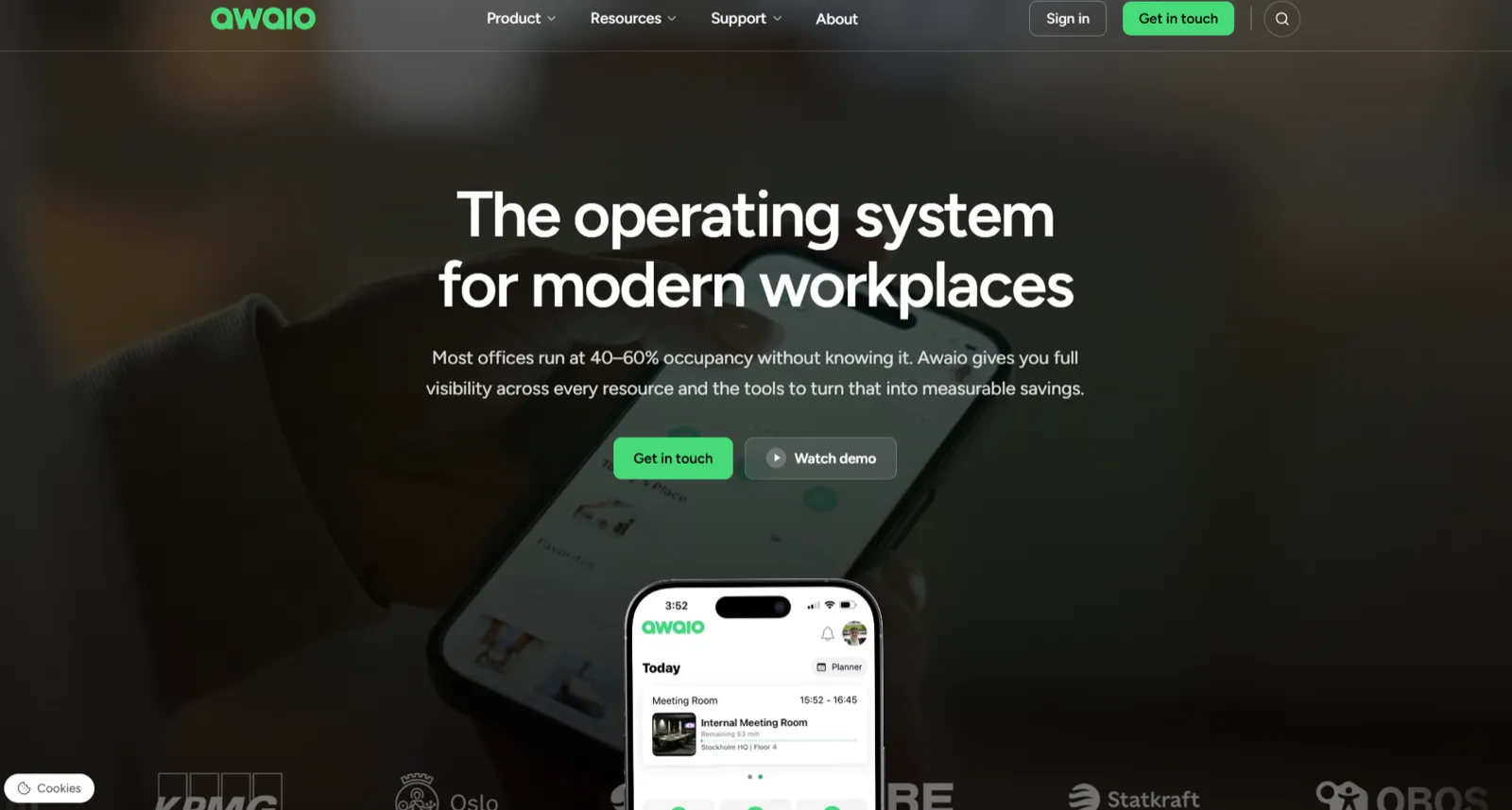

Awaio is a mobile-first workplace platform that lets office managers manage meeting room schedules without being overwhelmed by booking requests or troubleshooting hardware issues.
Instead of installing digital screens in every meeting space, you can turn any shared space into a bookable resource by simply uploading it to Awaio and tagging it.
Office staff can then book that space and manage their schedules with options to check in remotely, cancel reservations, or book on-site.
This reduces setup costs, cuts down on support requests, and gives you full control through custom booking rules and real-time usage analytics.
If that sounds like what your organization needs, book a demo here or continue reading to understand how Awaio's approach differs from Joan's.
Why Awaio is a strong Joan alternative
While Joan and Awaio help with room booking management, Awaio is considered a better alternative to Joan because it provides:
- Hardware-free design that simplifies booking and reduces costs
- QR code connectivity that ensures reliable access
- Faster and simpler booking workflows with fewer clicks
- Detailed analytics and customization for all users
1. Simplify room booking and cut costs with a hardware-free setup
If you're looking for a room booking solution that your employees will actually use — something you can set up and get working today — Awaio is your best option.
With Awaio, you don't need to purchase, set up, and maintain additional hardware devices like e-ink tablets, wall mounts, and Ethernet cables to manage room bookings. Your employees can easily manage their booking schedule from any web device — mobile, PC, or tablet.

Here's how simple it is:
- Add rooms as resources. Admins define which spaces are bookable by adding them to the platform as resources.
- Tag each room by function. Use labels like "meeting room" or "digital conference" so employees can easily filter by need.
- Print and place QR codes. Awaio generates a unique code per room. Stick it on the door.
- Manage from one dashboard. Set rules, watch usage, and adjust check-in windows in one place.
Awaio works with Microsoft Teams Rooms and Google Meet hardware, so when someone checks in, it connects them straight to their scheduled call through Outlook or Google Workspace. Ten rooms or 500, the flow is the same.
To achieve similar functionality with Joan, you'll need to:
- Buy a display for every meeting space.
- Cover the costs around it: shipping, mounts, and maintenance.
- Pay annual license fees on top.
Then there's the everyday friction that shows up in reviews once a team is live.
Users have reported how hard it is to add a routine weekly meeting to the system. Prescilla S. put it this way in a G2 review:

Another reviewer notes difficulty saving their preferred settings on the app:

And for some users, the booking map isn't always clear:

None of these sinks the product on its own. Together, though, they're the small daily snags that wear on adoption, and they sit on top of a setup cost that grows with every extra room and every new hire.
Awaio takes those snags off the table. There's no display to buy and no mount to price up, recurring bookings are set once and then repeat on their own, and the colour-coded map shows what's free at a glance.
2. QR-code access for instant room access without Wi-Fi
Joan's displays keep themselves current over Wi-Fi. Awaio uses QR codes instead. Print one on any office printer, stick it on the door, and anyone can scan it to see the live schedule and book on the spot. It's perfect for the "I need a room right now" moment, with no device to keep online, charged, or configured.

People can also browse and book from any web device, see a clear map of what's free, and confirm on arrival with a quick scan.
3. Find a free room and book it in three taps
In a few taps, you can:
- Search and filter resources by attribute, like "video room" or "standing desk"
- Confirm real-time availability on a colour-coded map showing what's free, booked, or in use
- Book any window, from an hour to a month, including recurring bookings set up just once
Same flow on mobile and desktop, so booking a whole week ahead takes seconds.
4. Track usage across every resource from one analytics dashboard
Awaio tracks usage across every resource, in real time and over the long run, not just meeting rooms.
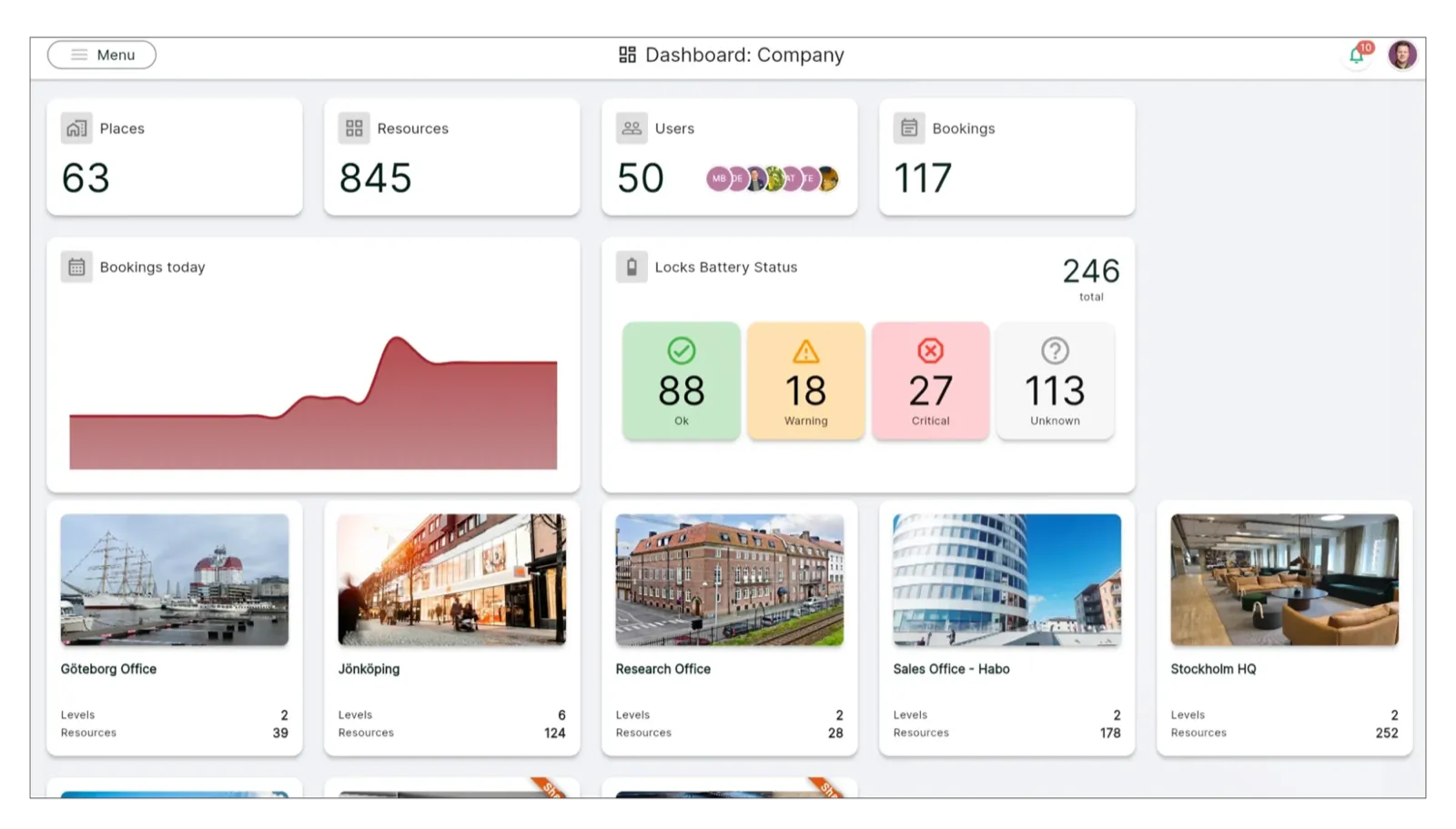
From one dashboard you can see:
- Inventory: what's available, booked, or occupied across rooms, desks, lockers, and parking
- Occupancy: how many people are in, broken down by team, department, and location
- Utilisation: how often each resource is actually used, so you can spot what's underused
- Lock battery levels: so you replace only the locks that need it, instead of swapping them all on a schedule
That fuller picture is what lets you repurpose dead space and plan ahead with confidence, rather than reading the whole office from meeting-room data alone.
Customer Insights: How Olink Proteomics built a keyless HQ from scratch
When the Uppsala biotech company Olink Proteomics built its new headquarters, it pulled operations from seven separate addresses into one building. One priority was getting rid of keys and access cards for lockers and storage, which had been a constant drag on flexibility and admin. Olink chose Awaio to run the whole workplace digitally from day one.
Mölnlycke Healthcare did the same thing. Their 16,000 m² global HQ, built for 800-plus hybrid staff, runs Awaio smart lockers and in-app shuttle booking on the same platform.
Still wondering how Awaio stands out against Joan? Schedule a call for a one-on-one demonstration of our platform's features.
Key features of Awaio
- All-in-one resource management: desks, lockers, parking, EV charging, and more
- Real-time office utilisation data
- Interactive office map and wayfinding, with no sensors required
- Google Workspace and Microsoft 365 integration
- SSO login
Pros
- Long-term usage data across every resource, not just rooms, so you can see real patterns
- Full white-labelling with your logo and brand colours, for a consistent feel across the platform
- Every reservation syncs instantly across phone, browser, and calendar, so everyone sees the same availability
- Fully cloud-based, with nothing to install or maintain locally
- Sign-in with existing Microsoft or Google accounts, which cuts down on weak passwords
Cons
- Visitor management isn't part of the platform yet
- No self-serve free trial; Awaio runs personalised demos and guided pilots
Pricing
- Room booking: from €10.90/month
- Office map: €190 (one-off)
- QR-code signs: €39 per sign
Where Joan bundles hardware and software into device-and-user tiers, Awaio is modular. Add room booking, a floor map, or QR signage as you need them, with no devices or IT rollout to fund first.
Want to see how Awaio facilitates workplace management without any hardware? Book a 30-minute demo →
2. Skedda — Best for granular booking rules across mixed spaces
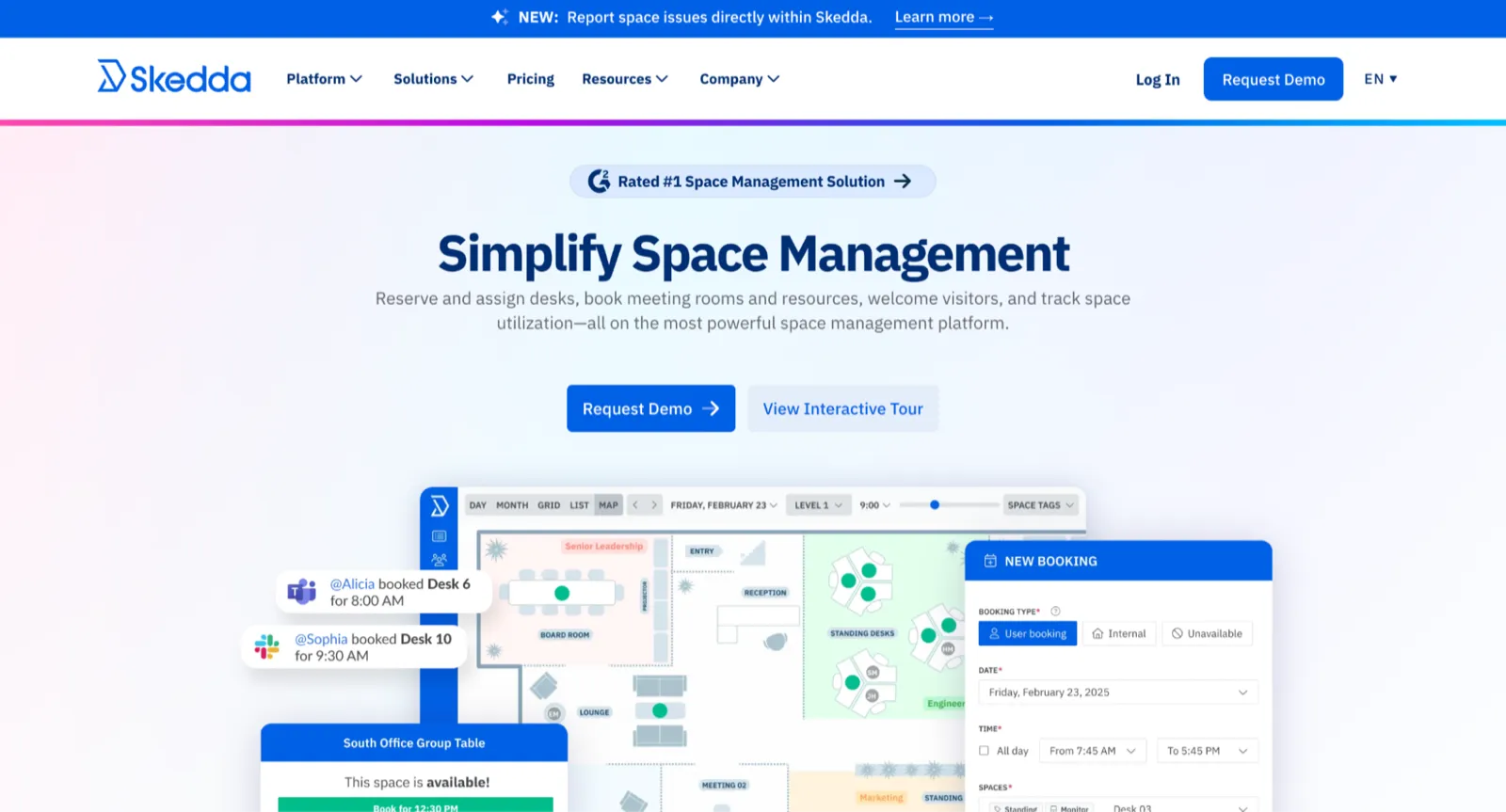
Skedda is a space-scheduling platform for desks, meeting rooms, and other bookable spaces, with two-way calendar sync to Microsoft 365, Google Workspace, and Slack so people can book from the tools they already use.
Why Skedda is a strong Joan alternative
Skedda's edge over Joan is its rules and roles engine. Run a coworking space with tiered memberships, and you can let premium members book four weeks out while standard members get one week. That kind of conditional logic isn't something Joan's display-led setup was built for. Skedda's interactive map also shows live availability and amenities like monitors, whiteboards, and standing desks, which a wall display can't.
The trade-off is how it's priced. Skedda charges per bookable space rather than per user, so the bill climbs as you add resources, and features like advanced rules and usage dashboards sit on higher tiers. Visitor management requires a separate add-on which can be paired with any of the subscription tiers.
Comparing budgets? See our guide to cost-effective Skedda alternatives.
Key features
- Flexible, conditional booking rules
- Resource booking for desks, rooms, spaces, and parking
- Analytics and reporting
- Visitor management
- Interactive floor plan
- Two-way sync with Outlook and Google Calendar
Pros
- A free plan lets you trial it before committing
- Recurring bookings are well supported, which is a real time-saver for fixed weekly schedules
- Two-way calendar and Slack sync keep booking inside the tools people already open
Cons
- Every bookable resource counts toward your space limit, so plans fill up quickly
- Core features like advanced rules, check-ins, and white-labelling aren't in the entry plan
- Per-space pricing pushes costs up as you scale
Pricing
- Starter: from $99/month
- Plus: from $249/month
- Premier: from $349/month
- Enterprise: custom
- Visitor management (add-on): $99/month
Pricing is per bookable space, with unlimited users.
3. Envoy — Best for visitor management and virtual front desk, with room booking

Envoy started as a visitor-management platform and grew into a modular workplace suite covering desks, rooms, deliveries, and emergency notifications. It's at its best where the front desk is the priority.
Why Envoy is a strong Joan alternative
Where Joan centres on booking, Envoy leads with the front desk. Its Virtual Front Desk lets one receptionist cover several offices remotely: checking in guests, giving directions, even video-calling staff. If you run multiple sites and want a consistent welcome at each one, that's a strong reason to look, with room and desk booking layered on top.
The catch is the pricing. Envoy dropped its old per-user plans and now charges for each capability separately: visitor management per location, booking per resource, signage per device, plus a platform fee. Every feature you turn on is another line item, and reviewers say the total tends to climb past what they first expected. There's no native locker management either, and the visitor kiosks need an iPad.
Related: our guide to Envoy alternatives for all-in-one workplace management.
Key features
- Visitor management and Virtual Front Desk
- Room and desk booking (Reservations)
- Interactive map
- Emergency notifications
- Deliveries management
- Analytics
Pros
- Auto-presence logs employees as in the moment they join office Wi-Fi
- Strong dashboards and ready-made reports make trends easy to spot
- A free Visitors tier and trials let you test before you commit
Cons
- No native parking or locker management
- Some users report a lag between web-app updates and the mobile app
- Modular, line-by-line pricing makes the total hard to predict
Pricing
- Visitors: free Basic plan, then Premium from $362/location/month, Custom Enterprise
- Reservations (desks, rooms, parking): $60 per bookable resource/year
- Screens (signage): $144 per device/year
- Most modules sit on top of a separate platform fee
4. Condeco by Eptura — Best for enterprise booking built around Outlook and Teams

Condeco, now part of Eptura and also sold as Eptura Engage, manages desks, meeting rooms, breakout areas, parking, and lockers. You can book from the web portal, the mobile app, or Outlook. It's built for large, multi-site organisations.
Why Condeco is a strong Joan alternative
Condeco's standout is the way it handles recurring meetings. Book a repeating meeting from Outlook, and it holds the same room each time. If that room falls through on a future date, it finds the next best match and updates everyone automatically, with no rescheduling on your part.
Two things to weigh. It's priced per user, so costs rise with headcount, which adds up fast at enterprise scale. And if you add Condeco's optional displays, kiosks, or wayfinders, each one needs mains power and a little upkeep. It's also worth knowing that since the Eptura acquisition, the product sits inside a larger portfolio — some users have felt the shift in branding and support.
Key features
- AI-assisted bookings
- QR-code and automated check-ins
- Visitor management
- Digital wayfinding
- Usage analytics
- Two-way Outlook and Teams integration
Pros
- Bookings sync across mobile, web portal, and Outlook
- Strong Outlook integration
- Covers parking, desk sharing, rooms, and lockers
- AI-driven booking based on schedules, teams, and past patterns
Cons
- Some users find support harder to reach since the Eptura transition
- Seeing where teammates sit is fiddly on mobile
- Optional hardware needs constant power, which leaves it exposed to outages
Pricing
Custom; contact the Condeco/Eptura team. Pricing is enterprise-oriented and scales per user.
5. OfficeSpace — Best for space planning and move management for larger facilities teams
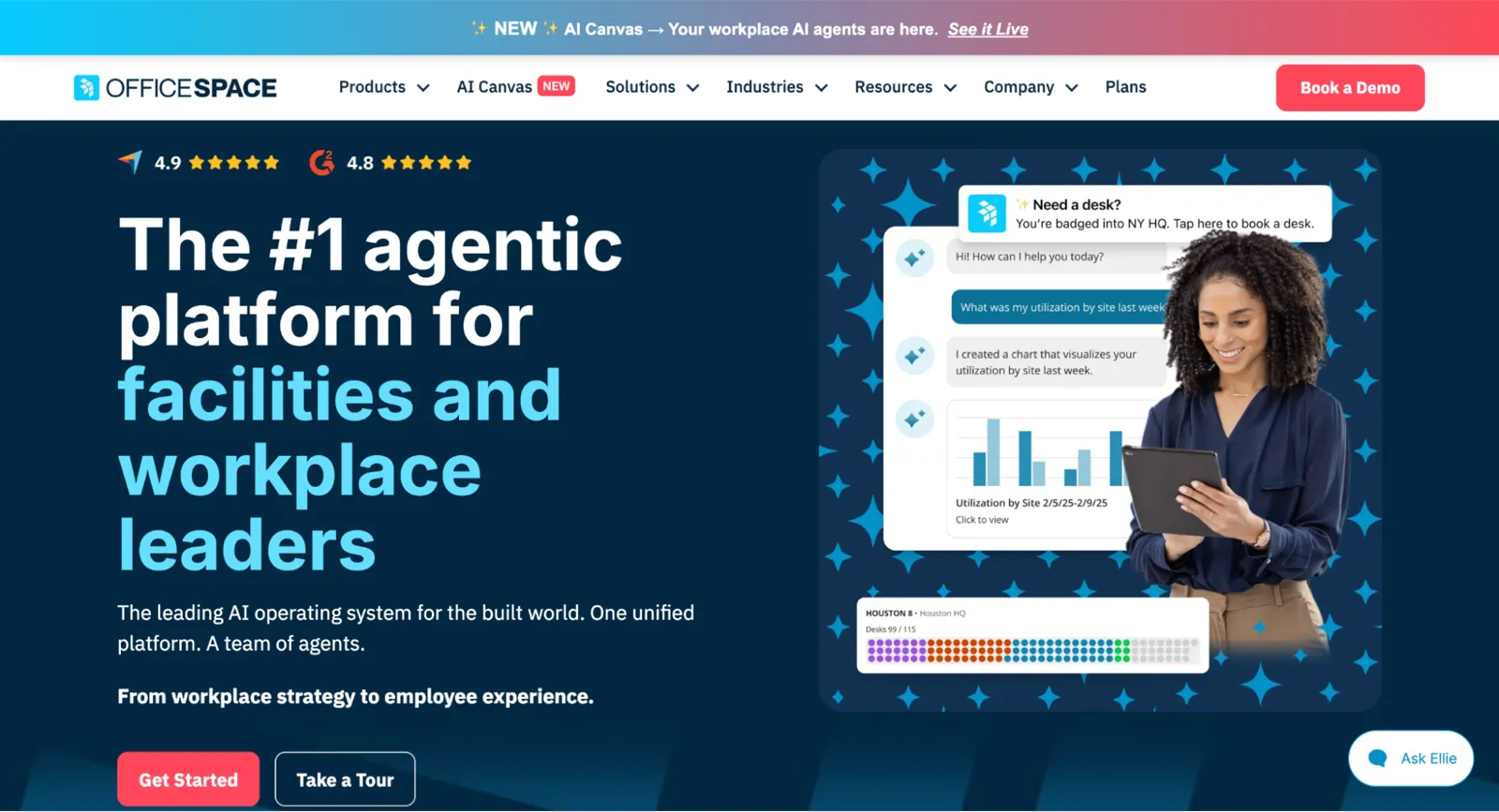
OfficeSpace is a cloud-first workplace platform built around space planning and move management, with desk booking, room scheduling, visitor management, and analytics available as modules.
Why OfficeSpace is a strong Joan alternative
If you host visitors often and need to keep them to a specific room, OfficeSpace does this well. Admins can brand the check-in screen, collect signatures and photos, require NDAs, and limit each guest to the room they're booked into. Its scenario-planning tools, which let you test new floor layouts against the live one, are a real help for facilities teams.
Setup and cost are the major tradeoffs. Wayfinding needs sensors fitted to desks and rooms, so it's more involved and pricier than a software-only map like Awaio's. Pricing is custom and quote-only, room booking is an add-on, and the whole platform is aimed at mid-to-large organisations with dedicated facilities teams rather than smaller offices.
Key features
- Space planning and move management
- Workplace analytics
- Visitor management
- AI assistant (Ossie)
- Wayfinding (sensor-dependent)
Pros
- The AI assistant helps people find resources or teammates and read usage trends
- Scenario floors let you test layouts without disrupting day-to-day operations
- Book desks, rooms, or parking from mobile, web, Teams, or Slack
- Integrates with real-estate, HR, and IT tools
Cons
- Wayfinding only works once sensors and signage are installed
- Core features like desk sensors for real-time availability and automatic badge check-in sit on the most expensive tiers
- Quote-only pricing and a required demo make it slower to evaluate
Pricing
Custom and quote-only. The platform is aimed at mid-to-large organisations; expect to go through a sales conversation for pricing.
Did you find the best Joan alternative for your team?
Whether you want hardware-free simplicity, multi-site visitor handling, or enterprise recurring bookings, the right choice comes down to the one pressure pushing you off Joan in the first place.
- Choose Awaio if the hardware cost and upkeep are what you want gone, and you'd like rooms, desks, lockers, and parking on one platform.
- Pick Envoy if visitor management across multiple sites is the priority and booking comes second.
- Go with Condeco by Eptura if recurring meetings and Outlook integration top the list at enterprise scale.
- Use Skedda for mixed spaces with tiered access, like coworking or gyms.
- Opt for OfficeSpace if you need space planning, move management, and tightly controlled visitor access.
Ready to see how Awaio compares live? Book a demo.