If you have moved your office to a hybrid model, chances are you have a system that can seat people but not coordinate them. Someone books a seat in seconds, then arrives to find half the team three floors up and the rest at home. After a couple of mornings like that, they stop coming in. The desks you are paying for sit empty, and the occupancy number you reported to leadership no longer holds up.
Hybrid work has changed what people expect from the office. A free desk available is no longer enough to justify the commute. Your team decides whether to come in based on who else will be there, where they are sitting, and whether they can get a seat nearby. When the booking tool cannot answer those questions, the trip stops feeling worth it.
In this guide, we compare 10 office hoteling platforms based on booking functionality, integrations, reporting, pricing, ease of use, and team coordination. These are the factors that decide whether people keep booking once desks are shared.
Top 10 office hoteling software at a glance
| Tool | Best for | Pricing model | Hardware needed | Colleague visibility | Standout |
|---|---|---|---|---|---|
| Awaio | Hardware-free hoteling that keeps teams together | Modular, per resource; unlimited users. Desks €69/month | QR codes (locker and access modules use Bluetooth locks) | Find a teammate and book the seat beside them | Colleague presence plus desks, rooms, parking, and lockers in one app |
| Deskbird | Employee-first scheduling, EMEA offices | Per user, from €2.75/user/month | None for desks (app or QR check-in) | Floor plan shows who is in; book near teammates | Employee-first UX, AI desk suggestions, EU data hosting |
| Skedda | Granular booking rules, low desk-to-staff ratios | Billed per space; from $99/month/space for unlimited users | Optional tablet displays | Floor plan shows who sits where | Deep booking-rules engine |
| Envoy | Offices where visitor and front-desk operations matter most | Modular per product; Free basic plan; paid from $362/location/month | iPad kiosk and badge printer (visitors) | Seating chart with colleague photos | Visitor management depth |
| Robin | Enterprises running rooms, desks, and signage | Custom quote; billed annually | Room displays, sold separately | Map shows who is in | Room displays plus utilization analytics |
| OfficeRnD Workplace | Hybrid offices and internal flex or coworking | Per resource; from $99/month for up to 150 users | Optional tablets (Visitor Hub) | Team view of bookings | Resource booking, with coworking via OfficeRnD Flex |
| YAROOMS | Microsoft 365 and Teams-centric workplaces | Tiered flat monthly; from $99/mo (Starter, up to 10 users) | Optional displays | Team availability in the hybrid calendar | Microsoft 365 depth, Yarvis AI, compliance tooling |
| Officely | Slack and Teams native booking, minimal setup | Per user; free up to 5 users; from $2.50/user/month (annual) | None | "Who is in" view inside Slack or Teams | Lives entirely inside Slack and Teams |
| Tactic | Modular, AI-assisted coordination | Per workspace, from about $3/workspace | Optional | See who is attending from where | Modular per-workspace pricing, Tessa AI |
| Eptura Engage | Enterprises with deep Microsoft Exchange estates | Custom quote | Room displays, sensors, badge access | "My Team" and floor view | Native Exchange, Teams, and Copilot booking |
Here is each platform in depth, starting with Awaio.
1. Awaio – Best for hardware-free hoteling that keeps teams together
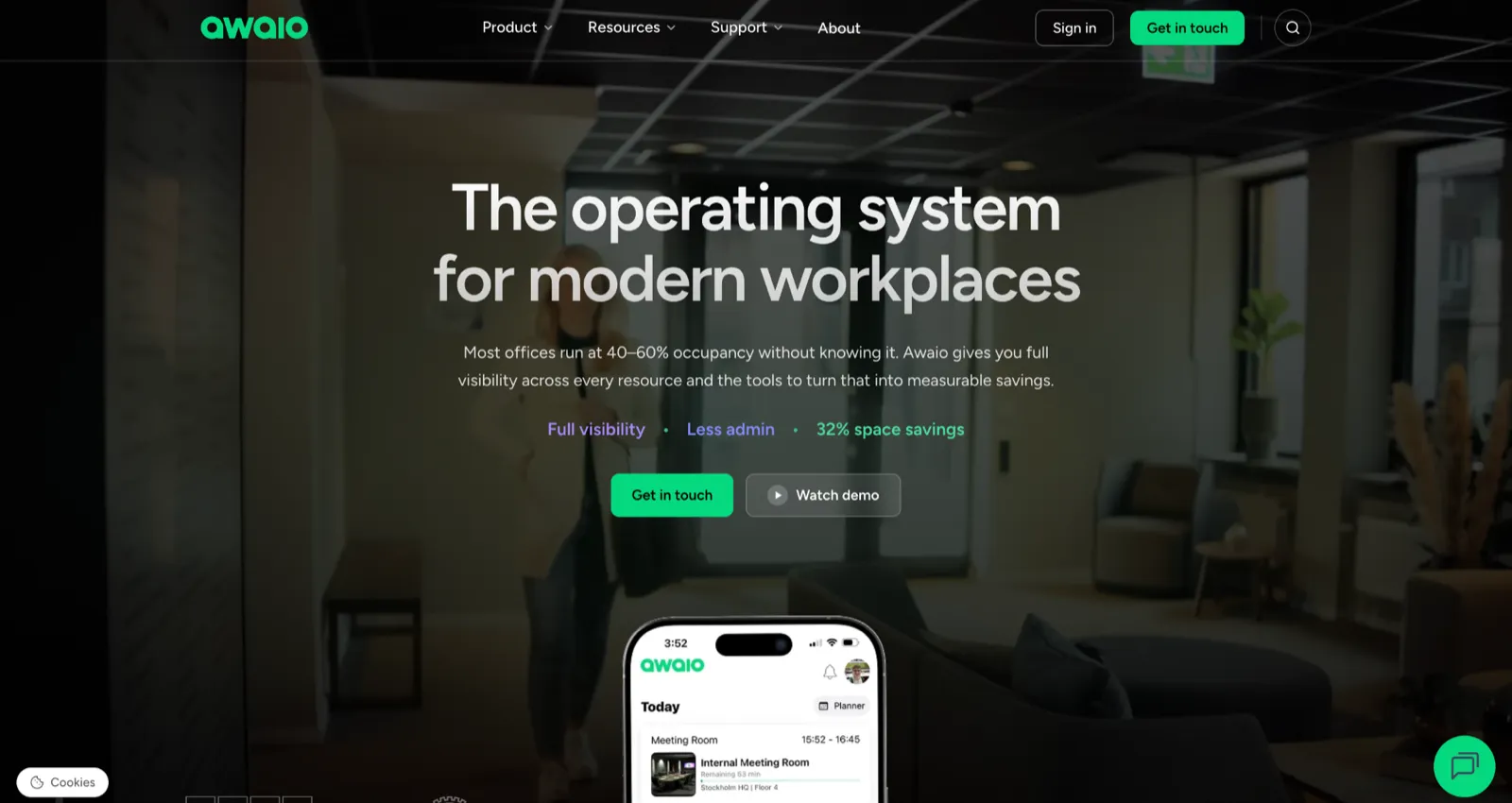
Awaio runs desk and room hoteling on existing furniture with no sensors, kiosks, or room screens. The only sign you add is an optional printed QR code, which lets a 150- to 500-person office retrofit the desks it already owns and go live in days rather than months. Awaio also scales to multi-site enterprises and university campuses.
Desks are where most offices start with Awaio, and the platform covers what usually comes next. The same app books meeting rooms, parking spots, EV charging, lockers, and shared equipment, and it turns a phone into the credential that opens doors, gates, and barriers, so one sign-in covers the whole building. It runs on a resource pool: tag any physical thing as bookable, whether a desk, a meeting room, a parking bay, a bike locker, or an EV charger, and it appears in the app for employees to reserve and check into by QR.
Utilization data comes from those bookings and check-ins rather than installed sensors, which keeps deployment sensor-free and the reporting close to real use. So a desk inquiry that later grows into rooms, parking, or lockers stays in one tool instead of becoming a second rollout.
What sets Awaio apart for hybrid teams is colleague presence. Employees can search for a teammate, see where and when they're planning to work, and reserve a nearby desk in seconds. That's the information people care about when deciding whether to come into the office, and it's something occupancy sensors alone can't provide.
Key features
- Colleague finder: locate a teammate on the office map and book a nearby desk.
- QR check-in: scan a desk's code to book or confirm a seat on arrival.
- Booking confirmation: release a no-show desk automatically when the holder does not confirm in the set window.
- Department zones: restrict desks, rooms, or lockers to specific teams.
- Smart lockers: turn existing cabinets into app-controlled storage with Bluetooth locks, without rewiring the furniture.
- Wayfinding: see every resource and colleague on a live floor map.
- Plan-ahead view: see which desks and colleagues are booked for an upcoming day, not only the present moment.
Integrations
Microsoft 365 and Google Workspace calendars, with SSO.
Pros
- All resources in one app: desks, rooms, parking, lockers, and access run through a single interface instead of separate tools.
- Hardware-free booking: QR codes and the app replace sensors, kiosks, and room screens, so rollout takes days.
- Colleague visibility: employees see where teammates sit and book a desk nearby.
- Unlimited users on every module, so cost tracks resources rather than headcount.
Cons
- Awaio does not offer a free trial at this time. However, we offer free, personalized, one-on-one demos.
- Visitor management is not currently part of the platform.
Pricing
Awaio's pricing is modular and billed per resource, with unlimited users.
- Room booking: €10.9/month
- Desk management: €69/month
- Smart parking: €69/month
- Office map: €190
- Bluetooth lock: €99/lock
- QR signs (optional): €39/sign
Because pricing is tied to the resources you manage, you can add desks, rooms, parking, or lockers as your workplace evolves instead of paying for features you don't need.
How Awaio plays out in different offices
Mölnlycke Healthcare built its new global headquarters around hybrid work from the start, with no assigned desks, dedicated team home zones, and every workspace and locker bookable from one app. Its facilities director points to that single-app simplicity as the reason adoption came easily, which is the step most desk-booking rollouts stumble on.
Trøndelag Police District took the cost side of the same platform and cut the admin and maintenance cost of handling internal IT equipment and mail by 95% after switching its distribution cabinets to Awaio smart locks. The locks fit cabinets that the department already owned, so they didn't have to invest in new storage hardware.
Want to see how Awaio helps employees find teammates, reserve nearby desks, and manage workplace resources without complex hardware? Book a 30-minute demo
2. Deskbird – Best for employee-first scheduling
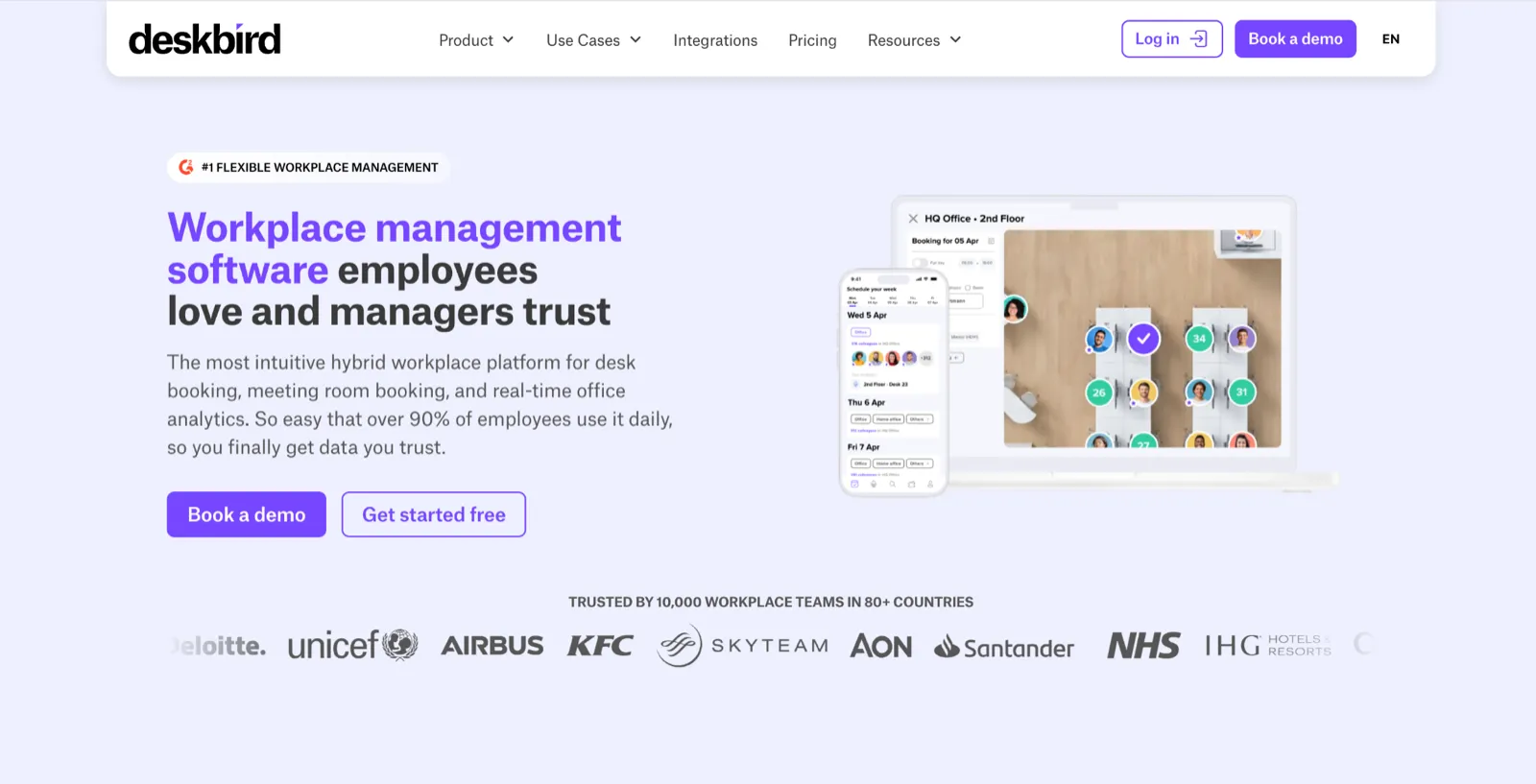
Deskbird is built around the employee's week rather than the admin console. The main view is a planner where people set their office days, see who else is coming in, and book a desk near their team in a couple of taps. For a small or mid-sized hybrid team whose blocker is adoption rather than policy control, this is the tool that targets the blocker most directly.
The product is sold as separate modules: a Desk Booking platform, Room Booking, and Workforce Engagement, so an office can start with desks and add rooms once the habit sticks rather than buying the whole suite at once. AI desk suggestions recommend a seat based on past bookings and team presence, and native Microsoft Teams, Slack, and Outlook integration means people book from the tools they already have open.
Key features
- Week planner: set office days and see which colleagues plan to come in.
- Interactive floor plan: view live desk availability and book near teammates.
- AI desk suggestions: get recommended desks based on past bookings and team presence.
- Room booking add-on: book meeting rooms with digital signage as a separate product.
- HRIS sync: connect employee records through Merge and providers like Personio.
Integrations
Native Microsoft Teams, Slack, Outlook, and Google Calendar.
Pros
- Fast, intuitive booking that reviewers say needs little training.
- Floor plan and who-is-in view make coordinating office days easy.
- Native Microsoft Teams, Slack, and Outlook, with data hosted in Germany.
Cons
- Per active user pricing, so an office with far more employees than desks pays for people who rarely book.
- Advanced rules, public API, and SSO with SCIM sit on the Professional tier or paid add-ons.
Pricing
Per active user, so you pay only for the people who book in a given month.
- Business: from €2.75 per active user per month, billed annually
- Professional: custom pricing
- Enterprise: custom pricing
A free trial is available with no credit card.
See our guide to the best Deskbird alternatives and compare options for hybrid workspace management.
3. Skedda – Best for granular booking rules and low desk-to-staff ratios
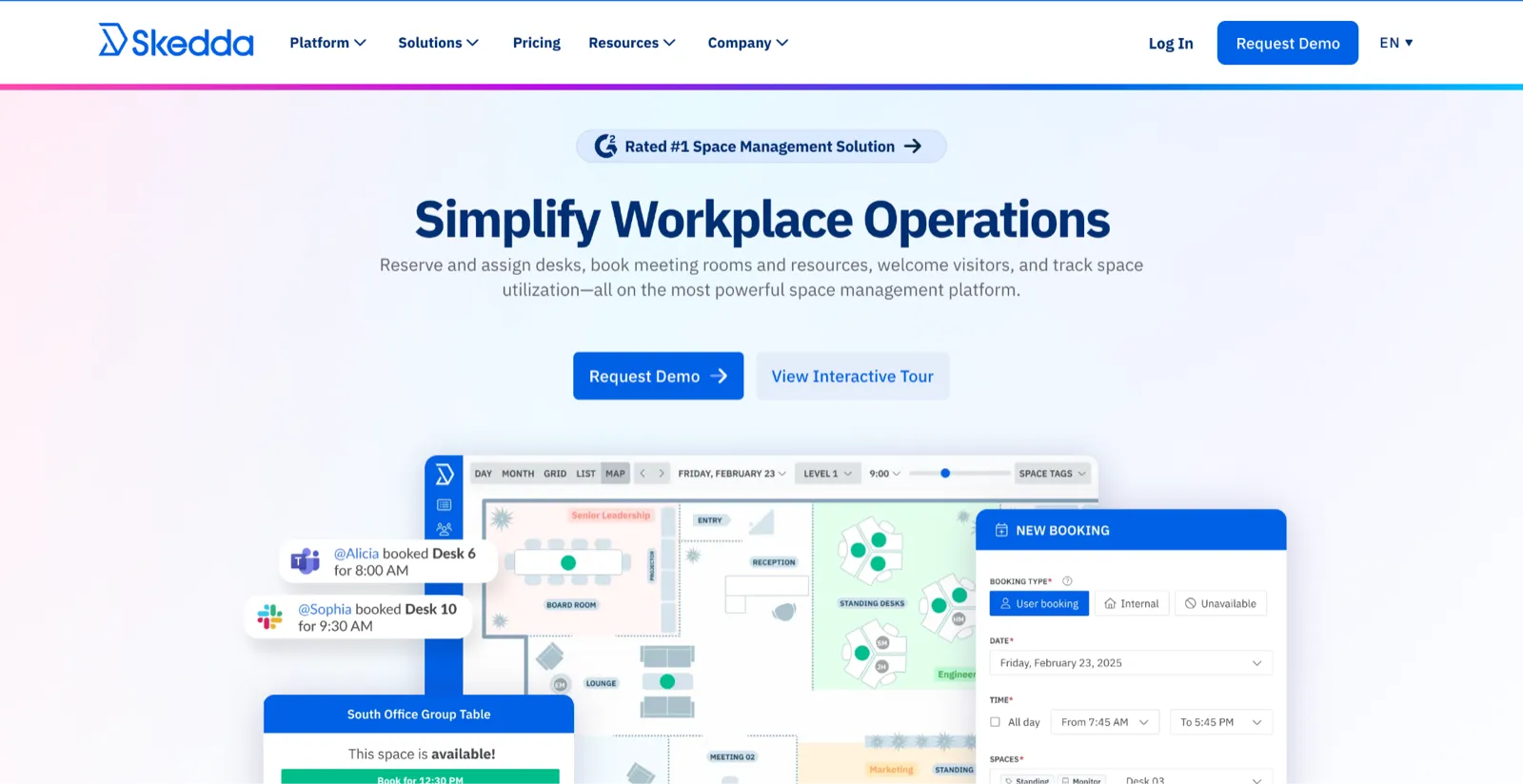
Skedda is the tool to reach for when booking policy is the hard part, which makes it a fit for mid-market organizations of roughly 300 to 2,000 employees that need tight control without a clunky experience for staff. Its rules-and-roles engine lets admins decide who can book which spaces, how far ahead, for how long, how often, and with what approvals, then enforce that across multiple locations. It is the deepest booking-rules engine in this comparison, and it is the reason a facilities team managing a low desk-to-staff ratio or strict eligibility rules picks it over a simpler planner.
On Skedda, employees see a custom interactive floor plan with live availability, and neighbourhoods keep departments seated together. It is aimed at mid-market organizations, roughly 100 to 2,000 employees, that want tight control without a clunky booking experience.
The flip side is that every desk, room, parking spot, and booth is priced per space, so expanding what you manage can push you into a higher tier. To avoid this, cost-sensitive teams often compare Skedda alternatives before committing.
Key features
- Rules and roles engine: set quotas, eligibility, advance windows, buffers, and approvals per space or group.
- Interactive floor plans: book desks and rooms from a custom map with real-time availability.
- Neighbourhoods: group spaces by team to keep departments together.
- Two-way calendar sync: pair Skedda spaces with Microsoft 365 and Google Workspace events.
- Tablet displays: show availability at room doors or in the lobby.
Integrations
Microsoft 365, Google Workspace, Microsoft Teams, Slack, Zoom, ServiceNow, and SSO with SCIM through Microsoft Entra ID and Okta.
Pros
- Deep booking-rules engine: quotas, eligibility, advance windows, buffers, and approvals across locations.
- Intuitive for employees while giving admins tight control.
Cons
- Every desk, room, parking spot, or booth counts toward the plan limit, so expanding what you manage can push you to a higher tier.
- Visitor management is a paid add-on, and the flexible rules take upfront planning to configure.
Pricing
- Starter: $99/month per space (15 spaces included)
- Plus: $149/month per space (20 spaces included)
- Premier: $199/month per space (25 spaces included)
- AllBooked: custom pricing
- Visitor management: $99 per month add-on
4. Envoy – Best for offices where visitor and front-desk operations matter most
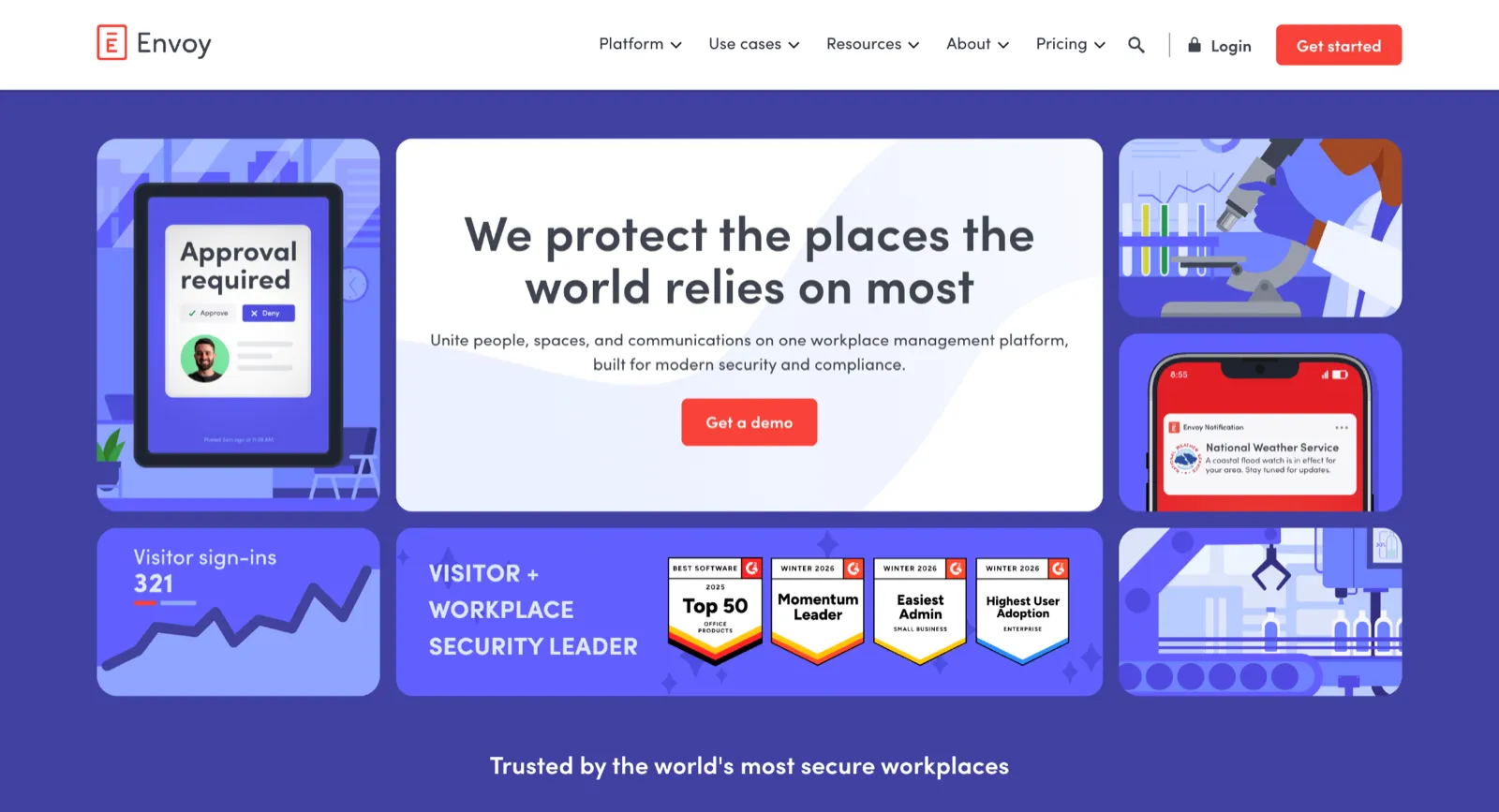
Envoy is the right call when the front desk, not the desk floor, is the priority, which usually means a reception-heavy or compliance-driven office. It started as a visitor-management system and still leads with it. Guests sign in on an iPad kiosk, badges print automatically, hosts get notified, and security teams get NDAs, ID scanning, blocklist screening, and emergency alerts. For a regulated industry where guest compliance and an audit trail are hard requirements, that depth is the reason to choose Envoy over a booking-first tool.
Desk and room booking sit on the same platform as separate products, so an office that needs both visitors and workspaces can run them from one admin dashboard. The integration list is broad, spanning Slack, Teams, Zoom, Outlook, Google Workspace, plus access control and HR systems.
If desks are the main event, a per-space or per-resource tool will cost less and feel more native, and the broader set of Envoy alternatives is worth a look. If visitor compliance is more important, Envoy is a solid option.
Key features
- Visitor sign-in: register guests, print badges, and notify hosts on arrival.
- Desk and room reservations: book workspaces with real-time availability and auto-release.
- Workplace maps: navigate desks, rooms, and amenities from a seating chart with photos.
- Deliveries and emergency alerts: track packages and send targeted safety notifications.
- Broad integrations: connect Slack, Teams, Zoom, Outlook, and Google Workspace, plus access control and HR systems.
Pros
- Best-in-class visitor sign-in: badge printing, host notifications, NDAs, and ID scanning.
- Polished, professional front-desk experience that reviewers praise.
- Broad integrations across calendars, access control, and HR systems.
Cons
- Desk and room booking sit on a visitor-first platform and are billed as separate products, so a desk-led office can pay more than with a dedicated booking tool.
- Visitor management is priced per location and needs front-desk hardware (an iPad, a stand, and a badge printer) at each site.
- Reviewers flag cost across locations and add-ons, and some describe floor-plan editing as clunky.
Pricing
- Visitors: free Basic plan, then Premium from $362/location/month; Custom pricing for Enterprise
- Reservations (desks, rooms, parking): $5 per bookable resource/month (billed annually)
- Screens (signage): $12 per device/month (billed annually)
- Most modules sit on top of a separate platform fee
5. Robin – Best for running rooms, desks, and signage together
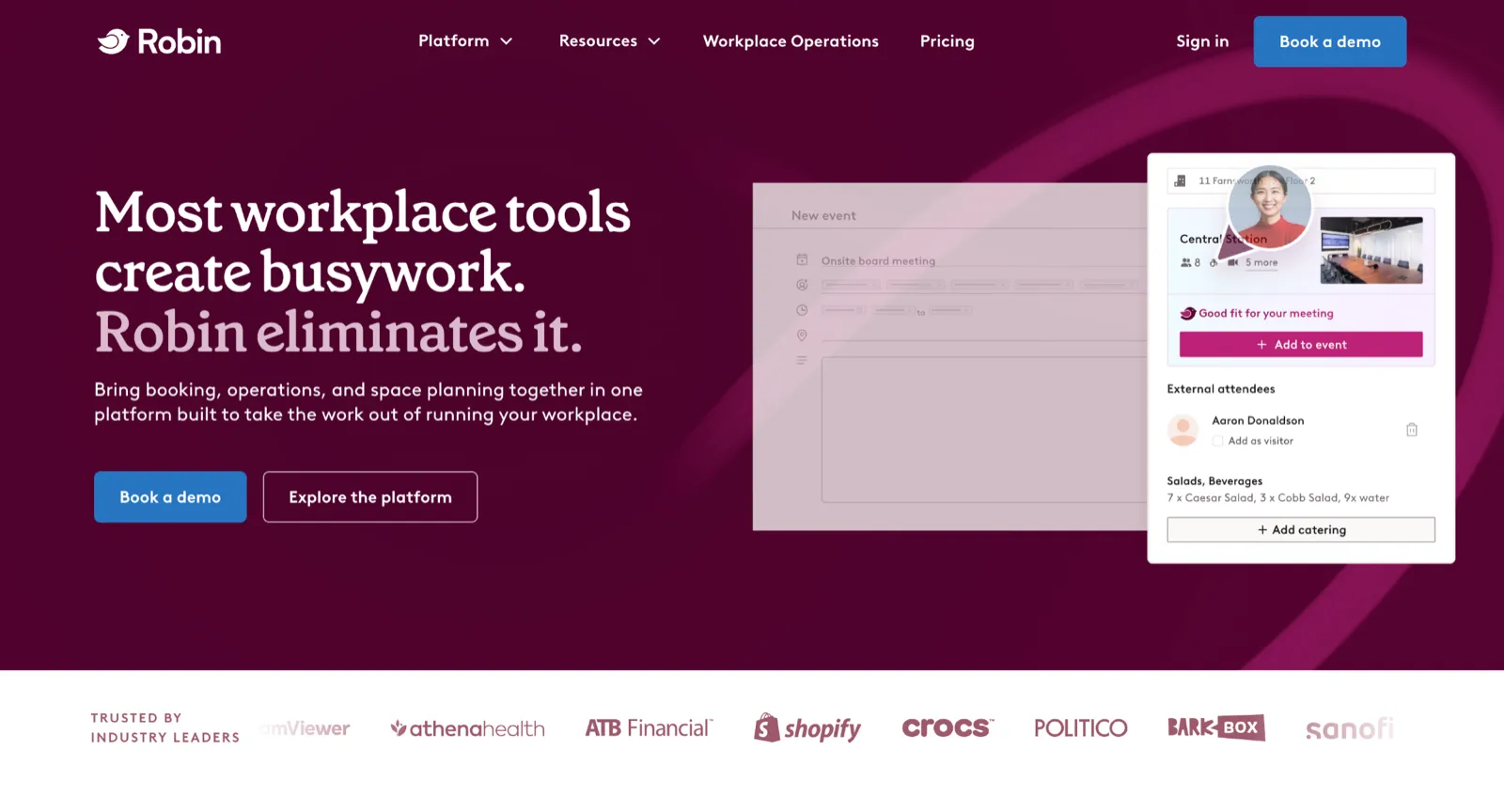
Robin fits the large, multi-floor enterprise that already treats physical signage as part of the office and has an in-house workplace team to run the platform. It grew out of conference-room scheduling into a broader workplace platform, and rooms are still where it is strongest. Displays outside meeting rooms show real-time availability and let people book or check in on the spot, while desk booking and interactive maps sit alongside, and the analytics layer tracks utilization across the estate.
For an enterprise buyer, the auto-cancellation of ghost meetings and utilization reporting are standout features, freeing up underused rooms and giving a defensible basis for space decisions. Calendar sync covers both Google and Microsoft, and end users describe day-to-day desk and room booking as simple once they are set up.
Key features
- Room scheduling: book meeting rooms and check in from displays outside the door.
- Desk booking: reserve desks from an interactive map and see who is in.
- Room displays: show real-time availability on screens and tablets at the room.
- Workplace analytics: track desk and room utilization to inform space decisions.
- Visitor management: pre-register guests, check them in, and log visits.
Integrations
Outlook and Google Calendar, with Slack and Teams.
Pros
- Easy, intuitive desk and room booking with teammate visibility.
- Room displays plus enterprise analytics and auto-cancel for ghost meetings.
- Calendar sync with Google and Microsoft.
Cons
- Quote-only annual pricing with room displays sold separately, so you cannot budget without a sales conversation.
- Reviewers often call it expensive, and the interface gets crowded at peak times with availability that does not always refresh instantly.
- Microsoft 365 users report sync friction, and editing floor plans can need Robin's team.
Pricing
Custom and quote-based, billed annually. Hardware, such as room displays, is sold separately through equipment partners.
6. OfficeRnD Workplace – Best for hybrid offices and internal flex or coworking models
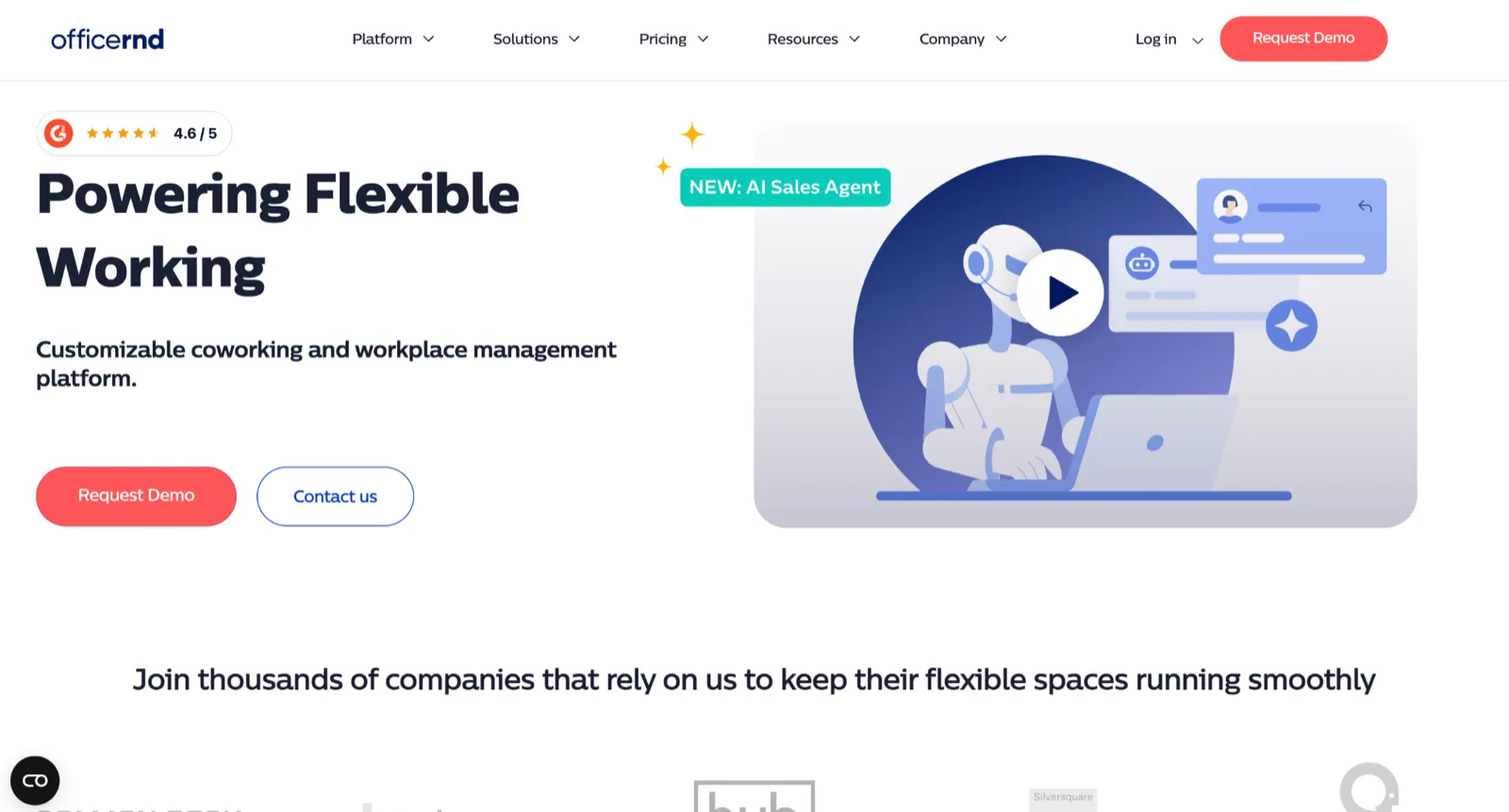
OfficeRnD Workplace is a strong fit when an office wants real control over how its space is run and governed. It covers desks, rooms, parking, and visitor check-in from one place, books straight inside Microsoft Teams and Outlook, and lets admins set different reservation rules for different spaces, with utilization analytics behind the decisions that follow.
What sets it apart is the company's second product, OfficeRnD Flex, built for coworking operators with membership, billing, and contracts. That coworking background lets the platform run internal flex space or a hybrid office that behaves like a coworking floor, where space gets allocated, billed, and reassigned as teams and agreements change rather than just booked day to day.
Key features
- Resource booking: reserve desks, rooms, parking, and phone booths from a floor plan.
- Visitor Hub: check guests in from a tablet app at reception.
- Team view: see colleagues' bookings and plan office days together.
- Analytics: track utilization to inform space decisions.
- Open API: build custom integrations beyond the standard connectors.
Integrations
Microsoft 365 and Google Workspace calendars, with an open API.
Pros
- Native Microsoft Teams and Outlook booking with no extra tab, which reviewers find intuitive.
- Covers desks, rooms, parking, and booths, with a Visitor Hub and analytics.
- Backed by the established OfficeRnD Flex product.
Cons
- Each edition caps users, and SSO and the Visitor Hub are paid add-ons on the entry plan.
- API and door-access integrations are reserved for Enterprise.
Pricing
- Start: $99/month (up to 150 users)
- Professional: $399/month (up to 1000 users)
- Enterprise: custom pricing
7. YAROOMS – Best for Microsoft 365 and Teams-centric workplaces
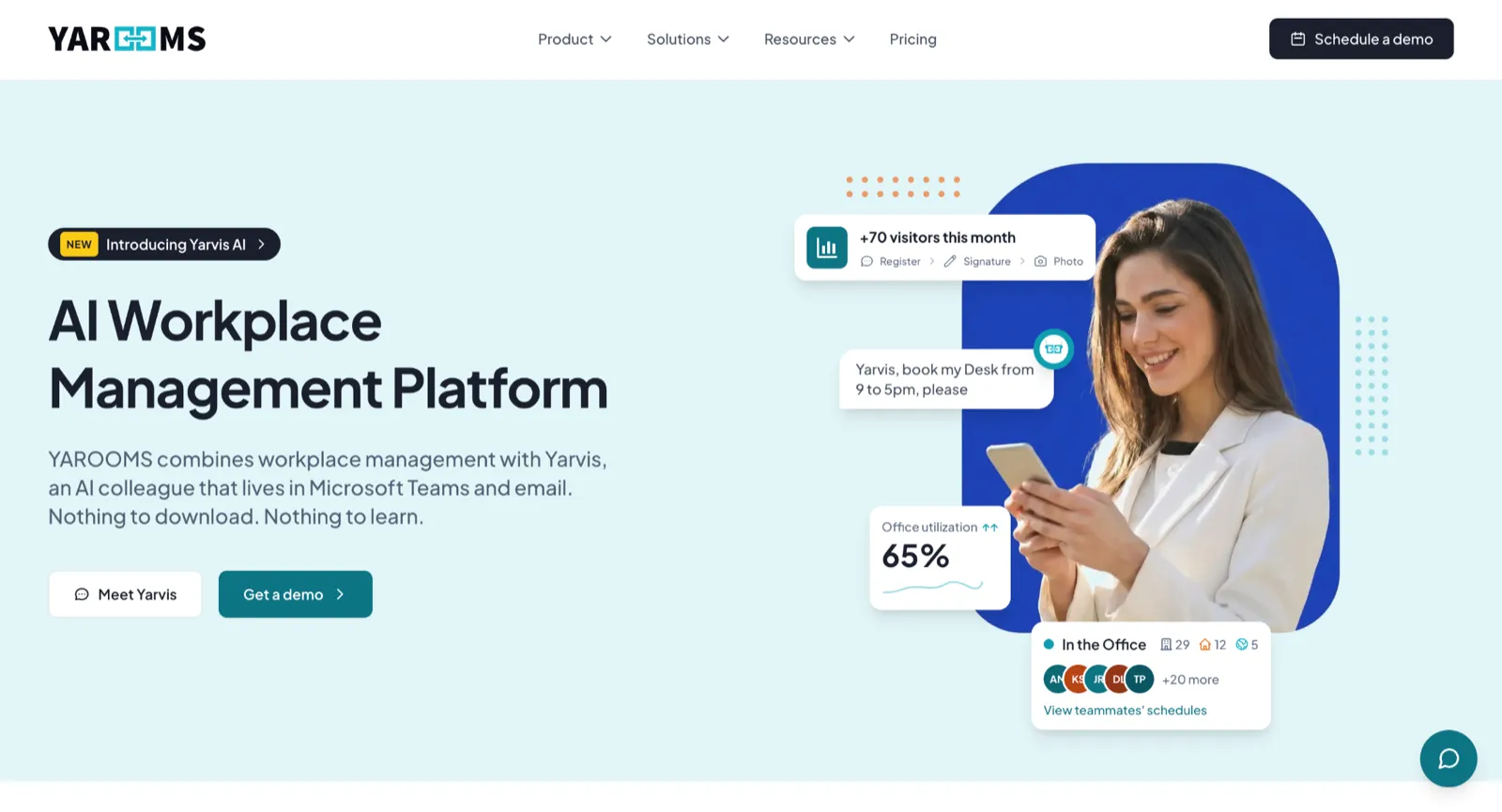
YAROOMS is built for offices that run on Microsoft, and that is where it feels most at home. Employees book desks, rooms, parking, and equipment from an interactive floor plan or straight inside Outlook and Teams, set their work location in a shared hybrid calendar, and can hand the task to Yarvis, an AI assistant that books and answers in natural language.
It also leans into the needs of regulated workplaces, pairing visitor management and digital signage with GDPR and ISO 27001 compliance, which makes it a comfortable choice for finance, healthcare, and the public sector. The other side of that Microsoft focus is that teams living outside the Microsoft stack, or wanting a more mobile-first experience, will find platforms built around coworker visibility and hybrid coordination a more natural home.
Key features
- Hybrid work calendar: set a daily work location and view team availability.
- Space booking: reserve desks, rooms, parking, and equipment from a live floor plan.
- Yarvis AI assistant: book and manage spaces through natural language in Teams or Slack.
- Visitor management: register guests with custom workflows, badge printing, and a digital log.
- Digital signage: show room and desk availability on displays and lobby screens.
Integrations
Microsoft 365, Outlook, Teams, Google Calendar, Zoom, and SSO.
Pros
- User-friendly across web and tablet, with Outlook and Microsoft Teams integration.
- Map and timeline views make finding and booking space easy.
- Published flat-rate pricing, with GDPR and ISO 27001 compliance.
Cons
- Flat tiers step up in fixed jumps, and the Teams app, Yarvis AI, SSO, and analytics sit on the $399 Business plan or higher, with API on the $899 Enterprise plan.
- Mobile and iPhone floor-plan and timeline views are harder to use than desktop.
- Reviewers note occasional lag, and some report a steep jump after an introductory rate.
Pricing
Flat monthly tiers rather than per user, so cost does not climb with headcount.
- Starter: $99 per month (from 10 users)
- Business: $399 per month (from 50 users)
- Enterprise: $899 per month (from 300 users)
- Visitor management: $99 per location per month add-on
8. Officely – Best for Slack and Teams native booking with minimal setup

Officely's whole idea is to meet people where they already are. It lives inside Slack and Microsoft Teams, so booking a desk, checking who is in, reserving a room, or grabbing a parking spot all happen in the chat the team uses all day, with no separate app to remember. That is the main reason it gets used, since the most common way a desk-booking tool fails is people forgetting to open it.
It suits small and mid-sized teams that want booking to be effortless and already run on chat. The emphasis is on adoption and speed, not so much on interactive floor plans, visitor management, and deep analytics. Teams that need that administrative depth might want to look into other platforms, but teams that want high adoption with almost no setup are exactly who Officely is for.
Key features
- In-chat desk booking: reserve a desk in two clicks without leaving Slack or Teams.
- Who is in view: see which colleagues are booked in each day in the channel.
- Check-in and auto-release: free up no-show desks automatically.
- Neighborhoods: group desks by team or zone and set who can book them.
- Add-ons: book meeting rooms, parking, and team lunches in the same flow.
Integrations
Slack, Microsoft Teams, Google Calendar, and HR systems like BambooHR.
Pros
- Lives inside Slack and Teams, so adoption is high, and setup takes minutes.
- Easy who-is-in visibility in the channels teams already use.
- Responsive support and a free tier for up to 5 users.
Cons
- Lighter analytics and admin controls than full platforms, and no public API.
- Not available on Slack Enterprise Grid, which rules it out for some larger Slack deployments.
- The Microsoft Teams version is less complete than the Slack one, and visitor management is limited.
Pricing
- Free: up to 5 users, with all features
- Basic: €2.50 per user per month (billed annually)
- Premium: €3.50 per user per month (billed annually)
- Enterprise: custom pricing
9. Tactic – Best for modular, AI-assisted workplace coordination
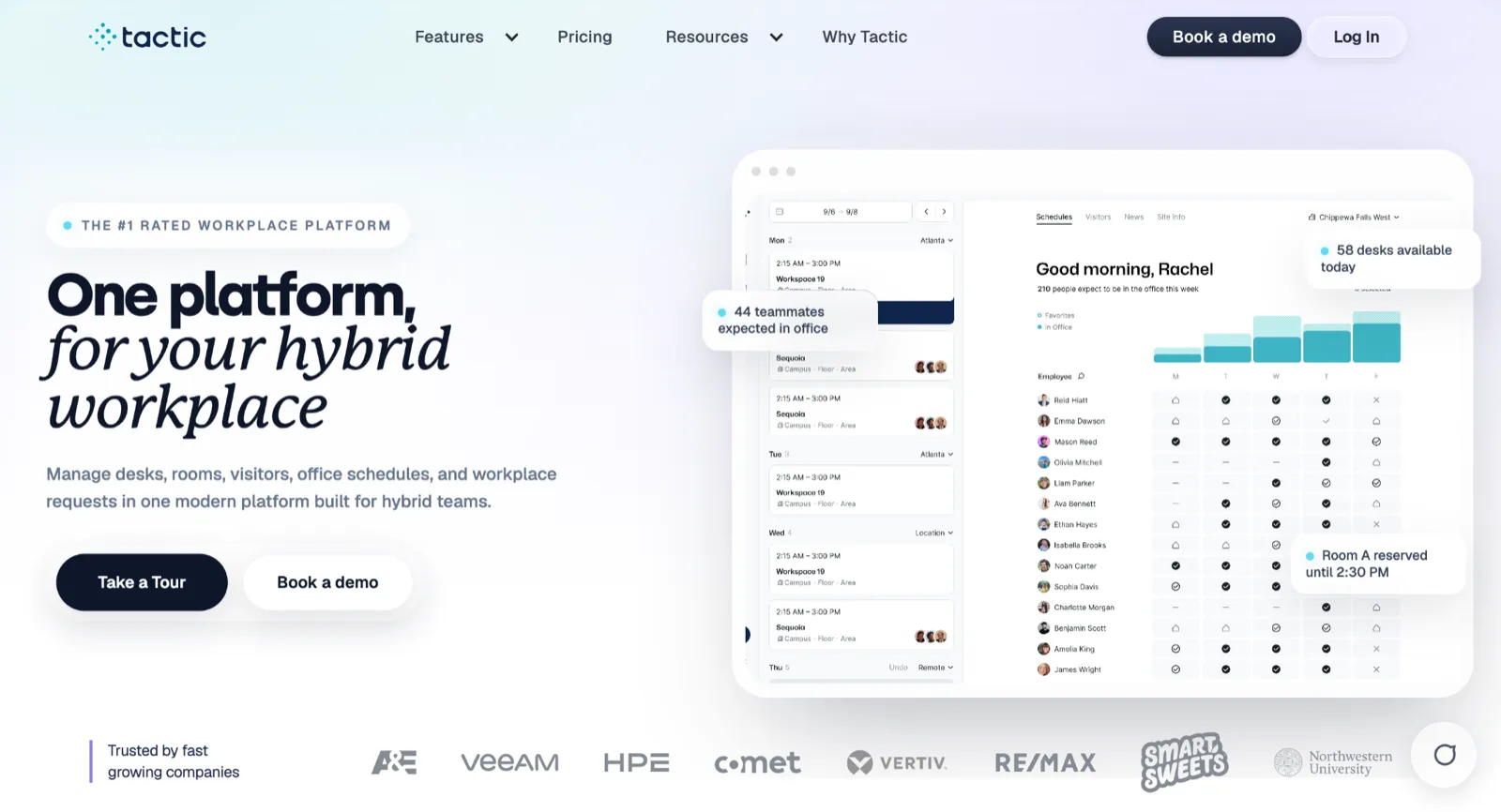
Tactic takes a build-it-your-way approach. A team switches on only the modules it needs across desks, rooms, visitors, and requests, then adds Tessa, an AI assistant that handles bookings and questions in plain language. It is quick to stand up, so most teams are coordinating their week within a few days rather than running a project to get there.
Day to day, the value is in coordination: a colleague finder shows who is in and where, and capacity controls help teams that share a floor with clients keep it from feeling crowded. The approach suits hybrid offices that like assembling their own setup and value flexibility over a fixed feature set. Teams that would rather have deep reporting and heavy customization ready out of the box will lean toward the more built-out enterprise platforms instead.
Key features
- Desk and room booking: reserve workspaces and see who is attending from where.
- Visitor management: capture visitor details and print badges at check-in.
- Tessa AI assistant: ask for available spaces and make bookings in natural language.
- Workplace requests: log and route office service tickets.
- Office insights: track occupancy and usage for space planning.
Integrations
Microsoft Teams, Outlook, Slack, and Google Workspace, with SSO and API access on higher tiers.
Pros
- Clean, intuitive booking with Microsoft Teams and Outlook integration that lifts adoption.
- Modular setup (Desks, Rooms, Visitors, Requests) with per-workspace pricing and the Tessa AI assistant.
Cons
- You cannot edit floor plans or maps yourself; you contact Tactic.
- Limited customization and light reporting for complex needs, with SSO and API on higher tiers.
Pricing
- Core: $3 per workspace per month
- Pro: $4 per workspace per month
- Enterprise: Custom pricing
10. Eptura Engage (formerly Condeco) – Best for enterprises with deep Microsoft Exchange estates
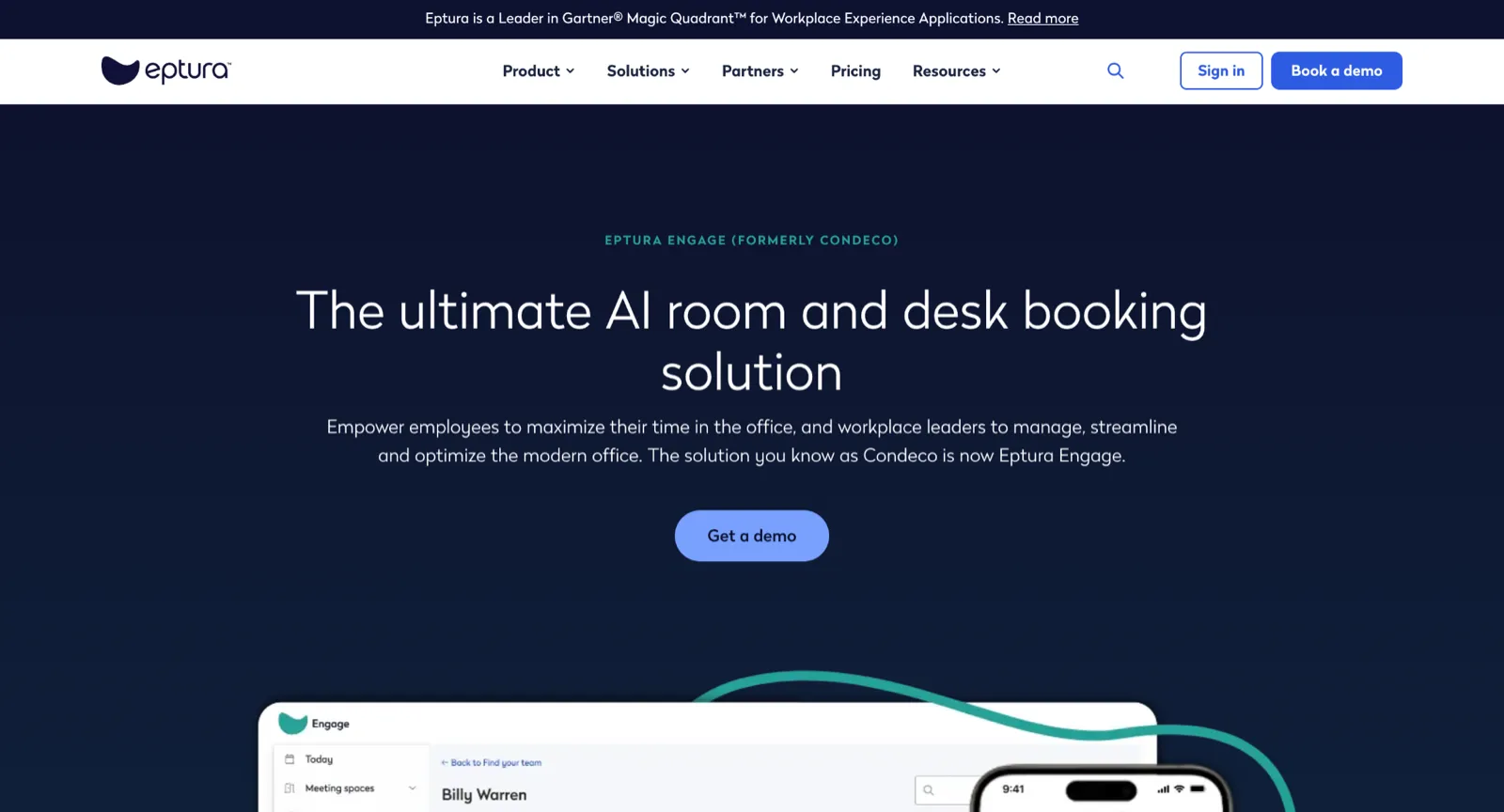
Eptura Engage, formerly sold as Condeco, is built for large organizations that run on Microsoft. Its strength is how deeply it lives inside that world: employees book desks, rooms, parking, and services from Outlook, Teams, the Exchange calendar, and Copilot, and the platform serves as the spatial system of record for Microsoft Places.
At that scale, the operational features are the draw, with badge and sensor check-in that confirms or releases bookings automatically, auto-rebooking that finds a new room when a meeting moves, and workplace data flowing into Power BI for portfolio reporting. All of it is aimed at multi-office enterprises with serious compliance needs, which is also why it tends to be more than a mid-market office wants. Teams with fewer than 500 employees, or those outside the Microsoft estate, will be better served by the lighter, more employee-focused tools higher up this list.
Key features
- Microsoft-native booking: reserve desks and rooms from Outlook, Teams, and Copilot.
- Automated check-in: use badge swipe and sensor data to confirm or release bookings.
- Reservations with services: add catering, IT equipment, and visitors to a booking.
- Auto-rebooking: find a new room automatically when a meeting is rescheduled.
- Enterprise analytics: stream workplace data into Power BI for portfolio reporting.
Integrations
Microsoft 365, Exchange, Teams, Copilot, SSO, ServiceNow, and access control systems.
Pros
- Deep Microsoft Outlook, Exchange, Teams, and Copilot integration at enterprise scale.
- Books desks, rooms, parking, and services, with badge and sensor check-in.
- Acts as the spatial system of record for Microsoft Places.
Cons
- Quote-only pricing, built for large compliance-driven enterprises, so it tends to be heavier and costlier than a mid-market office needs.
- No native Google Workspace or Slack, and admin work spans multiple portals.
Pricing
Custom and quote-based, with no public price list.
- Plans: priced by quote, scaled to enterprise size and the modules you need
- Hardware: room displays, sensors, and badge access usually factor into the cost
Still comparing office hoteling software? See how Awaio compares to other hybrid workplace solutions and what to look for before committing to hardware-heavy systems. Explore Hybrid Workplace Software
How we evaluated these platforms
Every platform was assessed against the same criteria:
- Booking functionality: Hoteling, hot desking, assigned seating, recurring bookings, booking rules, and automatic desk release.
- Integrations: Microsoft 365, Teams, Google Workspace, Slack, SSO, HR systems, and calendar sync.
- Analytics: Utilization reporting, occupancy insights, and exportable data.
- Scalability: Deployment effort, multi-location support, and ongoing administration.
- Pricing: Per-user, per-space, resource-based, and enterprise pricing models.
- Ease of use: How quickly employees can find and book a workspace.
- Colleague visibility: Whether employees can see where teammates are sitting and book nearby.
While all of these factors matter, we gave extra weight to ease of use and colleague visibility. A platform can have excellent booking features and analytics, but if employees don't use it, the data and workflows quickly lose value.
Which office hoteling software is best for your office?
The best office hoteling software is the one employees will easily use. Features, analytics, and pricing all matter, but adoption depends on how easy it is to book a desk and coordinate office days with colleagues.
If ease of use and employee coordination are priorities, Awaio stands out with desk booking, colleague finding, office maps, team zones, room management, parking, and lockers in a single platform.
Want to see how office hoteling works without sensors, kiosks, or expensive hardware? Book a demo on Awaio today.
FAQ
What is office hoteling software?
Office hoteling software lets employees reserve a desk or workspace in advance, usually from an interactive floor plan or a mobile app, rather than owning a fixed seat. It exists because hybrid work means more employees than desks in use on any given day, and shared desks need a system to stay organized.
What is the best office hoteling software?
The best tool depends on the resources you manage and how your team works. If you want desks, rooms, parking, and lockers in one app with no installed hardware, Awaio is built around that. For deep booking rules across many spaces, Skedda is a strong pick; for visitor-heavy receptions, Envoy. Whichever you choose, match the pricing model to your ratio of employees to desks, since that drives total cost more than the headline rate.
What is the difference between hoteling and hot desking?
Hoteling means booking a desk ahead of time for a chosen day or period. Hot desking is first-come, first-served, with no reservation. Most platforms support both, and many offices mix them with assigned seating for specific roles. For a more detailed breakdown, see this guide to desk sharing software.
How much does office hoteling software cost?
It depends on the pricing model. Per-user tools start around €2.50 per user per month, while flat-rate plans can start near $99 per month for a small team. Per-space tools are priced by the number of bookable desks and rooms, and enterprise platforms quote custom pricing. Add-ons like visitor management or hardware are usually billed separately.
Does office hoteling software need sensors or hardware?
No. Some platforms use kiosks, sensors, and room displays, but others run on QR codes and a mobile app with no installed hardware. The hardware adds occupancy automation and front-desk features at the cost of procurement, installation, and maintenance.
Can one platform handle desks, rooms, parking, and lockers?
Yes. Several platforms here cover more than desks. Awaio, for example, manages desks, rooms, parking, and lockers in one app, which avoids running separate tools for each resource.