

If Awaio support asks you to send logs, you can activate debug mode directly from the mobile app. This works whether or not you can log in.
If you can log in
- Open the Awaio app and log in.
- Double-tap the Awaio logotype in the upper left corner.
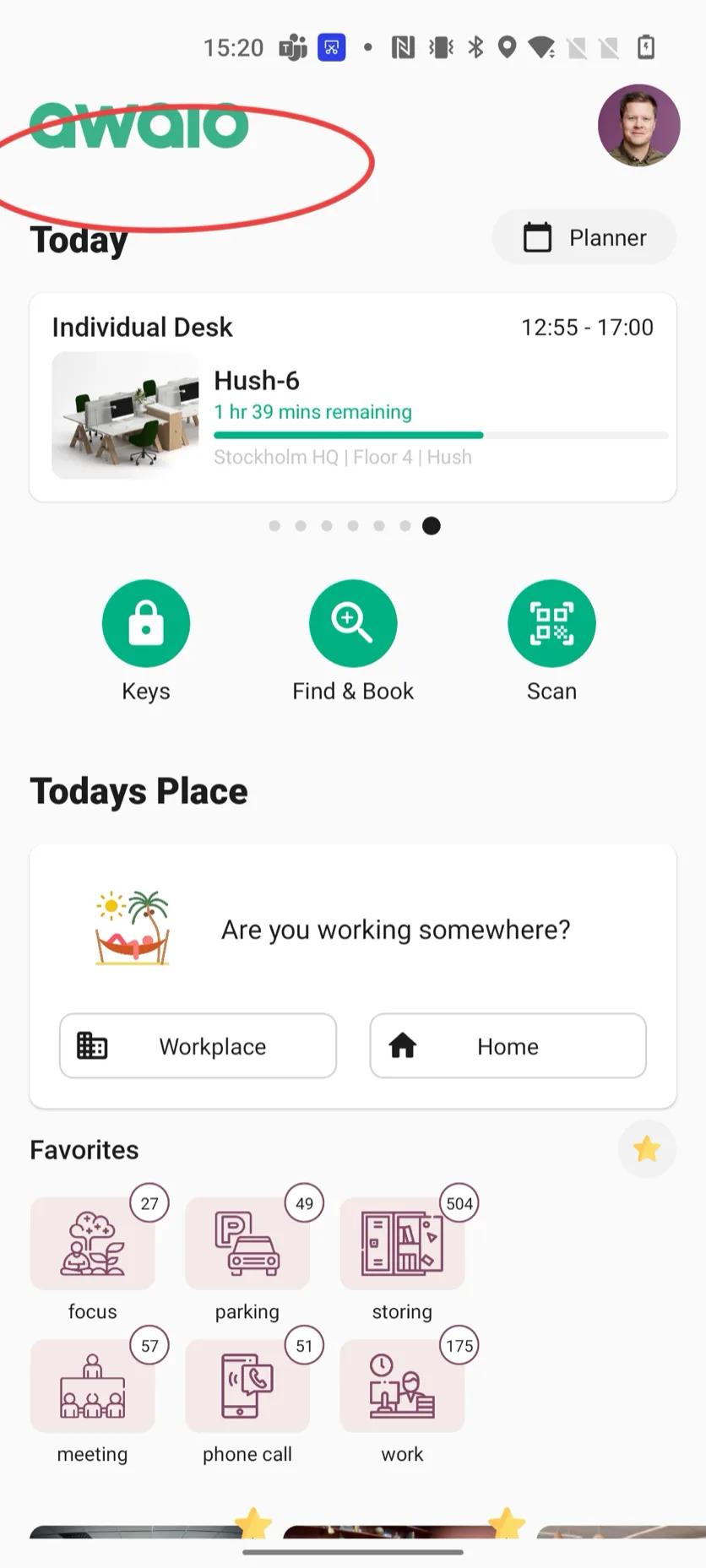
- This activates Active Sync Logs and generates a unique ID.
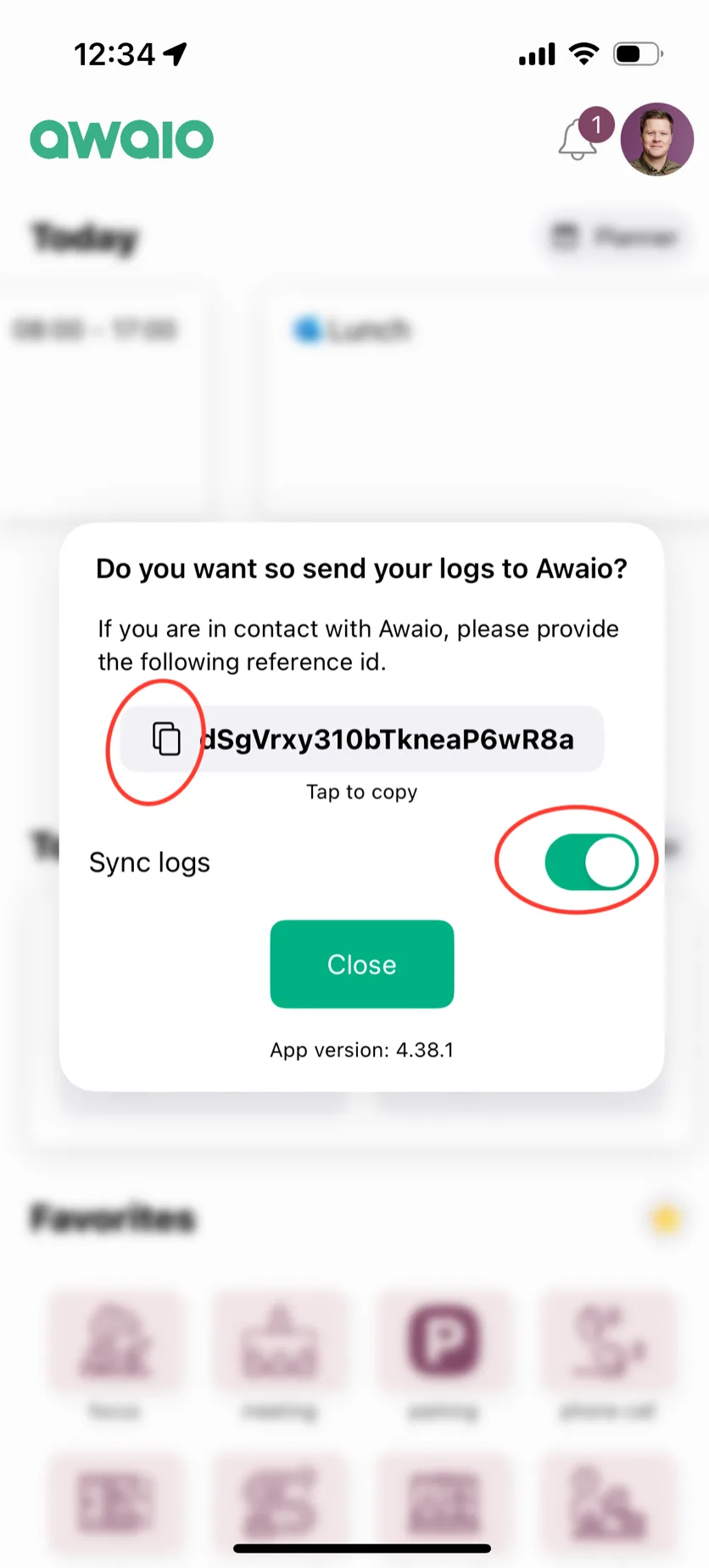
- Share the ID with the Awaio support team: usually only the first 5 characters are needed.
If you cannot log in
- On the login screen, double-tap the Awaio logotype.
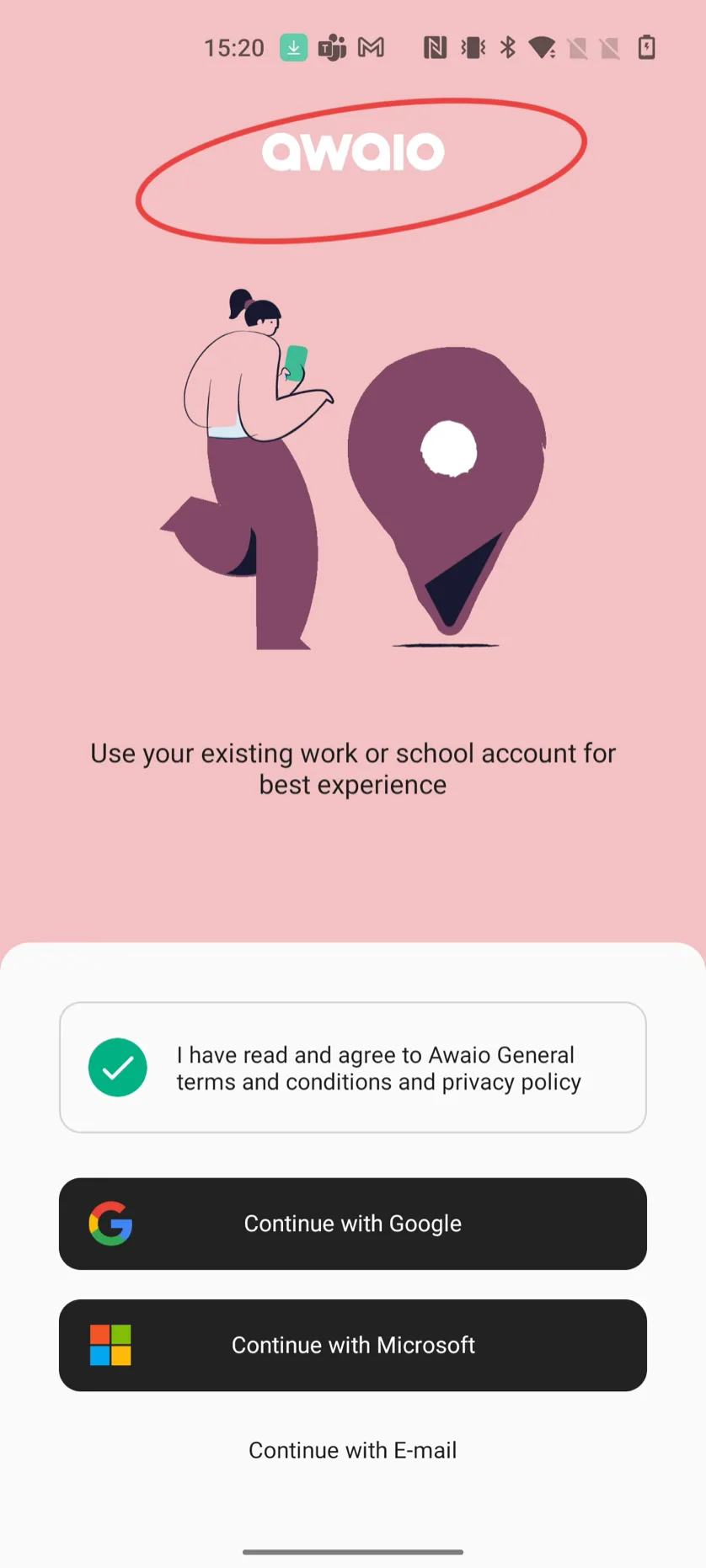
- Debug mode activates and generates a unique ID.
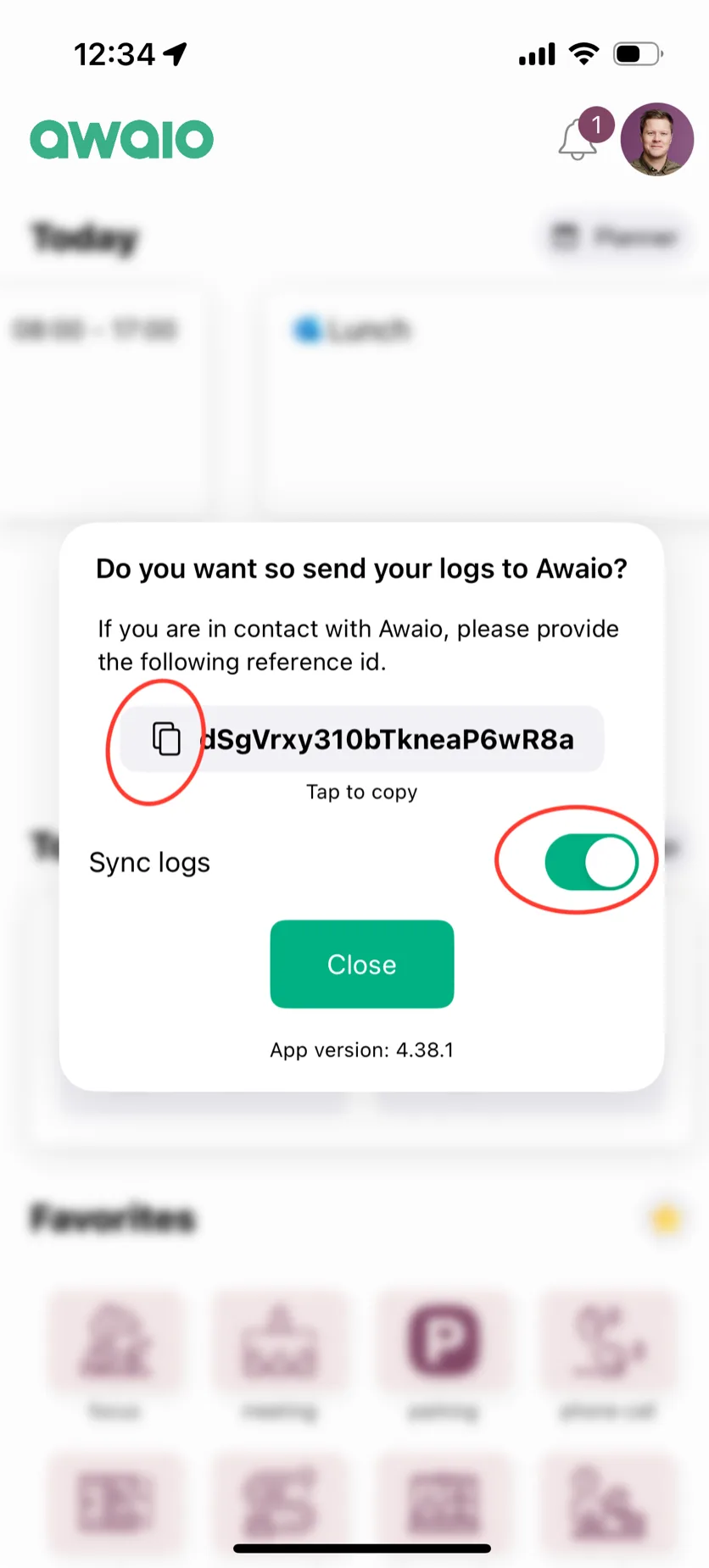
- Send the ID to the Awaio support team (first 5 characters are sufficient).
If you have further questions, feel free to contact us via our website chat (awaio.com) or email us at support@awaio.com.