

Importing users is fast: just copy from a spreadsheet and paste into the web portal.
Prepare your spreadsheet
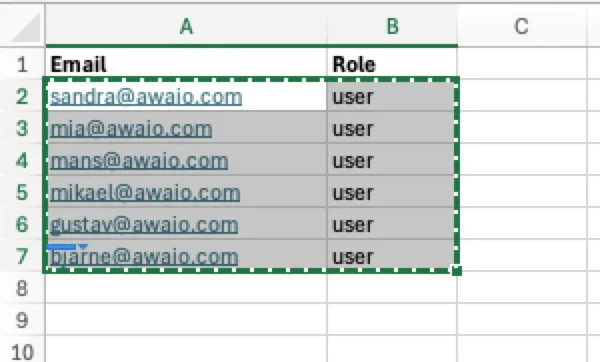
Create a spreadsheet in Microsoft Excel or Google Sheets with the following columns:
- Email: the user's email address
- Role: e.g.
useroradmin - Valid To (optional): expiration date in
yyyy-MM-dd HH:mmformat
Select and copy the data rows (you do not need to include the header row).
Import in the web portal
- Go to Members → Invites → Create new.
- Choose From Spreadsheet.

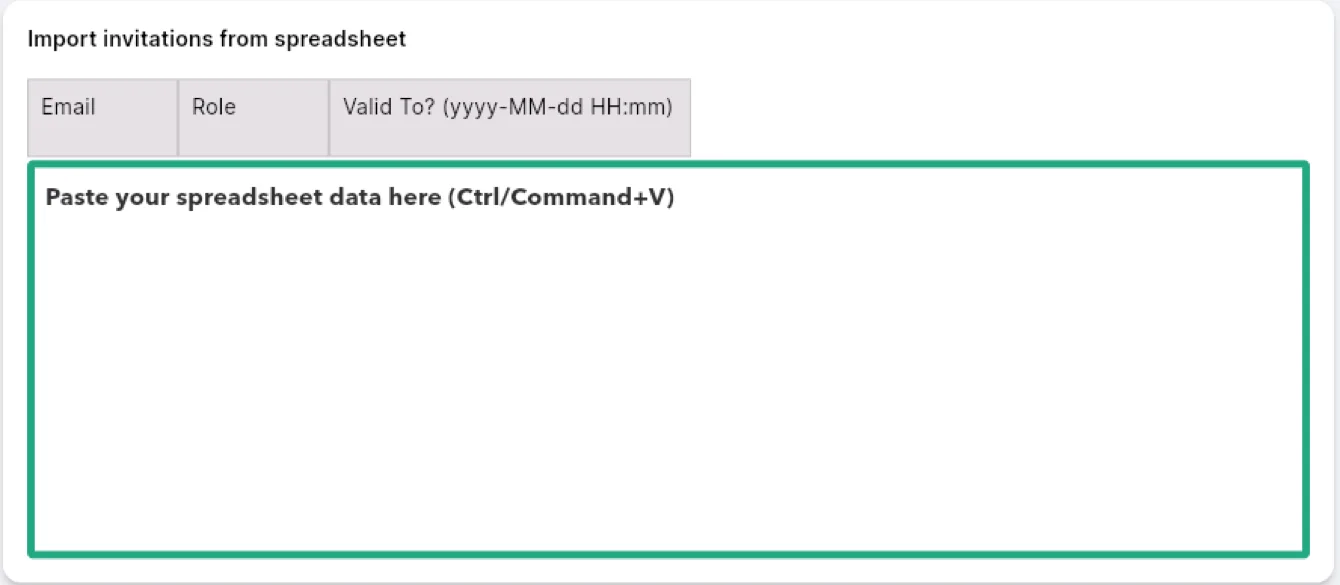
- Click into the paste area and press Ctrl+V (or Command+V on Mac).
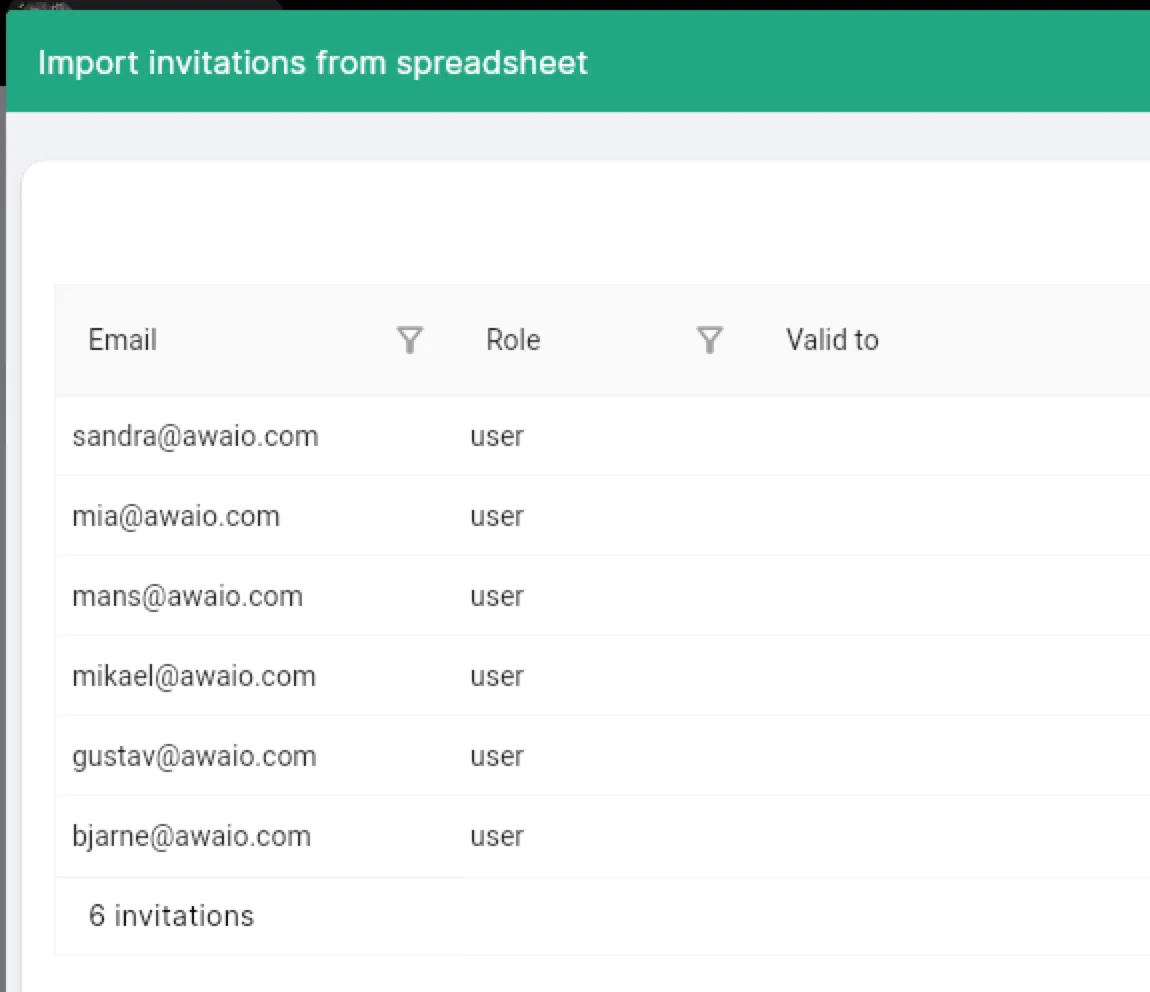
- Review the parsed list: email, role, and optional expiry are shown per row.
- Click Import. Done.
If you have further questions, feel free to contact us via our website chat (awaio.com) or email us at support@awaio.com.