

The Awaio web app is available at app.awaio.com. Desktop use is recommended over mobile.
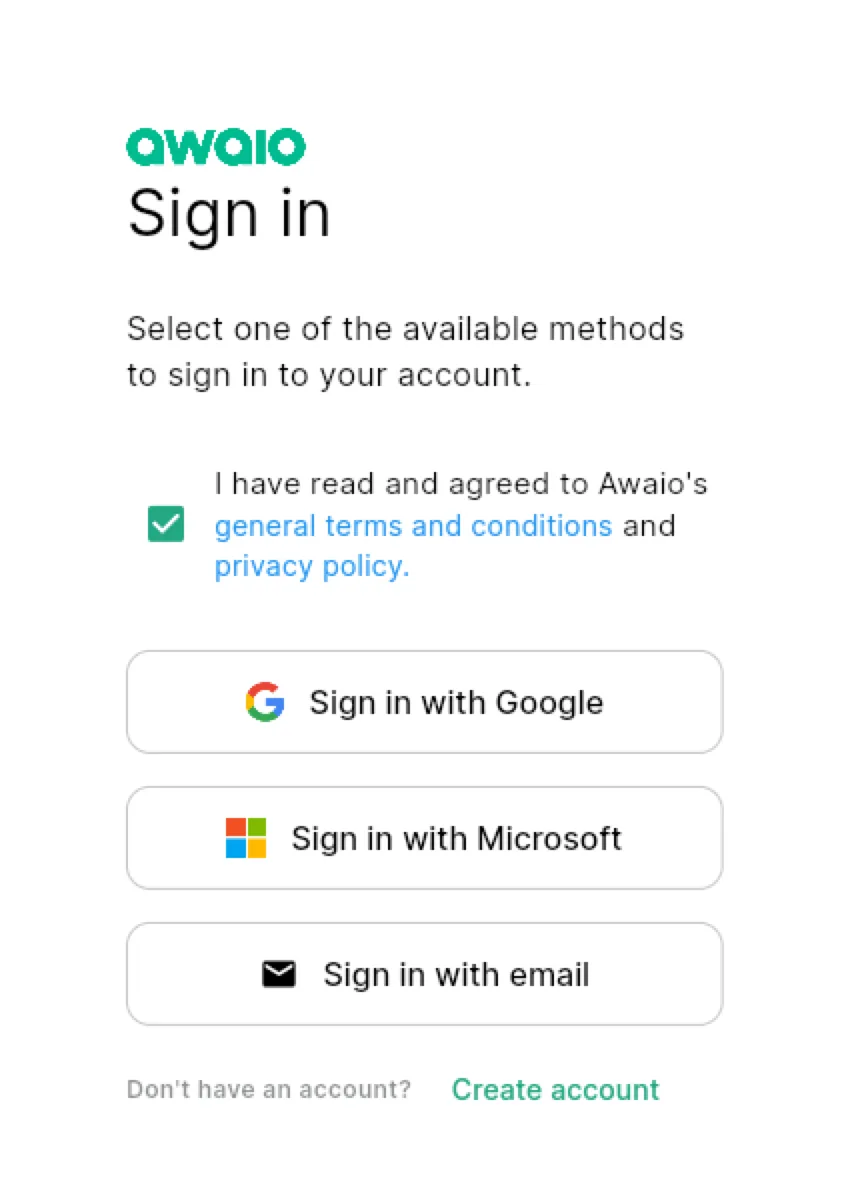
Choose login method
On first login you will see three options:
- Google: may require permission from your IT department
- Microsoft: may require permission from your IT department
- Email: create an account yourself, no IT permission needed
Create an email account
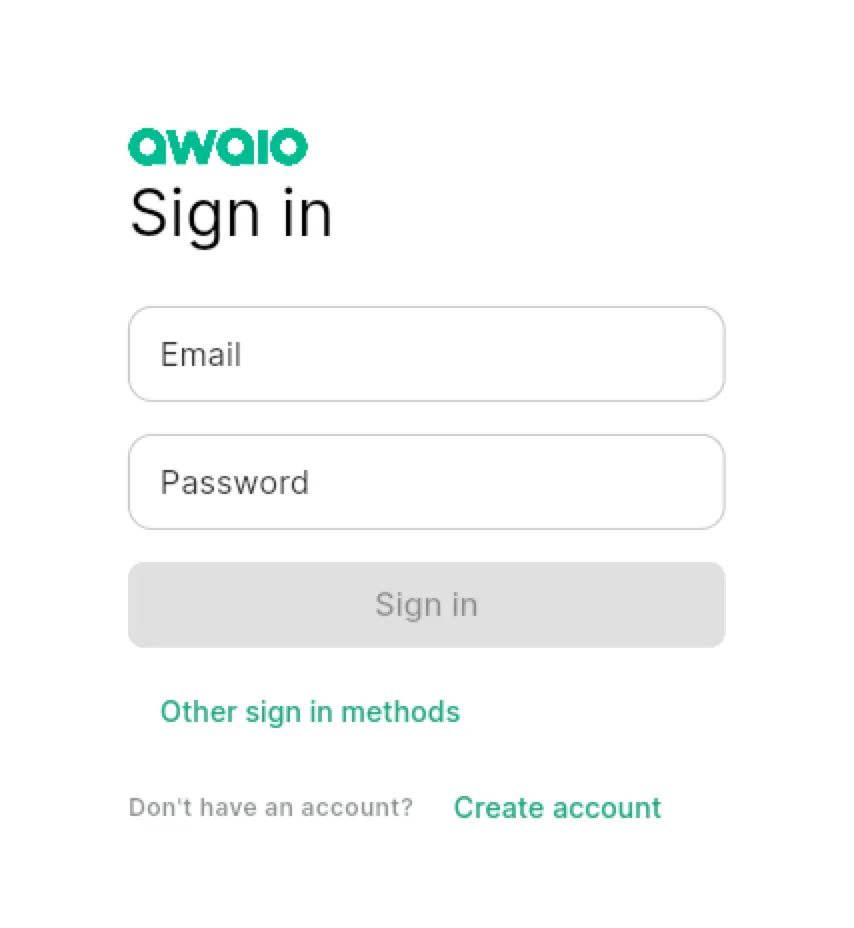
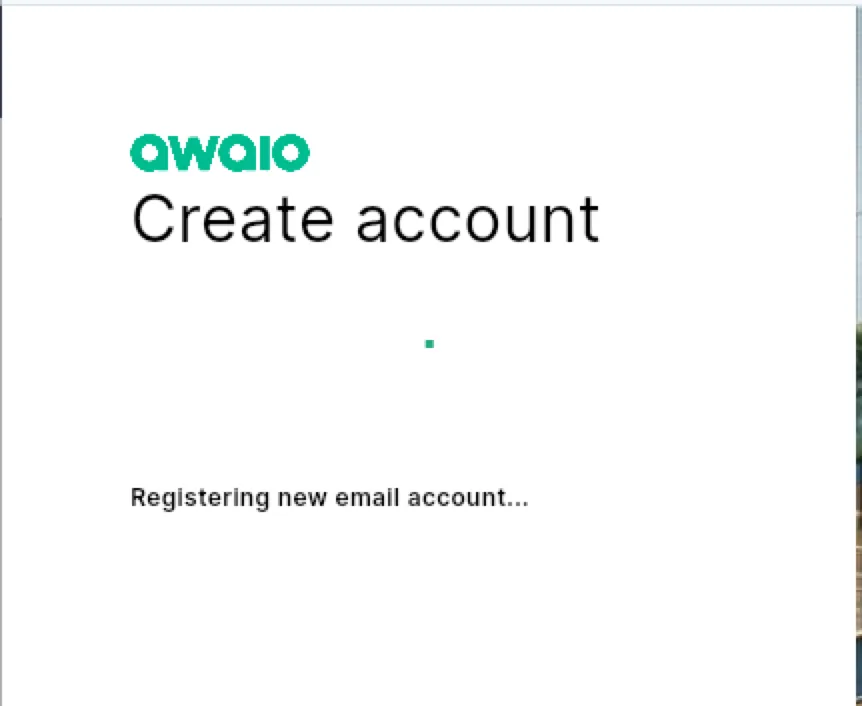
Step 1: Select Create account.
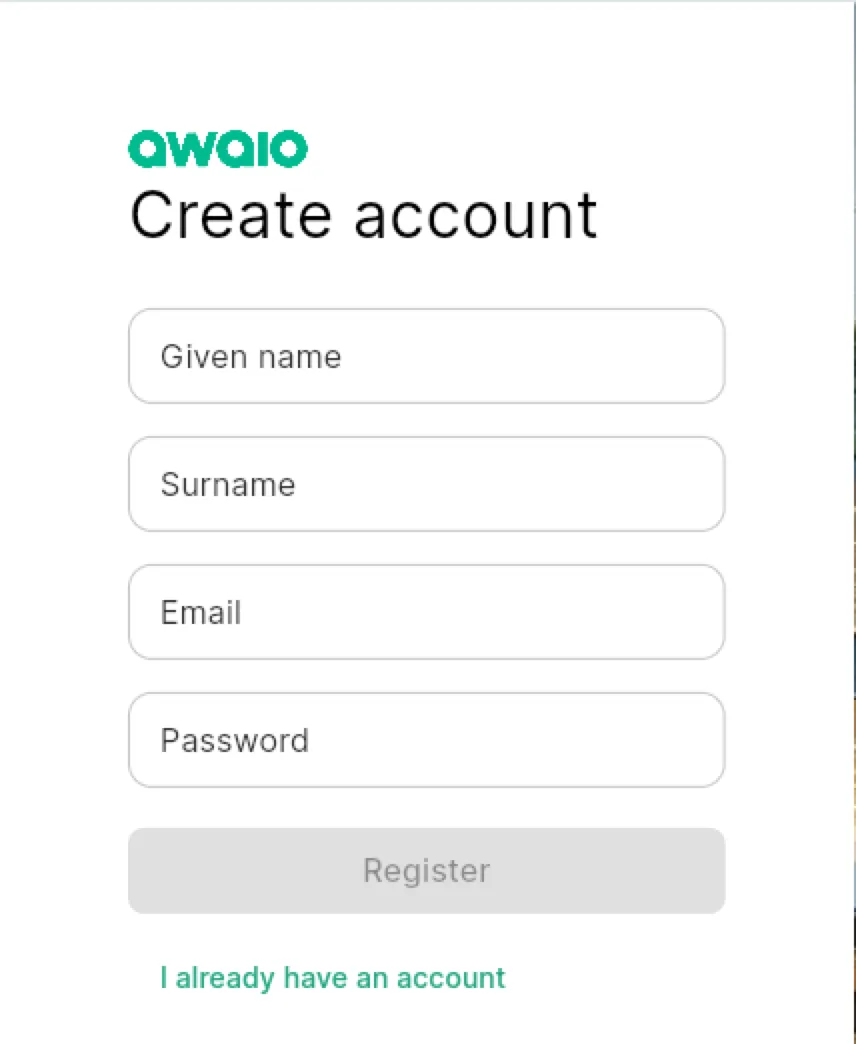
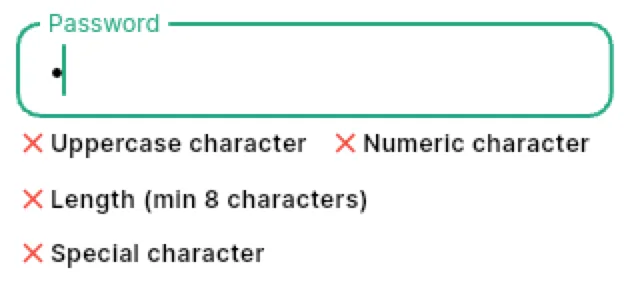
Step 2: Enter your name, email address, and a password. Your password must contain:
- At least 8 characters
- An uppercase letter
- A lowercase letter
- A number
- A special character (e.g.
! ? # € % & ( ))
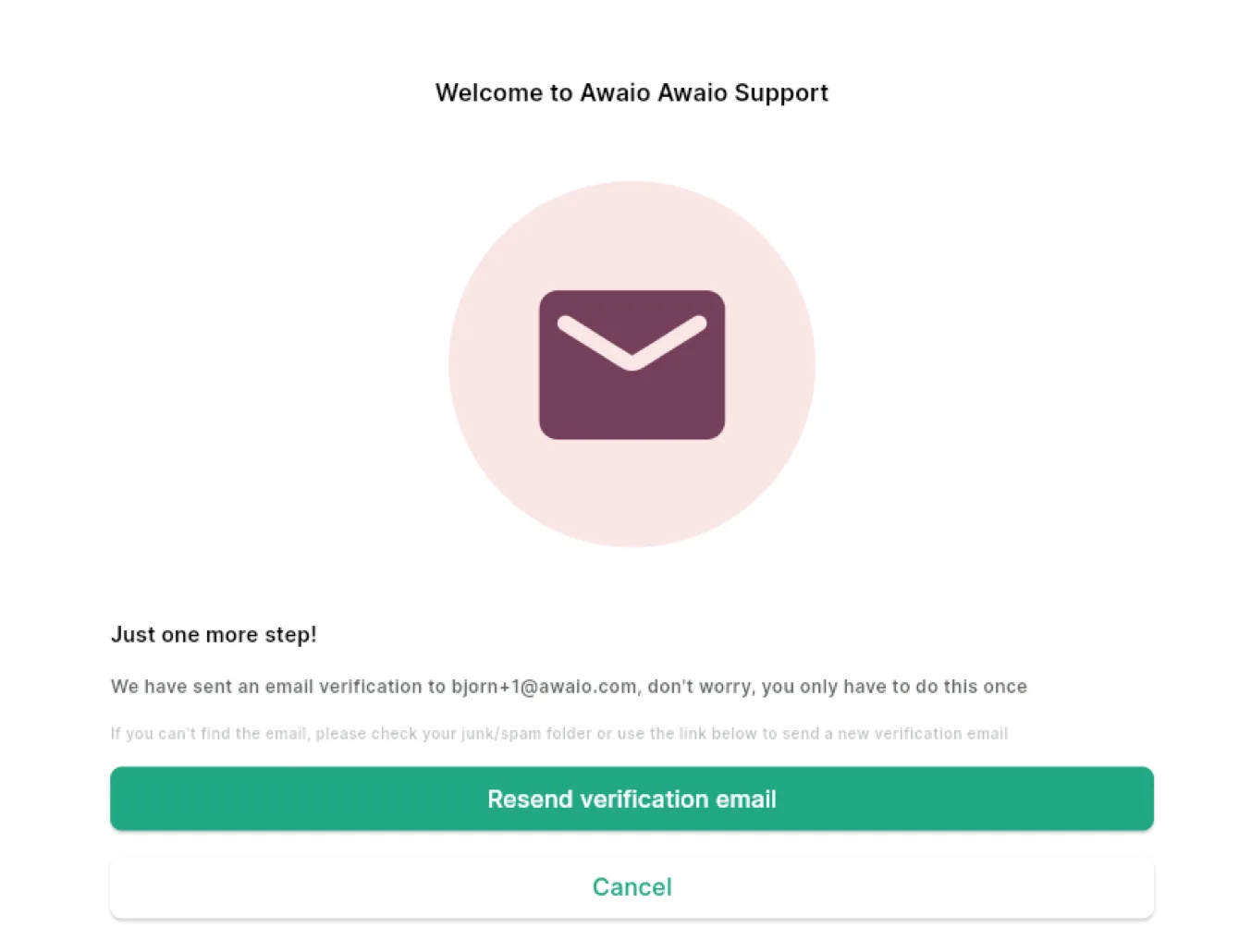
Verify your email address
After registering, you will receive a verification email. Click the link inside to confirm your address. If it does not arrive, check your spam folder or use the Resend option.
If you have further questions, feel free to contact us via our website chat (awaio.com) or email us at support@awaio.com.