

If you're having trouble connecting to or opening a locker, go through the following troubleshooting steps:
-
Check your range: Make sure you are within Bluetooth range of the locker. Move closer and try again.
-
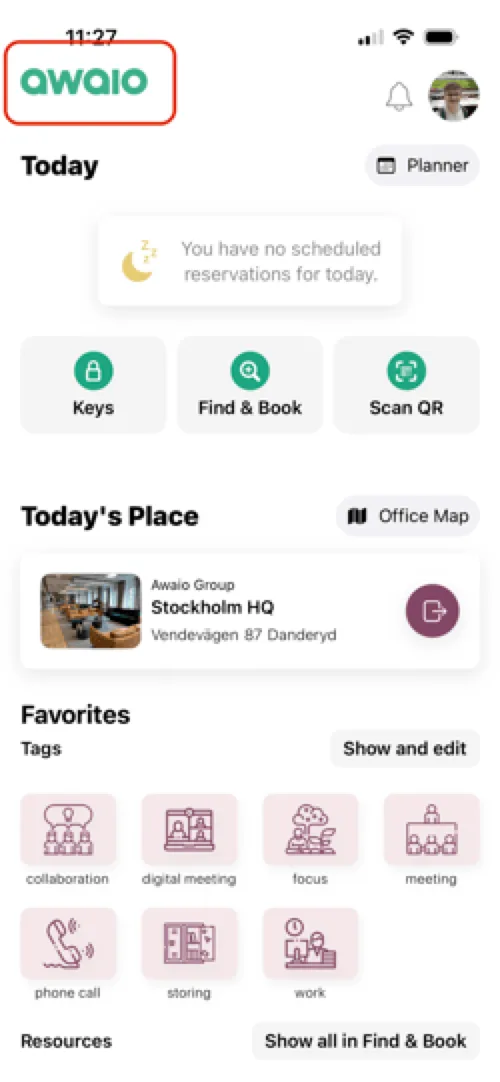
Verify your account: Ensure you are logged in with the correct account. Double-check your email address and the company logo displayed in the app. You can see the company logo in the top left corner of the homescreen, and find your email address by tapping your profile picture in the top right.
-
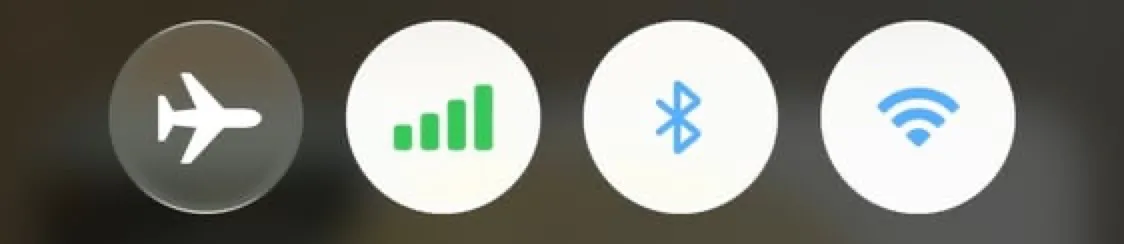
Enable Bluetooth and Wi-Fi: Make sure both Bluetooth and Wi-Fi are turned on in your phone settings.
-
Update the app: Check the App Store or Google Play for updates and make sure you're using the latest version of the Awaio app.
-
Samsung/Android device: Make sure you have Nearby devices allowed in permissions. See: Samsung/Android phones can't connect to lockers
-
Test with a colleague: Share access with a colleague to see if they can connect to the locker. This helps determine whether the issue is specific to your device or account.
-
Contact your admin: If none of the steps above work, reach out to your admin for further assistance.
If you have further questions, feel free to contact us via our website chat (awaio.com) or email us at support@awaio.com.