

If a smart lock has lost its pairing with the app, you can reconnect it in a few steps from your phone.
Step 1: Open Profile Settings
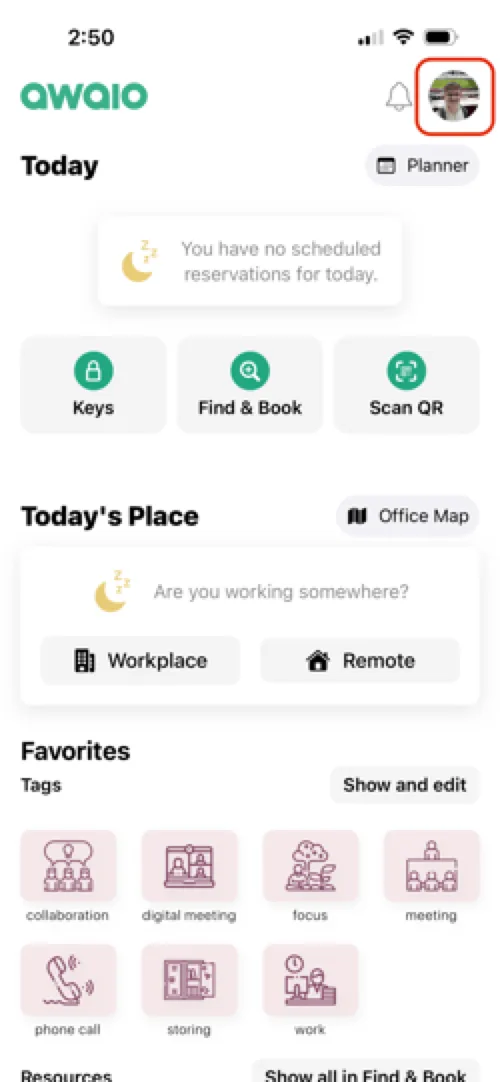
Launch the Awaio app and tap your profile icon in the top-right corner.
Step 2: Select your community
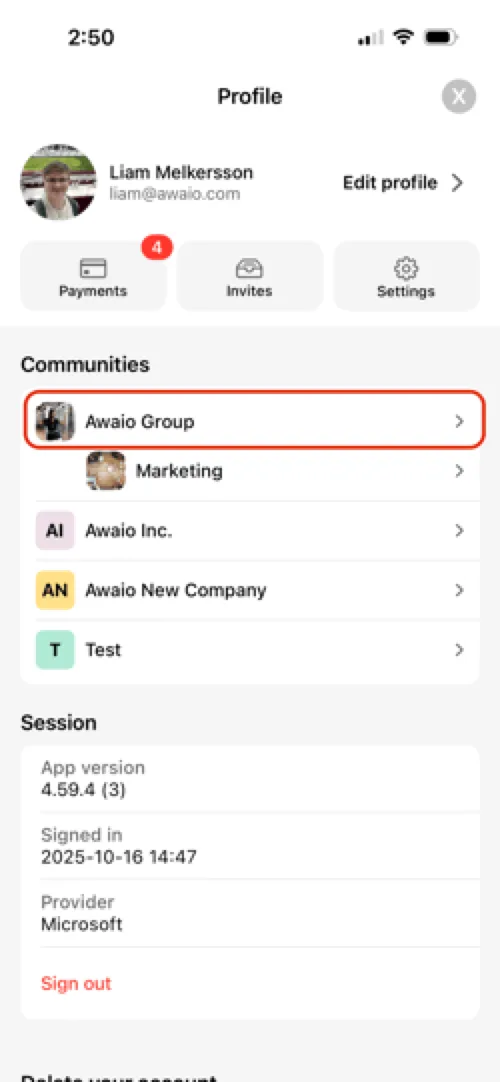
Go to the Communities tab and select your organisation (often your company name).
Step 3: Open Resources
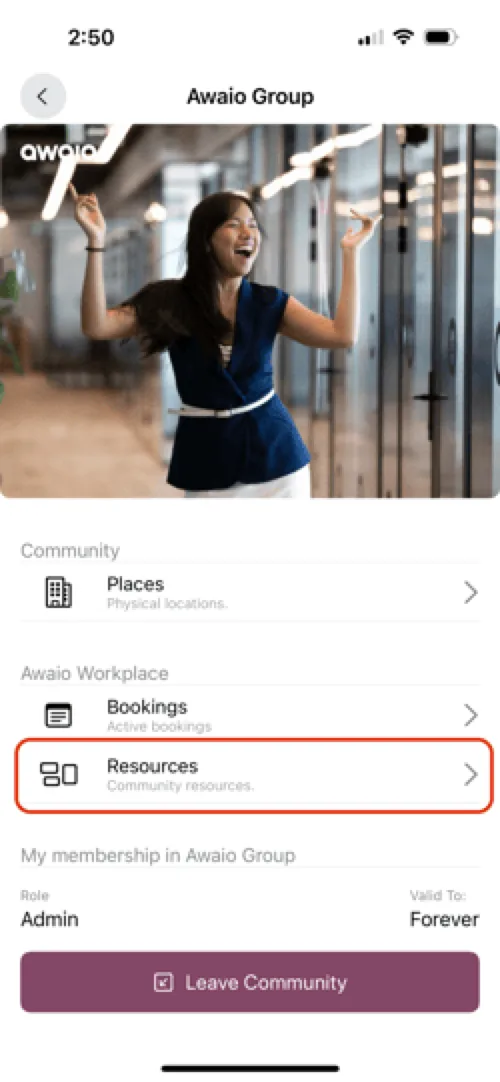
Tap Resources to see the available locker clusters.
Step 4: Find the locker
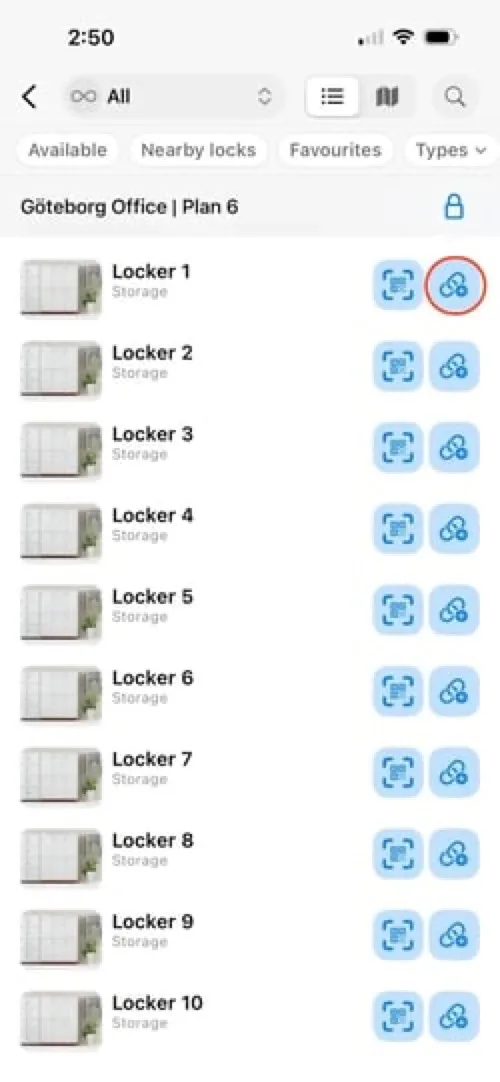
Locate the locker you want to re-pair and tap the link button next to it.
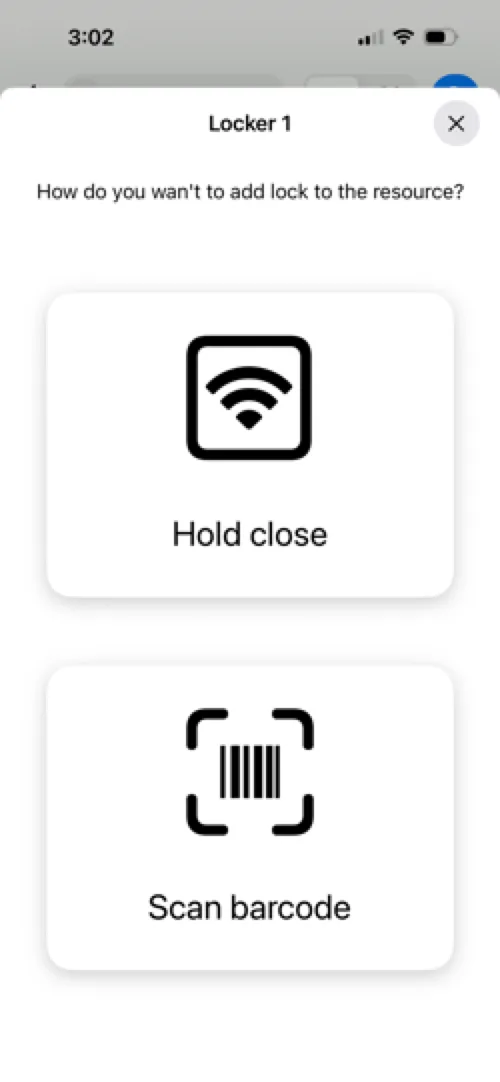
Step 5: Pair the lock
Hold your phone close to the lock and wait for it to pair.
If you have further questions, feel free to contact us via our website chat (awaio.com) or email us at support@awaio.com.