

Grab & Go is used where you quickly want to use a locker for a short-term time and the locker is automatically released when opened. Perfect for daily storing or lockers in locker rooms & wardrobes.
Note: This feature is only available in the latest mobile apps. Always update your Awaio App.
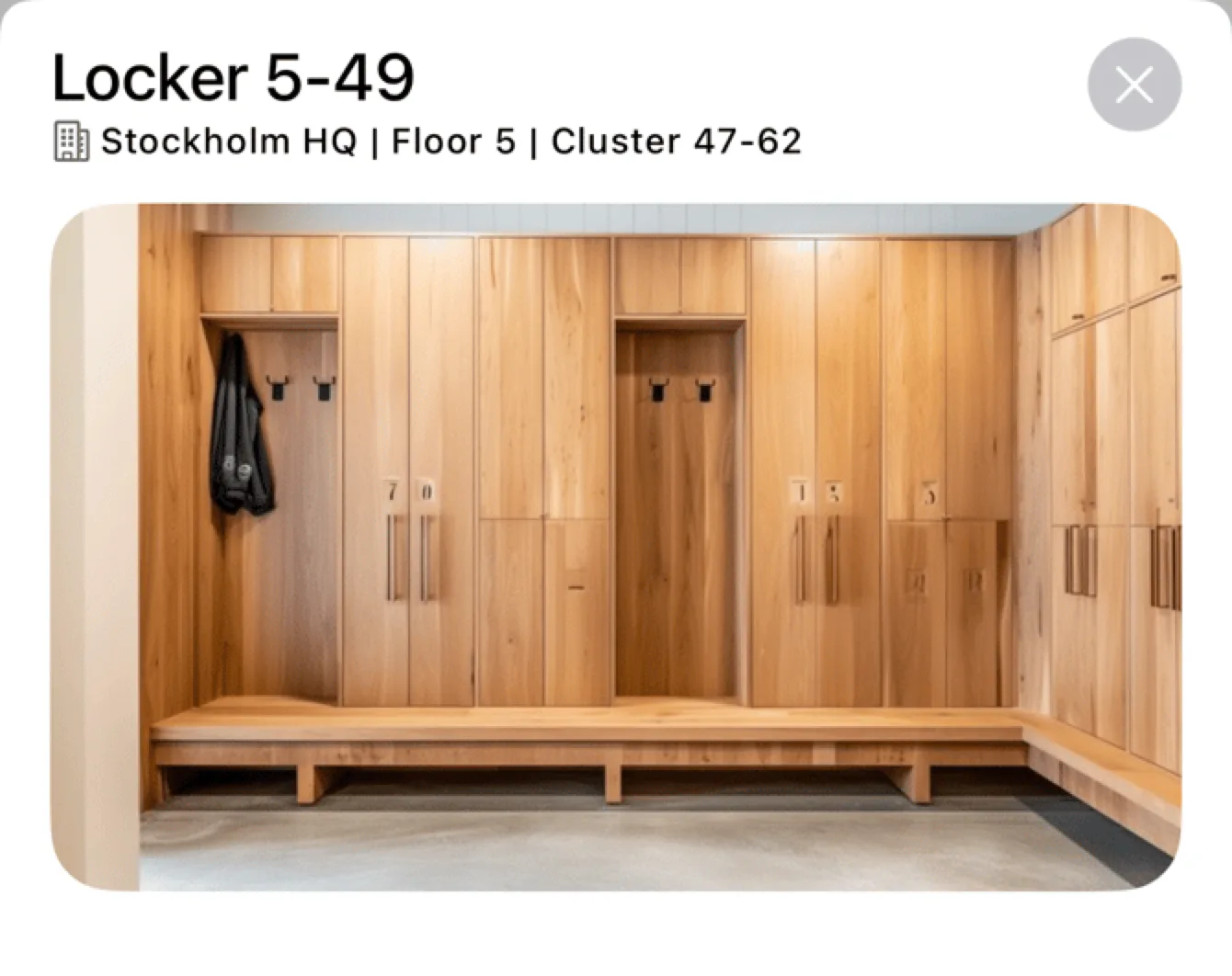
Grab a locker easy: it's yours for 12h or until opened
-
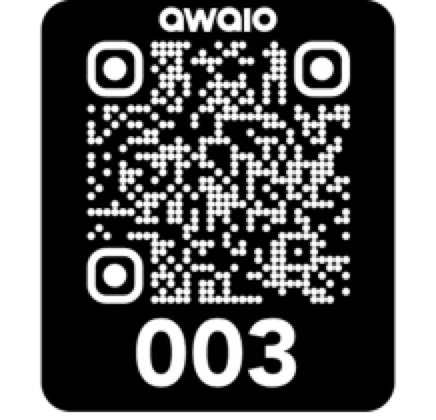
Scan QR: If the locker door is open, it's available! Click Scan in your Mobile App or scan directly with your mobile camera.
-
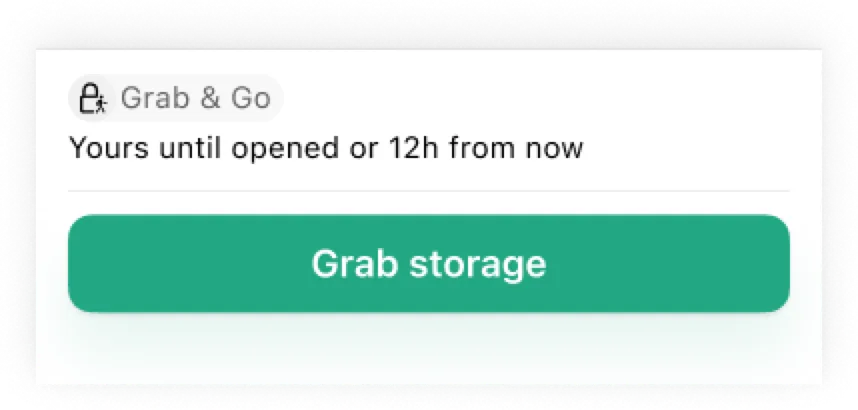
Grab!: Tap the Grab button in the action bar.
-
Lock securely: Select your time and lock the locker. Don't put your phone inside the locker.
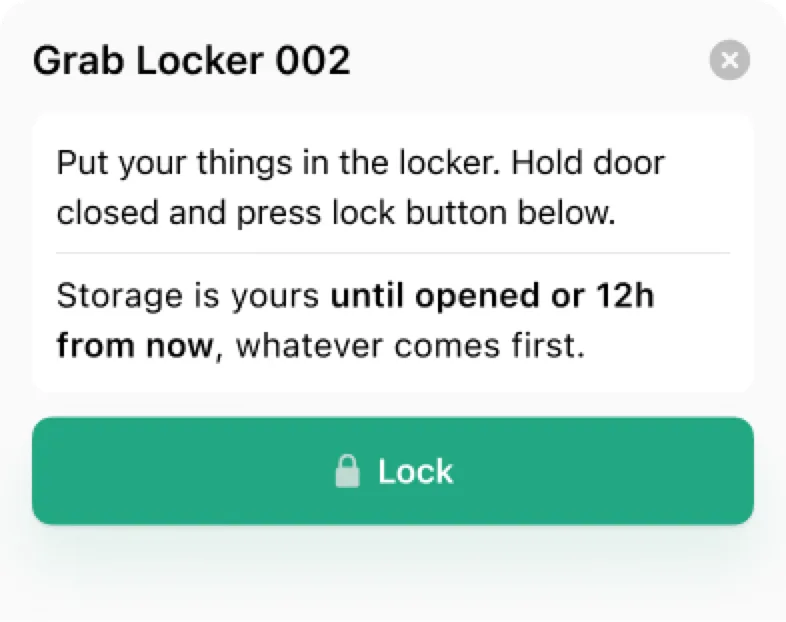
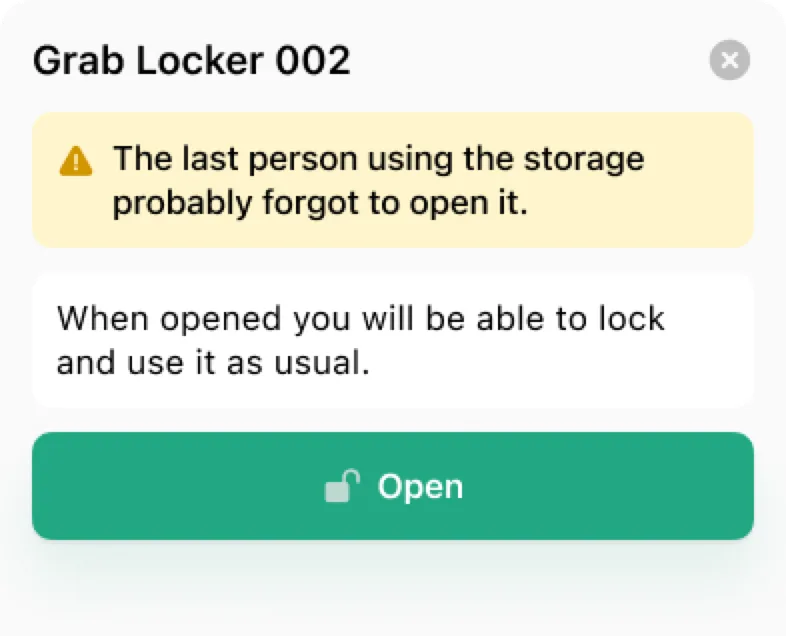
-
You've got it!: The locker is yours until opened or 12 hours from now, whichever comes first.
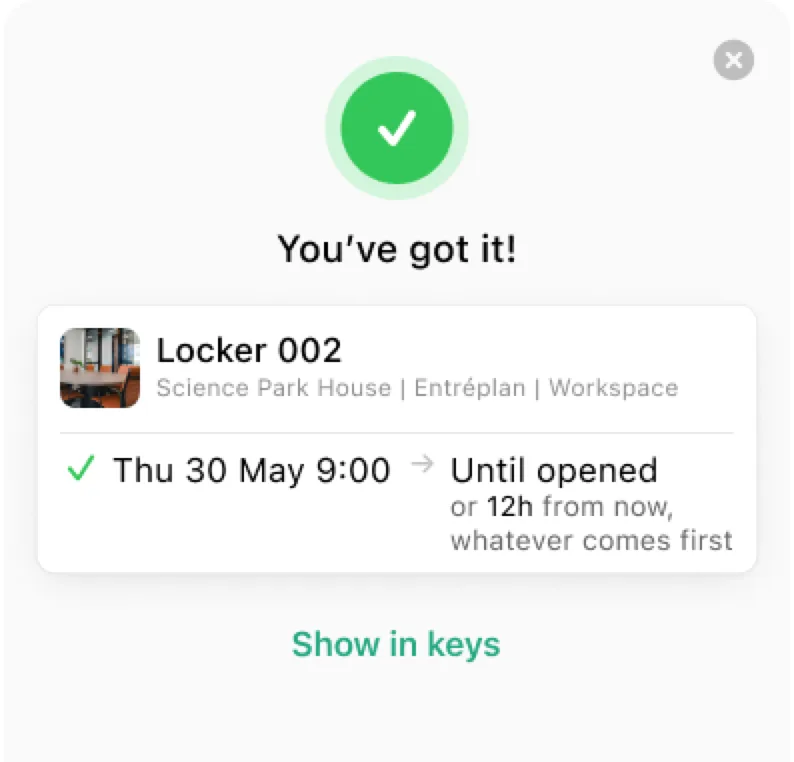
-
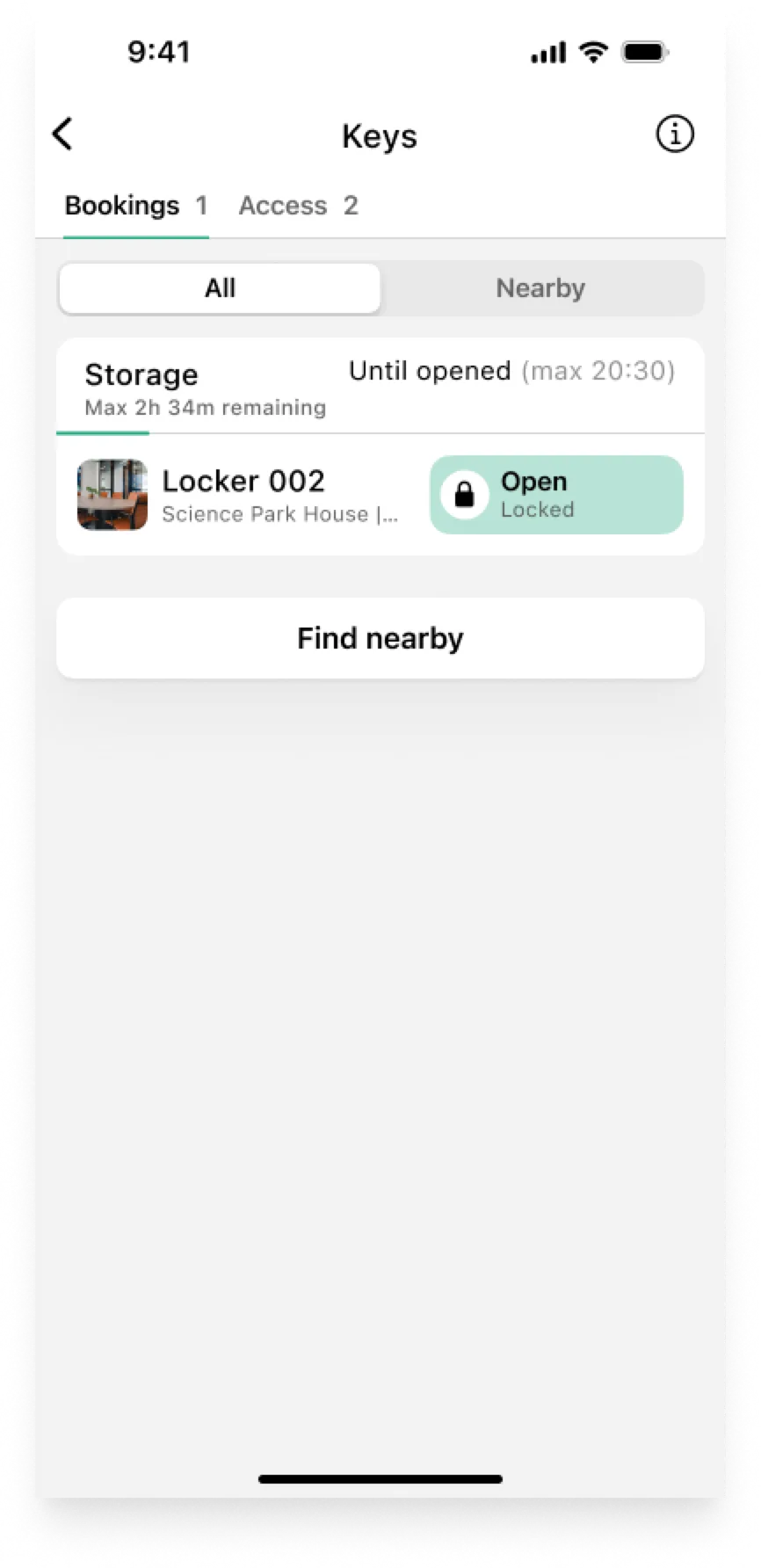
Remember: You will find your grabbed locker on your homescreen or by pressing the Keys button.
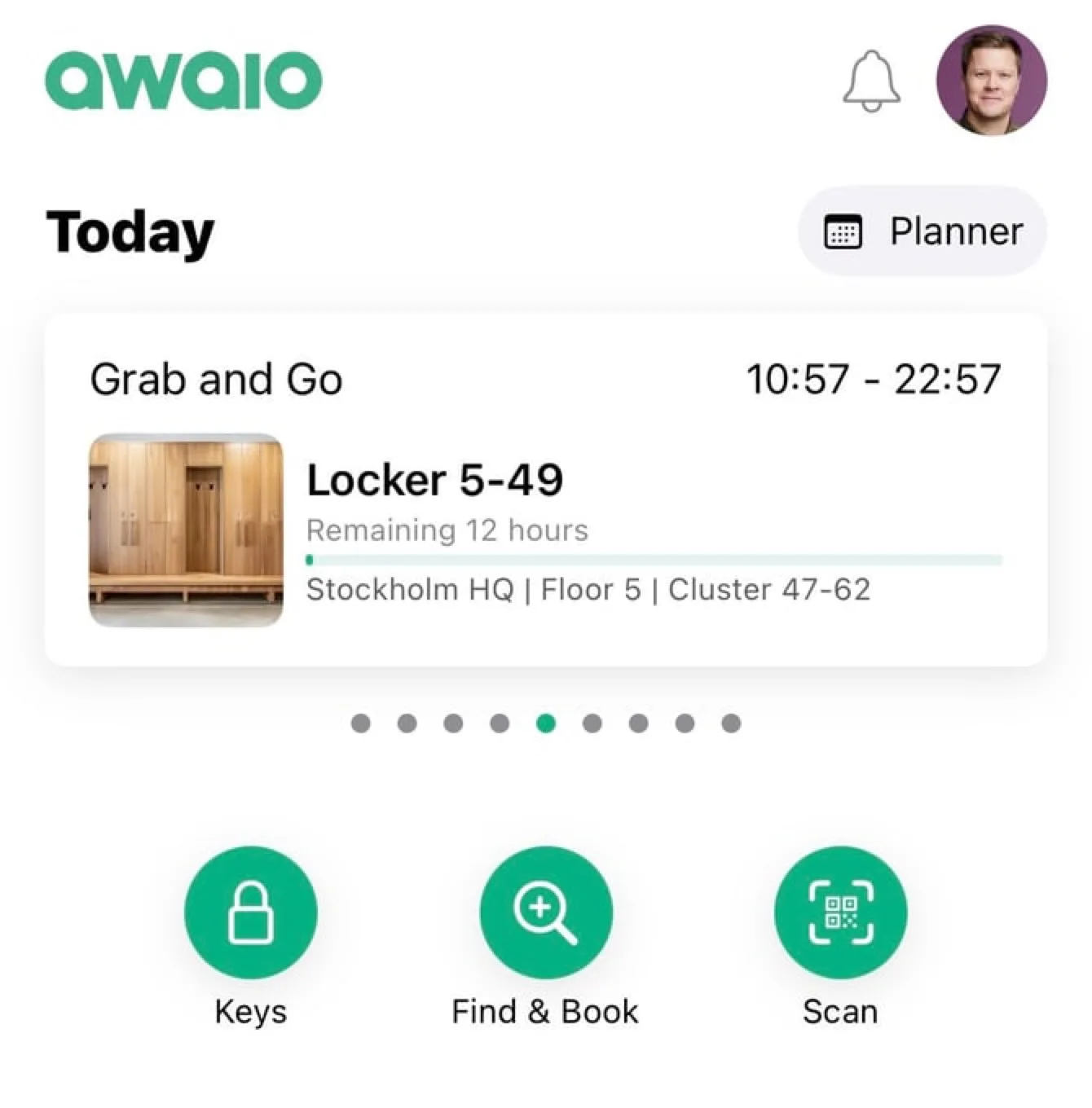
-
Keys: Open: If you forgot which number you grabbed, check your keys. Click the Open button to unlock the door.
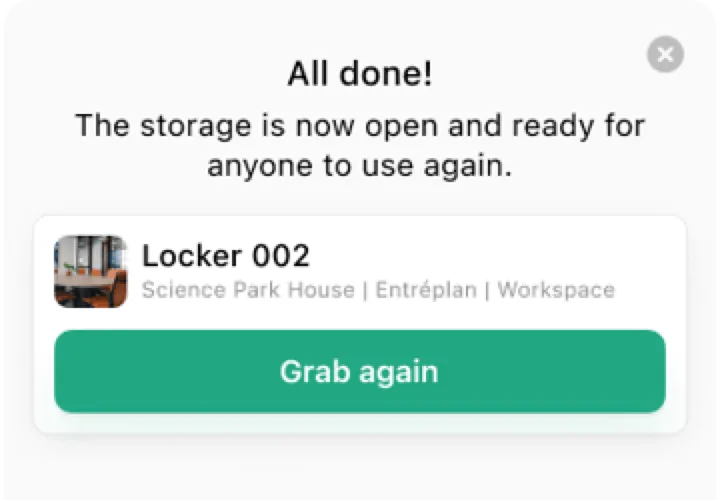
- All Done: The locker is now available for others to use.
-
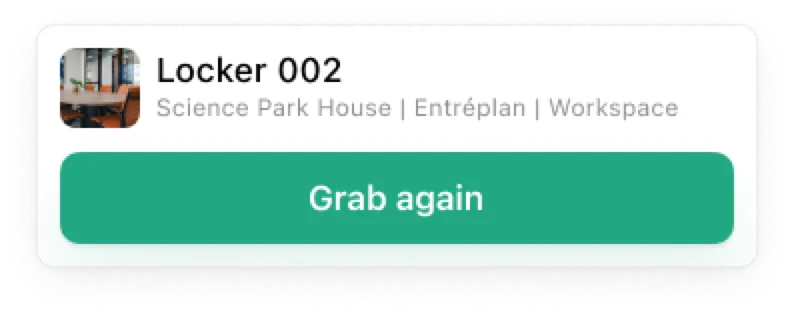
Grab again: If you need it again, just scan and grab.
FAQ
What if a door is closed but the locker shows as available?
This indicates that the last user forgot to open the door and their belongings are still inside. You can still open the door, but you will see a warning: there might be items left inside.
If you have further questions, feel free to contact us via our website chat (awaio.com) or email us at support@awaio.com.