

This guide explains how to create a new delivery using Parcel & Delivery in the Awaio app, granting a recipient access to a locker compartment for pickup.
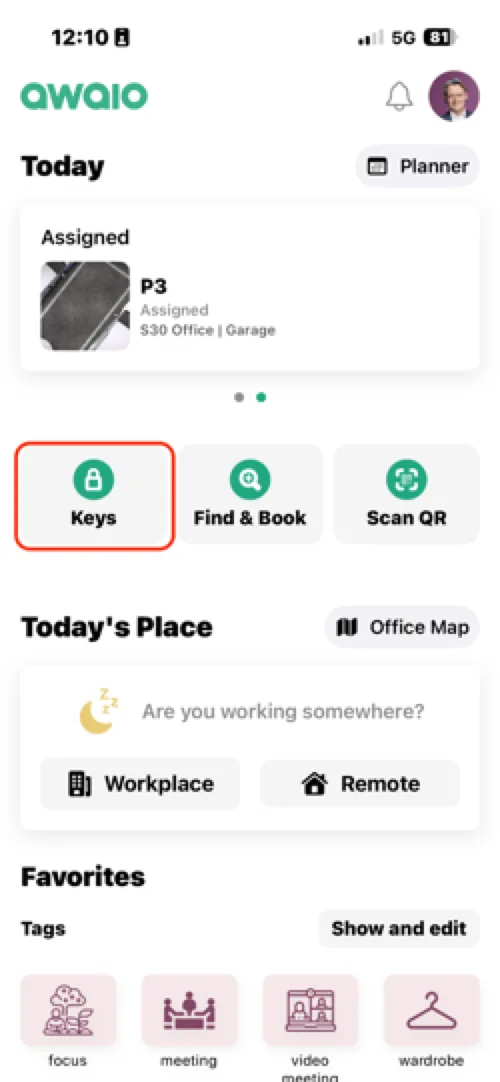
Step 1: Open Keys from the home screen
Tap Keys on the home screen to access your keys and deliveries.
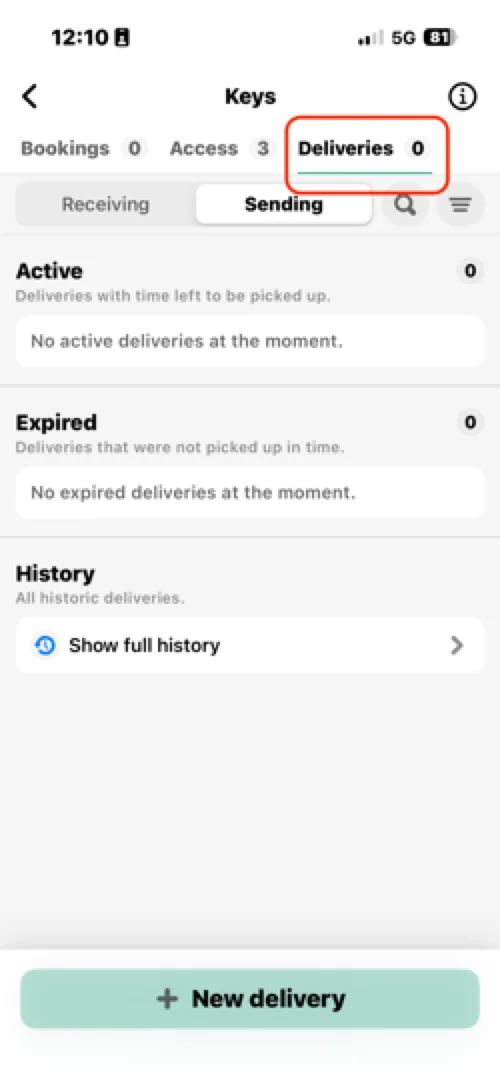
Step 2: Select Deliveries
Switch to the Deliveries tab at the top of the Keys view.
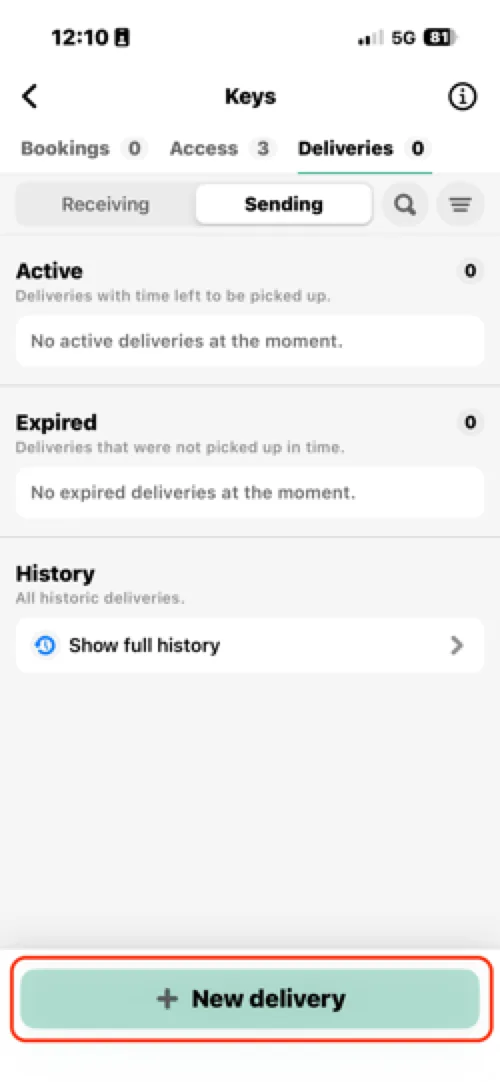
Step 3: Tap + New delivery
Press + New delivery at the bottom of the screen to start creating a delivery.
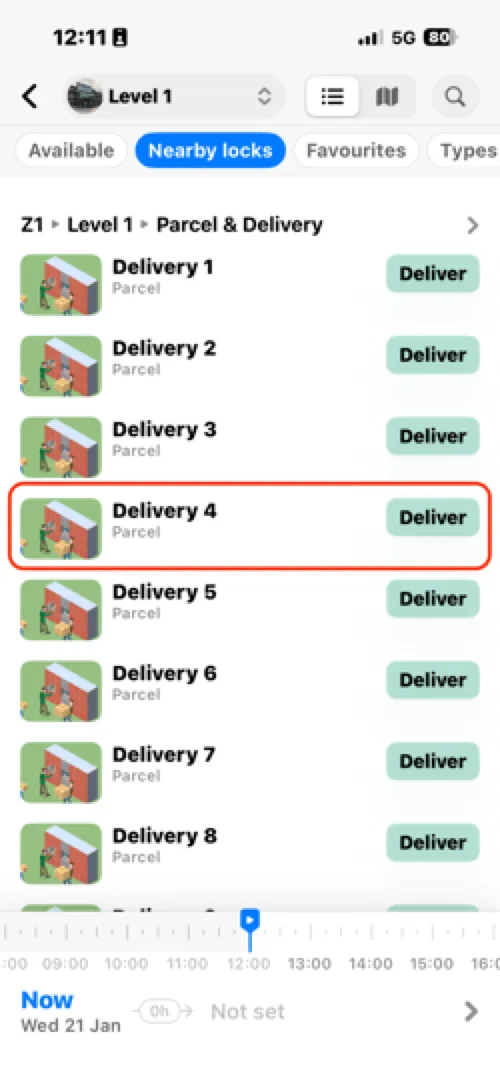
Step 4: Select a compartment
Choose an available compartment tagged for Parcel & Delivery.
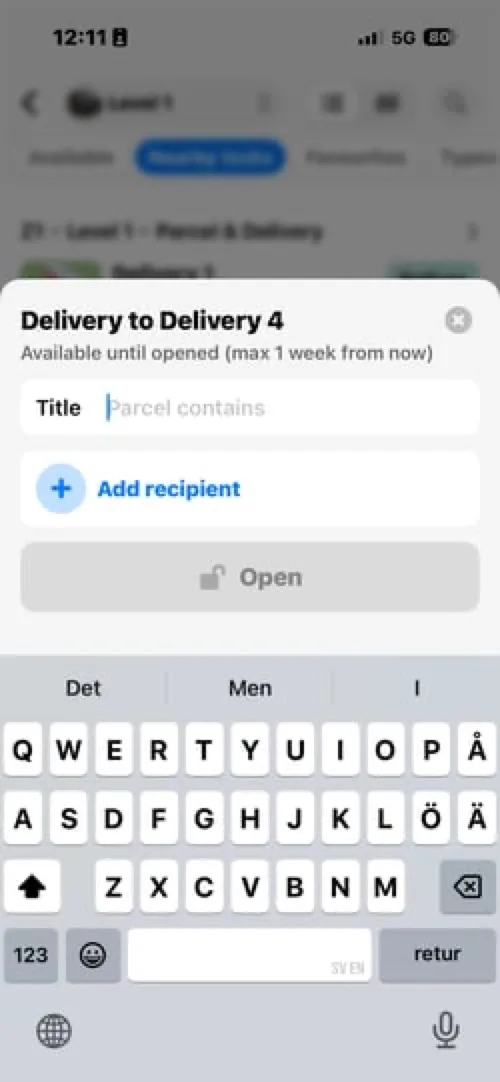
Step 5: Add a title
Enter a descriptive title for the delivery, e.g. "New computer" or "Documents for project X". Use clear titles so recipients can easily identify their delivery.
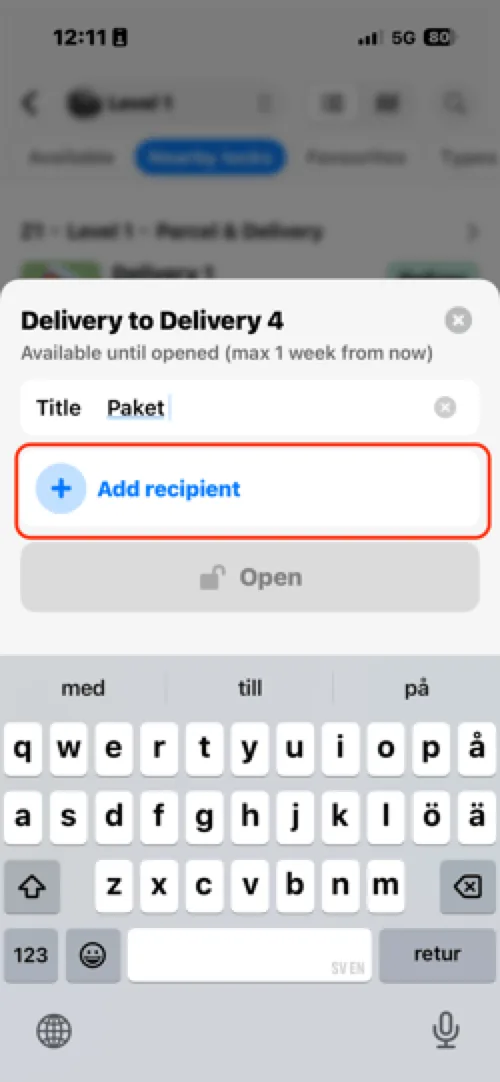
Step 6: Select recipients
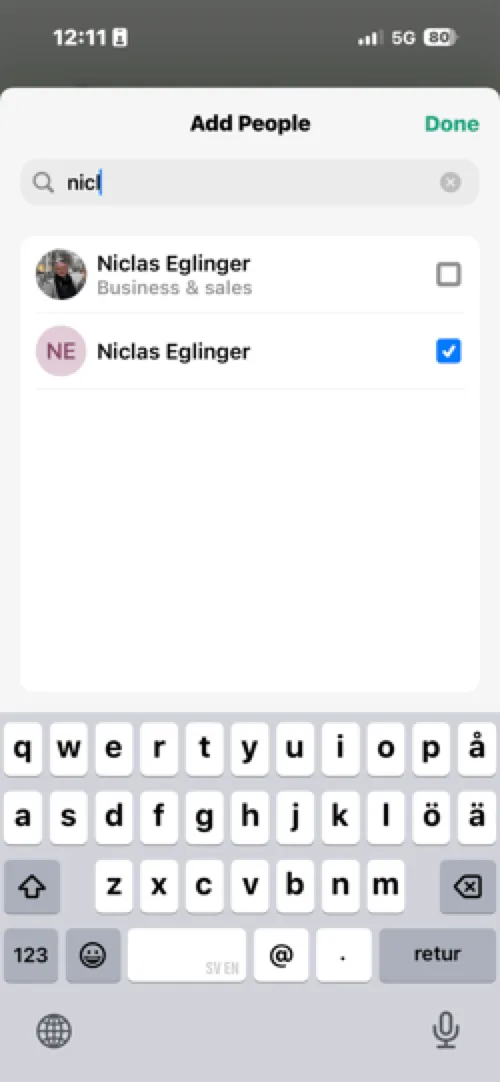
Tap Add recipient, search for the intended recipient, and select one or more people. Tap Done when finished.
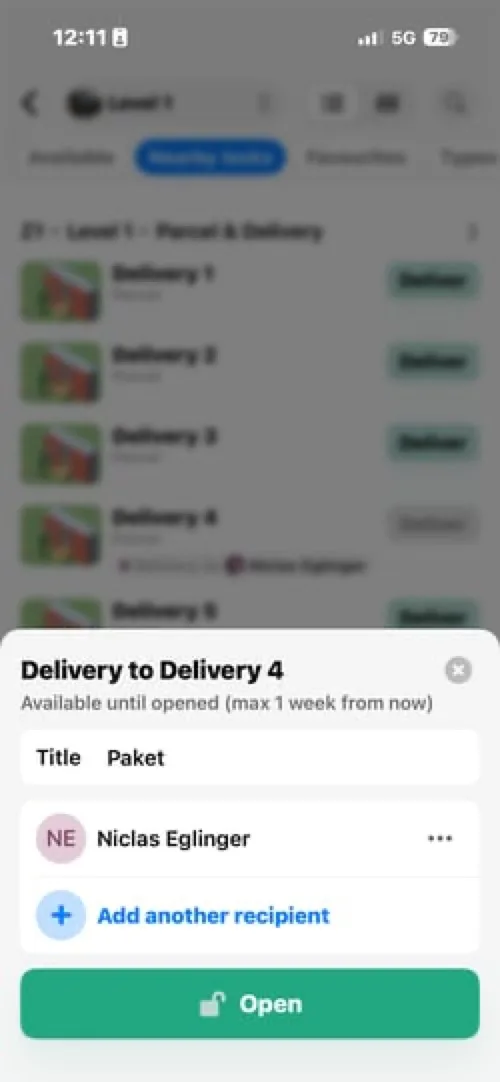
Step 7: Open the locker
Tap Open to unlock the compartment and finalise the delivery setup.
What happens next
- The delivery stays available until opened by the recipient, with a maximum availability of one week.
- You can view active, expired, and previous deliveries under the Deliveries tab.
If you have further questions, feel free to contact us via our website chat (awaio.com) or email us at support@awaio.com.