

All administrators can always unlock any lock in an emergency. You must be within Bluetooth range of the locker (approximately 5–20 metres). Remote unlocking is not supported, but users can share access remotely to achieve the same result.
Method 1: Scan QR
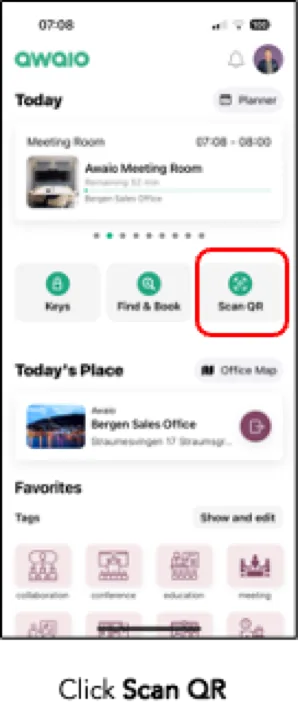
Step 1: On the homescreen, tap Scan QR.
Step 2: Scan the QR code on the locker.
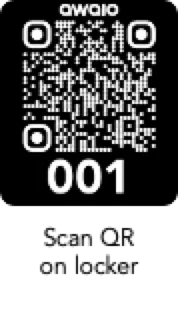
The locker will unlock immediately.
Alternative: No QR Code on Cabinet
If there is no QR code on the cabinet, use the Resources view instead.
Full flow overview:
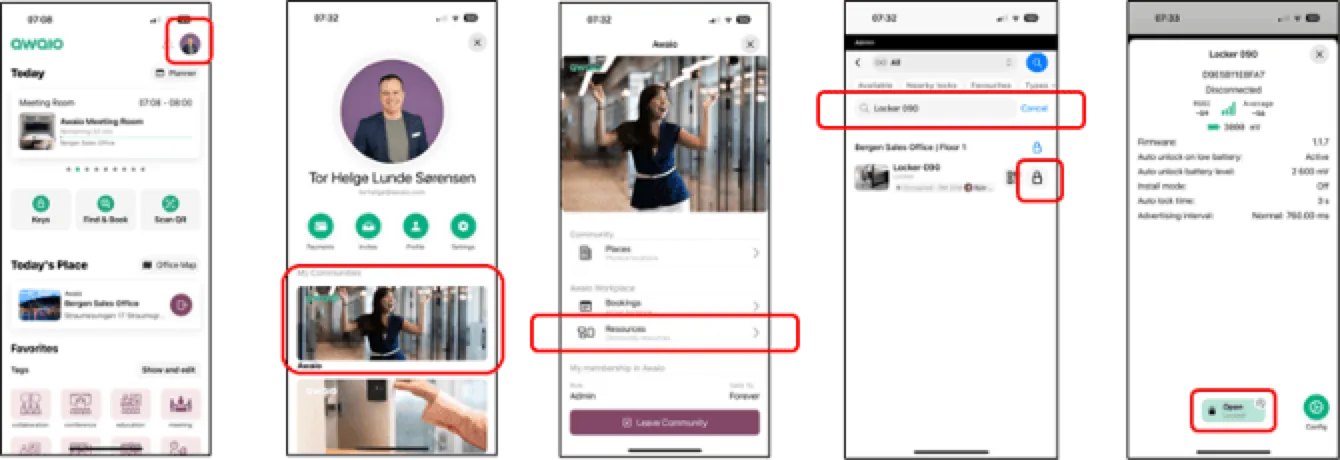
- Tap your profile picture in the top right of the homescreen.
- Go to Communities, then tap Resources.
- Find the locker you want to open.
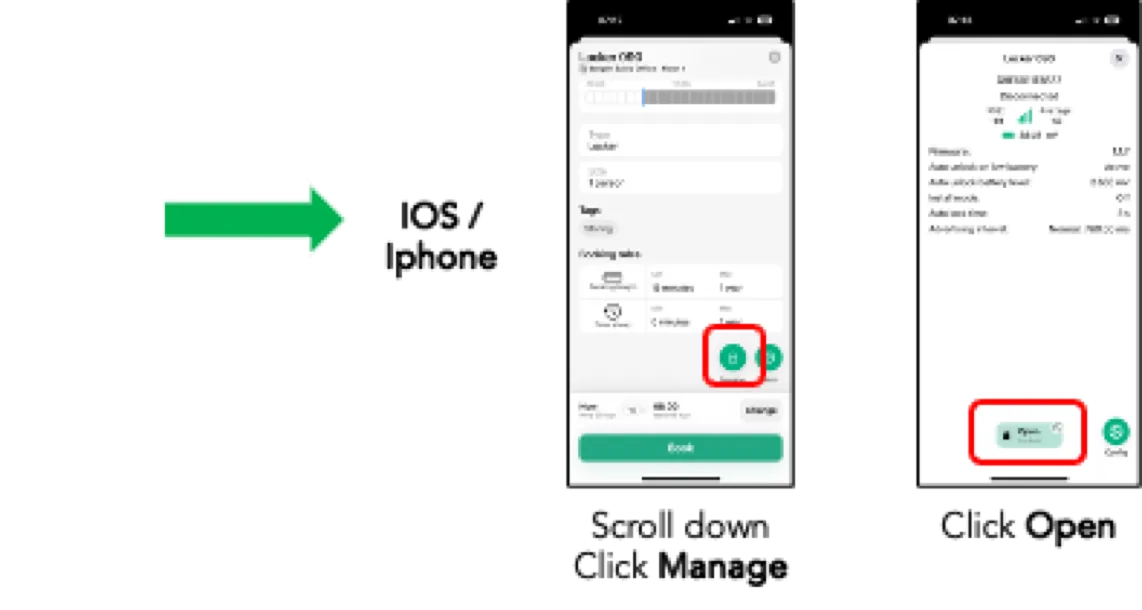
iOS / iPhone:
Scroll down and tap Manage, then tap Open.
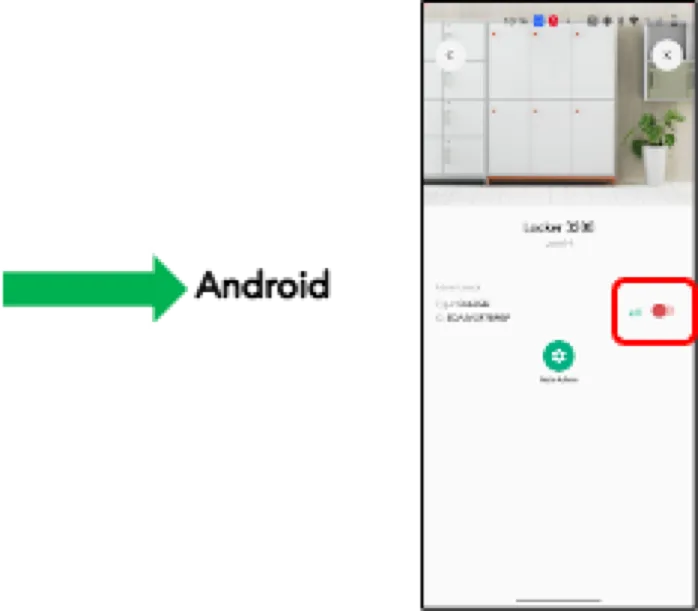
Android:
Tap the open button on the locker detail screen.
If you have further questions, feel free to contact us via our website chat (awaio.com) or email us at support@awaio.com.