Most "smart" access still starts with a search. Open the app, find the building, find the floor, find the right locker or desk, then unlock it. That's fine when you use the same desk every day. It falls apart the moment resources are shared, and the person standing in front of locker 005 just wants it open.
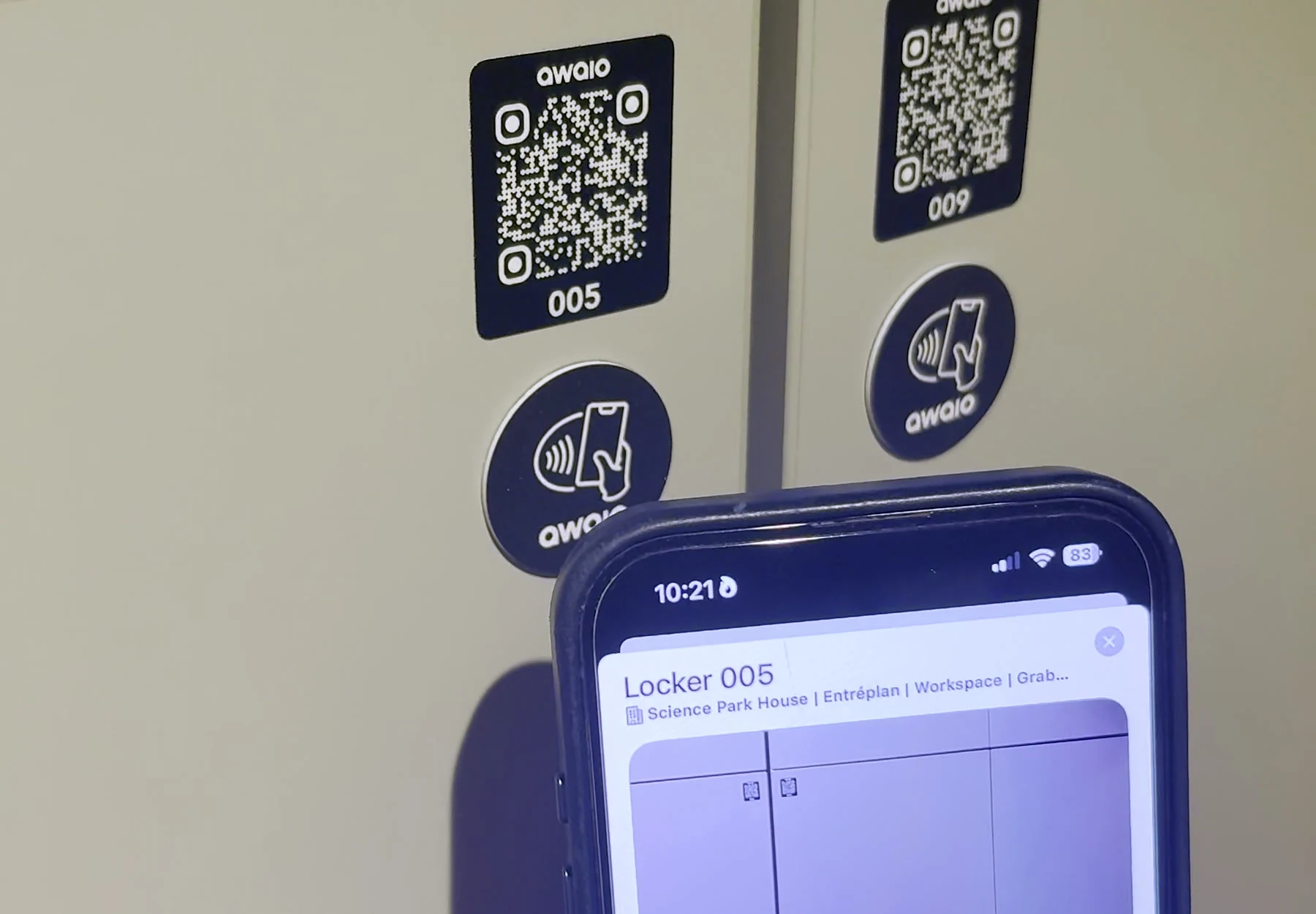
Awaio's TapDot skips the search entirely. It's a small, round NFC tag mounted directly on the resource — a locker, a desk, a door — and a single tap tells your phone exactly which one you're standing at.

How it works
Hold your phone against the TapDot and the Awaio app opens straight to that resource, no scrolling through a building map to find it:
- Unlock — open your locker or access door on the spot, no app hunting required.
- Check in — confirm you've arrived at a desk or room with the same tap.
- Book — grab the nearest available resource if it isn't already reserved.
- No ghost bookings — arrival confirmation stops a reservation from auto-releasing while you're on your way.
Both clips start the same way: tapping the TapDot next to locker 005 takes the phone straight to that locker's page — booking status, storage details, and an unlock control already on screen. From there they show two different moments. On the left, the unlock request finishes and the app confirms it's grabbed. On the right, the same tap plays out to the door itself swinging open.
Why it matters
TapDot is passive NFC — no battery, no wiring, nothing to charge or replace. It mounts with adhesive backing in minutes and works with any Awaio module: Access, Desk, Room, or Locker. For employees, it turns a multi-step lookup into a single motion. For facilities teams, it means keys, RFID fobs, and printed instructions become unnecessary for that resource.
It's built for the touchpoints where speed matters most: a shared locker bank, a hot desk, a door that different teams need at different times. Pair it with TapCard for anything that needs a physical card instead of a fixed tag, and every resource in the building gets the same tap-and-go experience.
Want to see TapDot on your own lockers or desks? Get in touch and we'll show you how it fits your floor plan.